Best AI to ConvertNovel to Book — 2026
Honest, hands-on comparison of the seven most popular AI tools for turning a novel into a finished illustrated book. Pricing, character consistency, art-style options, print-ready PDFs, and a decision flowchart for novelists, indie authors, and self-publishers. Editor's pick: C2Story — the only tool purpose-built for novel-to-illustrated-book end-to-end.
Tools
7 compared
Read time
~12 min
Cheapest path
Free credits at signup
7
Tools Tested
50,000+
Books Illustrated
300 DPI
Print-Ready
4.9/5
Author Rating
The TL;DR — Best Picks by Use Case
Skip the long read. Here's the headline pick for the four most common scenarios when you're deciding which AI to use to convert a novel into a book.
Best overall — purpose-built novel-to-illustrated-book
C2Story
The only tool with a Character Library that locks the same hero, sidekick, and antagonist across every page of every chapter. Paste a novel manuscript or chapter, get back a finished, print-ready illustrated book.
Try C2Story freeBest for long-form drafting (text only)
NovelAI
Excellent 13b-128k-context drafting model and Lorebook keyword memory — but image gen lives in a separate window. Bring the finished text to C2Story for the illustrated book.
Best for one-off cover illustrations
Midjourney or DALL·E
Beautiful single images, but no Character Library and no book pagination. Use for the cover only and let a novel-to-book tool handle the interior.
Best for ages 4-8 cookie-cutter picture books
Storybird / StoryJumper
Friendly drag-and-drop kid-book builders with stock storybook art. Limited if you want your own illustrated novel rather than a templated picture book.
The 7 AI Tools, Compared
Each tool reviewed in depth — pricing, what it's built for, what it does well, and where it falls short for converting a novel into an illustrated book.

C2Story
Purpose-built to convert a novel into a finished illustrated book
Pricing
Free credits at signup · $6.99/mo unlimited
Best for
Novelists, indie authors, fanfic writers, picture-book makers, KDP self-publishers — anyone who already has a manuscript
Pros
- Character Library locks the same hero across every page
- Auto-segments a novel into illustration-ready scene beats
- 300 DPI full-bleed CMYK print-ready PDF for KDP / Lulu / IngramSpark / Blurb / BookBaby
- 10+ art styles (watercolor, cartoon, Pixar 3D, anime, manga, classic storybook, flat vector)
- Manga / comic / picture-book / novel-illustrated formats from one source
- Commercial rights on the resulting book — you keep what you make
Cons
- Built for finished books — not the place to draft a 100k-word novel from scratch
- Images are AI-generated, not hand-painted by a human illustrator
Verdict: The only tool in this roundup specifically built to take a novel manuscript or chapter and ship a finished, character-consistent illustrated book end-to-end.
NovelAI
Strong long-form drafting model + separate image generator
Pricing
Paper free · Tablet $10/mo · Scroll $15/mo · Opus $25/mo
Best for
Novelists who are still drafting the novel itself and want a strong long-form text model
Pros
- Excellent text models (Kayra 13b, Erato 70b) with 128k context for full novels
- Lorebook keyword memory keeps facts consistent across long drafts
- NAI Diffusion V4 for anime / furry / semi-realistic image gen
- Uncensored opt-in for adult fiction
- TTS audiobook export
Cons
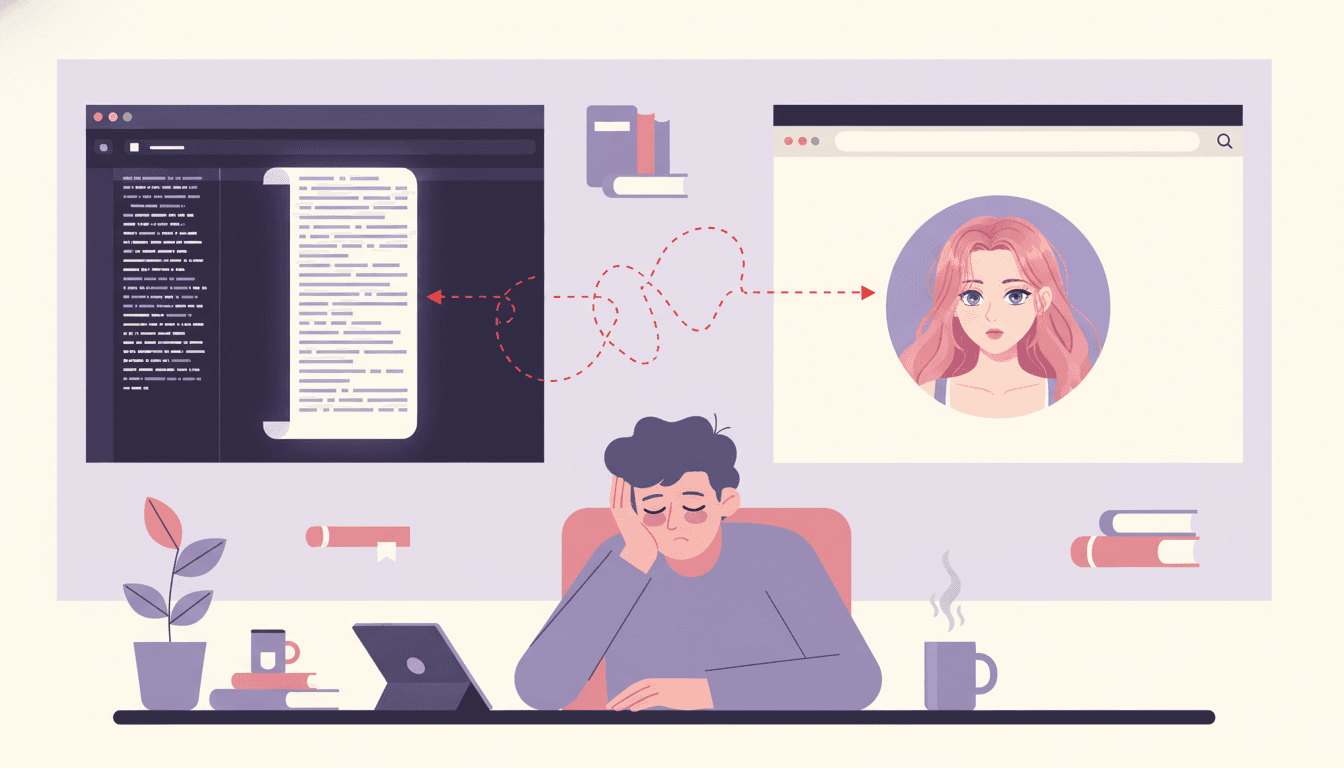
- Text and art live in two separate windows — no bound-book output
- No Character Library across novels — Lorebook is per-story
- No print-ready 300 DPI book PDF, no full-bleed page layout
- No automatic chapter-to-illustrated-spread pagination
Verdict: Best in class for drafting the text of a long novel. For the illustrated book itself, you'll still need a separate tool to bind text and art into pages.
ChatGPT + Midjourney + InDesign (DIY combo)
The DIY pipeline most people try first — and abandon
Pricing
$20/mo ChatGPT Plus + $10-30/mo Midjourney + $20.99/mo InDesign = ~$50-70/mo
Best for
Designers who already know InDesign and don't mind a 40-80-hour assembly job
Pros
- Maximum flexibility — every step is hand-tunable
- Strong individual tools (best chat model, best one-off image generator, industry-standard layout app)
- No lock-in — you can swap any component
Cons
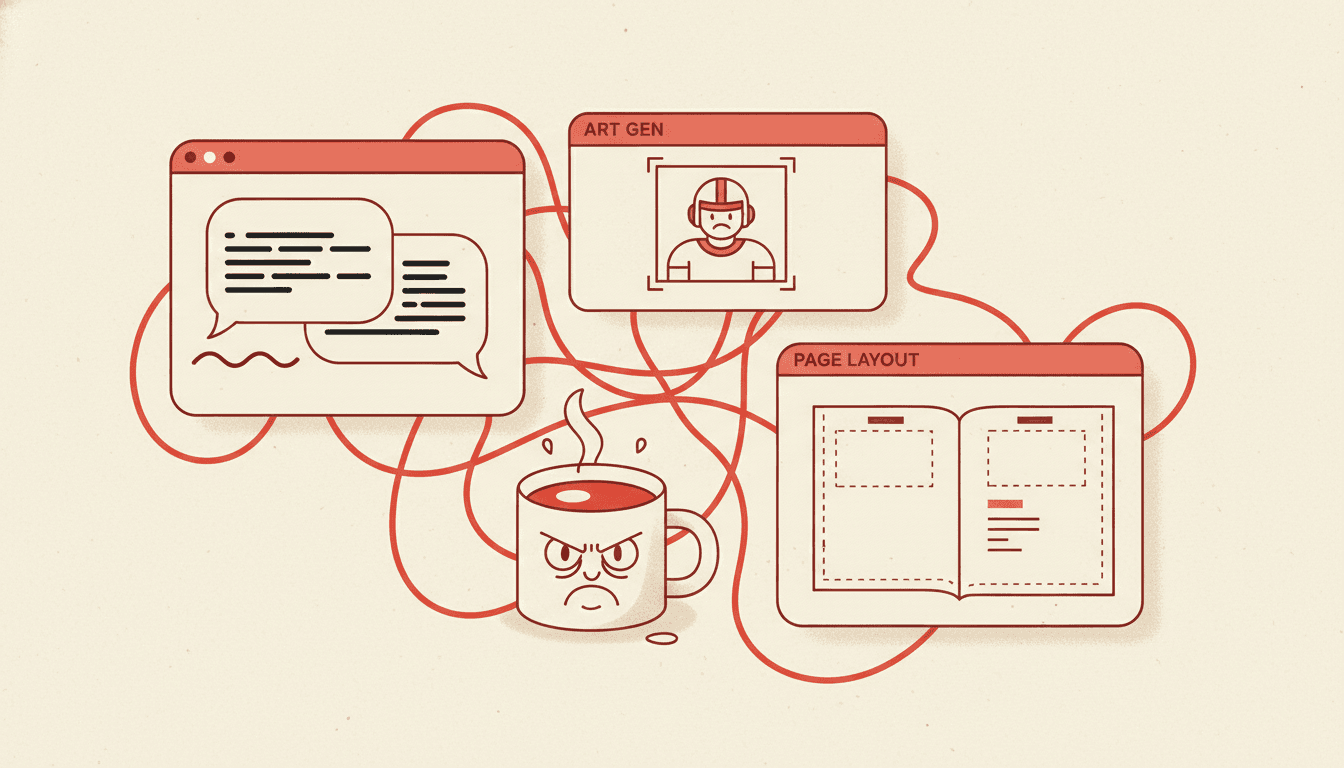
- Character drift — Midjourney re-rolls the protagonist on every prompt
- 40-80 hours of cross-tool copy-paste for a single illustrated book
- ~$50-70/month in stacked subscriptions
- No shared library — every chapter is a fresh fight
- InDesign learning curve is real (months, not days)
Verdict: Maximum control, maximum effort. Almost everyone who tries this combo for a novel-length illustrated book gives up before chapter four. The integrated tools above ship the book in an evening.
Storybird
Curated stock-art picture books for ages 4-8
Pricing
Free reading · $9.99/mo Studio plan
Best for
Classroom writing prompts and ages 4-8 cookie-cutter picture books with stock storybook art
Pros
- Beautiful curated stock illustrations from real artists
- Friendly classroom-friendly UI for kids
- Built-in reading community
- No drawing skill needed
Cons
- You can't illustrate a novel — only short kid-book length text fits
- No custom characters — you pick from existing artist illustrations
- No print-ready 300 DPI PDF for self-publishing
- No long-form novel adaptation, no chapter pagination
Verdict: A lovely tool for a classroom writing prompt or a short kid story. Not the right fit if you have a novel to convert into an illustrated book.
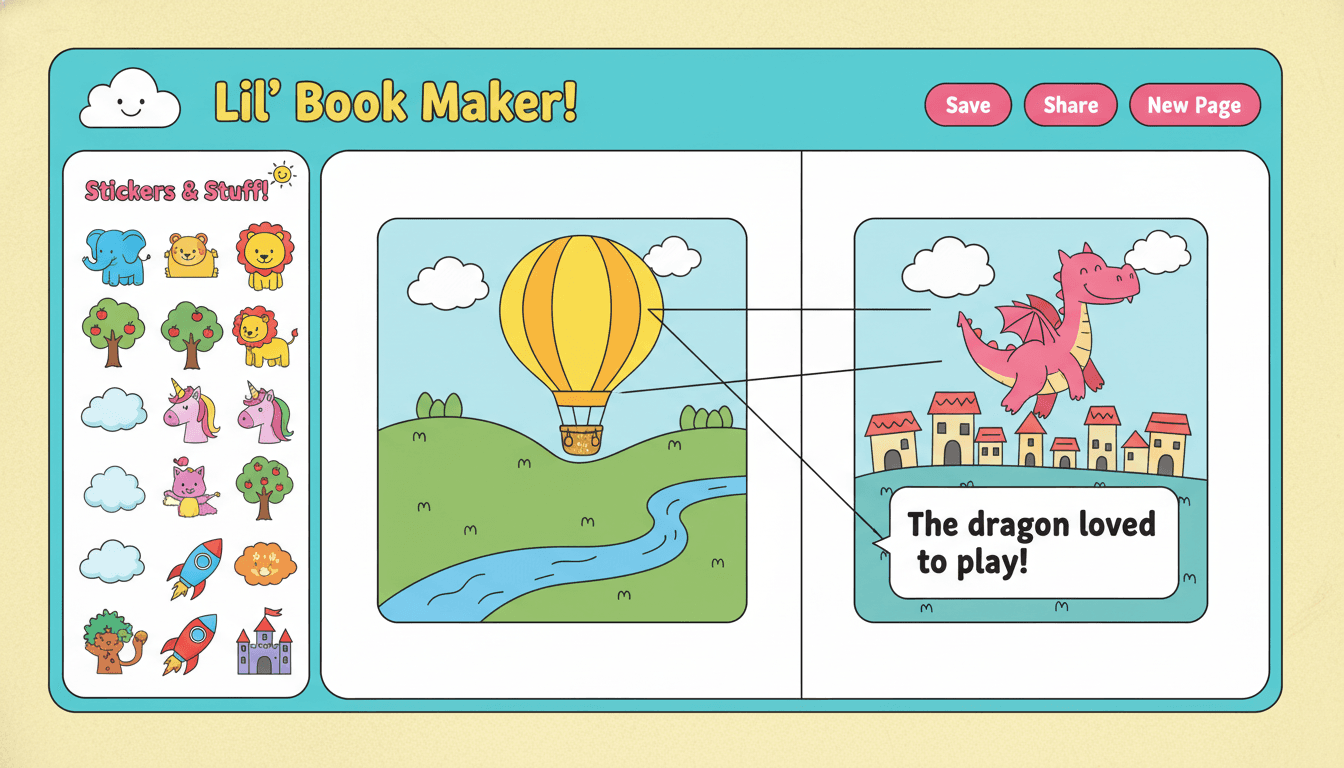
StoryJumper
Drag-and-drop kid book builder with clip-art
Pricing
Free with watermark · $4.95 paperback · $24.95 hardcover
Best for
Parents and elementary teachers making short kid books with their child as co-author
Pros
- Genuinely fun, kid-safe drag-and-drop interface
- Affordable per-copy hardcover printing built in
- Voice narration recording for the child to read aloud
- Class accounts for teachers
Cons
- Cartoon clip-art only — no custom AI illustrations of your protagonist
- No long-form novel adaptation — built for 8-24-page kid books
- No Character Library, no chapter pagination, no print-ready 300 DPI PDF for KDP
- Storage and ownership are tied to the platform
Verdict: A wonderful weekend tool for a parent and a 6-year-old to make a kid book together. Not built to convert a novel into an illustrated book.
Canva Magic Write + Magic Studio
General-purpose design canvas with AI add-ons
Pricing
Free · Canva Pro $14.99/mo (or $119.99/year)
Best for
Quick book-style social-media graphics, paperback covers, and 1-pagers — not novel-length books
Pros
- Massive template library (most of which is non-book, but useful for marketing)
- Magic Write for short blurbs and back-cover copy
- Strong typography and brand-kit support
- Easy to use without any design background
Cons
- No Character Library — every AI image is a separate generation
- Story-illustration was never the design target
- No automatic novel-to-book pagination
- Print export quality varies by template, not consistently 300 DPI full-bleed CMYK
- No commercial-rights-clean AI images by default — you have to verify per generation
Verdict: Excellent for the book's marketing assets — paperback cover, social posts, ad creatives. Pair with C2Story for the actual interior illustrations and pagination.
Adobe Firefly + Express + InDesign
Pro design suite with commercial-clean AI images
Pricing
$29.99/mo Express Premium + $20.99/mo InDesign + Firefly bundled = ~$50/mo
Best for
Professional book designers and small publishers with InDesign experience
Pros
- Firefly is trained on Adobe Stock — commercially safe AI images
- InDesign is the gold standard for book layout, master pages, and print export
- Strong typography, kerning, and master-page workflows
- Native CMYK and PDF/X-1a print-ready exports
Cons
- No Character Library — Firefly does not lock the same hero across pages
- Steep learning curve — InDesign takes months to learn properly
- ~$50/month in stacked subscriptions
- Workflow is multi-app and manual — Firefly → Photoshop → InDesign per page
- Built for professional designers, not novelists
Verdict: If you already work in Adobe daily and just need commercial-clean AI assets to drop into your existing InDesign book template, this is the polished pro path. Most novelists will burn out before page 30.
Feature Grid — All 7 Tools at a Glance
The honest checklist. ✓ = built-in, ~ = partial / workaround, ✗ = not supported.
| Feature | C2Story | NovelAI | DIY Combo | Storybird | StoryJumper | Canva | Adobe |
|---|---|---|---|---|---|---|---|
| Built specifically for novel → illustrated book | |||||||
| Character Library — same hero across every page | ~ | ||||||
| Auto-segments a novel into illustration-ready scenes | |||||||
| Long-form 50k+ word drafting model | ~ | ~ | |||||
| 10+ art styles (watercolor, cartoon, Pixar 3D, anime, manga) | ~ | ~ | |||||
| Print-ready 300 DPI full-bleed CMYK PDF | ~ | ~ | |||||
| Manga / comic / picture-book formats | ~ | ~ | |||||
| Commercial rights on the resulting book | ~ | ~ | ~ | ~ | |||
| No design / drawing background required | |||||||
| Total cost to ship one illustrated novel | $0-7 | $0-25 | $50-70 | $10 | $5-25 | $0-15 | $50 |
DIY Combo = ChatGPT Plus + Midjourney + Adobe InDesign. Cost row shows total to ship one illustrated novel.
Which Tool Is Right for You?
Pick the row that matches your situation. Each path leads to a tested tool — most paths end at C2Story because that's where the novel-to-illustrated-book pipeline lives.
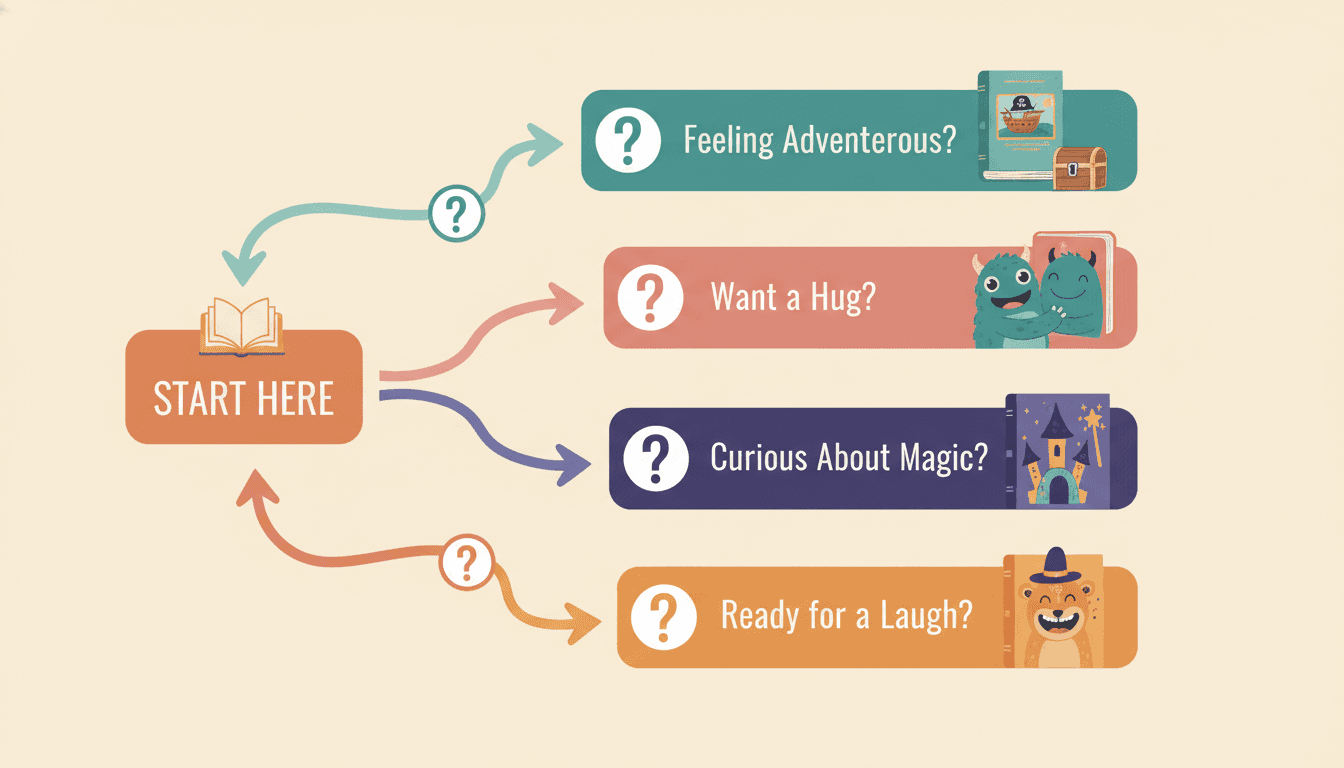
The decision flowchart in one image — start with your situation, follow the branch.
6 Things to Look For in a Novel-to-Book AI
Use this checklist when evaluating any tool — including ones not in this roundup. If a tool misses on items 1, 2, or 4, it's the wrong tool for converting a novel.
Character Library that locks the same hero across pages
The single most important feature for converting a novel — your protagonist, sidekick, mentor, and antagonist must look like the same person on every spread of every chapter.
Automatic novel-to-scene segmentation
A novel is 50k-100k words. The tool needs to auto-split it into illustration-ready scene beats (~80-200 words each) so you don't have to hand-cut chapters into pages.
Style lock — one art style for the entire book
Watercolor for chapter 1 and Pixar 3D for chapter 2 looks like a Pinterest collage. The tool must lock one style and hold it across regenerations and future volumes.
Print-ready 300 DPI full-bleed CMYK PDF
For Amazon KDP, Lulu, IngramSpark, Blurb, and BookBaby. Without a real print-export pipeline, you'll spend a weekend in InDesign rebuilding bleeds and gutters by hand.
Multi-format output — picture book, manga, comic, novel-illustrated
A great novel-to-book tool gives you choice: a 24-page picture book for the kid edition, a manga panel layout for the YA edition, or a novel-illustrated long-form book.
Commercial rights on the finished book
You should be able to print, sell, gift, list on KDP, and license the resulting book without hidden royalties or AI-content takedowns. Read the rights page before you commit.
6 Common Mistakes When Picking a Novel-to-Book AI
Most failed AI-novel-to-book attempts fail for one of these six reasons. Skip the pain.
Picking a tool that's built for one-off images instead of bound books
Fix: Midjourney and DALL·E are world-class for one image. Use them for the cover only and pick a novel-to-book tool for the interior pages.
Stacking 4 subscriptions and burning out at chapter three
Fix: The DIY combo (ChatGPT + Midjourney + InDesign + Photoshop) costs $50-70/month and takes 40-80 hours per book. The integrated tools ship the book in an evening.
Trying to illustrate a 50k-word novel as one 24-page picture book
Fix: Pick ONE chapter or ONE arc. The rest become future volumes. A novel and a picture book are different formats — match the source to the output.
Skipping the Character Library because "I'll just describe the hero each time"
Fix: Generic image tools re-roll the face on every prompt. The library is the difference between "looks like one book" and "looks like a Pinterest moodboard".
Picking a kid-book builder for a novel-length adult adaptation
Fix: Storybird and StoryJumper are designed for ages 4-8 short kid books. They're wonderful for that use case — wrong tool entirely for an illustrated novel.
Skipping the printed proof and ordering 50 copies straight to KDP
Fix: Always order one proof first. Color, trim, and gutter look different on paper. Saves $20-100 in reprint costs every time, regardless of which tool you pick.
From Novel Manuscript to Print-Ready Illustrated Book
The right tool ships a finished book that looks like one illustrator made it — not a Pinterest collage of unrelated AI images.
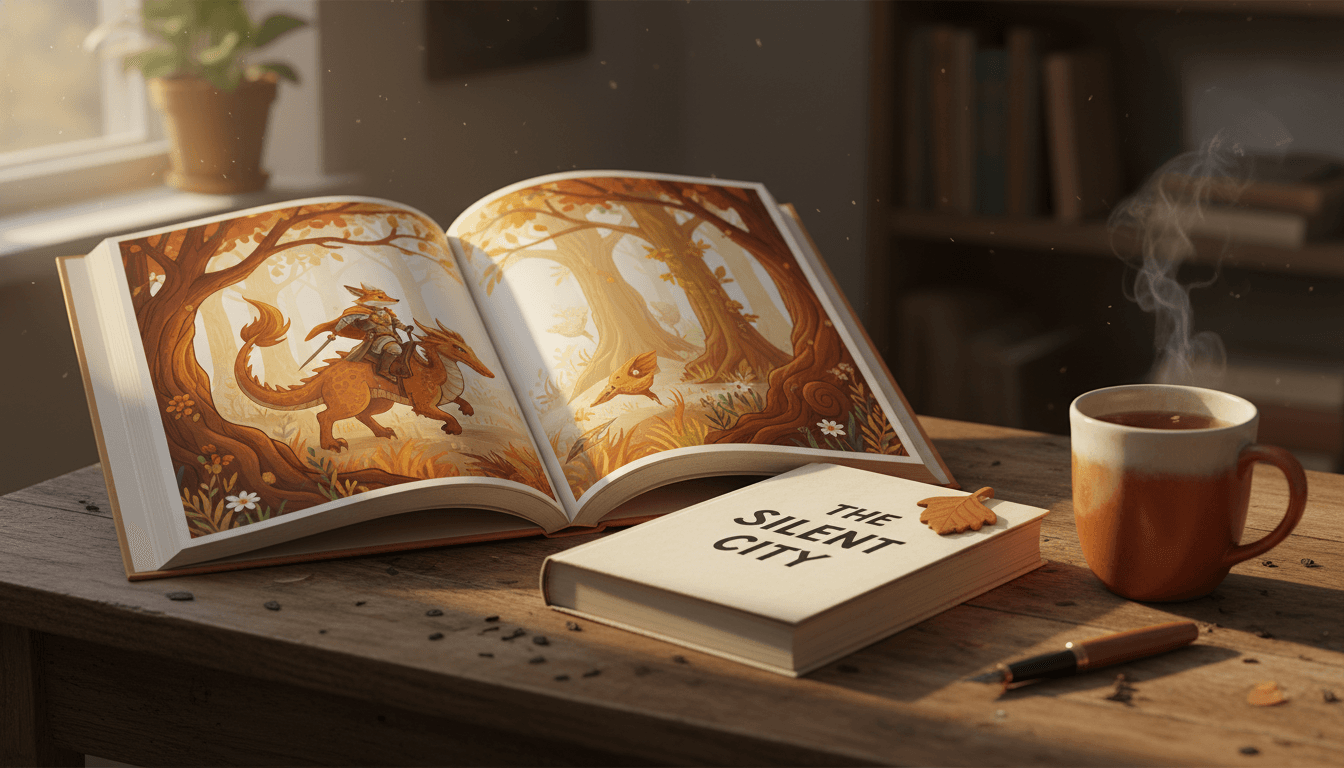
What it looks like when the workflow actually works: the novel manuscript on one side, a finished, character-consistent, print-ready illustrated hardcover on the other.
Open the C2Story Novel-to-Book Workflow
Six entry points into the same end-to-end pipeline. Same Character Library, same 300 DPI print-ready PDF — pick the surface that matches what you have right now.
Novel to Picture Book
Long-form novel, illustrated. Pick the chapter, set the cast, ship the book.
Upload Novel & Generate Book
Drop your manuscript file and get a finished illustrated book back.
AI Book Generator from Novel
Convert a 50k+ word novel into a paginated, illustrated book.
Novel to Comic Book
Same novel, comic / manga panel layout with speech bubbles.
Turn Novel into Picture Book
The full use-case walkthrough — what to expect from start to finish.
Chapter to Storybook
Pick one pivotal chapter and ship a 24-page illustrated picture book.
Authors Who Compared the Tools
“I tried the ChatGPT + Midjourney + InDesign combo for two months on my fantasy novel. Burned $140 in subscriptions and got eight pages I liked. Switched to a tool with a real Character Library and shipped the full 80-page illustrated chapter book in a weekend.”
Fantasy indie author
“I drafted my novel on NovelAI — Erato 70b is incredible for long-form. But the image gen lives in a completely separate window. I exported the finished text and dropped it into a novel-to-book tool to actually get a bound illustrated book out the door.”
Sci-fi novelist
“I'm a teacher, and I almost picked Storybird because it looked easy. It's a wonderful classroom tool — but it can't illustrate a novel. For my middle-grade chapter book I needed real character consistency and 300 DPI print-ready output.”
Middle-grade author
“I'm a working book designer with InDesign in my muscle memory. Adobe Firefly is great for commercial-clean assets, but the lack of character lock killed it for a 100-page novel. I now do my interior pages in C2Story and the cover and marketing in InDesign.”
Indie publisher / designer
Best AI to Convert Novel to Book — FAQ
Explore More Story Ideas
Discover more styles, tools, and story types
Pirate Stories
Treasure hunts on the high seas
Explore
Sumi-e Ink Wash Books
One-pass brushwork & deliberate emptiness
Explore
Children's Book Creator
Design beautiful kids books
Explore
ChatGPT vs C2Story
Purpose-built for picture books
ExploreReady to Convert Your Novel into an Illustrated Book?
Skip the 7-tool comparison fatigue. Try the editor's pick free — paste your novel manuscript or chapter, set your cast in the Character Library, ship a print-ready illustrated book.
Best AI to Convert Novel to Book — The 2026 Buyer's Guide
Wondering which is the best AI to convert a novel to a book in 2026? This roundup compares the seven most popular tools novelists, indie authors, fanfic writers, and self-publishers actually use to turn manuscripts and chapters into finished illustrated books — C2Story, NovelAI, the DIY ChatGPT + Midjourney + InDesign combo, Storybird, StoryJumper, Canva Magic Studio, and Adobe Firefly + Express + InDesign. The honest summary: each tool was designed for a different job, and the right pick depends entirely on whether you have a finished novel manuscript already, are still drafting, want a kid-book or an adult-novel adaptation, and how much time and budget you have for a multi-app workflow versus an integrated end-to-end pipeline.
The single most important feature when choosing the best novel to picture book AI is a Character Library — the ability to define your protagonist, sidekick, mentor, antagonist, and animal companion once and have the AI inject those descriptions into every prompt automatically. Without a Character Library, generic image tools like Midjourney, DALL·E, Stable Diffusion, and Adobe Firefly re-roll your hero's face on every prompt, which is why DIY illustrated novels look like a Pinterest moodboard by chapter three. C2Story is the only tool in this comparison built specifically around the Character Library — it's the difference between a finished book that looks like one illustrator made it and a 60-page collage that frustrates readers and reviewers. NovelAI's Lorebook is a similar idea applied to text continuity, but it's tied to a single story and not connected to image generation.
The second key feature is automatic novel-to-scene segmentation and pagination. A novel is 50,000 to 100,000+ words; a picture book is 24-32 pages with one to two illustrated spreads per scene beat. Without an automatic segmenter, you'll spend a weekend in InDesign hand-cutting chapters into pages and resizing every image. C2Story's segmenter splits your manuscript into illustration-ready scene beats of roughly 80-200 words each, drops them into a paginated book, and exports a 300 DPI full-bleed CMYK PDF that's ready for Amazon KDP, Lulu, IngramSpark, Blurb, and BookBaby. You also get format choice — picture book, manga, comic, or novel-illustrated — from the same source manuscript, so a single novel can become an ages-7-9 picture book edition, a YA manga edition, and an adult illustrated-novel edition without redrafting a single sentence.
For novelists still drafting the novel itself, the optimal workflow is two tools: draft the text on NovelAI (Kayra 13b for casual writing, Erato 70b for long-form, with 128k context and Lorebook keyword memory), then bring the finished manuscript to C2Story for the illustrated book layer. For pure DIY control, ChatGPT Plus + Midjourney + Adobe InDesign offers maximum flexibility but costs $50-70/month in stacked subscriptions, takes 40-80 hours per book, and requires real InDesign experience — almost everyone who tries this combo for a novel-length illustrated book gives up before chapter four. For ages 4-8 short kid books, Storybird's curated stock art and StoryJumper's drag-and-drop kid-book builder are wonderful — but neither was designed to handle a novel-length adaptation. For pro book designers who already work in Adobe daily, Firefly + Express + InDesign produces commercial-clean output but still misses on character lock. Start the 2026 comparison free today — paste your novel manuscript, set the cast in the Character Library, audition styles, and ship a finished, print-ready illustrated book this weekend. Free credits at signup, no credit card required, commercial rights included.