
Export a story page as a 4:5 social image in C2Story
Turn one saved story page into a portrait PNG with its title, illustration and text. Follow the actual desktop export and see the current mobile limitation.
What you will make
A downloadable 1080 × 1350 PNG containing the title, illustration and story text from one saved page. This walkthrough was tested on September 19, 2026 using the desktop owner interface. It covers export only; it does not publish to Instagram or create a new illustration.
Before you start
Sign in to C2Story with the account that owns your book, then open My Books. The example uses Milo Waters His Sunflower, an existing one-page watercolor story created on September 17; its text was edited on September 18. Both are prerequisite assets, not new content generated for this tutorial. Our account showed the Creator plan. Other plans were not tested.
Read the existing example book. Signed-out readers can view it, but their controls differ from the owner's export controls.
Step 1 — Open the saved page
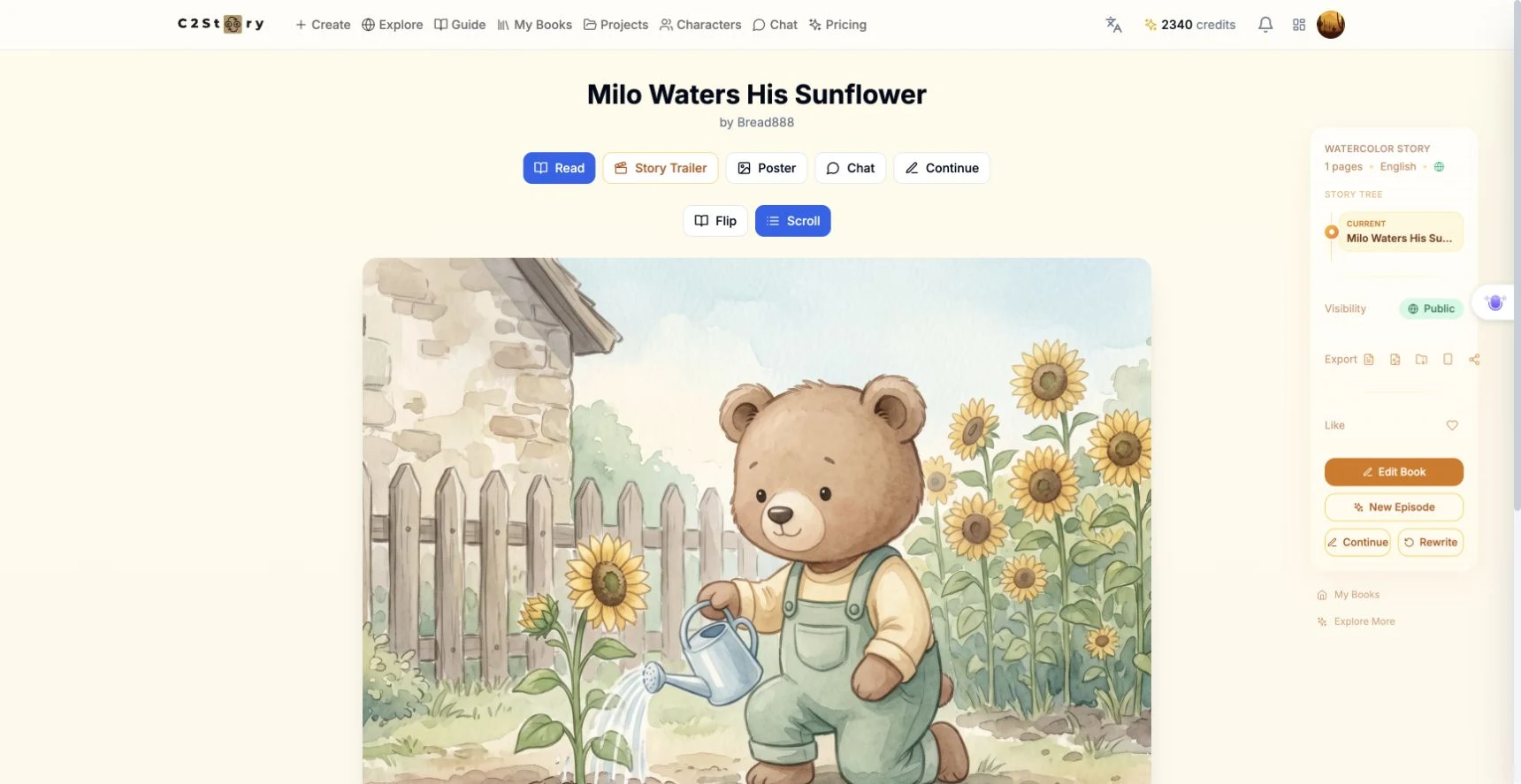
Click the book in My Books. We opened its Read view, with Scroll selected, and used its only page. The illustration shows Milo watering a sunflower. The existing text reads exactly:
Milo tips his blue watering can. A little water and a little kindness help the garden grow.
No prompt or replacement text was entered during this export. No image model, art style, page count or generation settings were changed.
Step 2 — Choose Social image and 4:5
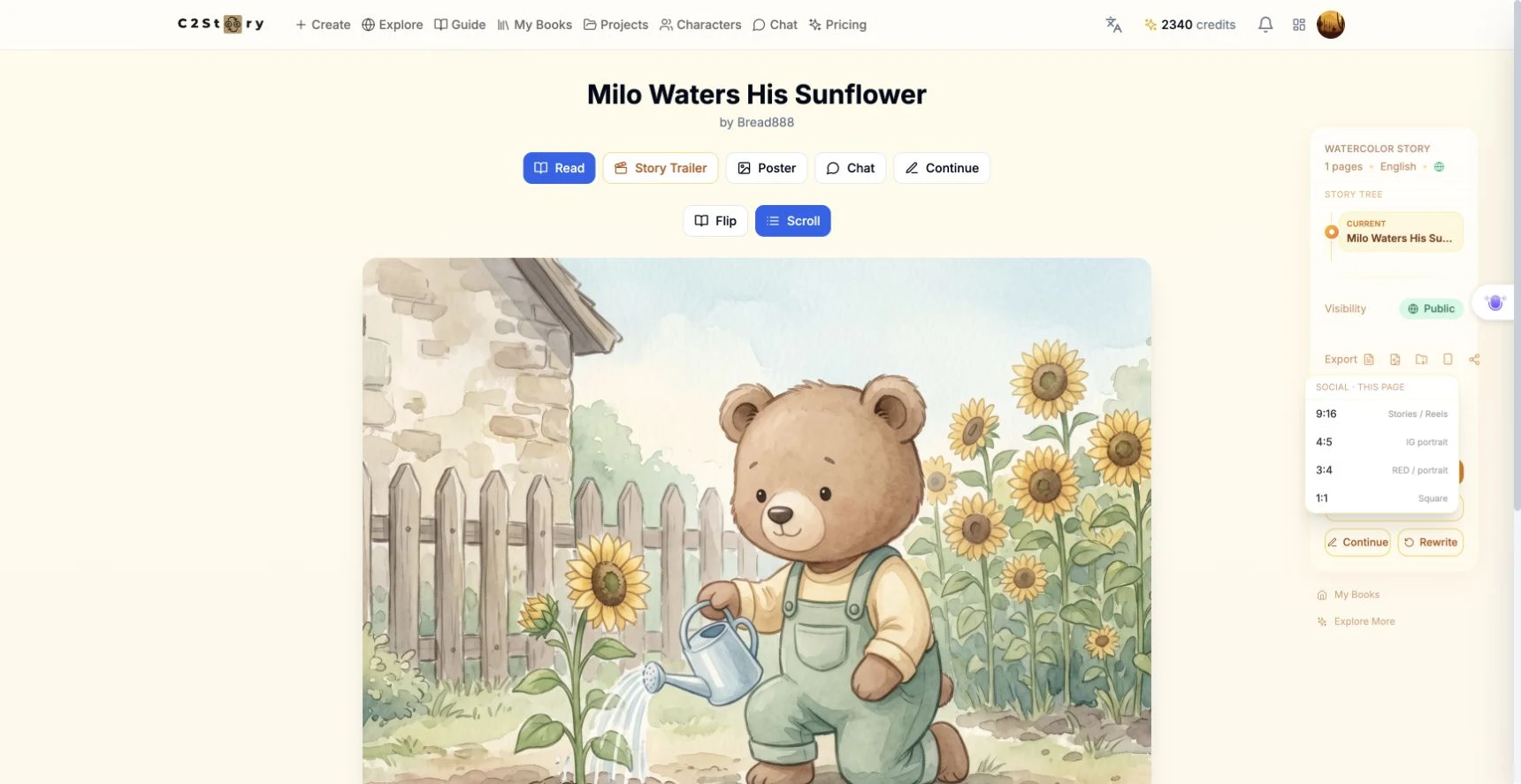
In the right sidebar, find Export and click the phone-shaped icon whose tooltip is Social image (current page). The menu is labeled Social · this page.
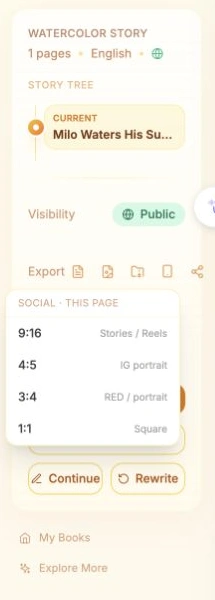
We clicked 4:5 — IG portrait. This is the actual setting used for the result below. The same menu also displayed 9:16 Stories / Reels, 3:4 RED / portrait and 1:1 Square; those options were not exported in this test.
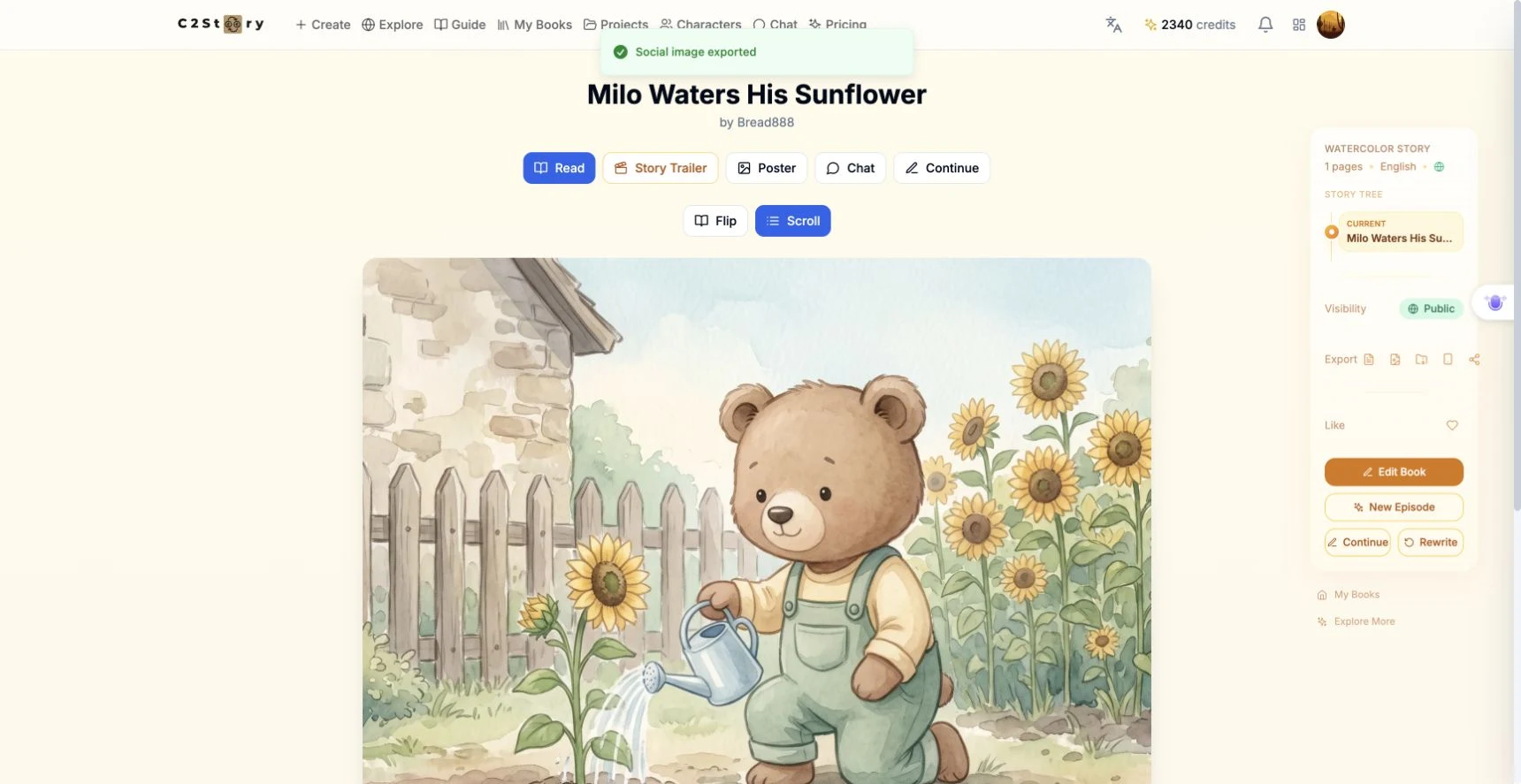
The page briefly displayed Generating social image..., disabled the export controls, then reported Social image exported. One export click produced one download. Wait for completion before trying again.
Step 3 — Open the downloaded PNG
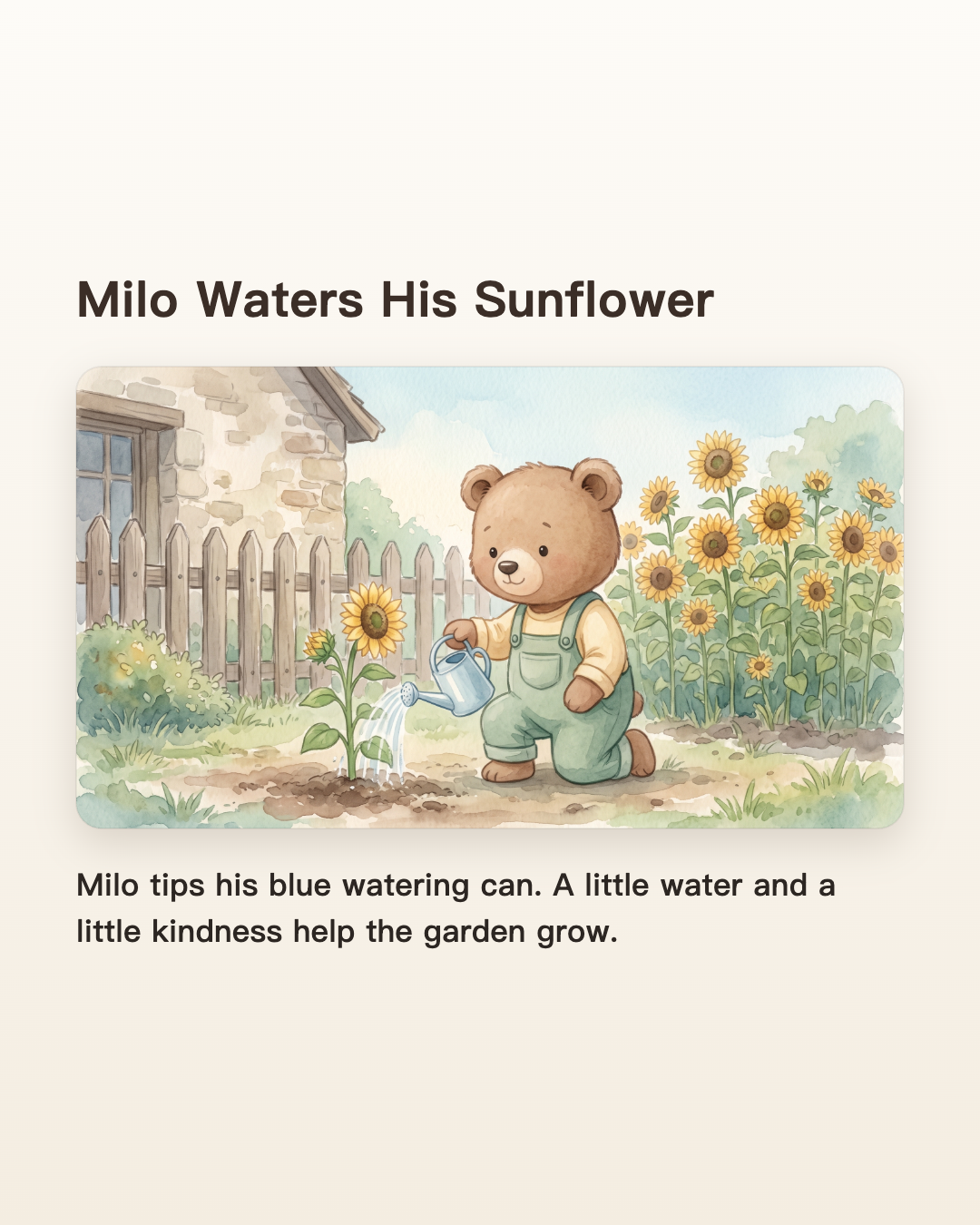
The browser saved Milo_Waters_His_Sunflower_p1_4x5.png. We reopened the saved file and verified its dimensions: 1080 pixels wide × 1350 pixels high, matching 4:5.
The title is readable, the bear and watering can remain visible, and both sentences appear below the illustration without being cut off. This is C2Story's actual export; the result image has not been redesigned or assembled outside the product.
Open the exported PNG. This tutorial hosts an unchanged copy of the downloaded file. The product saved the export locally; it did not create a separate public project or new book.
Step 4 — Reopen the source book
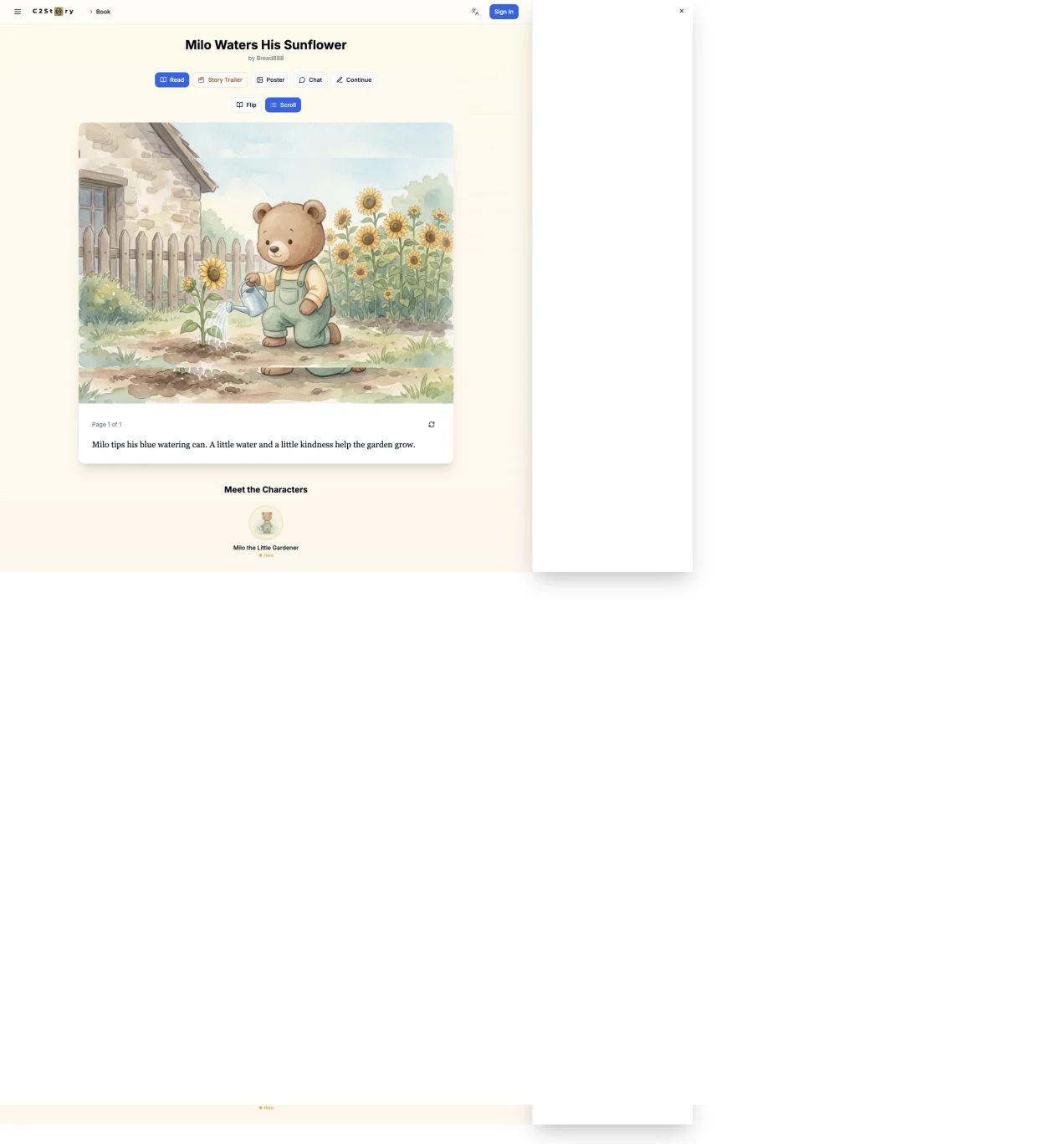
We refreshed the owner view and opened the public reader in a signed-out browser. The original page remained available with the same text. To find your source again, return to My Books and open its title. Your exported PNG is in your browser's download location.
Phone check and current limitation
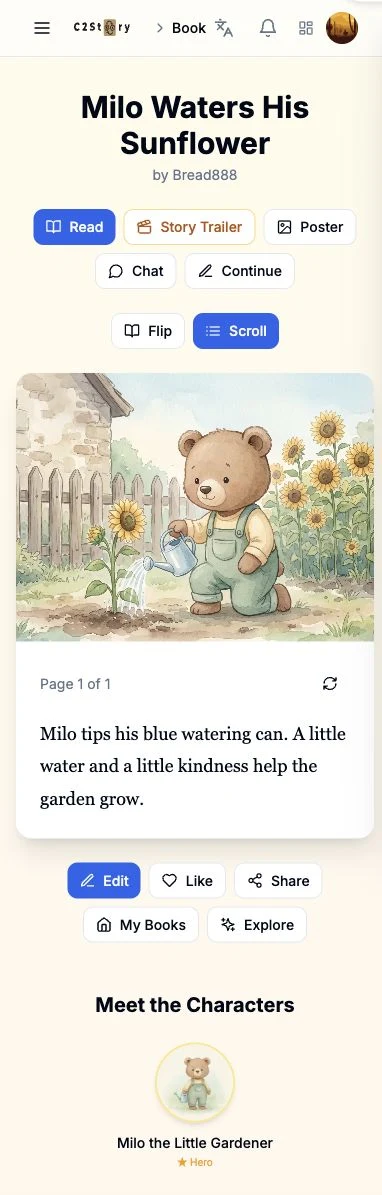
At a 390 × 844 viewport, the story image and text were readable, but the desktop export sidebar and Social image control were absent. Use the desktop owner interface for this workflow. Mobile export was not completed; a physical phone and the Instagram upload flow were not tested.
Scope and observed cost
This run exported one existing page. It made no new book, image generation or video. The visible balance was 2340 credits before and after, an observed net change of zero. No itemized export charge was shown, so this observation is not a pricing promise for every account.
The screenshots document the real product UI. The menu detail is a crop of the original screenshot; the exported PNG is the unchanged product download.
A first like from an active subscriber gives a community author 1 credit. Likes are permanent; self-likes and repeat rewards are excluded.