Image to Story:Turn a Picture Into a Story
Image to story is a simple habit: look at a picture, put what you see into words, and decide who it is about, what goes wrong and how it ends. C2Story then writes the story and paints every page.
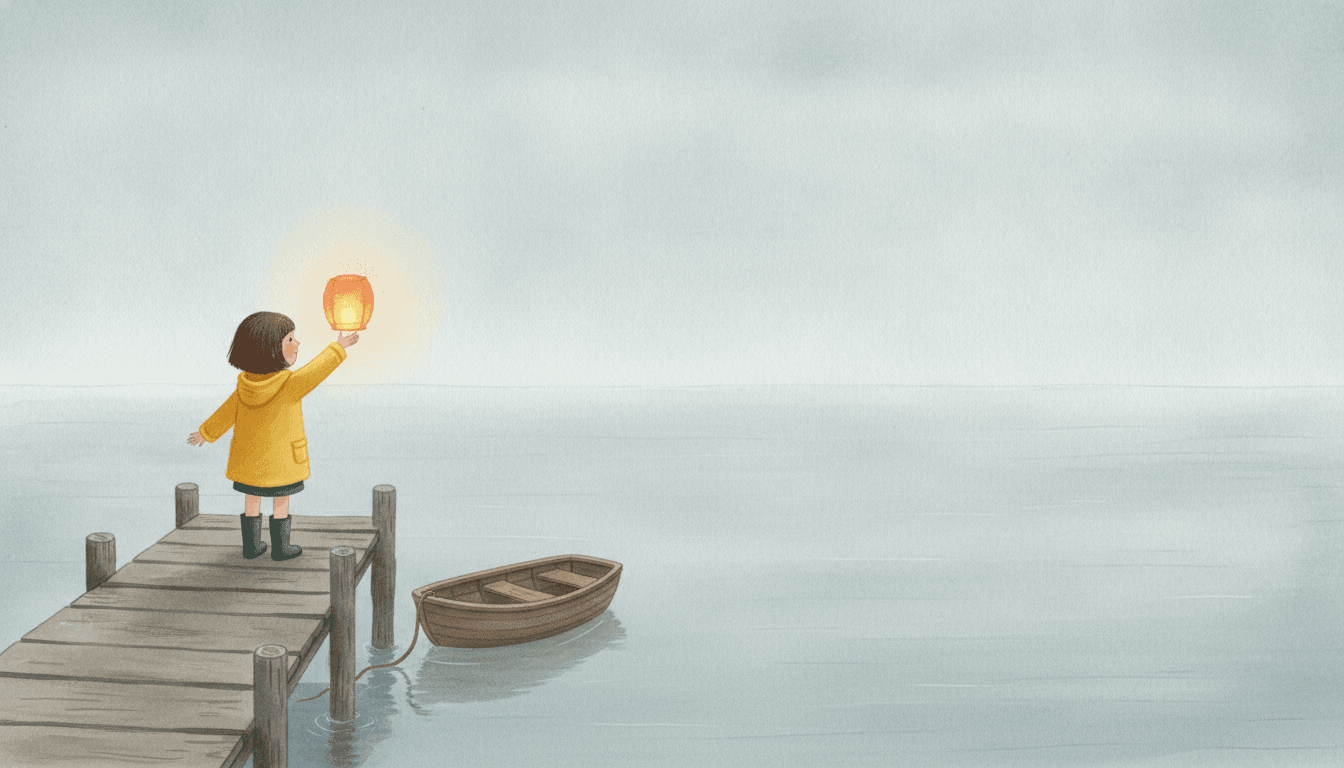
The picture used for every example on this page.
Write a Story Based on the Picture Below
When a teacher asks you to write a story based on the picture below, the picture only gives you a moment. Your job is to find the before and the after. Answer three questions, in this order, and write one or two sentences for each.
1. Who is in it?
Name the main character and give them one want. "Mia wants her grandfather home before dark" is a story; "a girl on a pier" is only a caption.
2. What is the problem?
Look for the thing that is wrong or unfinished in the picture: the fog, the empty boat, the lantern held up high. That is your conflict.
3. How does it end?
Decide whether the problem is solved, changed or turned into something better. One clear last image makes a better ending than a moral.
For this picture: Mia (who) holds up a lantern because someone is out in the fog (problem), and the light brings them back (ending). Then write it in the past tense, start on the pier, and keep it to one evening.
One Image to Story, Three Different Endings
The same girl, the same pier, the same lantern. Change the answer to "who is she waiting for?" and one image to story exercise gives you a different book.
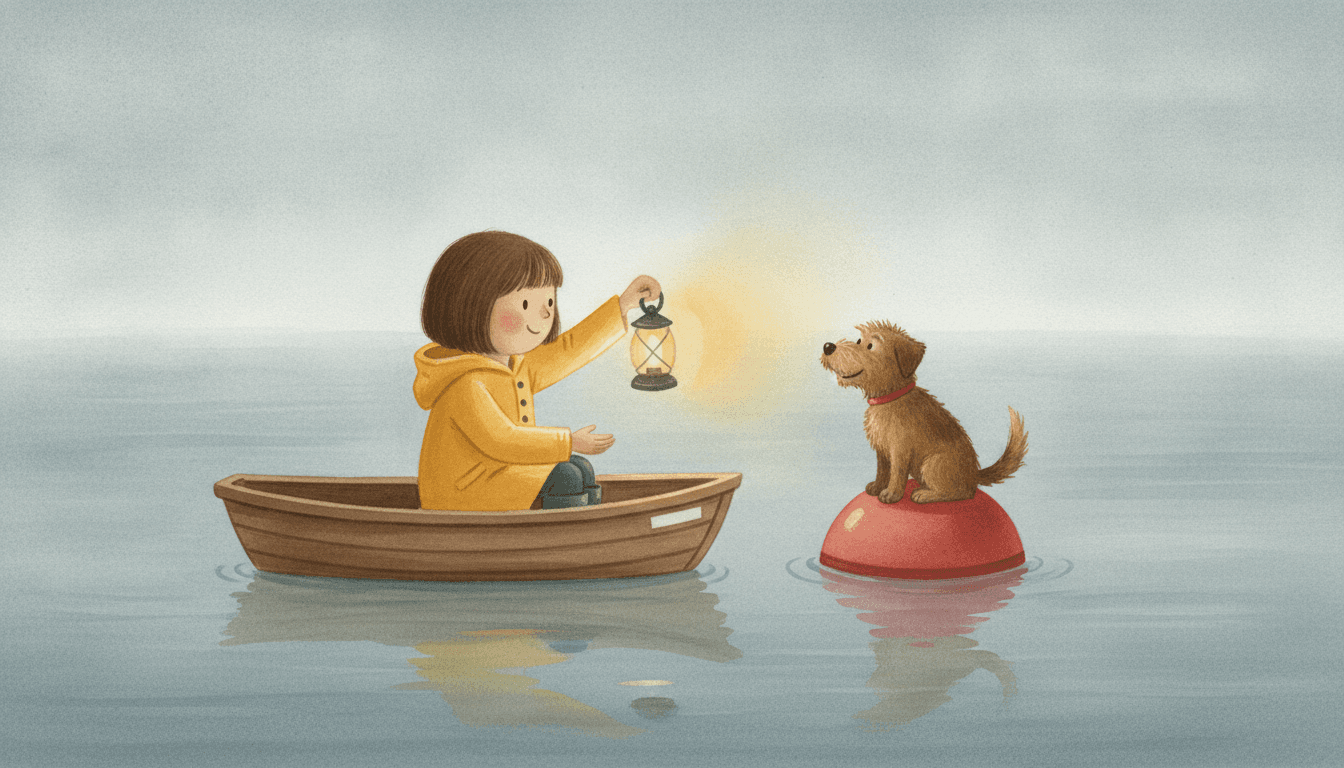
Waiting for a lost dog
Pepper ran off the beach at teatime. Mia stops waiting, takes the little boat out, and her light finds him on a red buoy, very pleased with himself.
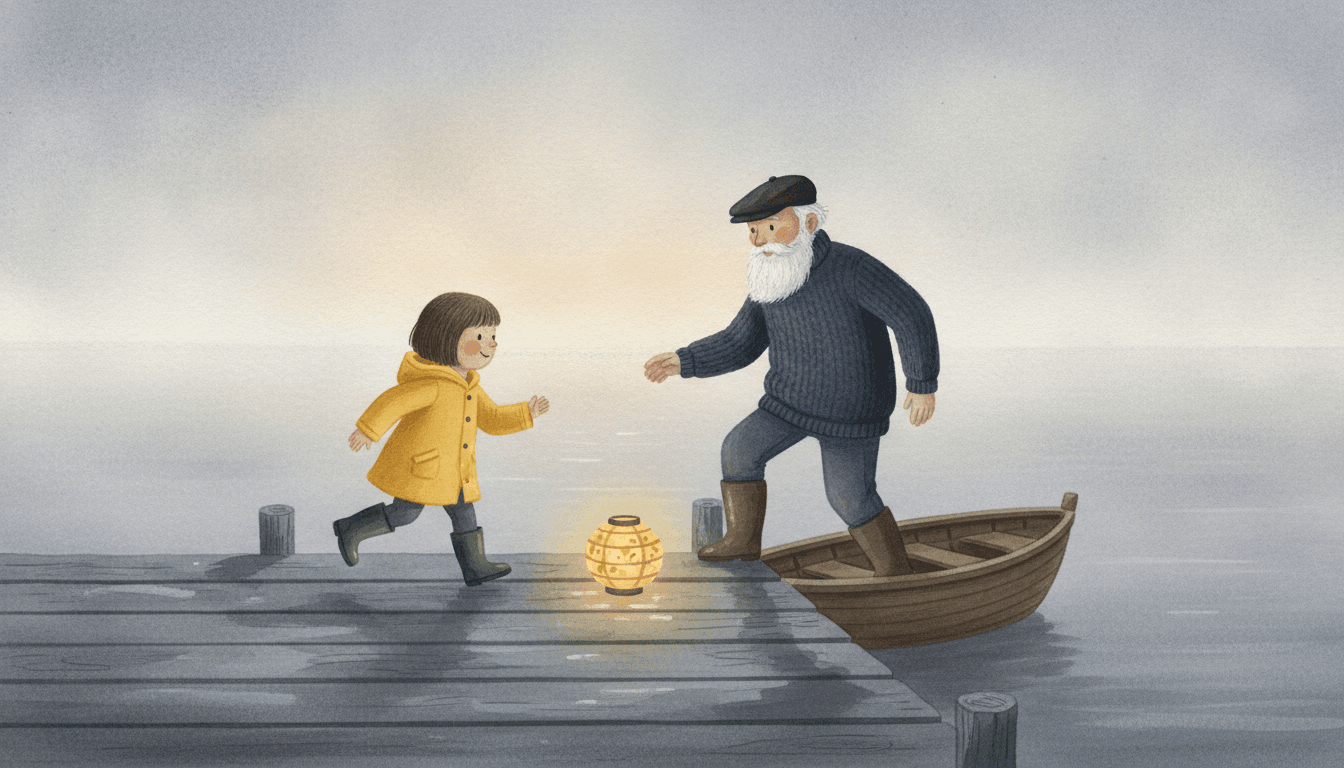
Waiting for Grandpa
Grandpa went out fishing and the fog came down. Mia holds the lantern up so he can find the pier, and he steps out of his boat as she runs to meet him.
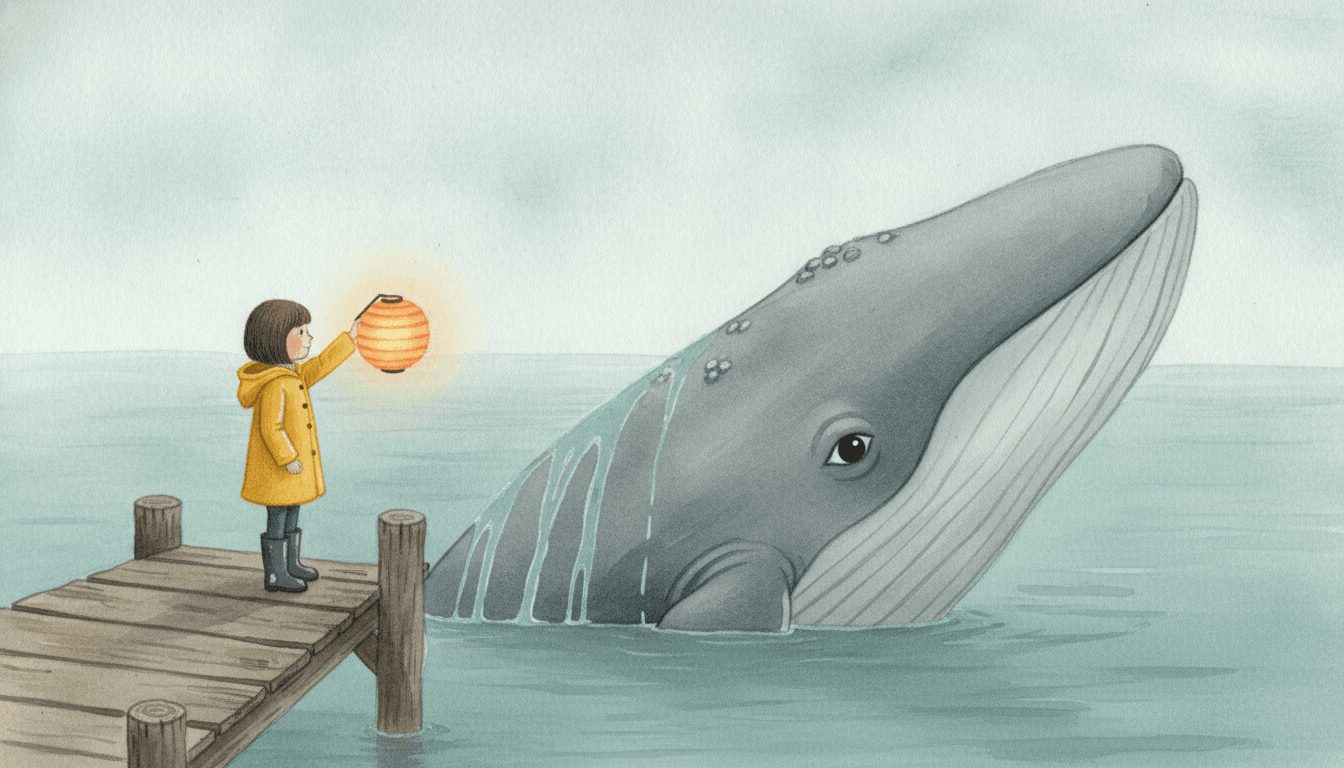
Waiting for something nobody believes in
Every night Mia lights a lantern for the whale only she has seen. Tonight it rises beside the pier and looks straight at her.
Illustrations made for this guide to show the method.
How Image to Story Works in C2Story
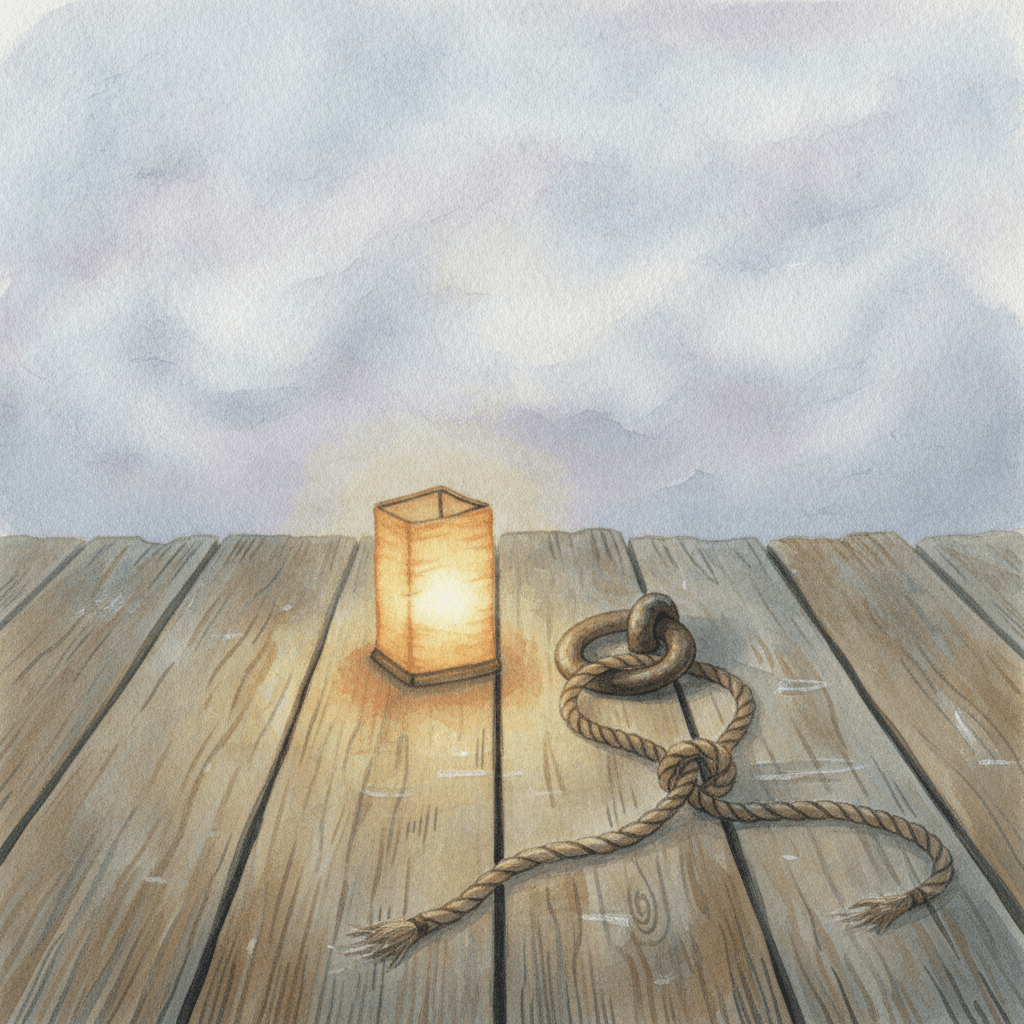
- Look for the small detail. Before you write, check the edges of the picture. A knotted rope on a mooring ring or a lantern set down on the planks can start a story by itself: who tied the knot, and who is the light for?
- Write the description. Two or three sentences with names, ages, setting and mood. Type it in the box at the top of this page.
- Pick a style and generate. In the editor, choose an art style and the number of pages. C2Story writes the story with a beginning, a problem and an ending, then illustrates each page.
- Edit what you do not like. Ask for changes in plain words, such as "make the ending happier", or regenerate a single picture.
Be clear about one thing: C2Story does not analyse the image file. The image to story step that matters most is your description.
Turning Your Own Photo Into a Story
The method works the same for a snapshot from your phone. Write down what is in it as plainly as you can: a boy in a cardboard rocket, a colander for a helmet, the dog looking up at the first star. Then add the three answers. Leo (who) wants to reach that star before bedtime (problem), and the dog insists on coming too (ending). That is a complete description, ready to paste.
Want the child in the photo to be the hero? Save them in the Character Library with up to fourteen reference photos; the illustrations follow their look, and those characters stay private. See the personalized book with a photo page for that route.
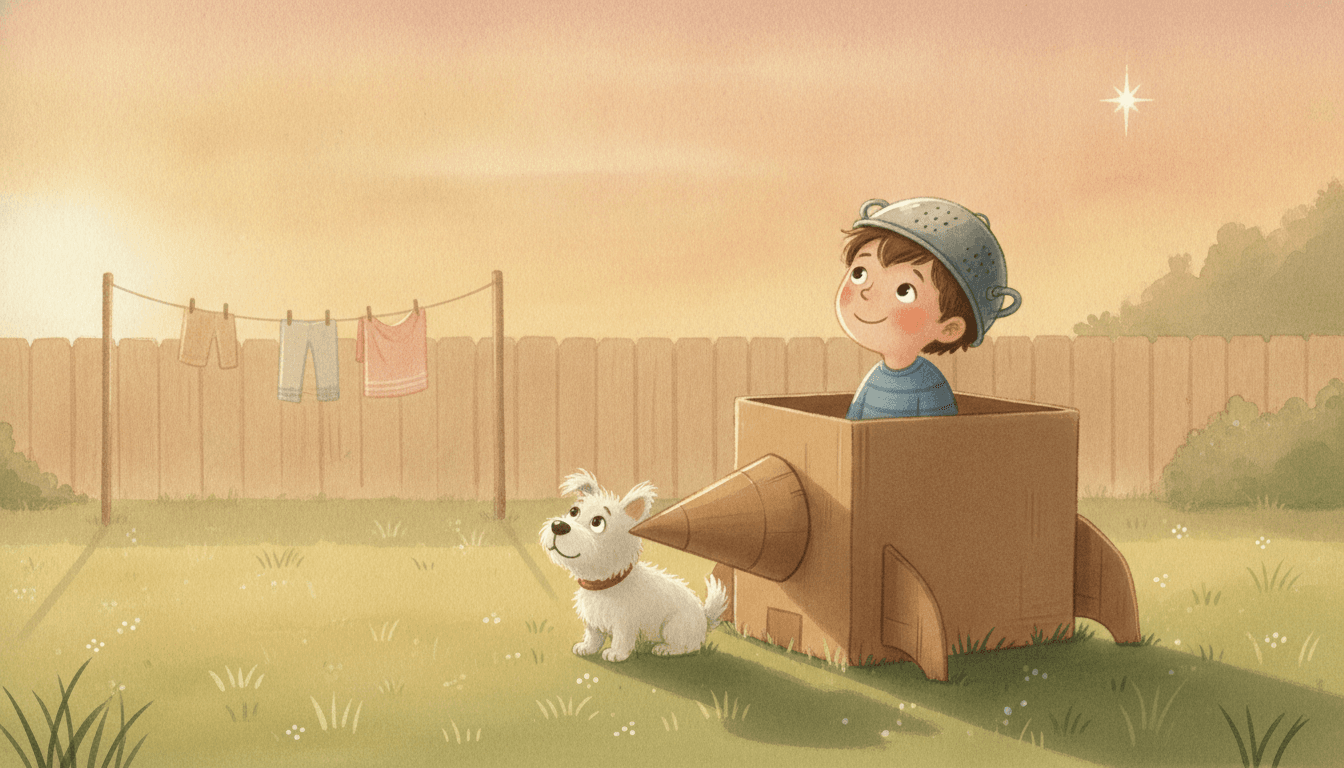
Image to Story Questions
Can I upload an image and have C2Story write a story from it?
What should my picture description include?
Can I use a photo of my child as the main character?
How do I write a story based on the picture below in a school task?
Will the illustrations look like my original image?
Does it cost anything?
More Ways to Start a Picture Story
If you already have a written story, skip the image to story step: the AI story generator with pictures and text to picture book tools start from your text. To choose a look before you begin, browse the illustration styles.
Start Your Image to Story
Pick a picture. Say who is in it, what is wrong, and how it ends.