
Interactive AIstorytelling apps,done right.
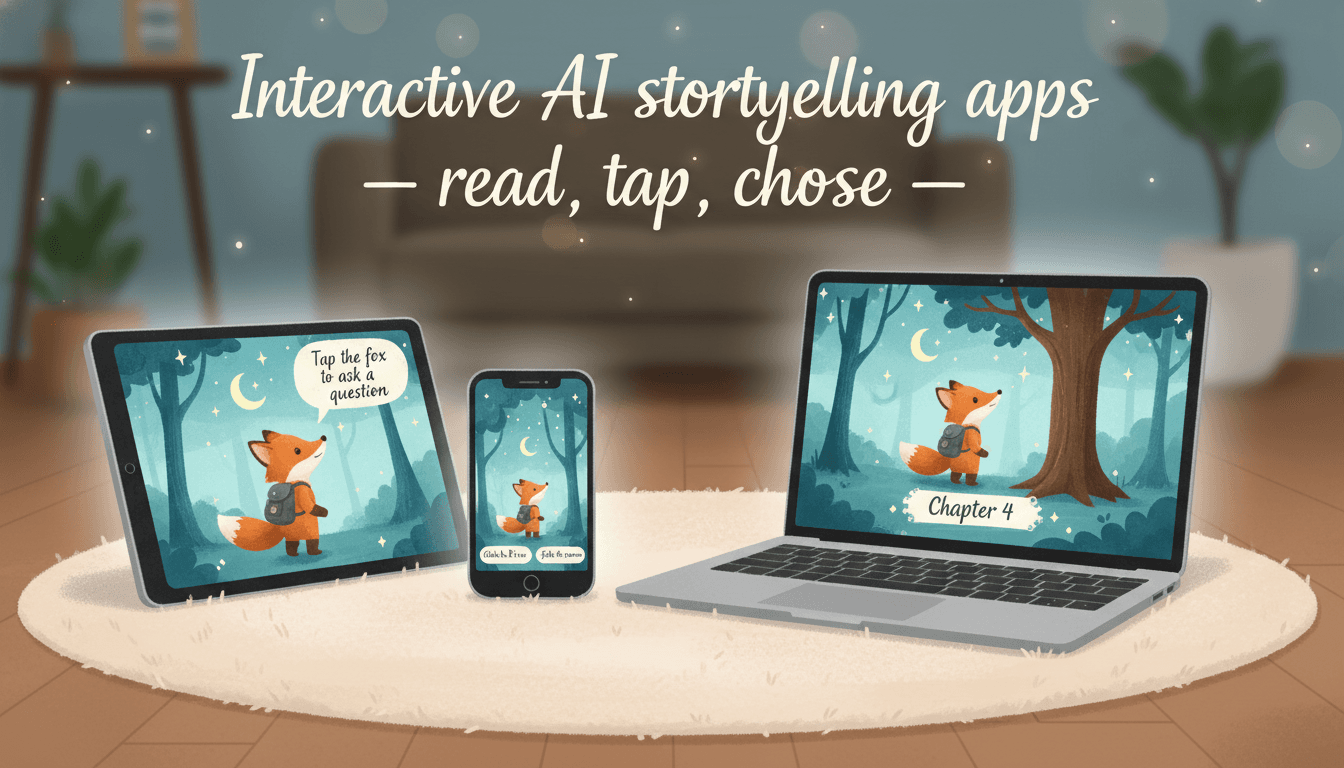
Most kids' reading apps are one-way. An interactive AI storytelling app is two-way — the kid taps the hero, the hero answers, the kid picks the path, the story re-illustrates. Below: the 5 capabilities that matter, and why C2Story is the one app that combines all five — tap-to-chat, branching choices, persistent hero, read-aloud, age-tier family safety.
- Tap any character on the page — they reply in-character, age-tier filtered
- Branching choices generate new illustrated spreads, not re-skinned text
- Persistent character library — same hero across every story, forever
- Read-aloud narration in 10+ languages · family-safe by default
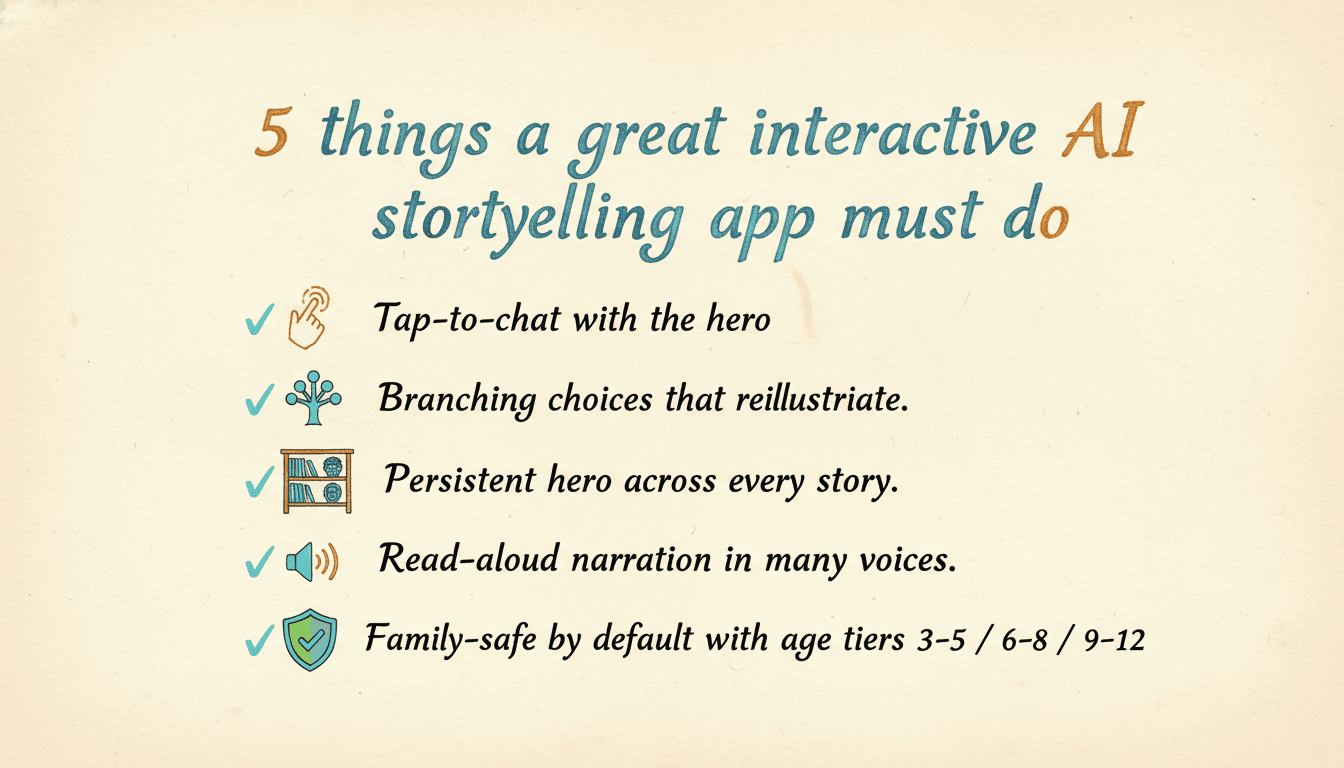
5 Things a Great Interactive AI Storytelling App Must Do
Plenty of apps do one or two. Very few do all five. The combination is what makes the experience feel like an actual story world instead of a clickable menu.
1. Tap-to-Chat With the Hero
The kid taps the fox on the page and the fox answers — in character, in the same illustrated voice, with a gentle family-safe reply. Most reading apps are one-way (the book reads at the kid). A great interactive AI storytelling app is two-way (the kid talks to the book and the book listens).
2. Branching Choices That Re-Illustrate
At every decision moment the kid taps a choice ("climb the tree" / "follow the stream") and the story re-illustrates in real time — not just re-skinned text, but new illustrated spreads that match the chosen path. Each choice changes the picture book, not just the words.
3. Persistent Hero Across Every Story
The same illustrated hero shows up in every book the kid creates — week one's brave-little-fox returns in week ten's underwater adventure looking exactly the same, sounding exactly the same. A character library that locks the hero forever is the difference between a story app and a story world.
4. Read-Aloud Narration in Many Voices
Soothing storybook narration with character voices, sound effects, and multi-language read-aloud — so the app works at bedtime when little eyes are too tired to read, in the car on long drives, in the classroom for emerging readers, and at grandma's house in her native language.
5. Family-Safe by Default + Age Tiers
The default audience is kids. The default content is gentle. The parent picks an age tier (3-5 simple words, 6-8 early reader, 9-12 longer chapter), and the writing model, the illustration model, and the chat reply model all dial themselves to that tier automatically. Safe is not a setting — it is the floor.
What Each Must-Have Actually Looks Like
Tap a tile — every panel illustrates one of the five capabilities from the section above.
From Empty Tablet to Interactive Picture Book in 60 Seconds
Set the hero once. Set the age tier once. Then every new interactive story is a one-sentence prompt away.
Cast the Hero — Once, for Every Future Story
Upload one or two photos of your child (or pet, or sibling, or imagined character) or describe them in words. The character-keeper agent saves them in the persistent Character Library — same face, same voice, same wardrobe, locked forever. Every interactive story from week one through week one-hundred uses this same recognizable hero.
Pick an Age Tier and an Art Style
Choose the age band (3-5 simple words / 6-8 early reader / 9-12 longer chapter) — the writing model and the illustration model both dial to it automatically. Then pick a picture-book art style: warm watercolor, classical storybook, Pixar 3D, cartoon, manga, or 45+ others. The whole interactive story renders in that tier and that style.
Type the Idea — Then Read, Tap, and Choose
Describe the story in one sentence ("a brave little fox finds a fallen star"). The multi-agent pipeline drafts and illustrates a 20-40 page interactive picture book in about a minute. Then the real magic starts — the kid taps characters to chat with them in-character, picks branching choices that re-illustrate the next spread, and reaches their own version of the ending.
Read on Any Screen — Or Print the Hardcover
The library lives in the cloud, so the same interactive book reads on the bedroom tablet, the road-trip phone, the homeschool laptop, and casts to the living-room TV. When the kid wants to keep the favourite forever, export the chosen path as a print-ready 300 DPI hardcover PDF — Amazon KDP / Lulu / Mixbook / Blurb / IngramSpark ready.
Six Reasons Parents and Teachers Stick With It
Each one is the difference between "a kid story app" and "the family story world".
Two-Way Reading, Not One-Way Scrolling
Most kids’ apps are passive — the device shows the page, the kid swipes. C2Story is a real two-way conversation — the kid taps the hero, the hero responds, the kid asks a follow-up, the hero answers again. Comprehension stays high because the kid is participating, not consuming. Bedtime stays calm because the screen is responsive, not stimulating.
Choices That Actually Change the Book
Every branching moment generates new illustrated spreads — not the same template with different text labels. Pick the forest path and the next page is freshly painted in the forest. Pick the ocean path and the next page is freshly painted underwater. The kid sees their choice on the page, which is what makes interactive picture books feel like real books instead of clickable menus.
Persistent Character Library
The hero from week one is the same hero in week ten — same face, same voice, same wardrobe, same age. Build a roster of recurring characters (the kid’s avatar, a sidekick fox, a wise old wizard, the family dog), and every new interactive story pulls from the same library. The bedrock of a story world is recurring characters the reader recognizes — and that is what most other kid-story apps lack.
Read-Aloud + Character Voices
Soothing storybook narration at three speeds, distinct voices for each character, gentle ambient sound, and multi-language read-aloud — Spanish, Mandarin, French, Japanese, and more. Bedtime works when the lights are off. The road trip works when little hands are sticky. Heritage-language families work when grandma reads from her phone in her native voice.
Family-Safe by Default · No Surprises
Every character reply is filtered for kid-safe content. Every illustration is filtered for gentle imagery. Every branching choice resolves to a kind outcome. Parents pick an age tier once (3-5 / 6-8 / 9-12) and the entire app — writing, art, chat, audio — dials itself to that tier. No prompt-engineering jailbreaks; safe-by-default is the floor, not a toggle.
Every Screen · One Library
Phone for the bus ride. Tablet for bedtime. Laptop for homeschool. Cast to the living-room TV for family movie night with the cousins. The same interactive story syncs across every device, the library lives in the cloud, and offline mode tucks a few favourites onto the device for road trips and flights. The kid never loses their book.
Multi-Language · Classroom · Every Screen
The same interactive picture book, in 10+ languages, across every device, with a classroom dashboard for teachers.
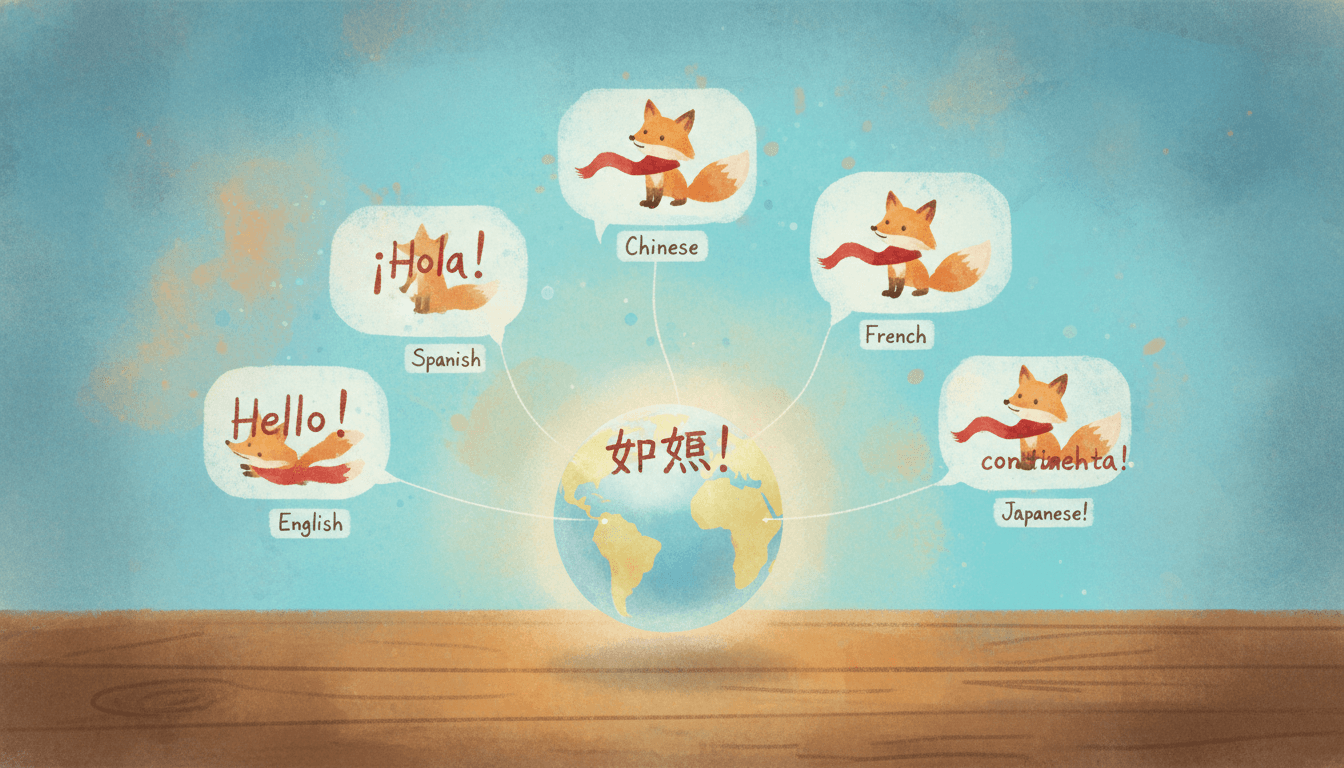
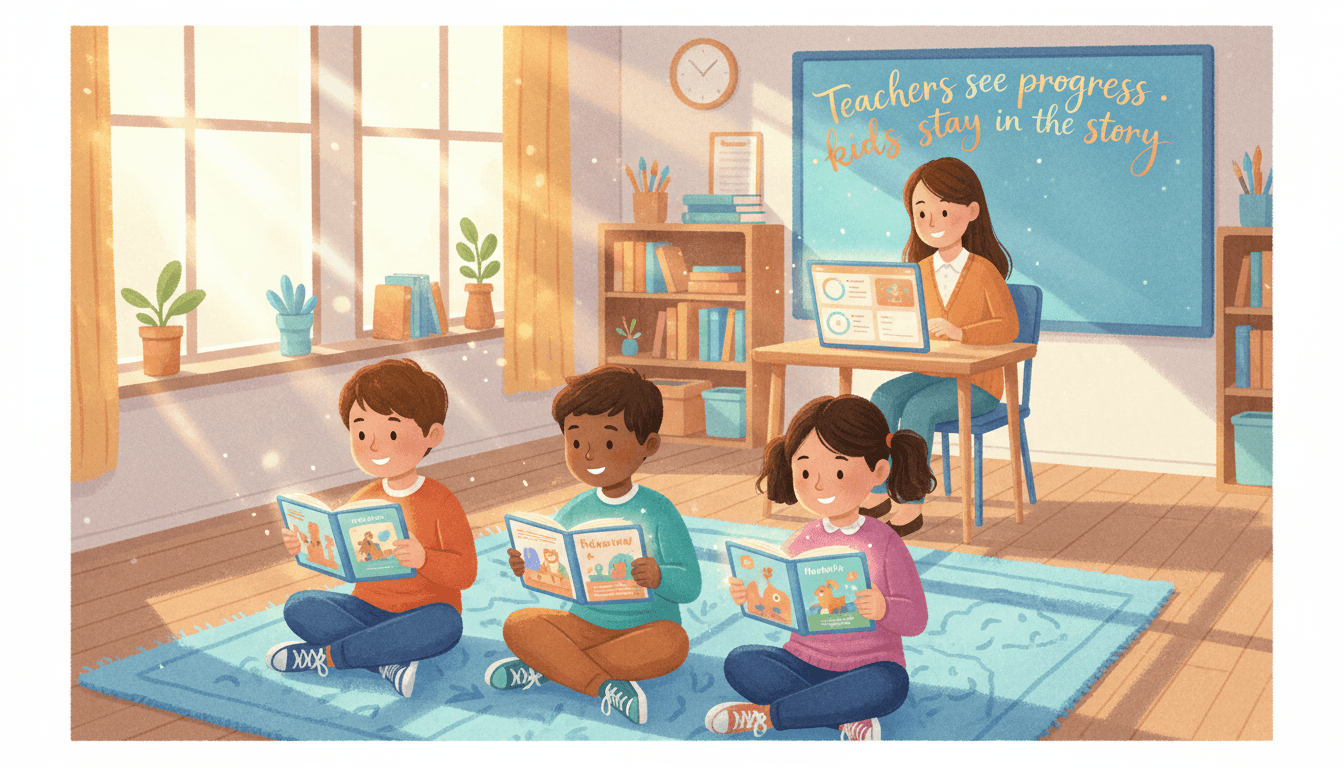
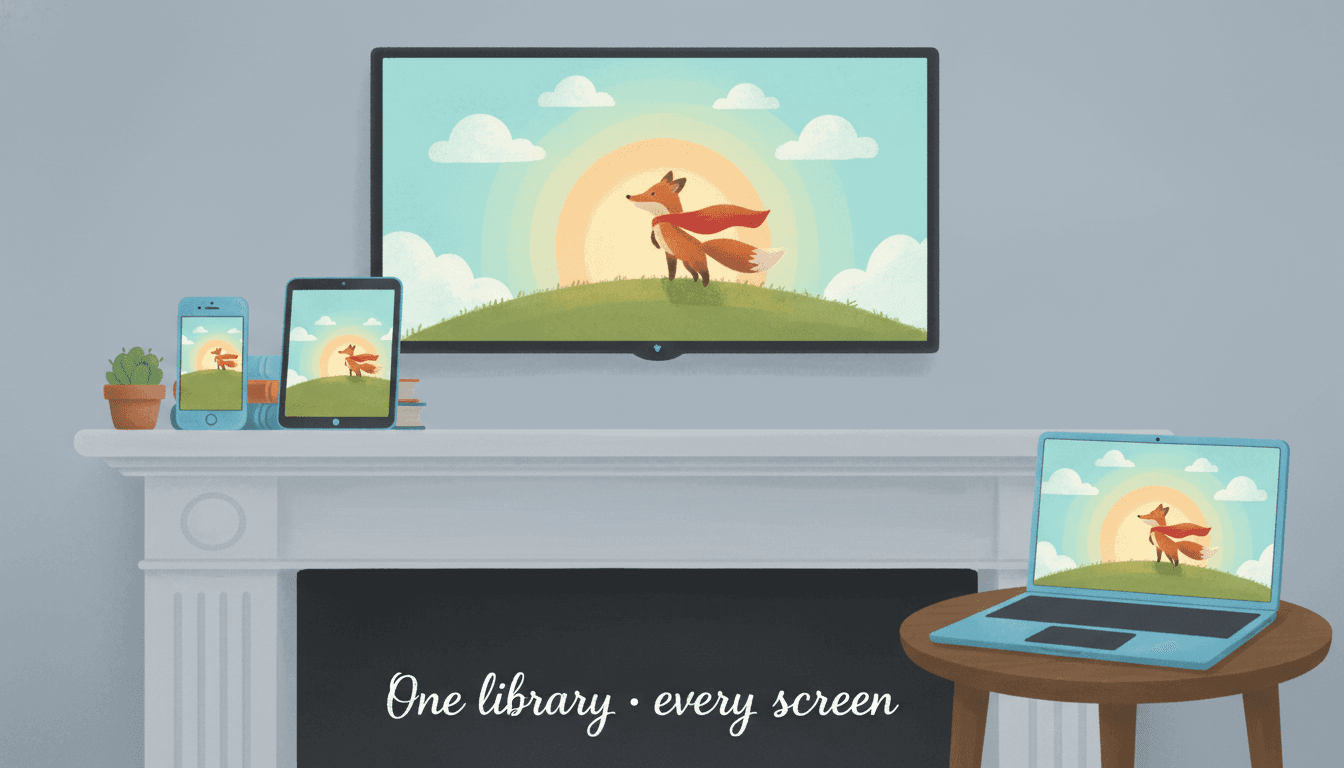
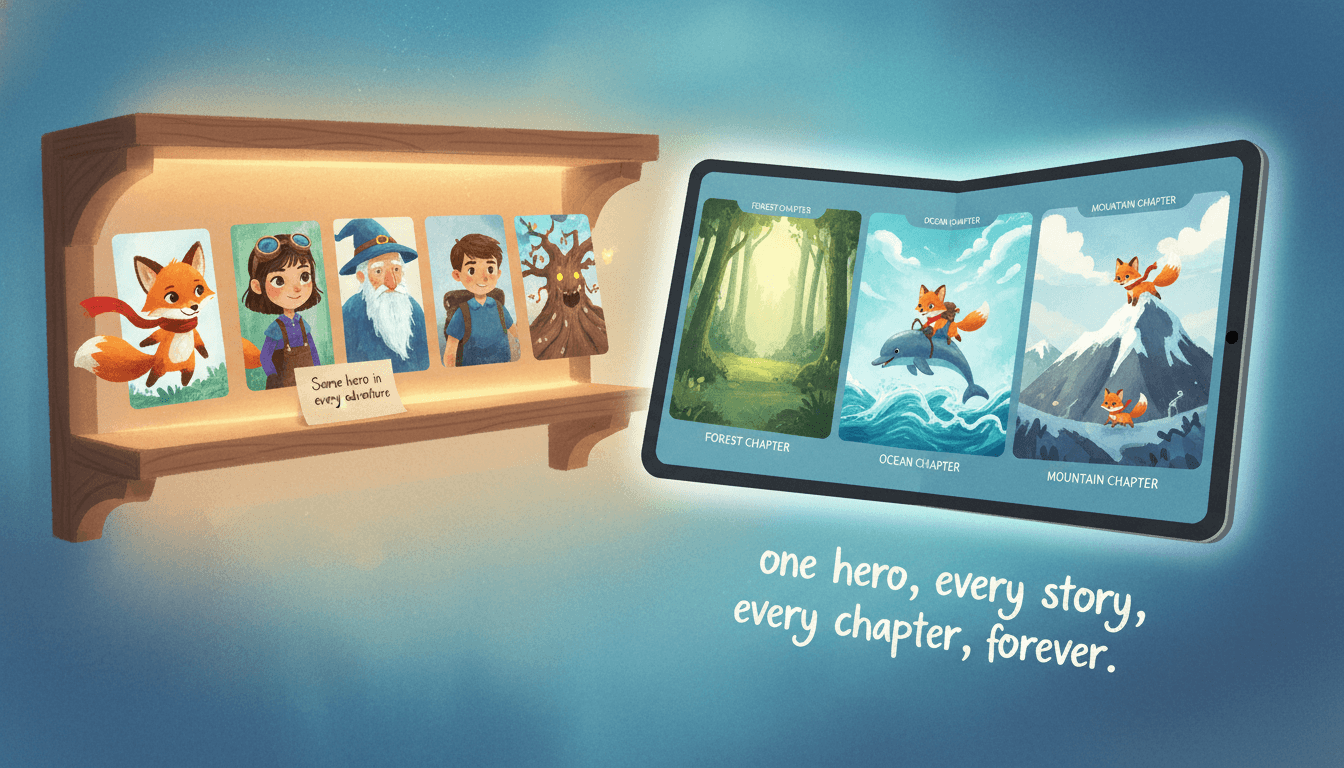
Phone · tablet · laptop · cast-to-TV · 10+ languages · classroom dashboard
C2Story vs. The Typical Interactive Story App
Most apps in this category do one or two of the must-haves well. C2Story does all of them on the same platform.
| Capability | C2Story | Typical kids' story app |
|---|---|---|
| Tap-to-chat with the hero | Yes — characters reply in-character, age-tier filtered | Rare — most are read-only or text-only |
| Branching choices that re-illustrate | Yes — new illustrated spread per choice | Some — but re-skinned text only, not re-illustrated |
| Persistent hero across every story | Yes — character library locks the hero forever | No — each story starts from scratch |
| Read-aloud narration | Yes — multi-voice, multi-language, soothing tones | Some — usually single voice, single language |
| Family-safe by default | Yes — age tier 3-5 / 6-8 / 9-12 dials whole app | Varies — some general-purpose chat models leak adult content |
| Print-ready hardcover export | Yes — 300 DPI PDF for KDP / Lulu / Mixbook / Blurb | No — stuck inside the app |
| Multi-language interactive | 10+ languages with same hero, native voice | Often English-only |
| Classroom progress dashboard | Yes — minutes-read, comprehension-taps, chapter checkpoints | Rare — most are consumer-only |
| Cross-device family library | Phone, tablet, laptop, TV — synced cloud library | Often single-device |
| Time to first interactive story | ~60 seconds from prompt to playable draft | Minutes to hours, or template-only |
Parents, Teachers, Homeschoolers, Heritage-Language Families
Six families and classroom audiences who use interactive AI storytelling apps every week.
Parents of 3-9 Year Olds
A bedtime story where the kid is the hero, taps the friendly fox to chat, picks how the adventure unfolds, and falls asleep listening to a soothing read-aloud voice. Then the same hero comes back for next Tuesday’s new story, then the road-trip story, then the grandma-visit story.
Teachers & School Librarians
Class characters that recur across every lesson — Maya the brave inventor, Luis the patient mediator, Aanya the curious scientist. Each student’s reading-progress dashboard tracks minutes-read and comprehension-taps. Lesson-aligned story prompts for habitat units, fraction lessons, SEL themes.
Homeschool Families
One central hero (the homeschooled kid’s avatar) starring in every lesson-story across the year — math through pirate ships, science through dinosaur expeditions, social studies through time-travel tales. Age-tier auto-adjusts as the kid levels up. Reading streaks become a daily ritual.
Heritage-Language Families
The same interactive picture book read-aloud in Spanish on Tuesday night and in English on Wednesday night — same hero, same illustrated spreads, both languages. Grandma reads in her native tongue, parents read in the household language, the kid hears both with no translation friction.
Travel & Long-Trip Parents
Offline-mode interactive picture books tucked onto the phone before the road trip or the flight — no Wi-Fi required to read, tap, and pick the next branching choice. The kid stays absorbed in the story instead of asking "are we there yet" for the seventh time.
Special-Needs & Reading-Support Parents
Read-aloud narration removes the reading-barrier for dyslexic kids while keeping the illustrated story experience intact. The branching-choice design supports kids who learn by doing rather than passive consumption. The age-tier dial lets a 10-year-old reading at a 6-year-old level get age-appropriate themes at a comfortable reading speed.
Family-Safe by Default
Three-layer safety — age-tier-locked writing, gentle illustration filter, and kind-outcome branching. Parents set the tier once; the whole app dials itself. No toggle, no jailbreak.
Persistent Character Library
The same hero shows up in every story — week one’s brave fox returns in week ten’s underwater adventure looking exactly the same. The bedrock of a real story world.
Every Screen · One Library
Phone, tablet, laptop, cast-to-TV. The library lives in the cloud. Offline mode for road trips. The kid never loses their book and never has to start over.
Interactive AI Storytelling Apps — FAQ
Explore More Story Ideas
Discover more styles, tools, and story types

Space Stories
Blast off to distant galaxies
Explore
Belle Époque Poster Books
Flat decorative colour & one elegant outline
Explore
Picture Book Maker
Create illustrated picture books
Explore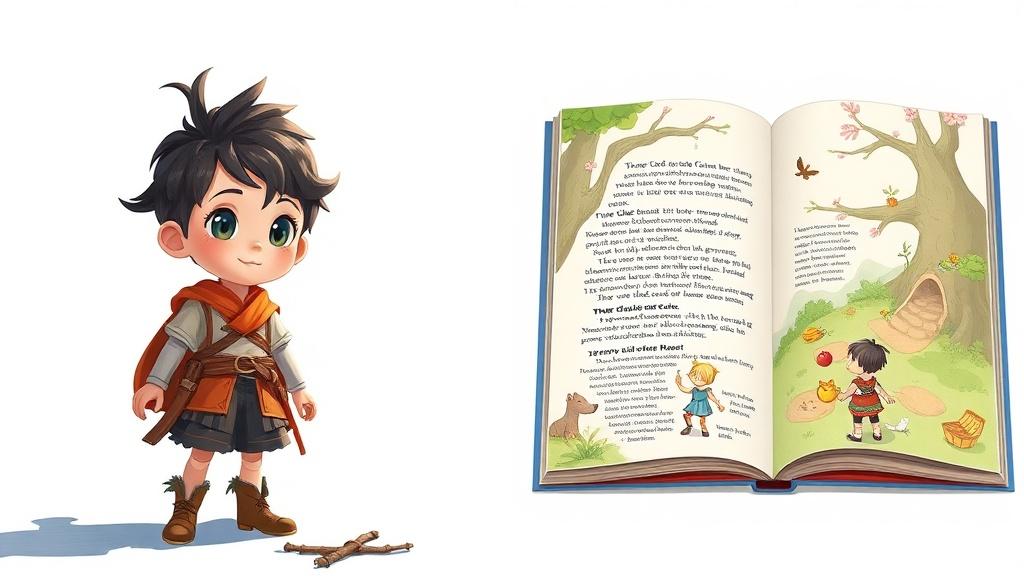
Midjourney vs C2Story
Stories, not just images
Explore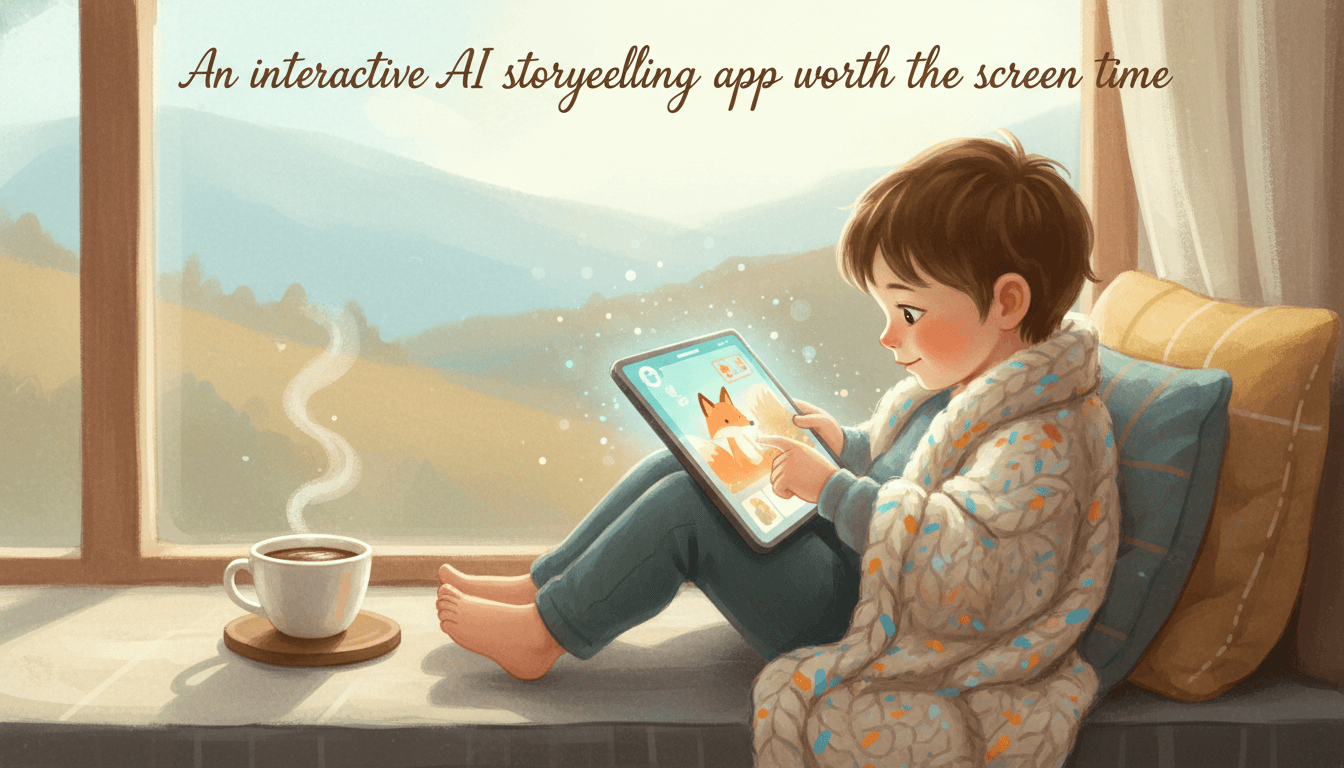
Interactive AI Storytelling Apps for Parents, Teachers, and Homeschool Families
Searches for interactive AI storytelling apps are rising fast as parents and educators look for screen time that is actually worth it — apps that let the kid participate in the story rather than just consume it. A great AI story app for kids does five distinct things at once: tap-to-chat with the hero of the page, branching choices that re-illustrate the next spread, a persistent character library so the same hero shows up in every new story, read-aloud narration in multiple voices and multiple languages, and family-safe by default content with an age-tier dial that quietly tunes the writing model, the illustration model, the chat replies, and the audio narration to the kid in front of the screen. Most apps in the category do one or two of those well. C2Story is built to combine all five in the same interactive picture book.
The fundamental shift behind a modern interactive children's book is two-way reading. In a regular kids' reading app the device shows a static page, the kid swipes, the device shows the next static page. In an interactive AI storytelling app the kid taps the illustrated fox on the page and the fox responds in-character, the kid asks a follow-up and the fox answers again, the kid picks a branching choice (climb the tree / follow the stream) and the story re-illustrates with a freshly painted spread that matches the chosen path. Comprehension goes up because the kid is participating instead of consuming. Bedtime stays calm because the screen is responsive rather than stimulating. And weekly engagement compounds because the next story always uses a hero the kid already knows and already loves — the brave little fox from week one comes back in week ten's underwater adventure looking exactly the same, sounding exactly the same.
The second non-negotiable for a serious storytelling app for kids is family-safe by default — three layers, no toggle. Every chat reply from a character is generated by a model with the child's age tier hard-coded into its system prompt (3-5 simple words, 6-8 early reader, 9-12 longer chapter) and filtered for unsafe content before display. Every illustration is generated through the same age-tier-aware pipeline — no scary imagery, no adult content. Every branching choice resolves to a kind outcome — no "the fox dies" endings, no fear traps. Parents pick the tier once and the entire app dials itself; safe is the floor, not a setting. This is what families who have outgrown Character.AI for kids reach for — the "talk to the character" magic without the open-internet content risk.
Educators, school librarians, and homeschool parents use interactive AI storytelling apps as a daily literacy and SEL ritual: assign a one-sentence prompt aligned to a lesson (a habitat unit, a fractions lesson, a kindness theme), let each student star in the story with their persistent class avatar, review the reading-progress dashboard (minutes-read, comprehension-tap-counts, chapter checkpoints), and print the favourite ending as a hardcover keepsake at the end of the unit. Heritage-language families use the same interactive picture book in two languages on alternating nights — Spanish on Tuesday, English on Wednesday — with the same illustrated hero in both. Travel-and-long-trip parents tuck offline-mode favourites onto the phone before the drive or the flight. Special-needs reading-support parents use read-aloud narration to remove the reading barrier while keeping the illustrated story experience intact. Every favourite is exportable as a print-ready 300 DPI hardcover PDF for Amazon KDP / Lulu / Mixbook / Blurb / IngramSpark — the interactive version stays live in the family library, the printed version stays on the shelf forever as a keepsake of the path the kid picked.