
Story to VideoConvert Any Written Story
Already wrote a story? Paste the text and the converter splits it into scenes, illustrates each one, and narrates your exact words with subtitles — then exports a shareable MP4 for TikTok, Reels and YouTube.
- Paste an existing story — no re-writing needed
- Auto-splits your text into illustrated scenes
- Narrates your exact words with on-screen subtitles
- Export MP4 in 9:16, 16:9 or square for any platform
250,000+
Stories Created
20,000+
Parents & Teachers
45+
Art Styles
4.9/5
User Rating
How the Story to Video Converter Works
Three simple steps to convert a written story into a narrated video — split into scenes, illustrated, voiced and captioned, with the same hero throughout and an MP4 you can export.
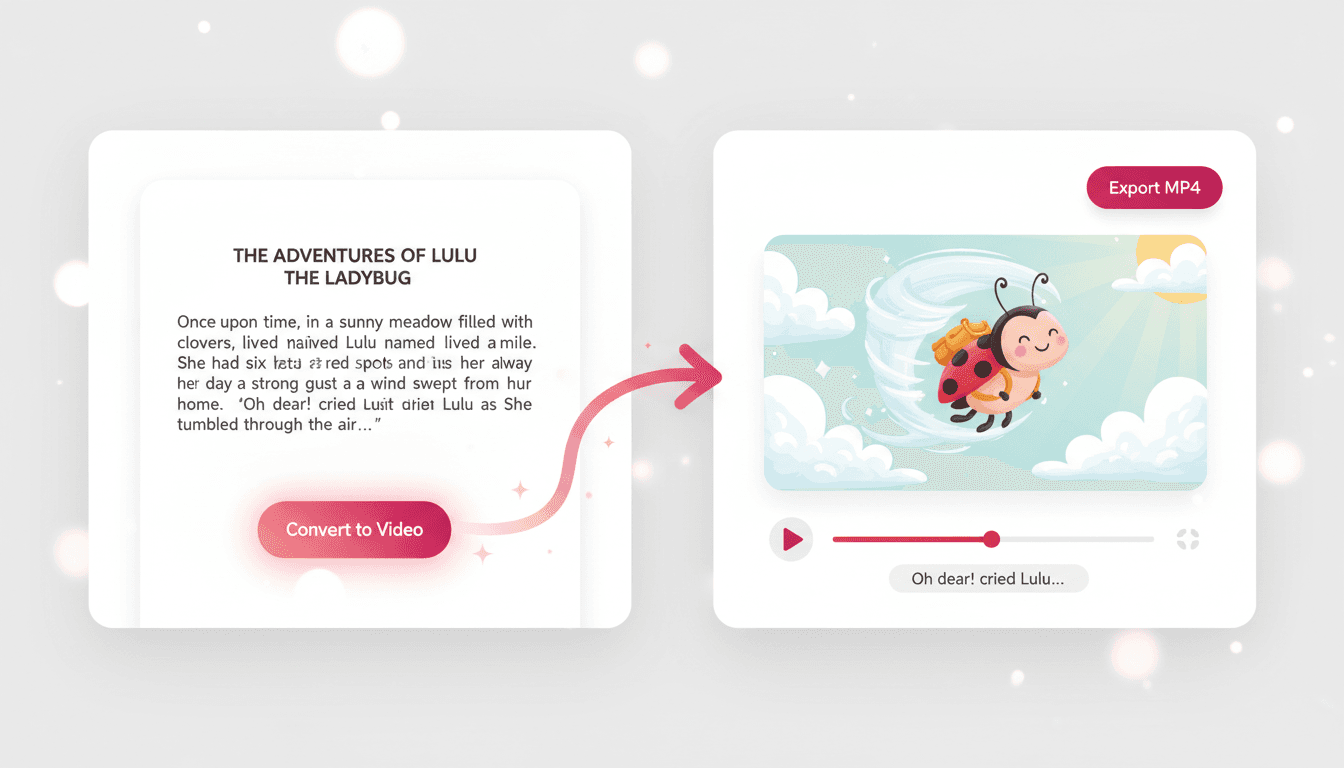
Paste Your Story
Drop in the story text you've already written — or type a fresh idea and let the AI draft it. Pick a reading age and design your hero, or feature your own child or pet, then lock the design.
"Paste your finished story text right here"
Auto-Split & Style
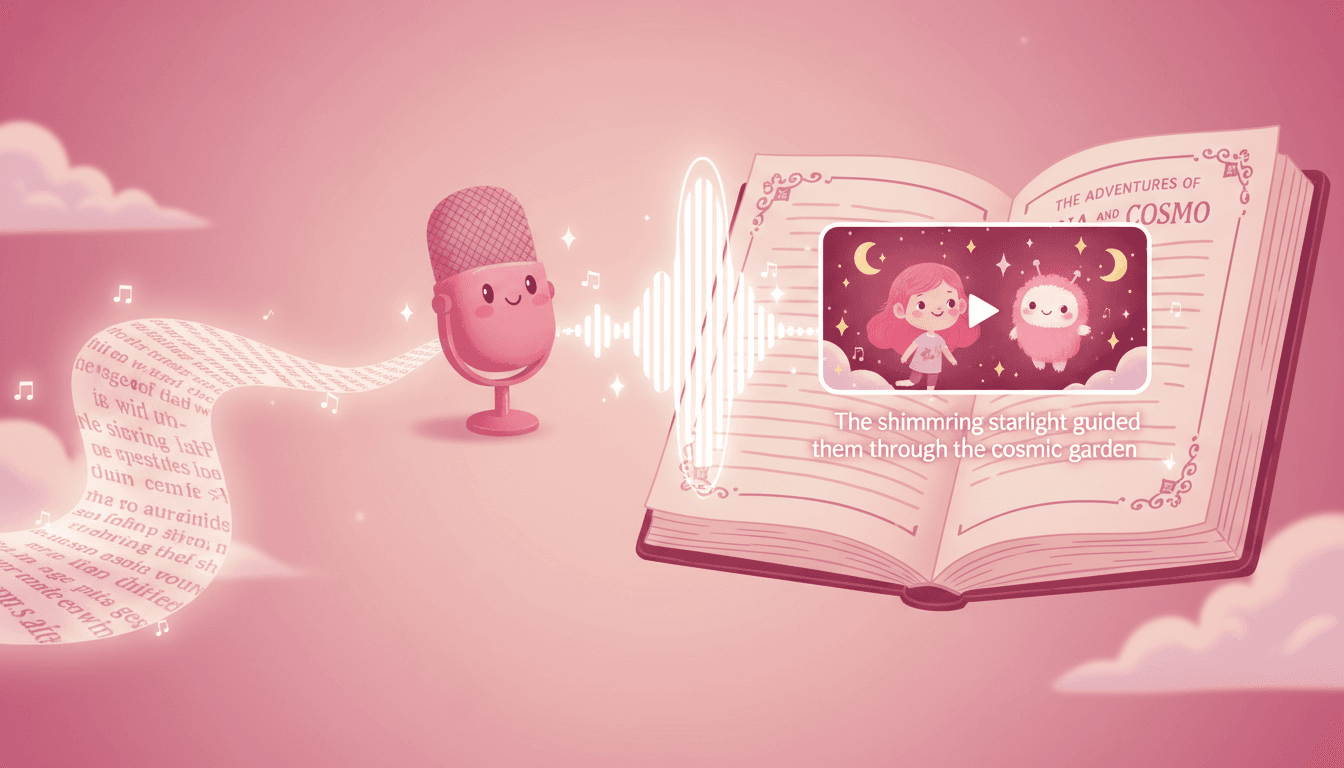
The converter breaks your text into scenes, illustrates each one in your art style, and narrates your exact words with subtitles. Choose read-aloud, animated, or cinematic — the hero stays on-model throughout.
Text → scenes → illustrated, narrated video
Export & Share
Export a shareable MP4 sized for TikTok, Reels or YouTube, share a link, or print the illustrated book too — one converted story, ready for every screen.
Video → MP4 for every platform
A Narrated Video — and a Book Underneath It
We're honest about what this is: C2Story is a picture-book creator first. Converting your text produces a short, narrated book-trailer that brings the illustrated story to life with gentle motion and subtitles — not a feature-length cartoon — so you always get a complete book and a shareable clip.
The Converted Video
- Your text split into illustrated scenes with gentle motion
- A warm narrator reads your exact words, with subtitles
- Read-aloud, animated, or cinematic — your choice
- Export MP4 in 9:16, 16:9 or square for any platform
The Illustrated Book Underneath
- A real story — beginning, middle and ending
- Every page written and illustrated
- The same hero, on-model, page to page
- Read on screen or print high-resolution pages
Written Stories, Converted to Video
From a block of text to auto-split scenes to a narrated, captioned clip — the video and the book always tell the exact same story, with the same hero throughout.
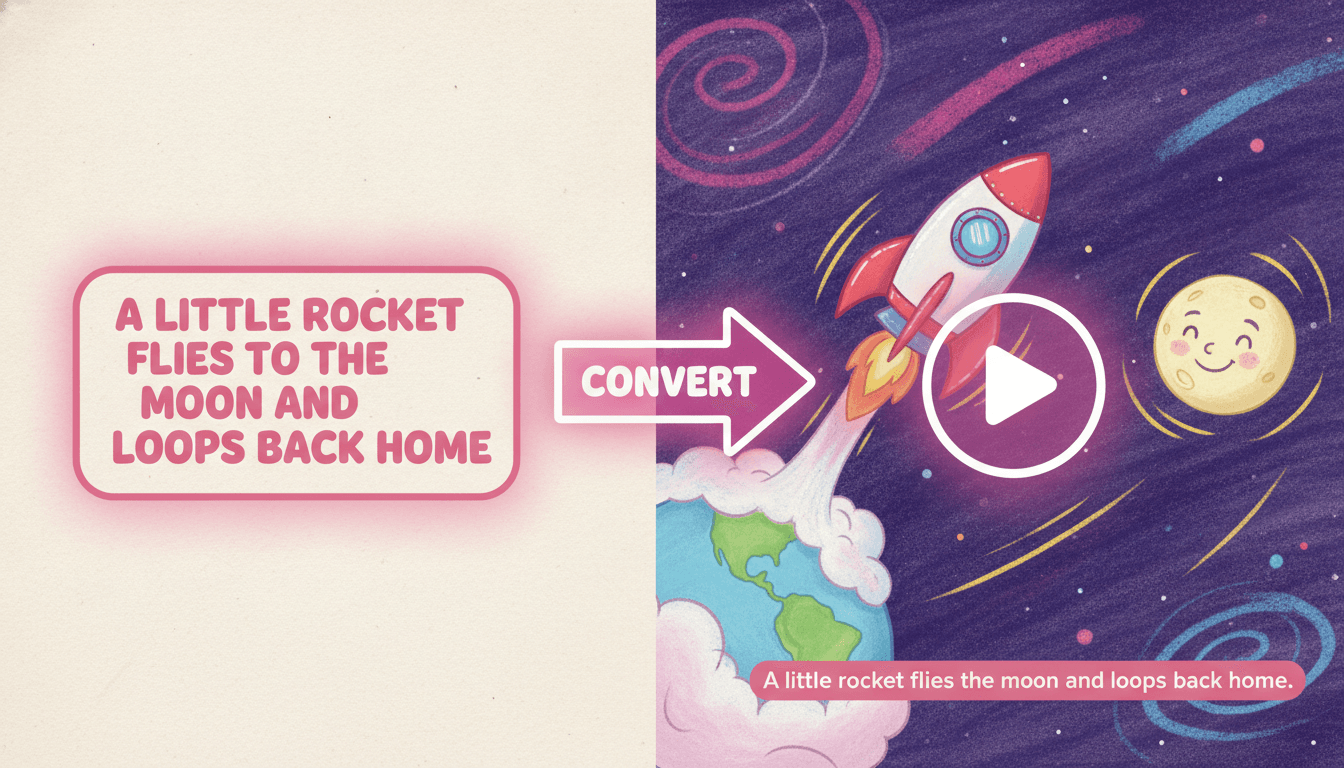
Text In, Video Out
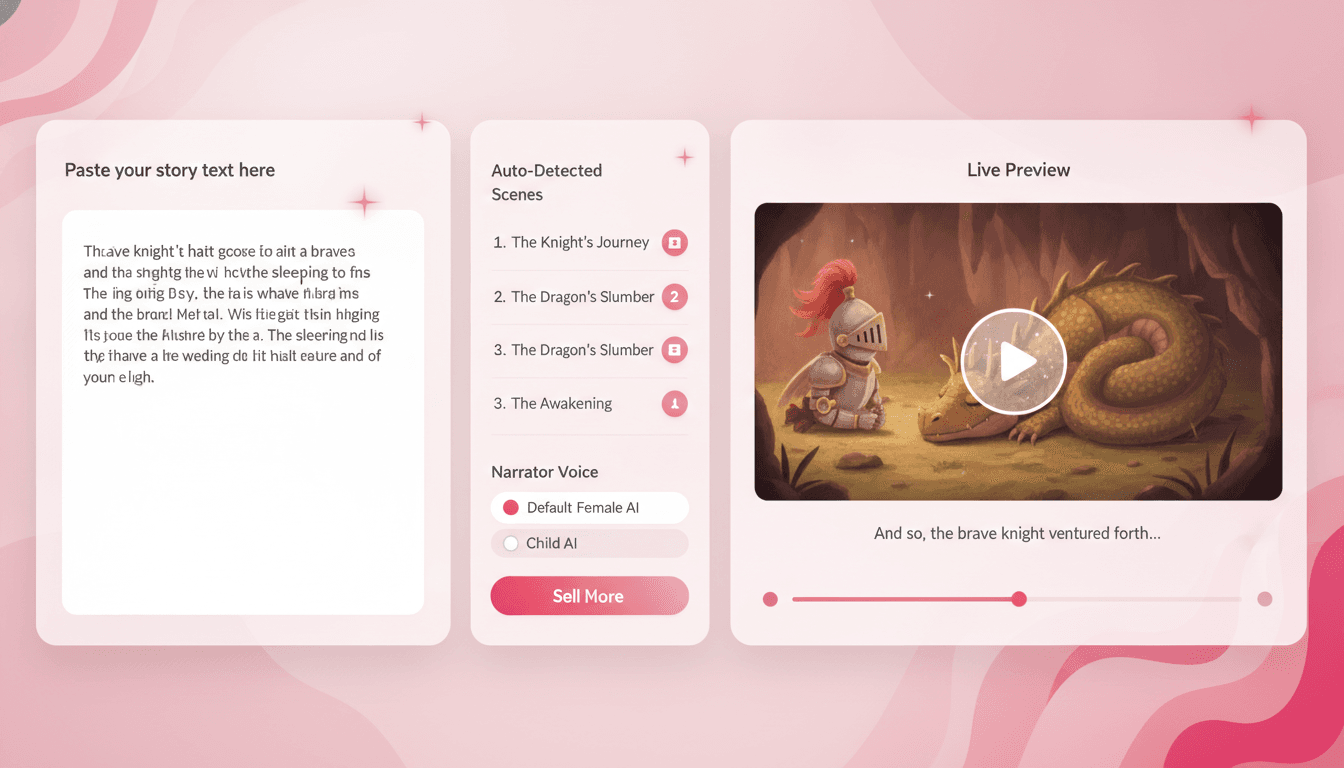
Auto-Split Into Scenes
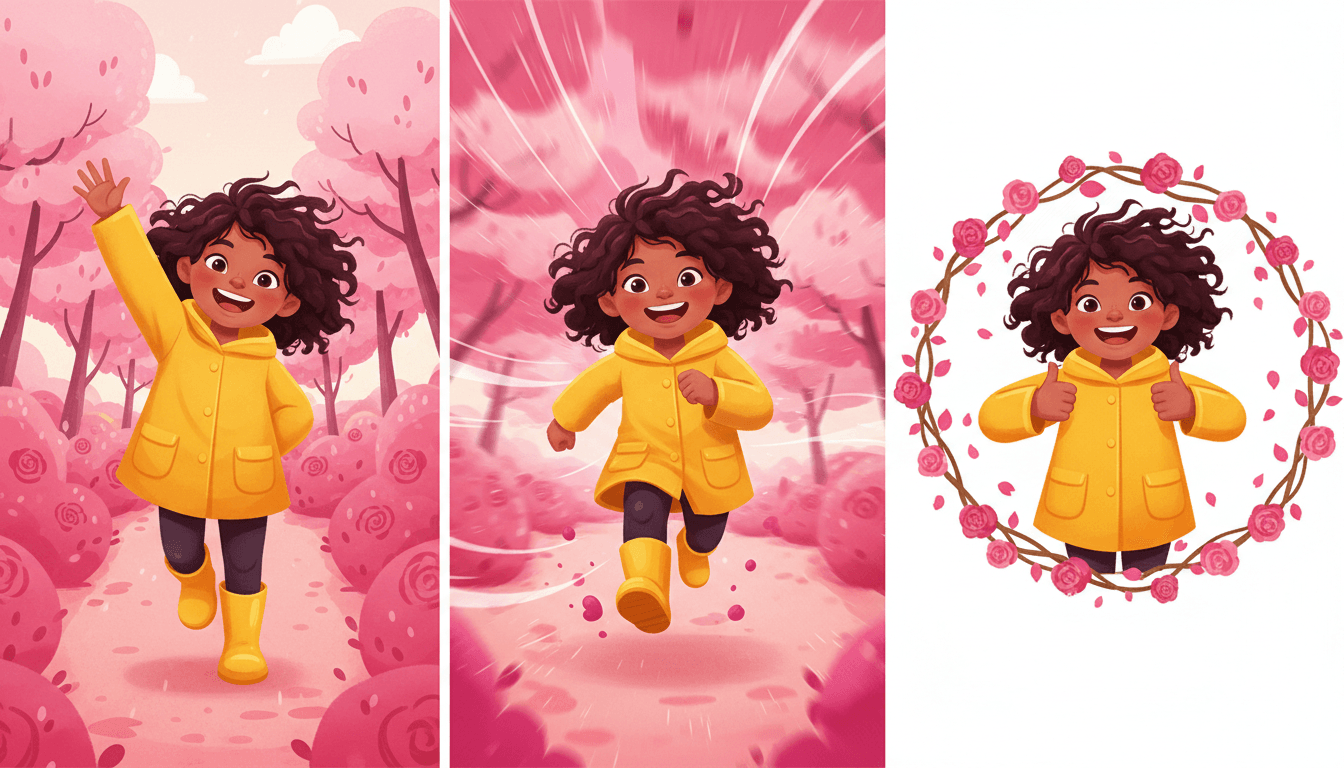
The Same Hero, Every Scene
“Paste a bedtime story you wrote about Leo the brave little rocket — it counts down, lifts off in a swirl of motion, loops the moon and floats gently home, narrated word-for-word for a calm watch”
“Convert a short tale about a shy dragon learning to fly — the AI splits it into scenes, illustrates each one, and reads your exact lines with subtitles for early readers”
“Drop in a paragraph about a curious kitten tiptoeing through a moonlit garden — turned into a gentle, narrated bedtime story video, scene by scene”
“Paste a birthday story and convert it into a cheerful vertical clip for Reels — balloons rising, a cake glowing, confetti bursting, all from your own words”
“Turn a written friendship story about two kids building a sandcastle into a read-aloud video with subtitles, narrated exactly as you wrote it”
“Convert a jungle adventure you drafted into a cinematic trailer-style teaser with music — a little explorer paddling down the river as parrots flutter overhead”
One Tool, Text and Video Together
The story to video converter handles the parts that turn written text into a real illustrated book — and then into a short, narrated, captioned video ready to export and share.
The Same Hero, Any Kind of Story Video
A rocketing space adventure, a calm bedtime tale, a vertical clip for TikTok, a read-aloud for the classroom — convert your text into any mood and format while your hero stays on-model in every scene.
Read-Aloud
Your exact words narrated
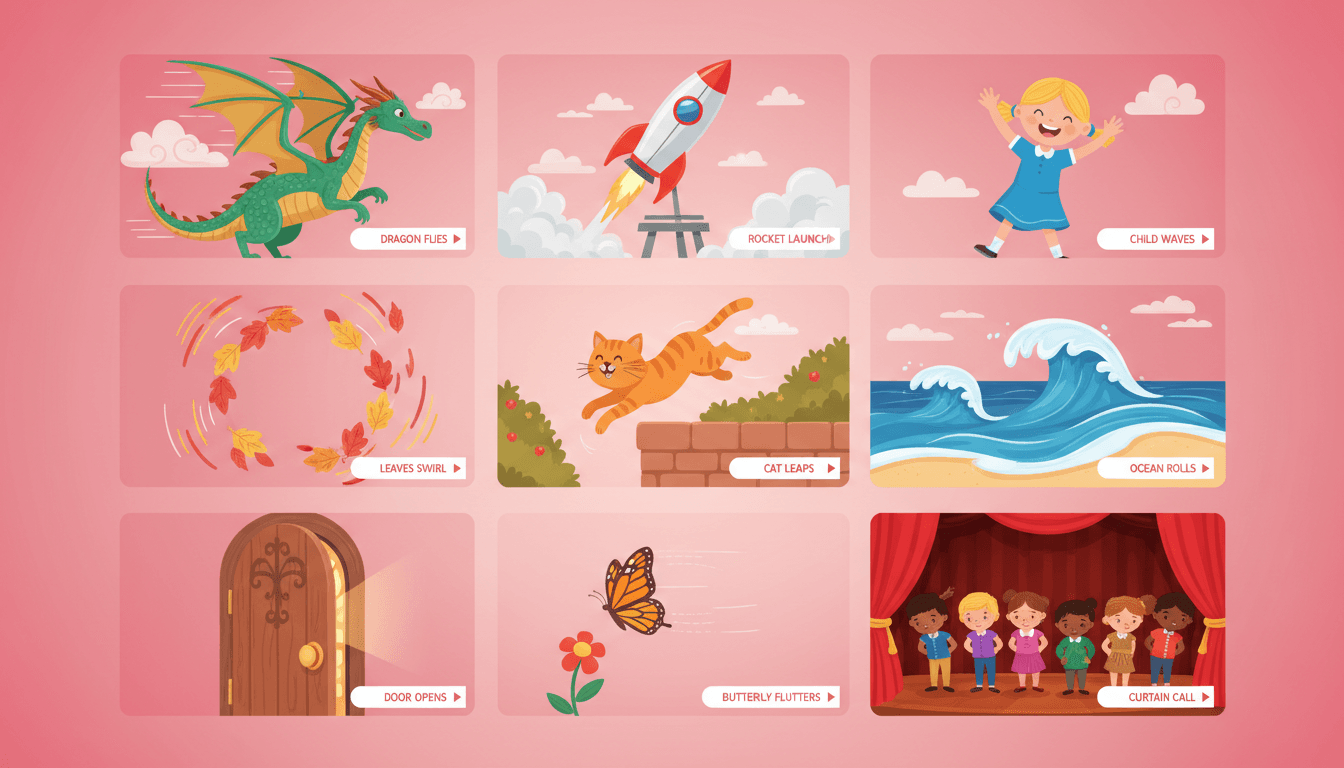
Animated
Scenes in gentle motion
Bedtime
Calm come-to-life
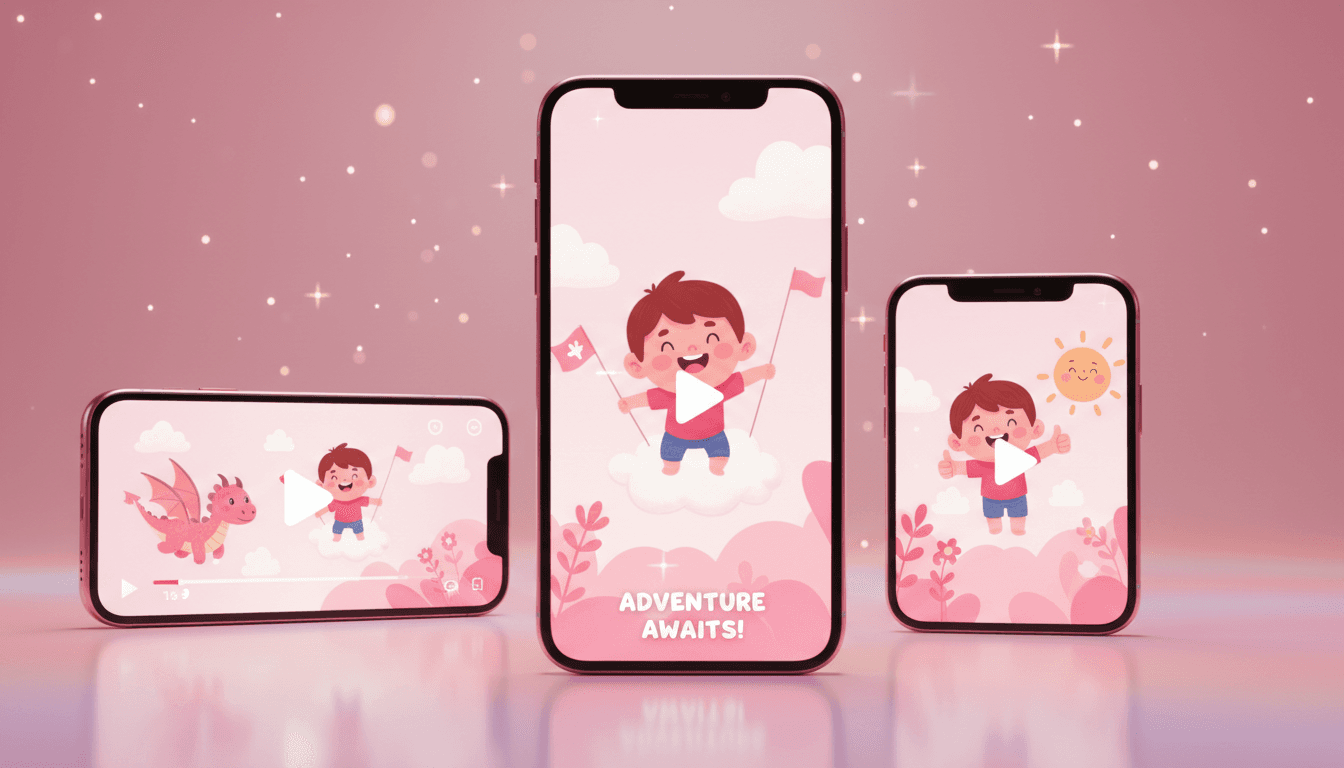
For TikTok
9:16 vertical export
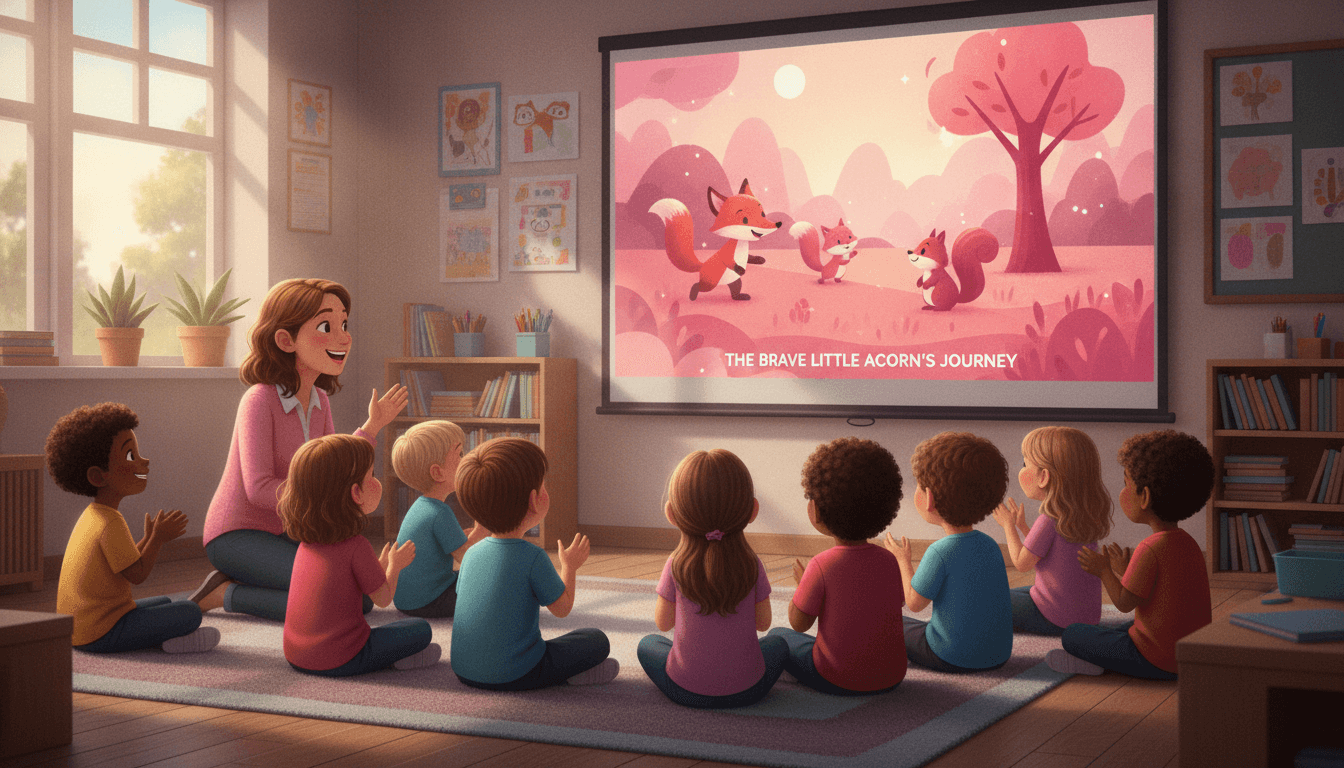
Classroom
Play on the big screen
And 45+ more art styles including Watercolor, Storybook, Cartoon, Pixar-3D, and Classic.
Everything the Converter Gives You
Paste-in text, auto scene-splitting, illustrated scenes, a narrator's voice, on-screen subtitles, on-model heroes, three video styles, and an MP4 you can export for any platform — text and video, together.
Paste the Story You Already Wrote
Already have a story — a bedtime tale, a class assignment, a draft you typed up? Paste the text and the converter turns it into a video. No need to re-write it or start from an idea; your finished words are the starting point.
Auto-Split Into Scenes
The converter reads your story and breaks it into scenes automatically, so each paragraph or beat becomes its own illustrated, narrated moment — you can tweak the split, but the AI does the first pass for you.
Narrated in Your Exact Words
A warm narrator reads your story aloud using the exact text you pasted, and on-screen subtitles highlight each line — so the video says precisely what you wrote, nothing invented or paraphrased.
Export for Every Platform
Export a shareable MP4 sized 9:16 for TikTok and Reels, 16:9 for YouTube, or square for feeds — one story, converted once, ready for wherever you want to post it.
The Same Hero, On-Model
Design your hero once — hair, skin tone, outfit — and they stay perfectly on-model across every scene the AI illustrates from your text, so the whole video reads as one cohesive story.
A Real Book Underneath
The conversion builds a genuine, fully-illustrated picture book from your text that you can also read on screen and print — so you walk away with a keepsake story, not just a disposable clip.
Who Converts Stories to Video?
Parents
Paste the bedtime story you made up last night and convert it into a narrated video your child can watch — the same hero, gently coming to life with subtitles — then print the illustrated book for the shelf.
Teachers & Students
Turn a class writing assignment or a student's finished story into a read-aloud video for the big screen, with subtitles that reflect exactly what they wrote, then print the illustrated pages.
Writers & Creators
Have drafts sitting in a doc? Paste them in and convert each into a wholesome story video for a TikTok, Reels or YouTube kids channel — vertical 9:16 exports with narration and subtitles built in.
Grandparents & Gift-Givers
Convert a story you wrote for a grandchild into a keepsake video — a narrated clip to watch together over a video call, plus an illustrated book to print and mail.
Convert Text, Make from Scratch, or Just the Book?
Everything shares the same character library, so whatever you start with, your hero comes with you.
Have a written story ready?
Paste your text, design your hero, and the converter splits it into scenes, illustrates, narrates and captions it, ready to export as an MP4 — you're in the right place.
Want to build the story as you go?
The AI story video maker leans on creating a story with you first — from an idea or a hero — then filming it as a narrated video.
Focused on the animated trailer?
The AI animated story creator centers on bringing your finished illustrated book to life as a short animated trailer with gentle motion.
Just want the illustrated book?
The children's book creator turns any story into a complete, page-by-page picture book ready to read, print or gift.
Pairing with a cinematic video model?
The Veo3 AI book creator explains the hybrid workflow: a bound picture book from C2Story plus a matching photoreal teaser clip.
Have a hero in mind?
Design your hero in the character library and reuse the same on-model character across every story and video you convert.
Frequently Asked Questions
Explore More Story Ideas
Discover more styles, tools, and story types
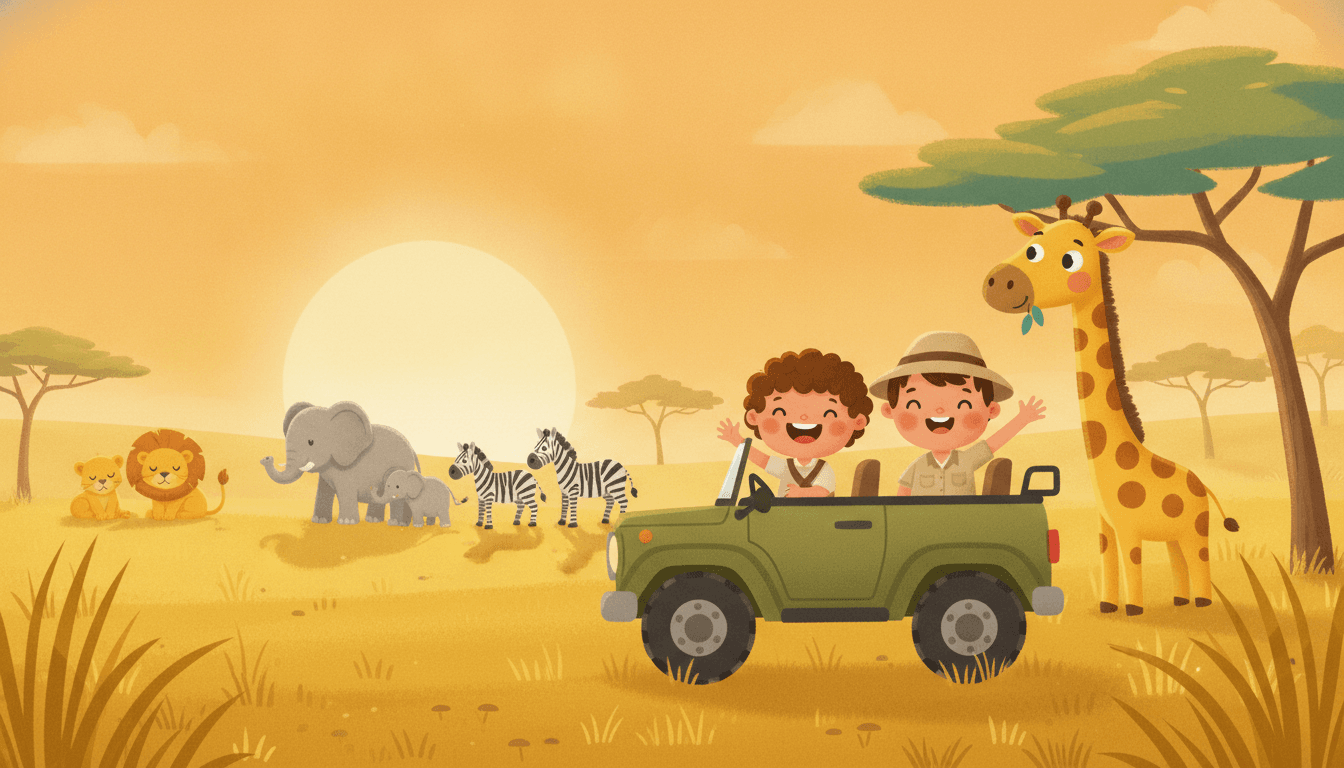
Safari Stories
Jeep rides, giraffes, elephants and lions on the savanna
Explore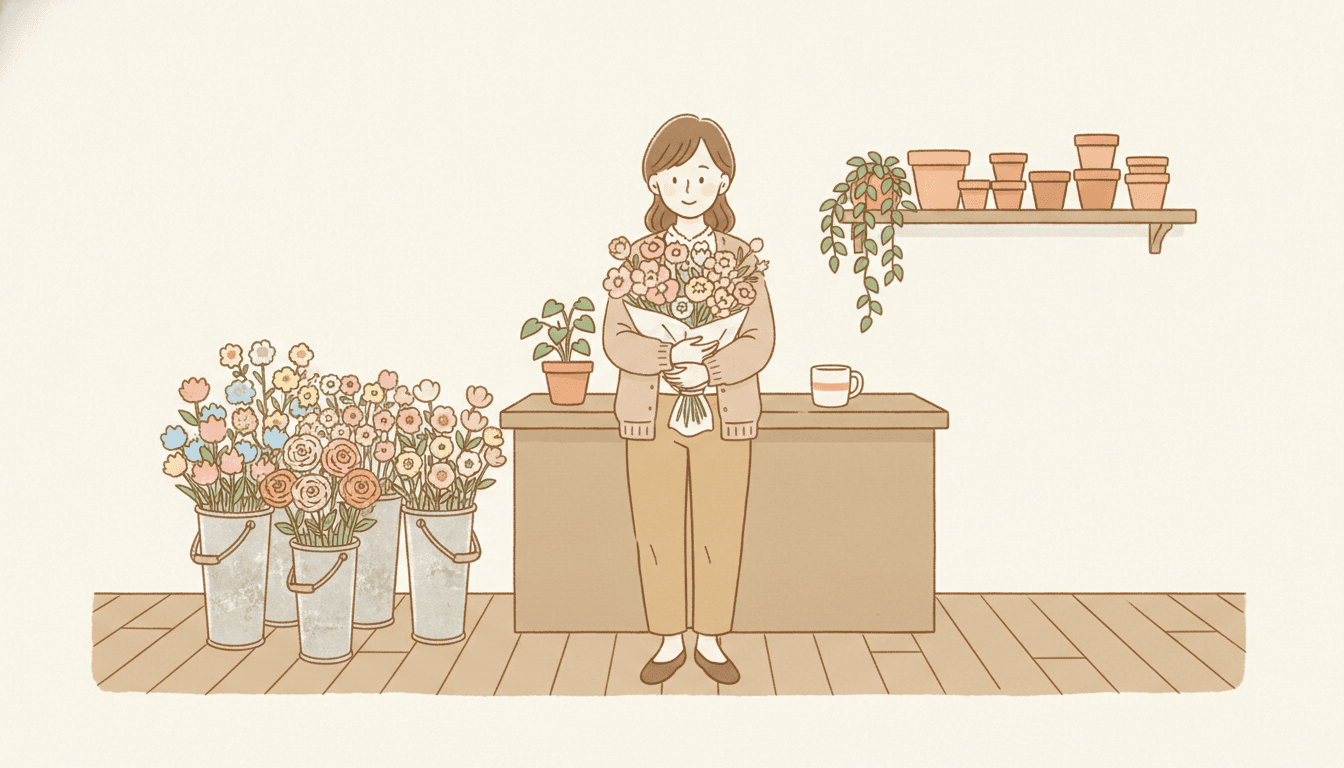
Essay Manga Picture Books
Quiet diary vignettes of an ordinary day
Explore
Children's Book Creator
Design beautiful kids books
Explore
Midjourney vs C2Story
Stories, not just images
ExploreStory to Video — Convert a Written Story Into a Narrated, Illustrated Video
Looking to turn a story to video without editing footage yourself? C2Story takes a story you paste — or one you describe and let the AI draft — and converts it into a narrated video: it splits your text into scenes, illustrates every one, reads your words aloud with on-screen subtitles, and adds gentle motion. Choose a reading age, design your hero, and pick from 45+ art styles — the converter keeps the same hero on-model from the first scene to the last. When you convert a story to video this way, the result is a real story with a beginning, a middle and an ending you can export as an MP4, not a stack of unrelated clips.
The point of a text story to video converter is that your writing stays yours. Paste a finished story and the narration and subtitles use your exact words — the AI illustrates and animates around your text rather than rewriting it. We're also honest about what the video is: C2Story is a picture-book creator first, so the converted story video is a short, narrated book-trailer that brings your illustrated story to life with gentle motion and subtitles — not a feature-length cartoon or a fully hand-animated film. That framing is a feature, not a limitation: you always get the complete illustrated book, and the video is a shareable clip on top. Pick read-aloud for word-for-word narration, animated for scenes that gently come alive, or cinematic for a short trailer-style teaser with music.
You can turn a story into a video for any child and any channel. Parents paste the bedtime tale they invented and convert it into a narrated video, starring the child or a favorite pet. Teachers and students convert finished writing assignments into read-aloud videos for the big screen, with subtitles that match exactly what was written, then print the illustrated pages for the reading corner. Writers and creators paste drafts from a doc and publish wholesome story videos to a TikTok, Reels or YouTube kids channel — vertical 9:16 exports with narration and captions built in — and grandparents convert a story they wrote into a keepsake video to watch together over a video call. Export a shareable MP4 sized 9:16 for TikTok and Reels, 16:9 for YouTube, or square for feeds, and it's free to start with no login, safe and wholesome throughout.
Ready to begin? Use the story to video converter to split, illustrate, narrate and export your text as a video. Prefer to build the story as you go instead of pasting text? Try the AI story video maker. Want to focus on the animated trailer? See the AI animated story creator. Just want the printed book? Use the children's book creator. Pairing with a cinematic video model? See the Veo3 AI book creator workflow. The story is yours — C2Story is the engine that converts it into a video you can share.