
AI Comic Strip GeneratorTurn a Joke into a Comic Strip
Describe a gag and the AI comic strip generator draws it as a page of panels with speech bubbles. Each character has a reference picture, so the comic strip maker can draw the same person in panel after panel.
- Several panels per page, following the beats of your story
- Speech bubbles and sound-effect words drawn in
- A reference picture for every character
- Colour or black and white, starting from one page
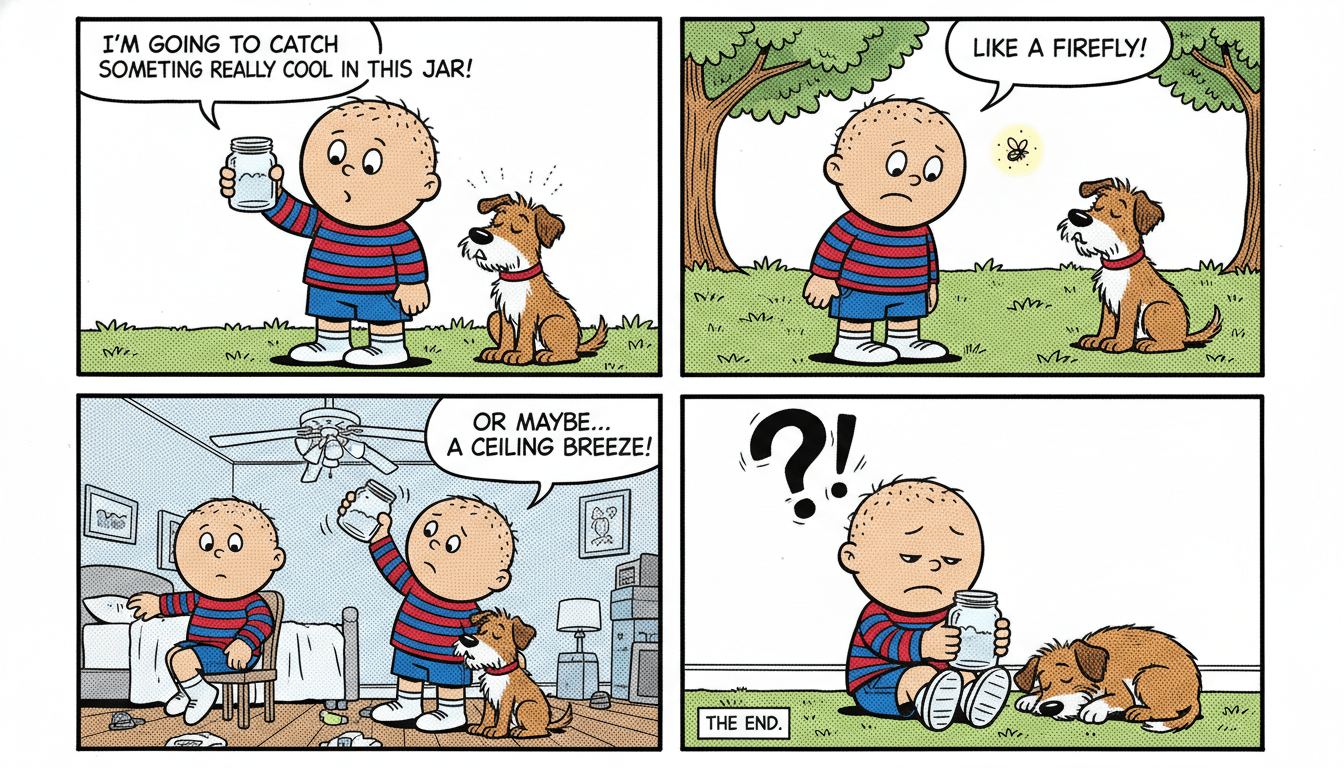
Panels
Follow your story beats
Bubbles
Dialogue drawn in
Colour or B&W
Your choice of setting
From 1 page
Short strips welcome
How the AI Comic Strip Generator Works
Three steps from a single idea to a page of panels.
Describe the Gag
Type a joke, a moment, or a one-line idea. If you want four panels, describe four beats: the panel count follows the story.
"My cat naps on the keyboard right on deadline"
Set Type to Manga
In the editor choose Manga, a style, and one page. Characters get a reference picture before any panels are drawn.
Type: Manga · Style: Comic Book · 1 page
Generate the Strip
The page is drawn with panels and speech bubbles. Proofread the lettering and redraw a page that misses.
Idea → characters → drawn page
What the AI Comic Strip Generator Does Well, and Where It Slips
We looked at eight pages from four comics that people have published on C2Story. Here is what held up and what did not.
What held up
- Clear panel borders with big and small panels mixed
- Short dialogue in speech bubbles
- The same face and clothes across the panels of a page
- Both full colour and mostly grey pencil pages
What slipped
- ✕ Panel count varies, from one full page to about eight
- ✕ A few bubbles have wrong or misspelled words
- ✕ One page drew the same man three times in one picture
- ✕ One page left a blank band where a row should be
Comic Strip Looks to Aim For
Illustrations made for this page to show the kind of strip you can describe. They are samples, not customer work.
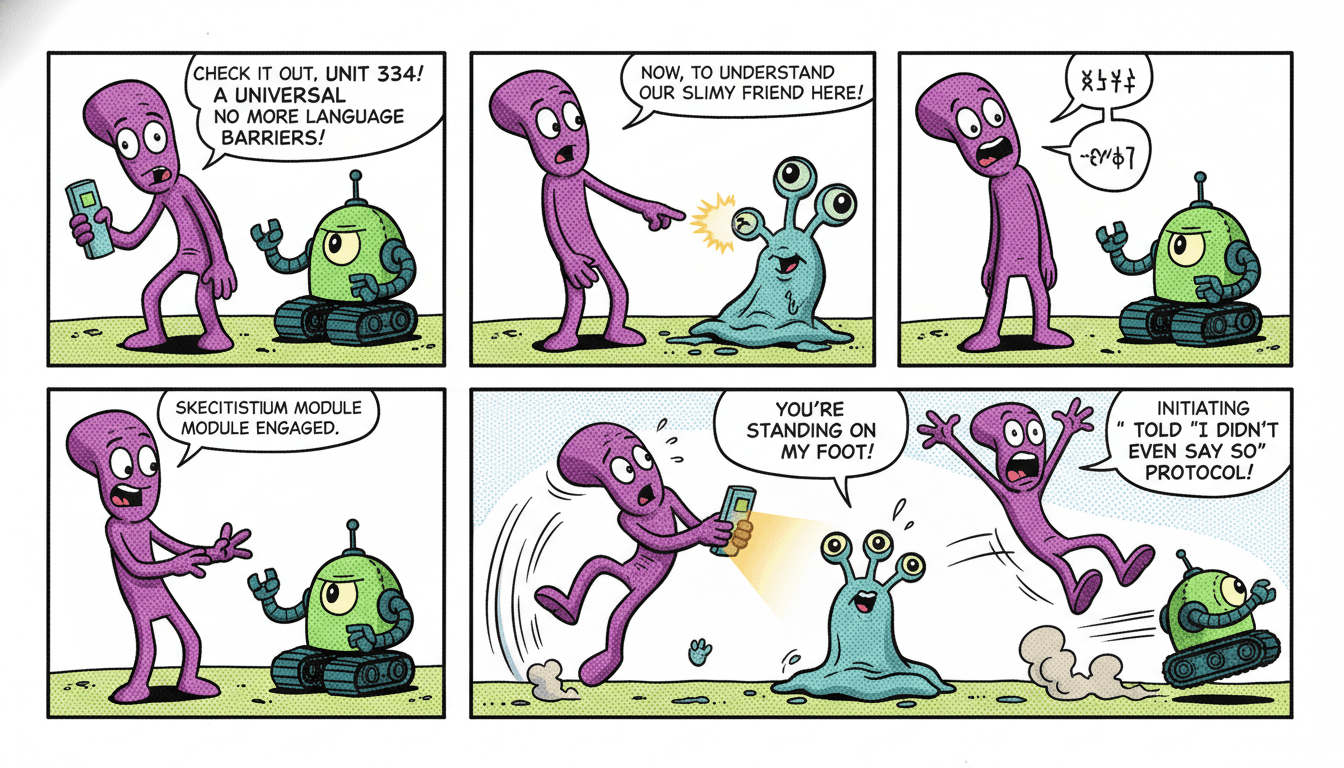
Several Panels, One Joke
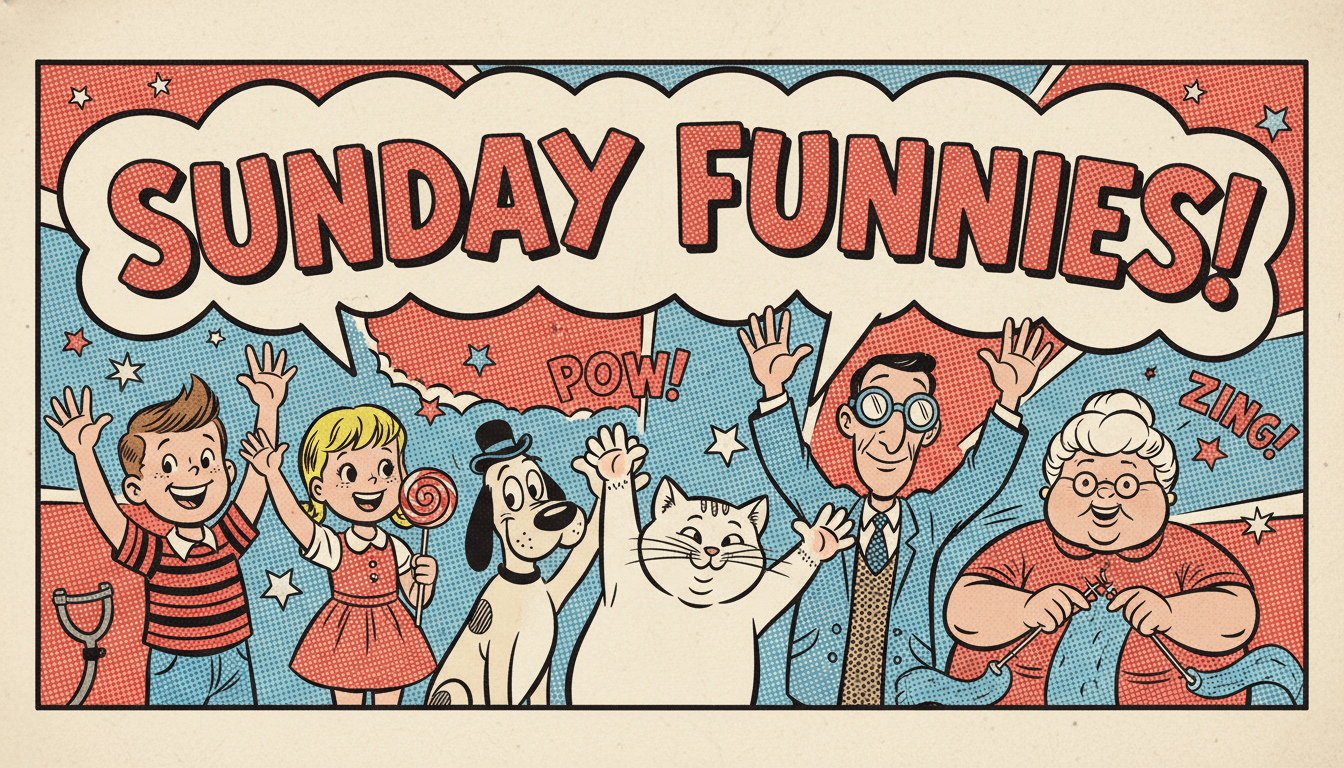
Bold Pop-Art Coloring
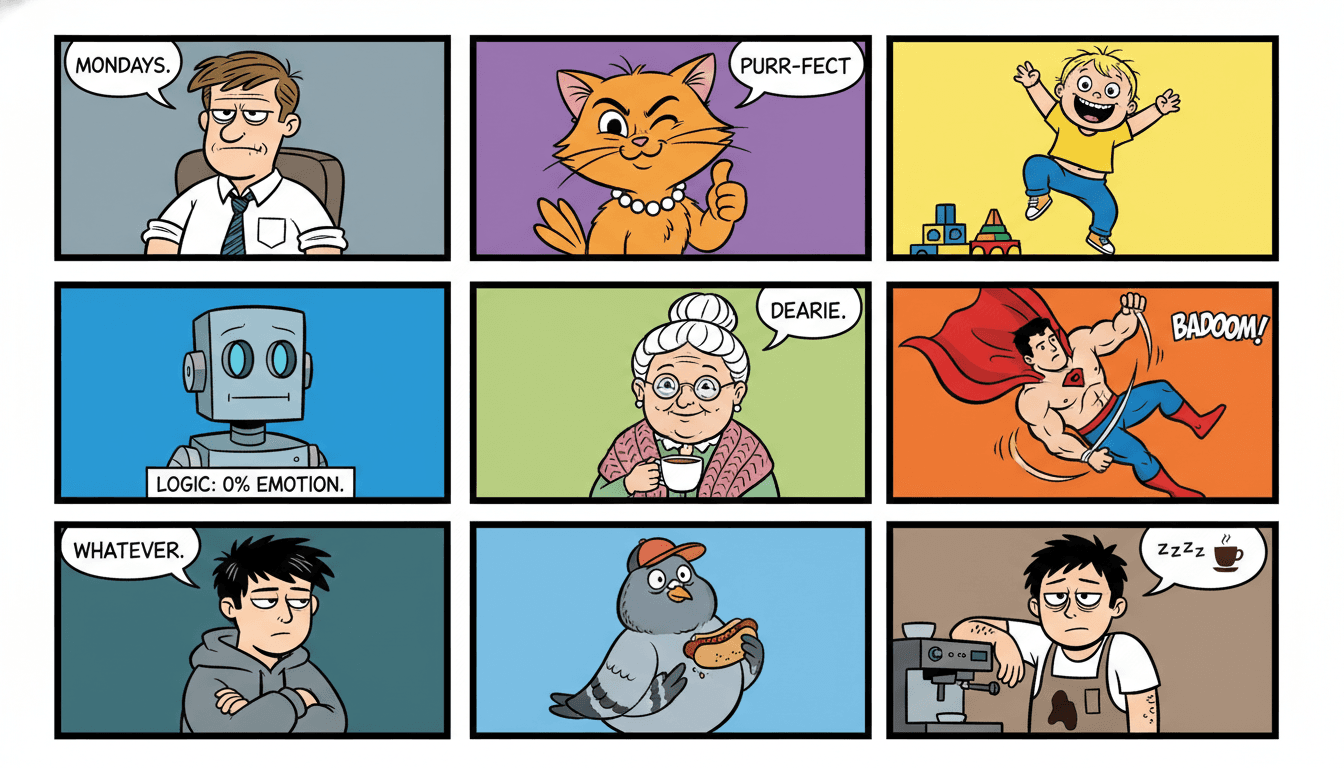
A Cast of Characters
“My cat decides the keyboard is the best place to nap, right on deadline”
“A robot tries small talk at the office coffee machine and overthinks it”
“A tiny dragon attempts to toast one marshmallow and burns the whole bag”
“Two friends argue about whether a hot dog is a sandwich for four panels”
“A pigeon reviews the city’s park benches with brutal honesty”
“A wizard keeps forgetting where he left his spellbook in dramatic fashion”
What Goes Into a Comic Strip Page
The pieces the AI comic strip maker works with when you choose the Manga format.
Strips You Can Describe
These are looks to describe in your idea, not preset buttons. Say the look you want and how many beats the joke has.
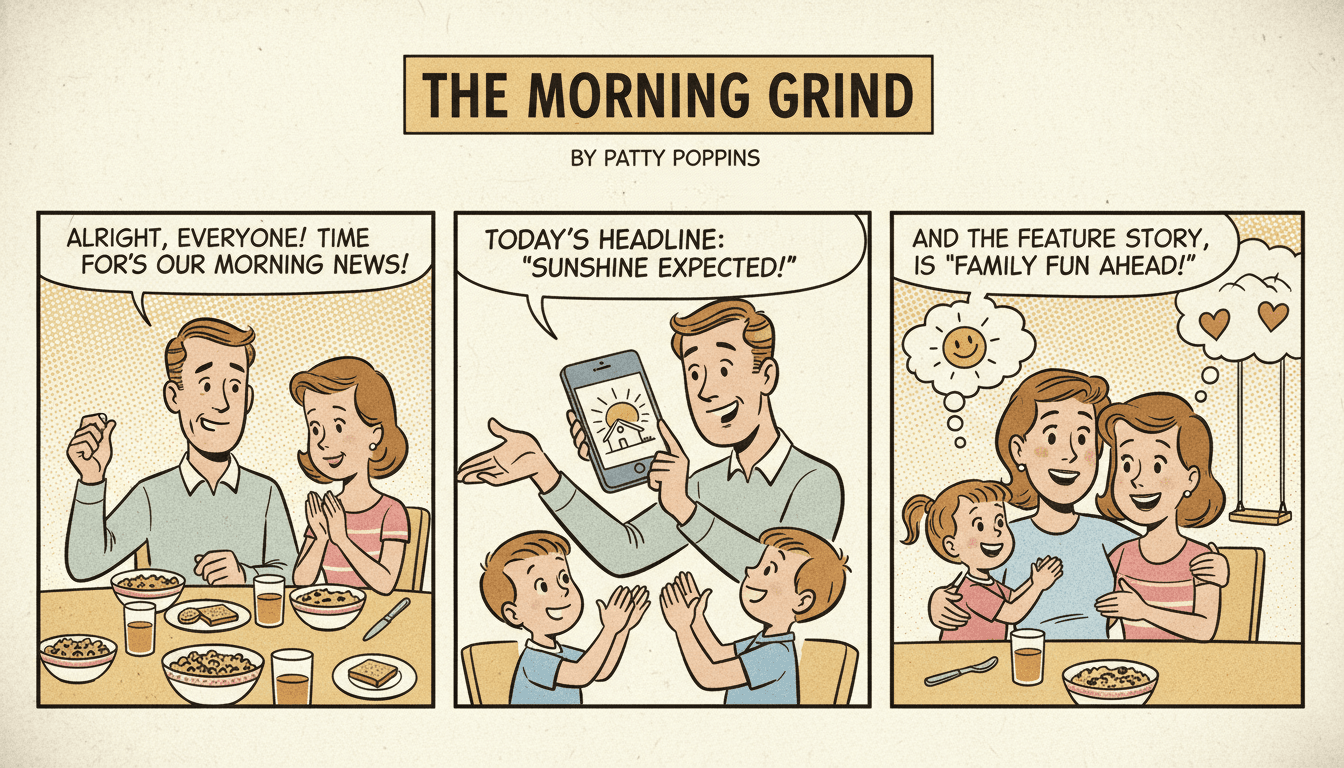
Newspaper Daily
Wholesome family gag
Four-Panel Gag
Setup → punchline
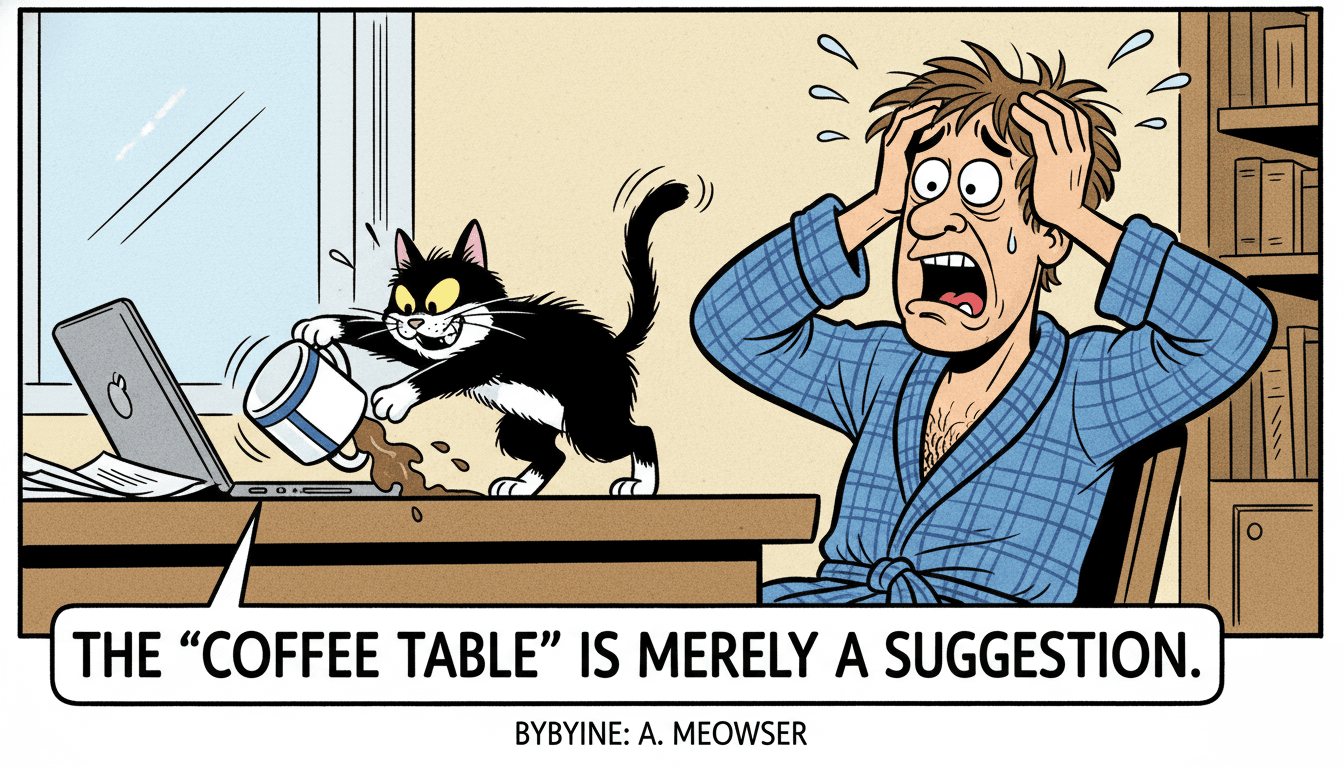
Single-Panel
One witty cartoon
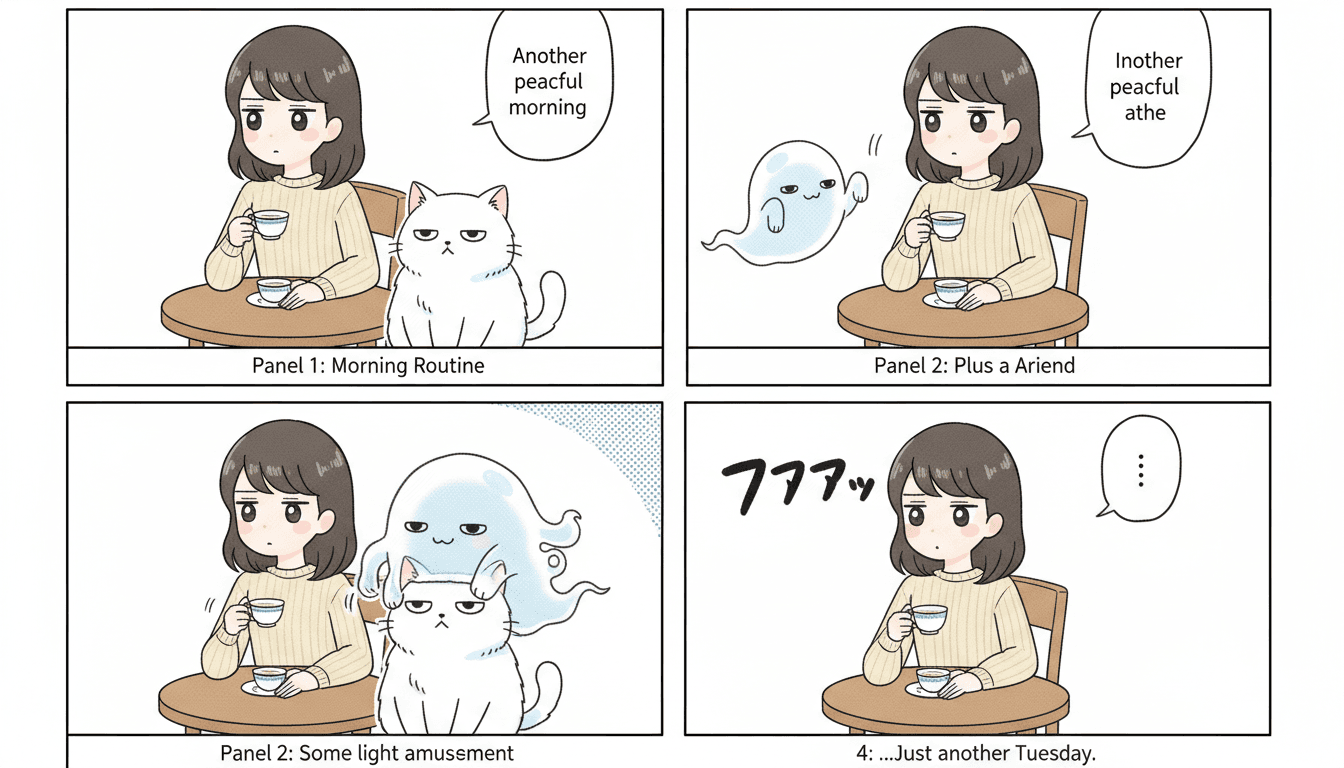
Yonkoma (4-koma)
Manga-style gag
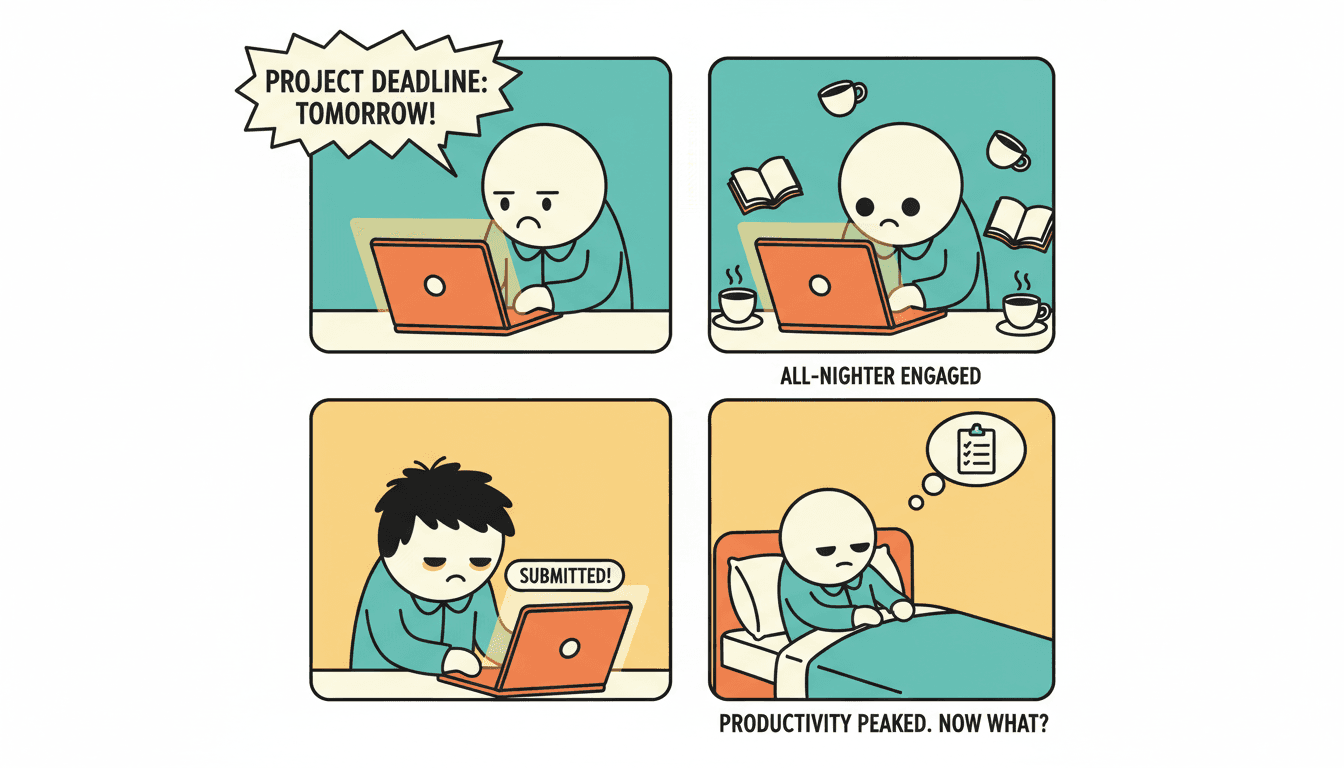
Webcomic
Simple shapes, flat colour
The style list in the editor also includes Cartoon, Watercolor, Flat Design, Pixel Art and Woodblock Print.
Everything the AI Comic Strip Generator Gives You
Reference pictures for your characters, panels that follow the story, speech bubbles, and a page you can share.
The Same Character in Every Panel
Each character gets a reference picture, and that picture is sent along when a page is drawn. In the published comics we checked, faces and clothes held from panel to panel. It is not perfect: one page drew the same man three times in a single picture.
Panels That Follow the Story
In the Manga format a page is drawn as several panels, roughly one per beat in your story. You cannot set an exact number: the published pages we checked ranged from a single full-page picture to about eight panels.
Speech Bubbles
Short lines of dialogue are drawn into bubbles on the page, along with sound-effect words. Proofread them. One page we checked says “Thank you such!” where it meant “so much”.
Colour or Black and White
The Manga format has a colour setting with Auto, Black & White and Color, and style choices that include Comic Book, Pencil Sketch, Line Art, Chibi and Anime.
Reuse a Character Later
Characters are kept in your Character Library, so the next strip can start from the same reference picture instead of a new description.
A Page You Can Share
A published comic opens in a reader at its own link, with a Flip view and a Scroll view. Pages you make are licensed for commercial use under the terms of service.
Who Uses the AI Comic Strip Generator?
Webcomic Creators
Draft strips from one-line ideas and reuse the same characters from your library in the next one.
Social-Media & Meme Makers
Turn a relatable thought into a page of panels and share the link to its reader page.
Cartoonists & Illustrators
Try a gag out as rough panels before you draw it yourself, and see whether the timing works.
Teachers, Teams & Kids
Make a short classroom strip, a family gag, or a team announcement as a one-page comic.
Comic Strip, Comic Book, Manga, or Webtoon?
Characters you save to the Character Library can be used with any of these.
Generate a short comic strip
A setup and a punchline on one page. You’re in the right place.
Want a full multi-page comic book?
For longer comic issues and graphic stories with full pages, try the AI comic creator.
Want black-and-white manga pages?
For printed-style right-to-left manga with screentone and chapters, use the AI manga generator.
Want vertical-scroll webtoons?
For full-color long-canvas episodes built for phones, head to the AI webtoon generator.
Frequently Asked Questions
Explore More Story Ideas
Discover more styles, tools, and story types
Kitten Stories
A new kitten comes home, first explores, lost kittens and playful yarn fun
Explore
Folk Decorative Books
Botanical pattern & a whole village of faces
Explore
Picture Book Maker
Create illustrated picture books
Explore
Storybee Alternative
More styles & features
ExploreAI Comic Strip Generator — Create Comic Strips Online
The C2Story AI comic strip generator turns a short joke into a page of drawn panels. Open the editor, describe the gag, set Type to Manga and pick a style such as Comic Book, Pencil Sketch or Line Art. The story is written first, characters get reference pictures, and then the page is drawn with panel borders and speech bubbles.
The comic strip maker does not have a panel-count setting. Panels follow the beats in your idea, so describe as many beats as you want panels. Read every bubble before you post, because drawn lettering can contain mistakes, and redraw any page where a character is duplicated.
Want a longer multi-page comic book instead? Try the AI comic creator. Prefer black-and-white manga pages? Use the AI manga generator. Want vertical-scroll webtoons? Head to the AI webtoon generator. Want to design your characters first? Start in the cast library.