
Best AI Tools forIllustrating Stories — 2026
Honest, hands-on comparison of the seven most popular AI tools for illustrating stories. Pricing, character consistency across pages, art-style options, multi-page output, commercial rights, and a decision flowchart for storytellers, authors, teachers, and creators. Editor's pick: C2Story — the only tool purpose-built for character-consistent story illustration end-to-end.
Tools
7 compared
Read time
~12 min
Cheapest path
Free credits at signup
7
Tools Tested
50,000+
Stories Illustrated
300 DPI
Print-Ready
4.9/5
Storyteller Rating
The TL;DR — Best Picks by Use Case
Skip the long read. Here's the headline pick for the four most common scenarios when you're deciding which AI to use to illustrate a story.
Best overall — purpose-built for illustrating stories
C2Story
The only tool with a Character Library that locks the same hero, sidekick, and supporting cast across every page of every chapter. Type or paste your story, get back a finished, character-consistent illustrated book.
Try C2Story freeBest raw art quality (one-off images)
Midjourney
Stunning single illustrations and the deepest style range — but no Character Library and no story-aware pagination. Use for the cover or hero image and pair with a story-illustration tool for interior pages.
Best chat-based illustration (DALL·E 3 in ChatGPT)
ChatGPT + DALL·E 3
Generate one image at a time inside a chat. Easy to start, hard to keep characters consistent across a 24-page story. Great for cover concepts and brainstorming.
Best commercial-clean assets for designers
Adobe Firefly
Trained on Adobe Stock — commercially safe AI images. Great if you already work in Photoshop / InDesign daily. Still no Character Library across pages.
The 7 AI Illustration Tools, Compared
Each tool reviewed in depth — pricing, what it's built for, what it does well, and where it falls short for illustrating a multi-page story.

C2Story
Purpose-built to illustrate a story end-to-end with character consistency
Pricing
Free credits at signup · $6.99/mo unlimited
Best for
Storytellers, authors, teachers, parents, fanfic writers, picture-book makers — anyone illustrating a multi-page story
Pros
- Character Library locks the same hero across every page
- Story-aware: auto-segments your story into illustration-ready scene beats
- 300 DPI full-bleed CMYK print-ready PDF for KDP / Lulu / IngramSpark / Blurb
- 10+ art styles (watercolor, cartoon, Pixar 3D, anime, manga, classic storybook, flat vector)
- Manga / comic / picture-book / illustrated-novel formats from one source
- Commercial rights on the resulting illustrated story
Cons
- Best for finished stories — not the place to draft a 100k-word novel from scratch
- Images are AI-generated, not hand-painted by a human illustrator
Verdict: The only tool in this roundup specifically built to take a story and ship a finished, character-consistent illustrated book end-to-end. Every other tool is great at a slice — none is great at the whole pipeline.
Midjourney
Best raw art quality, one image at a time
Pricing
Basic $10/mo · Standard $30/mo · Pro $60/mo · Mega $120/mo
Best for
Cover artists, concept artists, anyone who needs the single most beautiful one-off illustration
Pros
- Highest single-image art quality in the roundup
- Deepest style range — fine art, photoreal, anime, watercolor, oil paint
- Strong prompt-engineering community and reference imagery
- Excellent for one-off cover illustrations and concept art
Cons
- No Character Library — re-rolls the protagonist on every prompt
- No story-aware pagination — you assemble the book by hand elsewhere
- Character-reference (cref) helps but does not fully lock outfits / accessories
- Discord-first workflow is friction for non-creators
Verdict: Best in class for one stunning illustration. Use Midjourney for the cover or a hero piece — for a 24-page story, the lack of character lock will break visual continuity by page three.
ChatGPT + DALL·E 3
Easy chat-based illustration, one image at a time
Pricing
ChatGPT Plus $20/mo · Pro $200/mo
Best for
Writers brainstorming covers, social posts, single illustrations inside a chat conversation
Pros
- Conversational interface — describe the scene in plain English
- Strong text-rendering inside images (titles, signs)
- Easy to start, no learning curve
- Bundled with the chat model that helps you write the story too
Cons
- No Character Library across messages — same prompt re-rolls the face
- No story-aware pagination, no full-bleed book export
- Image gen is rate-limited even on paid plans
- Aspect ratios and styles are more constrained than dedicated art tools
Verdict: A wonderful tool for one cover concept inside a chat session. For a multi-page illustrated story, you'll fight character drift on every spread.
Leonardo.ai / Stable Diffusion
Maximum customization with custom-trained character models
Pricing
Leonardo Free / Apprentice $10 / Artisan $24 / Maestro $48 · Stable Diffusion free open-source
Best for
Technical creators who want to fine-tune their own character LoRA / Element model
Pros
- Custom character training (LoRA / Elements) — the closest non-C2Story path to character lock
- Maximum prompt control — ControlNet, regional prompting, IP adapter
- Open-source ecosystem — thousands of community models
- Strong style range, especially anime / fantasy
Cons
- Steep learning curve — LoRA training, ControlNet, sampler, scheduler, CFG all matter
- No automatic story-to-page pagination
- Character lock requires building and re-loading custom models per character
- Inconsistency across new poses unless you train deliberately
Verdict: The most powerful path if you're a technical creator willing to invest in fine-tuning. For most story illustrators the time spent training LoRA models on each character is a much bigger ask than just using a tool with a Character Library out of the box.
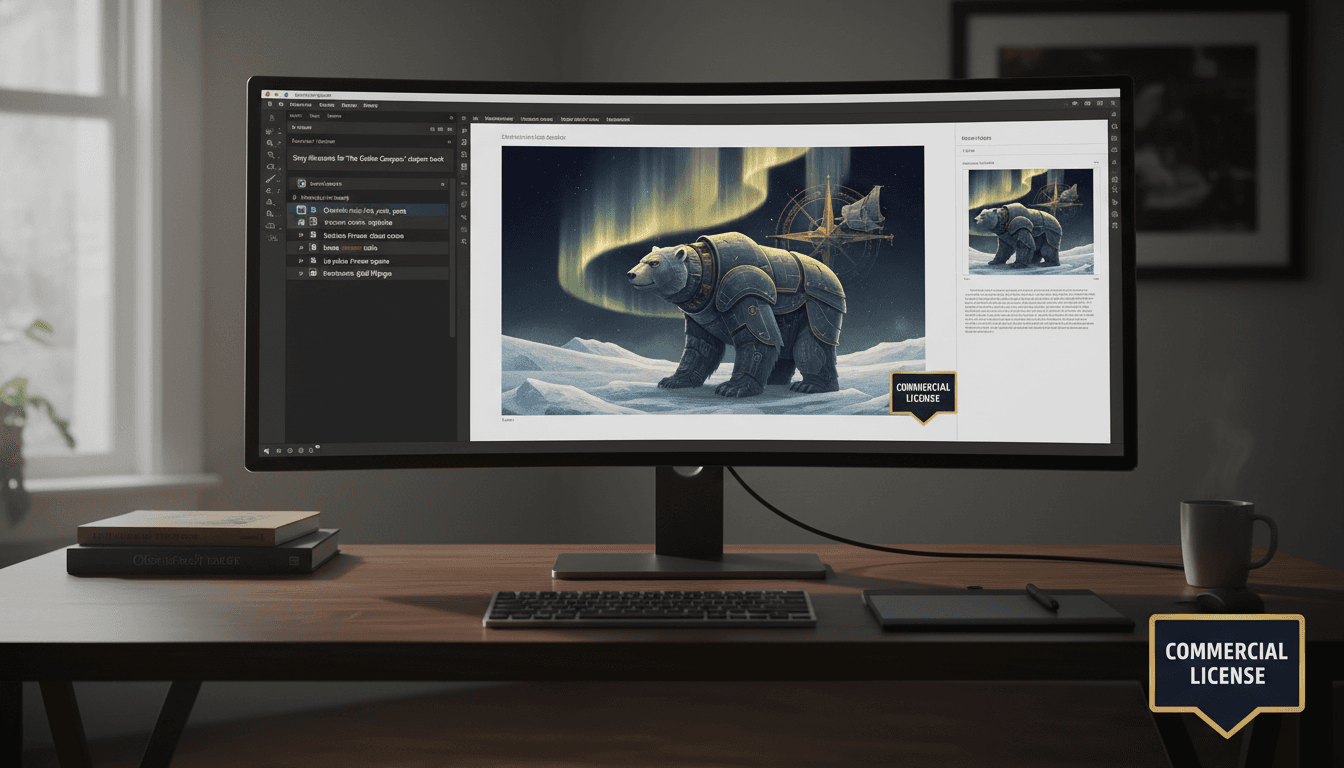
Adobe Firefly + Express
Commercial-clean AI art for pro designers
Pricing
$29.99/mo Express Premium · Firefly bundled with Creative Cloud
Best for
Professional book designers, agencies, and brands that need commercial-clean AI assets
Pros
- Trained on Adobe Stock — commercially safe AI images
- Native integration with Photoshop, Illustrator, InDesign
- Generative Fill and Generative Expand for editing on top of generations
- Strong typography and brand-kit support inside Express
Cons
- No Character Library — Firefly does not lock the same hero across pages
- Steeper learning curve if you don't already use Creative Cloud
- Image-quality fidelity behind Midjourney for fine-art styles
- Best results require multi-app workflow (Firefly → Photoshop → InDesign)
Verdict: If you already live in Adobe daily and need commercial-clean assets to drop into your existing layout templates, this is the polished pro path. Most story illustrators will still want a story-aware tool above for the actual page-by-page consistency.
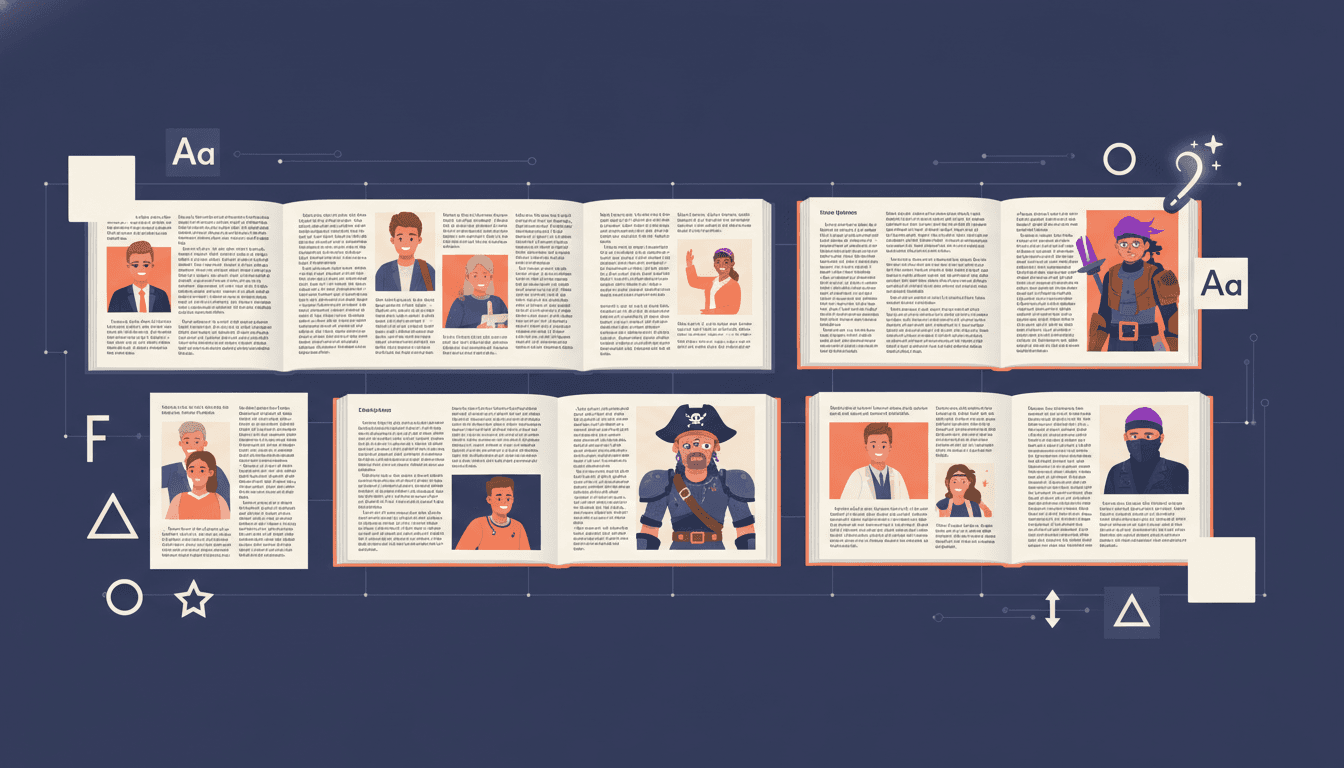
Canva Magic Studio
All-in-one design canvas with AI add-ons
Pricing
Free · Canva Pro $14.99/mo (or $119.99/year)
Best for
Quick story-style social-media graphics, book covers, marketing 1-pagers — not multi-page illustrated stories
Pros
- Massive template library for posters, social, and one-pagers
- Magic Write for short blurbs and back-cover copy
- Strong typography and brand-kit support
- Easy to use without any design background
Cons
- No Character Library — every AI image is a separate generation
- Story illustration was never the design target
- No automatic story-to-book pagination
- Print export quality varies by template, not consistently 300 DPI full-bleed
- Commercial rights on AI images need per-generation review
Verdict: Excellent for the marketing assets around your illustrated story — book cover, social posts, ad creatives. Pair with a story-illustration tool for the actual interior pages.
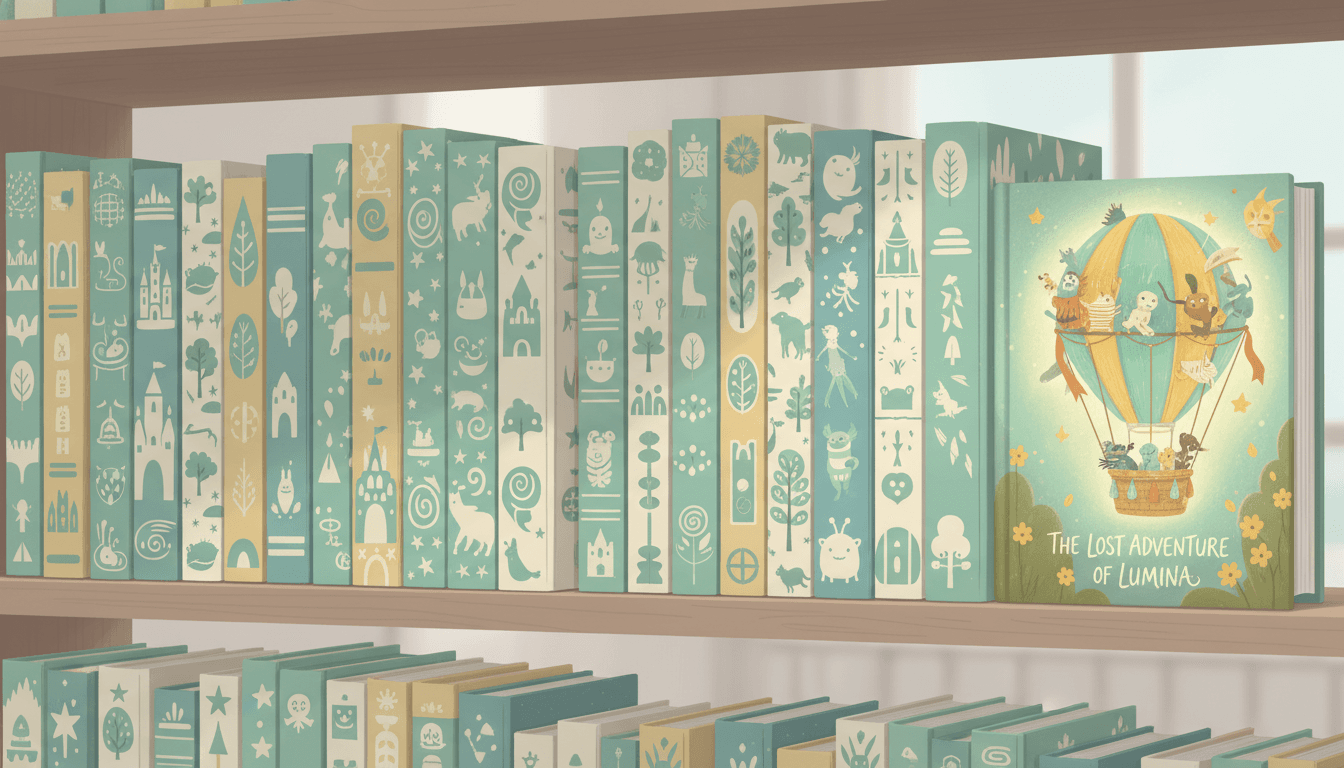
Storybird / StoryJumper
Curated stock-art kid book builders
Pricing
Storybird $9.99/mo Studio · StoryJumper free with watermark, $4.95+ per printed copy
Best for
Classroom writing prompts, ages 4-8 short kid books with stock-art illustrations
Pros
- Beautiful curated stock illustrations from real artists (Storybird)
- Friendly drag-and-drop interface kids can use (StoryJumper)
- Affordable per-copy printing built in (StoryJumper)
- Built-in reading community and class accounts for teachers
Cons
- Stock or clip-art only — you can't illustrate an original character that looks like the one in your head
- No long-form or chapter-book length
- No print-ready 300 DPI full-bleed PDF for self-publishing on KDP
- Built for ages 4-8 short kid stories — not flexible for older audiences
Verdict: Lovely tools for a classroom writing prompt or a short kid book co-authored with a child. Wrong fit if you want to illustrate your own original story with custom characters.
Feature Grid — All 7 Tools at a Glance
The honest checklist. ✓ = built-in, ~ = partial / workaround, ✗ = not supported.
| Feature | C2Story | Midjourney | DALL·E 3 | Leonardo / SD | Firefly | Canva | Storybird/SJ |
|---|---|---|---|---|---|---|---|
| Built specifically for illustrating multi-page stories | ~ | ~ | |||||
| Character Library — same hero across every page | ~ | ~ | |||||
| Story-aware scene segmentation | ~ | ||||||
| 10+ art styles (watercolor, cartoon, Pixar 3D, anime, manga) | ~ | ~ | ~ | ~ | |||
| Print-ready 300 DPI full-bleed CMYK PDF | ~ | ~ | ~ | ||||
| Manga / comic / picture-book formats | ~ | ~ | ~ | ||||
| Commercial rights on AI illustrations | ~ | ~ | |||||
| No prompt-engineering background required | |||||||
| Total cost to ship one illustrated story | $0-7 | $10-30 | $20 | $10-48 | $30 | $0-15 | $10-25 |
Leonardo / SD = Leonardo.ai paid plans or self-hosted Stable Diffusion. Cost row shows total to ship one illustrated story.
Which Illustration Tool Is Right for You?
Pick the row that matches your situation. Each path leads to a tested tool — most paths end at C2Story because that's where the multi-page story-illustration pipeline lives.
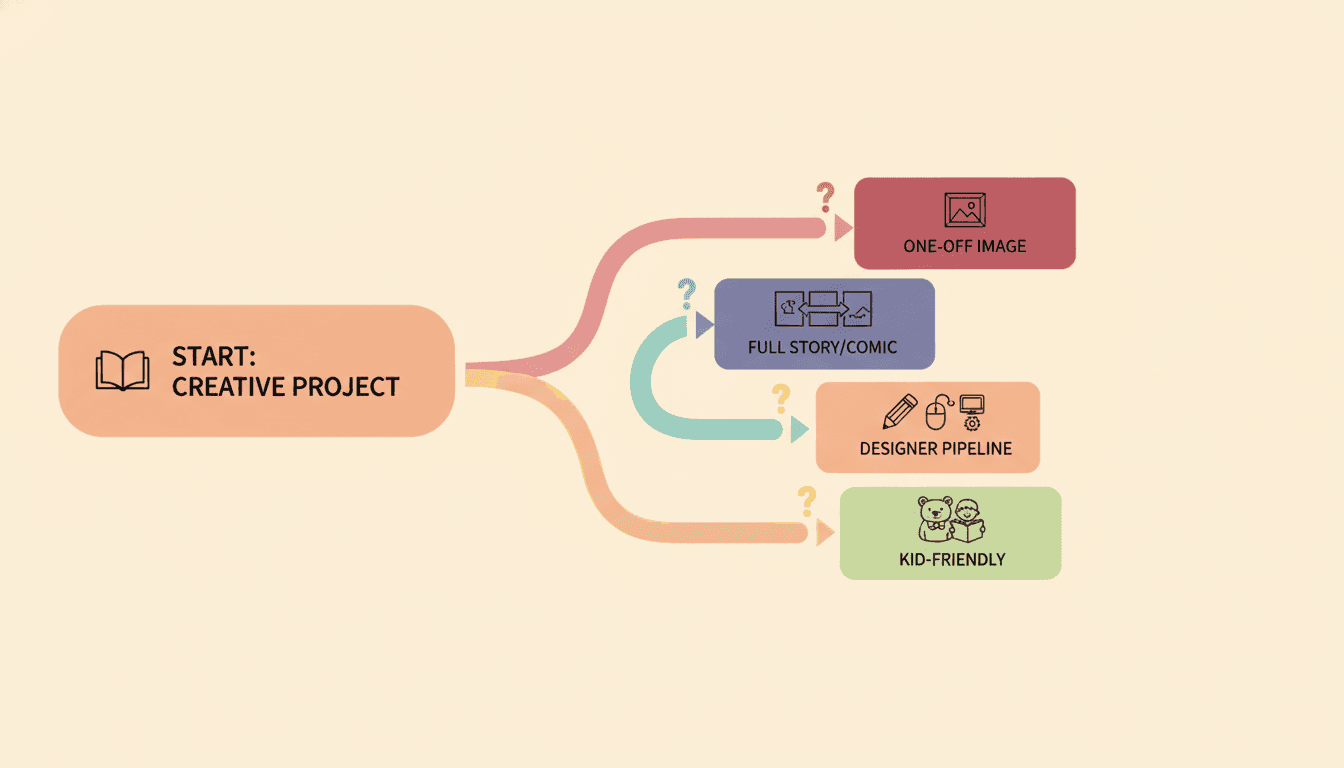
The decision flowchart in one image — start with your situation, follow the branch.
6 Things to Look For in an AI Story-Illustration Tool
Use this checklist when evaluating any tool — including ones not in this roundup. If a tool misses on items 1, 2, or 3, it's the wrong tool for illustrating a multi-page story.
Character Library that locks the same hero across pages
The single most important feature for illustrating a story — your protagonist, sidekick, mentor, and antagonist must look like the same person on every spread of every chapter, not a Pinterest collage of unrelated faces.
Story-aware scene segmentation
A story is a flow of scene beats, not a list of disconnected images. The tool needs to read your story, split it into illustration-ready beats, and bind text and art together page by page.
Style lock — one art style for the entire book
Watercolor for chapter 1 and Pixar 3D for chapter 2 looks like a Pinterest collage. The tool must lock one style and hold it across regenerations, future scenes, and future volumes.
Print-ready 300 DPI full-bleed CMYK PDF
For Amazon KDP, Lulu, IngramSpark, Blurb, and BookBaby. Without a real print-export pipeline, you'll spend a weekend in InDesign rebuilding bleeds and gutters by hand.
Multi-format output — picture book, manga, comic, illustrated-novel
A great story-illustration tool gives you choice: a 24-page picture book for the kid edition, a manga panel layout for the YA edition, or an illustrated novel for the adult edition — all from the same source story.
Commercial rights on the finished illustrated story
You should be able to print, sell, gift, list on KDP, and license the resulting book without hidden royalties or AI-content takedowns. Read the rights page before you commit.
6 Common Mistakes When Picking an AI Illustration Tool
Most failed AI-illustrated stories fail for one of these six reasons. Skip the pain.
Picking a tool that's built for one-off images instead of multi-page stories
Fix: Midjourney and DALL·E 3 are world-class for one image. Use them for the cover only and pick a story-illustration tool for the interior pages.
Re-rolling the hero on every prompt and hoping it looks the same
Fix: Generic AI image tools re-roll the face on every prompt. Use a tool with a Character Library — the difference between "looks like one book" and "looks like a Pinterest moodboard".
Mixing three art styles across one story to "see what works"
Fix: Pick one style and lock it. Watercolor in chapter 1 and Pixar 3D in chapter 2 reads as design failure, no matter how nice each individual image is.
Spending a weekend training your own LoRA before the story is even finished
Fix: Custom-LoRA training is powerful but a deep rabbit hole. Start with a tool that has a Character Library out of the box and only train custom models if you outgrow it.
Skipping the Character Library because "I'll just describe the hero each time"
Fix: Even with the same prompt, generic image tools change the face, hair, outfit, and proportions. The library injects the cast into every prompt automatically.
Skipping the printed proof and ordering 50 copies straight to KDP
Fix: Always order one proof first. Color, trim, and gutter look different on paper. Saves $20-100 in reprint costs every time, regardless of which tool you pick.
From Story Manuscript to Print-Ready Illustrated Book
The right tool ships a finished illustrated story that looks like one illustrator made it — not a Pinterest collage of unrelated AI images.
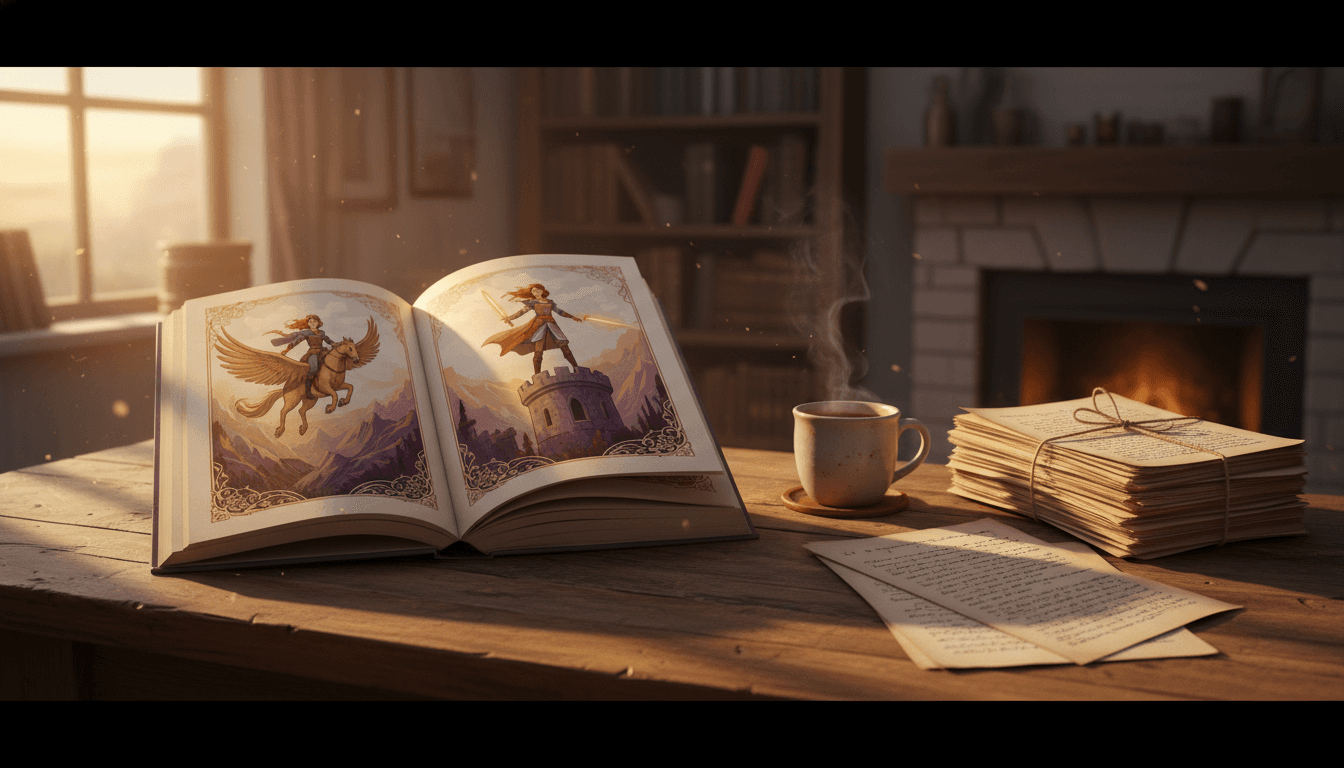
What it looks like when the workflow actually works: the story manuscript on one side, a finished, character-consistent, print-ready illustrated hardcover on the other.
Open the C2Story Story-Illustration Workflow
Six entry points into the same end-to-end pipeline. Same Character Library, same 300 DPI print-ready PDF — pick the surface that matches what you have right now.
AI Illustrate My Story
Paste your story, pick the cast, and ship a finished illustrated book.
Story to Illustrated Book
Turn any story into a paginated, character-consistent illustrated book.
AI Illustration Generator
Generate covers, hero images, and one-off story illustrations.
Story to Comic Book
Same story, comic / manga panel layout with speech bubbles.
Book Illustrations
Walkthrough — what to expect when illustrating a full book with AI.
How to Illustrate a Story with AI
Step-by-step guide from manuscript to finished illustrated book.
Storytellers Who Compared the Tools
“I tried Midjourney for my 32-page picture book. The art was gorgeous, but my hero looked like a different kid on every spread. Switched to a tool with a real Character Library and shipped the whole book in a weekend.”
Indie picture-book author
“I trained a Stable Diffusion LoRA on my main character and it worked, but it took two days of tagging images and tweaking learning rates. For my next story I just used a Character-Library-first tool and never went back.”
Webcomic creator
“I'm a teacher and I love Storybird for classroom writing prompts. But for my own original middle-grade story I needed a tool that could illustrate my own characters consistently across an 80-page chapter book.”
Middle-grade author / teacher
“I do all my book design in InDesign and Firefly is great for assets — but the lack of character lock killed it for the interior pages of my picture book. Now I do interior pages in C2Story and the cover and marketing in Adobe.”
Indie publisher / book designer
AI Tools for Illustrating Stories — FAQ
Explore More Story Ideas
Discover more styles, tools, and story types
Rainbow Stories
Rainbows after the rain, rainbow bridges and pots of gold
Explore
Shanghai Poster Picture Books
Soft airbrushed 1930s calendar-poster colour, with your whole cast dressed for the year it is set in
Explore
Bedtime Stories for Anxious Kids
Calming tales that soothe worries
Explore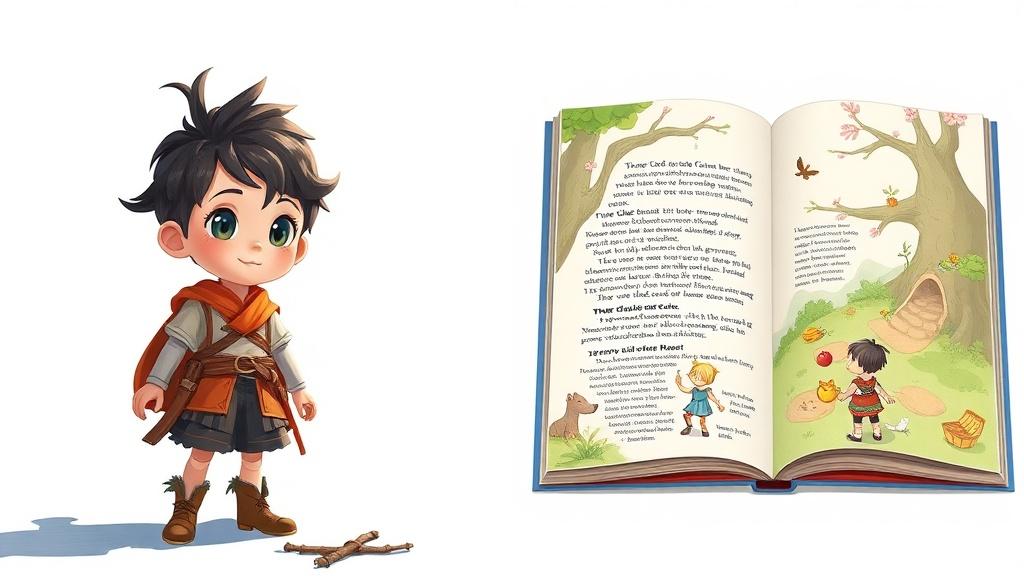
Midjourney vs C2Story
Stories, not just images
ExploreBest AI Tools for Illustrating Stories — The 2026 Buyer's Guide
Wondering which are the best AI tools for illustrating stories in 2026? This roundup compares the seven most popular tools storytellers, authors, teachers, parents, and indie creators actually use to turn manuscripts into finished illustrated books — C2Story, Midjourney, ChatGPT + DALL·E 3, Leonardo.ai / Stable Diffusion, Adobe Firefly + Express, Canva Magic Studio, and Storybird / StoryJumper. The honest summary: each tool was designed for a different job, and the right pick depends entirely on whether you need a single hero image, a 24-page picture book with one recurring character, a chapter-length original story, a marketing asset around your story, or a kid book co-authored with your child.
The single most important feature when choosing the best AI illustration tool for stories is a Character Library — the ability to define your protagonist, sidekick, mentor, antagonist, and animal companion once and have the AI inject those descriptions into every prompt automatically. Without a Character Library, generic image tools like Midjourney, DALL·E 3, and Adobe Firefly re-roll your hero's face on every prompt, which is why DIY illustrated stories look like a Pinterest moodboard by page three. C2Story is the only tool in this comparison built specifically around the Character Library — it's the difference between a finished illustrated book that looks like one illustrator made it and a 60-page collage that frustrates readers and reviewers. Leonardo.ai and Stable Diffusion can match this with custom-trained LoRA / Element models, but training takes hours per character and assumes a pretty technical operator.
The second key feature is story-aware scene segmentation and pagination. A story is a flow of scene beats, not a list of disconnected images. Without an automatic segmenter, you'll spend a weekend in InDesign hand-cutting your story into pages and resizing every image. C2Story's segmenter splits your manuscript into illustration-ready scene beats of roughly 80-200 words each, drops them into a paginated book, and exports a 300 DPI full-bleed CMYK PDF that's ready for Amazon KDP, Lulu, IngramSpark, Blurb, and BookBaby. You also get format choice — picture book, manga, comic, or illustrated novel — from the same source story, so a single piece of writing can become an ages-7-9 picture book edition, a YA manga edition, and an adult illustrated-novel edition without redrafting a single sentence.
For one-off illustrations, Midjourney has the highest single-image art quality and the deepest style range in the roundup, while ChatGPT + DALL·E 3 is the easiest chat-based brainstorming tool. For technical creators who want to fine-tune their own character models, Leonardo.ai and self-hosted Stable Diffusion are the most powerful but also the deepest learning curves. For pro book designers in Adobe, Firefly + Express + InDesign is the polished commercial-clean pipeline. Canva Magic Studio is excellent for the marketing assets around your illustrated story (book cover, social posts, ad creatives) but was never designed for multi-page interior illustration. Storybird and StoryJumper are wonderful for short kid books and classroom prompts, but neither was built to illustrate an original-character story or a chapter-length piece. Start the 2026 comparison free today — paste your story, set the cast in the Character Library, audition styles, and ship a finished, character-consistent, print-ready illustrated book this weekend. Free credits at signup, no credit card required, commercial rights included.