
C2StoryvsCodafor Story Creation
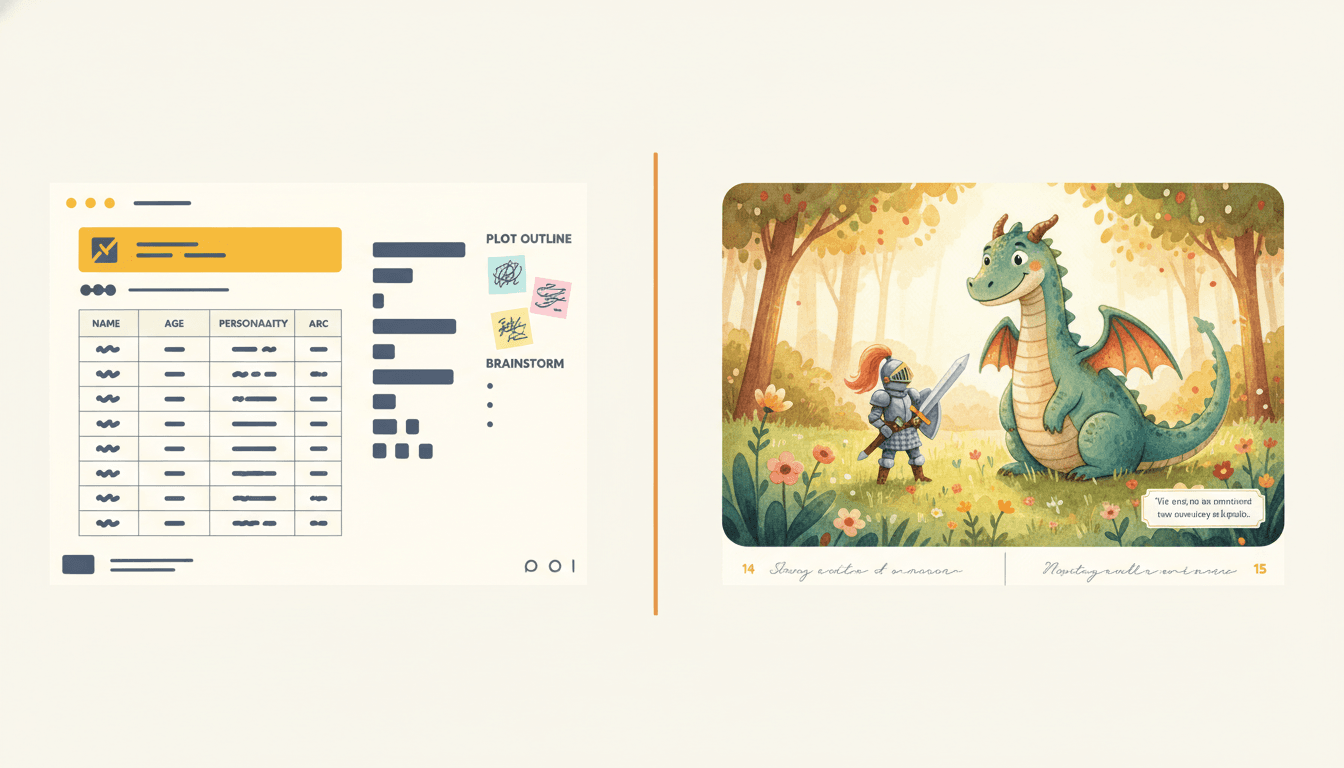
Coda is a flexible workspace doc + database — character bibles, plot tables, team writing rooms, Coda AI text blocks. It does not output finished illustrated picture books. C2Story is the picture-book finishing tool — same hero on every page via the Character Library, 50+ illustration styles, print-ready 300 DPI PDF, Kindle export. Different shapes — and a workflow that uses both for indie book launches.
- Honest side-by-side feature comparison
- When to pick Coda (planning, database, team writing room)
- When to pick C2Story (bound illustrated picture books)
- The planning-first workflow for picture-book launches
50,000+
Books Created
10,000+
Active Creators
50+
Art Styles
4.9/5
User Rating
Two Different Output Shapes for Story Creation
Most “C2Story vs Coda for story creation” searches expect a feature tear-down. They aren't feature-comparable products. Coda is a flexible workspace doc + database for story planning. C2Story is an illustrated picture-book creation tool. Different output shapes, different jobs. The honest read: pick by what your idea wants to be — or use both, with Coda first for planning and C2Story second for the bound illustrated book.
Coda
Flexible Workspace Doc + Database
- Character bibles, plot tables, world-building wikis
- Live multi-author writing rooms + comments
- Formulas, automations, cross-table relations
- Hundreds of Packs (Slack, Calendar, GitHub, Figma)
- Best for: planning · databases · team writing rooms
Built for: structured-doc output of every kind · the writing-room database that holds the series bible.
C2Story
Illustrated Picture-Book Creation Tool
- Drafts story text + illustrates every spread
- Same hero on every page — Character Library
- Age-tier prose (board book / easy reader / chapter)
- 50+ illustration styles locked across the book
- Exports KDP-ready 300 DPI PDF + Kindle ebook
Built for: writing · illustrating · character consistency · age-tier prose · print-ready picture-book PDF.
Where Coda Wins, Where C2Story Wins
No tear-down. Both products are excellent at what they were built for. Here's an honest feature-by-feature read so you pick the right tool for what your idea actually wants to be.
Product Class
What You Get Out
Story Planning Database
Coda is genuinely best-in-class here. Structured tables for character bibles, plot beats, world-building wikis, scene trackers, sub-plot columns, and reading-level taxonomies — with filters, formulas, automations, and live-linked references between tables. C2Story has a single-purpose Character Library that stores hero objects for the illustrated book; it is not a general writing-room database and does not try to be.
Writes Story Prose
Both can produce prose, with very different shapes. Coda AI generates text in-line inside doc cells — short paragraphs, brainstorms, summaries, list expansion — and is great for filling out a story-bible cell. C2Story drafts story text inside a picture-book layout — paragraphs sized for spreads, age-tier prose (board book / easy reader / early chapter / middle grade), and a beat structure that fits 8–60 illustrated pages. Different specialties: Coda fills cells, C2Story drafts the picture-book script.
Illustrates The Story For You
Coda does not generate illustrations — it is a doc and database product, not an image-generation tool. You would have to leave Coda, go to a separate image generator, render images one at a time, and paste them back in. C2Story illustrates every spread of the picture book in a chosen art style (50+ styles incl. watercolor, cartoon, Pixar 3D, classical storybook, anime, manga) and renders the full multi-page book in one flow.
Same Hero On Every Page
C2Story's Character Library locks the same recognizable face, outfit, props, and proportions across every page of every book — and across sequels and a multi-book series. Coda has no character-image object; you can store a description of the character in a table cell, but the doc cannot render that description as a consistent illustration on each page of an illustrated picture book.
Picture-Book Layout
C2Story arranges art + text into multi-page picture-book spreads (full-bleed left + right pages, page numbers, title page, dedication page, cover spine and back cover). Coda has docs, tables, and embed blocks — no concept of pages, spreads, gutters, bleed, or trim sizes, and no picture-book layout engine.
50+ Picture-Book Illustration Styles
C2Story ships 50+ illustration styles tuned for printed picture books — watercolor, cartoon, Pixar 3D, classical heritage storybook, anime, manga, illuminated manuscript, comic, papercraft, paper-cut, oil pastel, and more. The chosen style is locked across every spread so the printed book reads as one cohesive illustrated work. Coda has no illustration styling because illustration is not part of the product.
Age-Tier Prose Templates
C2Story has built-in age-tier templates — board book (ages 2-4, simple sentences), easy reader (5-7), early chapter (8-10), middle grade (11-12) — that constrain vocabulary, sentence length, and beat count automatically. In Coda you can model an age tier as a column and prompt Coda AI to write to it, but the templates aren't baked in.
Print-Ready 300 DPI PDF Export
C2Story exports the full-bleed 300 DPI print-ready PDF in KDP-accepted picture-book trim sizes (8.5"x8.5", 8.5"x11", 6"x9"). Drop into Amazon KDP, Lulu, IngramSpark, or Blurb — pass print-quality check on first upload. Coda exports docs to PDF for printing the doc itself; it does not produce a picture-book interior PDF at 300 DPI with full-bleed art and a separate cover PDF.
Kindle Ebook Export
C2Story exports a fixed-layout Kindle ebook (KDP-accepted) so the picture book reads correctly on Fire tablets, Kindle apps, and iPad / Android. Coda has no Kindle export — its sharing model is a web link to the live workspace doc, not a fixed-layout illustrated ebook.
Real-Time Team Collaboration
Coda is excellent at multi-author writing rooms — comments, mentions, presence cursors, shared automations, granular permissions, locked sections, and a built-in publishing layer for handing the doc to a wider team. C2Story supports project sharing and collaborator invites for picture-book projects but is not optimized as a multi-author live-collaboration writing room — that's Coda's home turf.
Formulas, Automations, Tables
Coda is built around docs that compute — formulas across cells, automated buttons, cross-table relations, conditional logic, two-way Pack integrations with calendars, Slack, GitHub, Salesforce, and so on. C2Story has none of this because the product is not a workspace database — it is a picture-book finishing tool.
Cross-Doc Packs + Integrations
Coda Packs connect docs to hundreds of third-party services (Google Calendar, Slack, Jira, Notion, Figma, Stripe, GitHub, and more) so a story-planning doc can pull in real production-tracking data. C2Story's integrations are publishing-shaped (KDP-ready PDF, Kindle export) not workspace-shaped.
Pricing
Best At
What Coda Is Genuinely Great At
Coda is one of the most powerful workspace docs on the market. When your task is structured-doc-shaped — planning, databases, team writing rooms, automations — it is genuinely outstanding, and C2Story does not pretend to compete on those jobs.
Best-In-Class Writing-Room Database
Coda is genuinely outstanding as a structured doc for writing rooms — character tables with filters, plot-beat columns, scene trackers, world-building wikis, sub-plot relations, reading-level taxonomies. If your bottleneck is "where do I keep all the story bibles for my series," Coda is purpose-built for that.
Live Multi-Author Collaboration
Comments, mentions, presence cursors, shared automations, permission scopes, locked-section publishing. Coda is a real writers-room tool — co-writers, editors, and beta readers can work in the same doc at the same time. Picture-book duos and screenwriting partnerships live on this.
Formulas, Automations & Packs
Coda docs compute. Formulas across cells, automated buttons (one click runs a writing prompt across a whole table), cross-table relations, conditional logic, and hundreds of Coda Packs that integrate with Slack, Google Calendar, Notion, Figma, GitHub, and more. Real production-tracking, not just notes.
Embedded Coda AI Text Blocks
Coda AI sits inside the doc — generate a summary, brainstorm a list, expand a cell, write a back-of-book blurb, draft a character motivation. Great for filling out a story bible row-by-row without leaving the workspace. The AI complements the table; it does not try to ship the finished book.
What C2Story Is Genuinely Great At
When you need a multi-page illustrated picture book with the same hero on every page — drafted, illustrated, age-tier-clean, exported as a print-ready PDF and a Kindle ebook — this is where C2Story was built to win.
Writes & Illustrates A Bound Book
Coda returns a workspace doc. C2Story returns a bound illustrated picture book — every spread rendered in your chosen art style, page numbers, title page, cover, back cover. You arrive at a finished printable artifact, not a doc to render somewhere else.
Same Hero, Every Page
Save your protagonist to the Character Library. Every spread of every book reuses the same recognizable face, outfit, props, and proportions — locked into the character object, not regenerated from text each time. Coda can store a description of the character in a cell, but cannot draw the same hero on each page of the picture book. C2Story builds the hero into the medium.
Print-Ready 300 DPI PDF Export
Export a full-bleed 300 DPI picture-book interior PDF + cover PDF in KDP-accepted trim sizes (8.5"x8.5" picture book, 8.5"x11" landscape, 6"x9" early reader). Drop into Amazon KDP, Lulu, IngramSpark, or Blurb — pass print-quality check on the first upload.
50+ Picture-Book Illustration Styles
Soft watercolor, bright cartoon, Pixar 3D, classical heritage storybook, anime, manga, illuminated manuscript, comic, papercraft, oil pastel, and 40 more — locked across every page so the printed book reads as one cohesive illustrated work, not a deck of inconsistent AI portraits.
Six Real Scenarios — Which Tool Wins Each
The honest answer changes by job. Some ideas want to be a database. Some want to be a bound picture book. Some want both — and there's a clean workflow for that.
Build A Character Bible For A Series
You're writing a 6-book series and need a single source of truth for every character — name, age, backstory, arc, relationships, sub-plot relations, reading-level taxonomy. Coda is the right tool — its structured tables, cross-table relations, and team comments are exactly the shape of a real writers-room story bible. C2Story is not in this picture yet.
Self-Publish A Children's Picture Book
You want a 24-page illustrated picture book listed for sale on Amazon worldwide with the same recognizable hero on every page. C2Story drafts and illustrates the book with a consistent protagonist and exports the KDP-ready 300 DPI PDF. Coda returns a workspace doc — the bound illustrated picture book is not a shape Coda outputs.
Plan The Story, Then Build The Book
You want to organize the story bible first, then turn it into a real bound illustrated book. The canonical workflow: build the character bible and beat sheet in a Coda doc (with co-authors, editors, beta readers), then paste the agreed synopsis + character bio into C2Story, save the protagonist to the Character Library, pick an art style, and let C2Story render the full picture book + print-ready PDF.
Personal Gift Book For A Child
A birthday gift for one specific child — same hero on every page, beautifully bound, never going to a global storefront. C2Story is the right tool — the Character Library locks the hero across every spread, the print-ready PDF makes the hardcover, and the finished book sits on a shelf for years. Coda is overkill for a one-off gift; you don't need a database for a single book.
Classroom Storybook Library
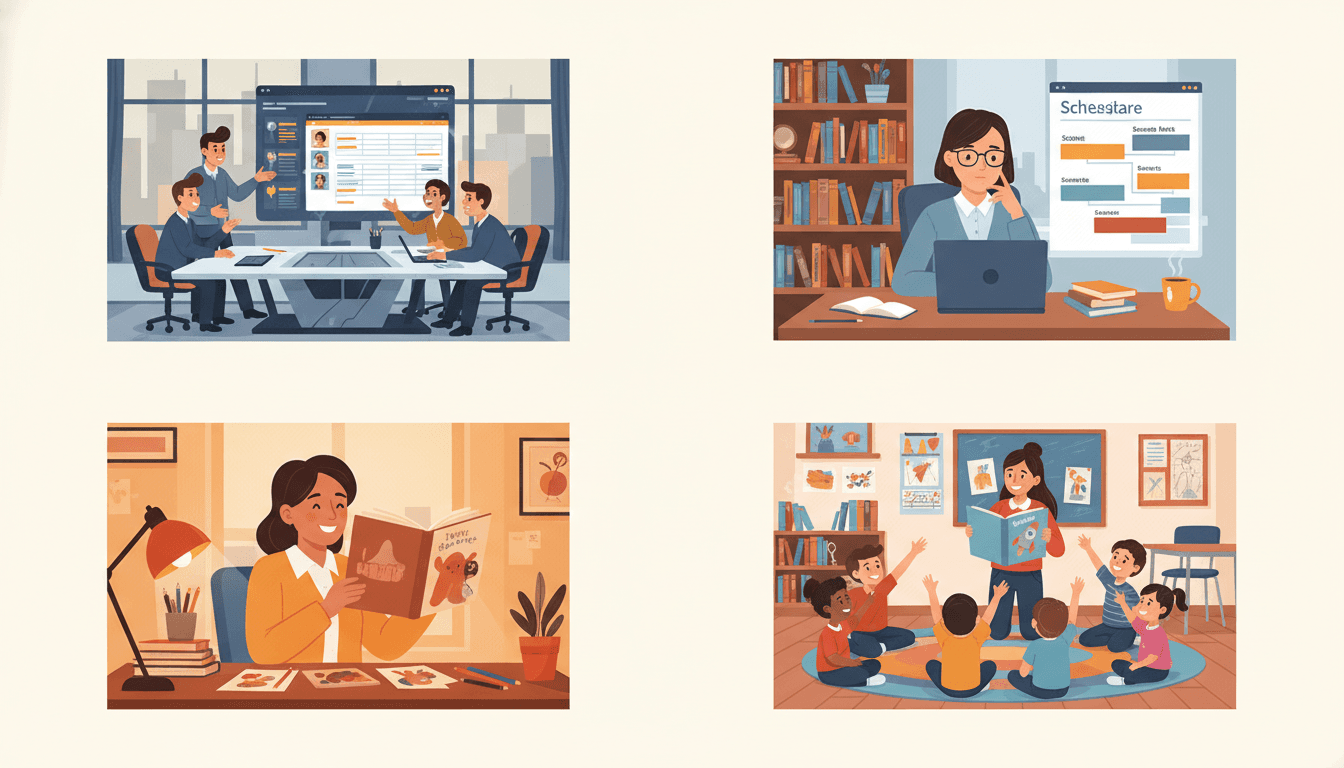
A teacher building bound illustrated picture books with student names, reading-level-tiered vocabulary, and consistent characters across a series. C2Story builds the books and exports print-ready PDFs the school can print. Coda is useful for tracking which students have which books and lesson-plan integration — not for the bound illustrated artifact itself.
Writers-Room Team Workflow
A two-author writing partnership or a small studio with editors, illustrators-of-record, and a project manager all in one doc — granular permissions, comments, presence cursors, automated review tasks. Coda is the right tool — this is exactly its home turf. C2Story is the downstream picture-book finisher when the team agrees on the manuscript and character bio.
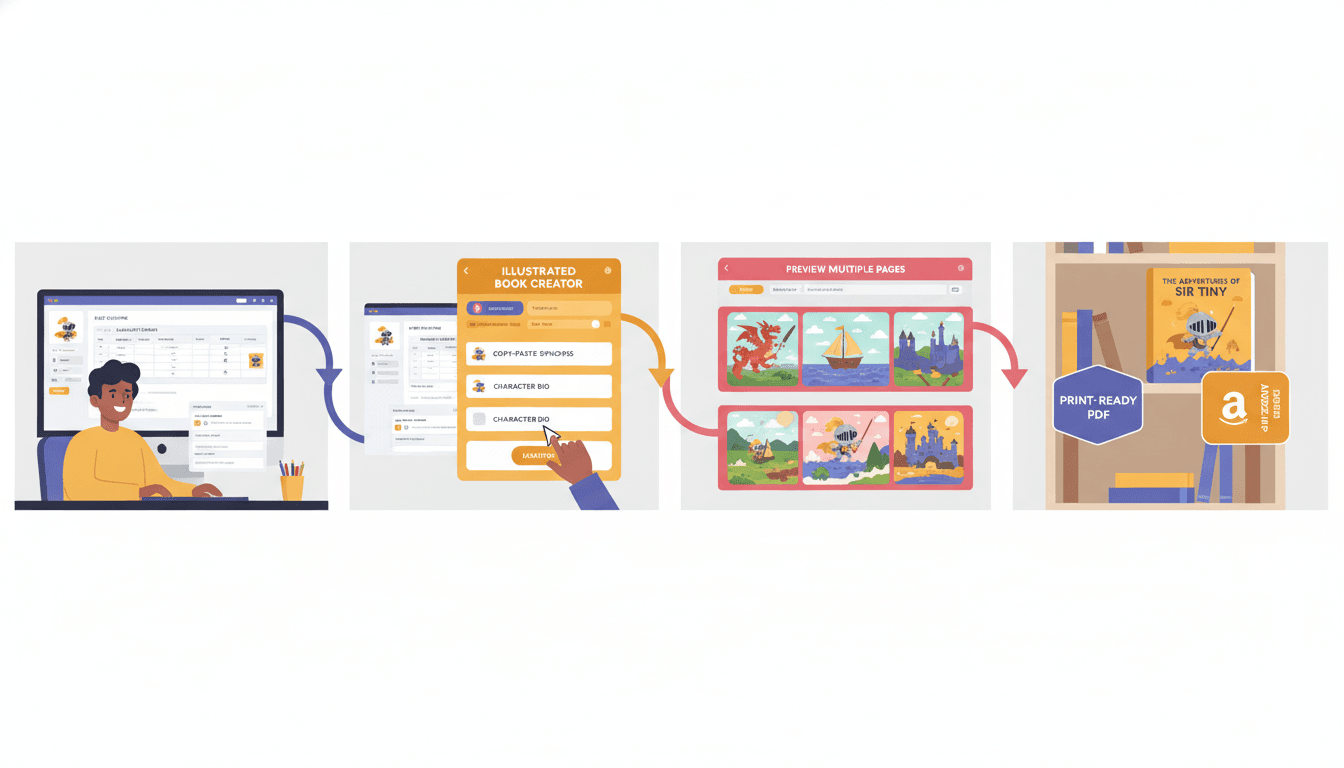
The Four-Step Workflow — Plan In Coda, Build The Book In C2Story
Most indie picture-book launches use both tools — Coda to organize the story bible and beat sheet with co-authors and editors, then C2Story to render the illustrated picture book + print-ready PDF. Here's the canonical hand-off.
Plan In Coda
Build a character-bible table (name, age, look, personality, arc), a plot-beat table (6-12 beats with age tier + word count), and a world-building doc. Add co-authors and editors via comments and mentions. Use Coda AI to brainstorm and revise cells.
Lock The Manuscript
Get team sign-off on the synopsis, the character bio, the beat sheet, and the age tier. Coda's permissions and locked sections make the hand-off clean — everyone knows what version is going to the book.
Paste Into C2Story
Paste the synopsis as the prompt. Paste the character bio so C2Story builds the persistent hero in the Character Library. Paste the beat sheet as the page-by-page outline. Pick a style — watercolor, Pixar 3D, classical storybook, anime.
Export & Publish
Print-ready 300 DPI full-bleed PDF + cover PDF for Amazon KDP / Lulu / IngramSpark / Blurb. Fixed-layout Kindle ebook. Hardcover-ready, KDP-ready, gift-ready.
Same Hero — Through The Entire Bound Picture Book
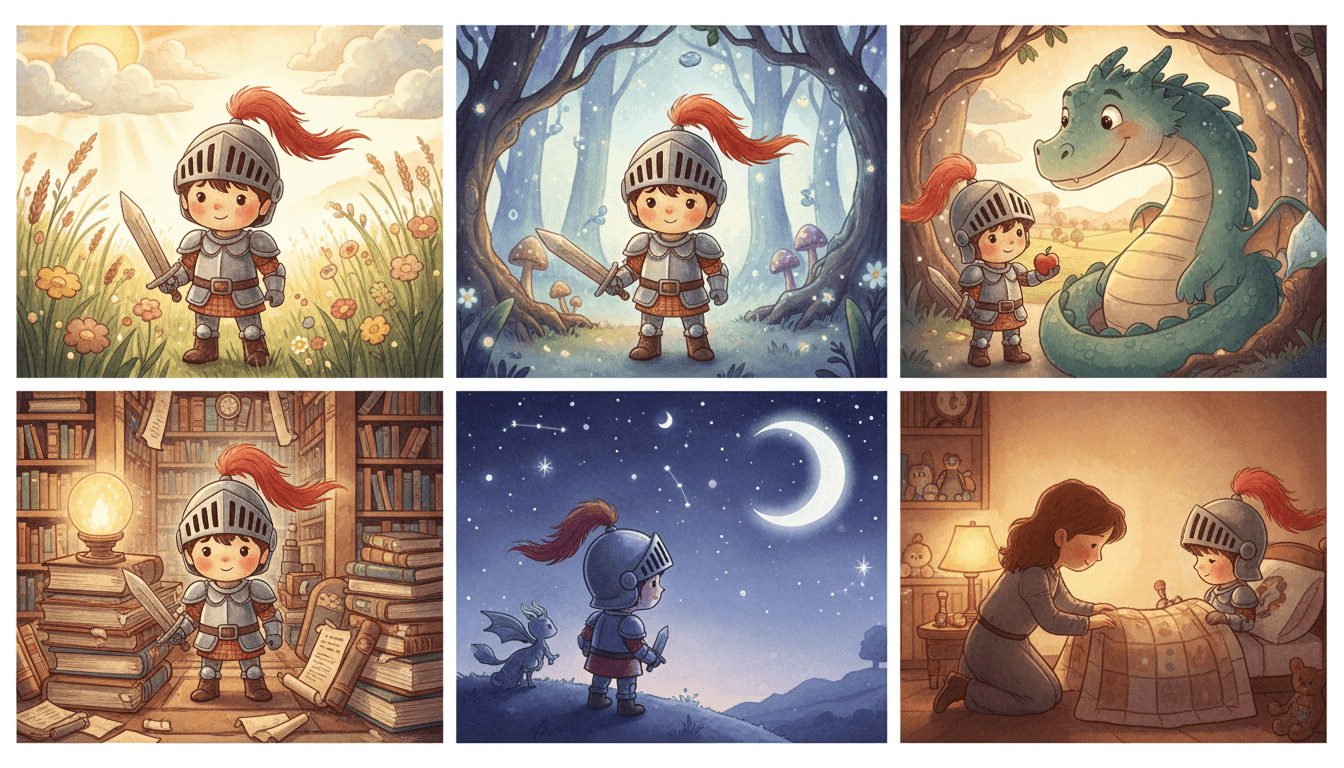
A Coda doc can describe the protagonist in a row — name, hair, outfit, props — but a doc cannot draw the same hero on every page of an illustrated picture book. C2Story's Character Library stores the protagonist as a persistent visual object so every spread, every book, and every sequel reuses the same recognizable hero. The bound book reads as one cohesive illustrated work, not a deck of mismatched portraits.
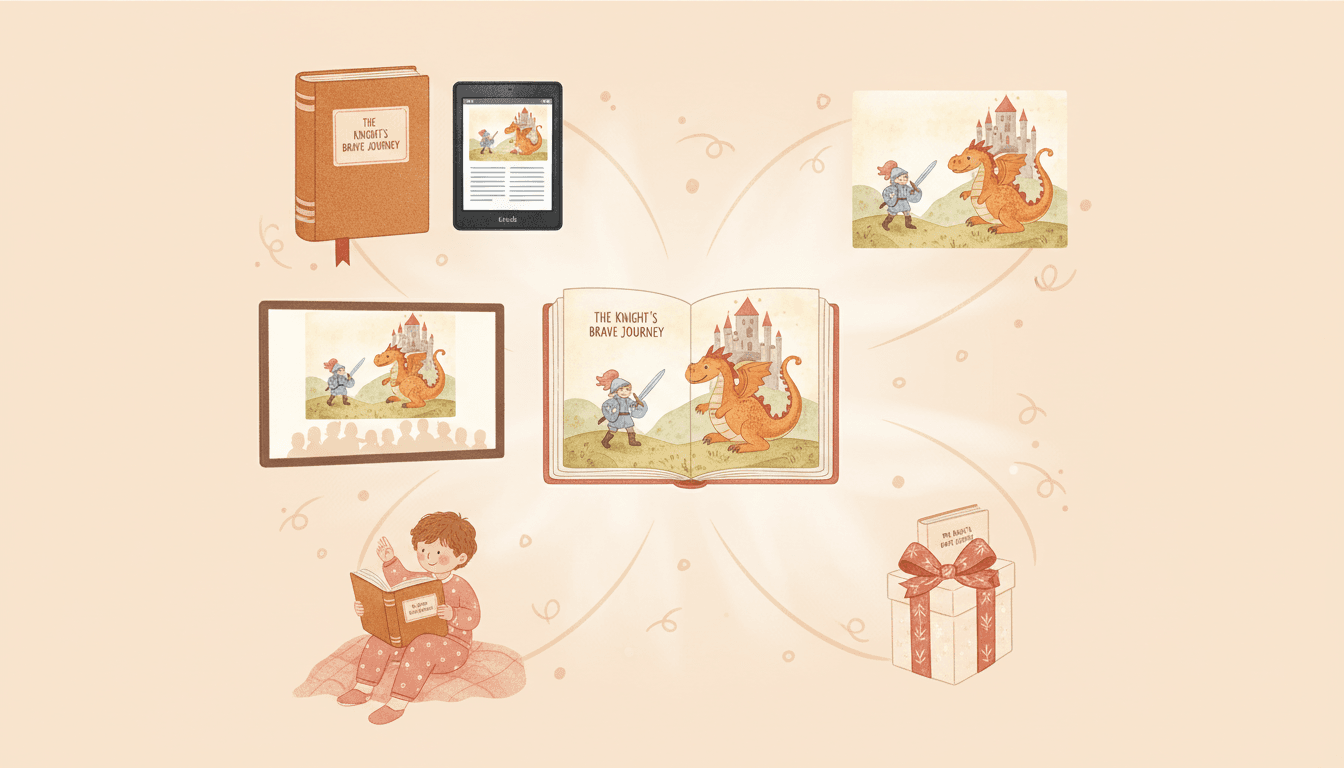
Coda Has No Illustration. C2Story Locks One Style Across The Whole Book.
Picture-book illustration is its own discipline — watercolor, cartoon, Pixar 3D, classical heritage storybook, anime, manga. C2Story locks one style across every spread of the book, then exports a 300 DPI PDF that prints cleanly through KDP, Lulu, IngramSpark, or any pro print-on-demand pipeline.
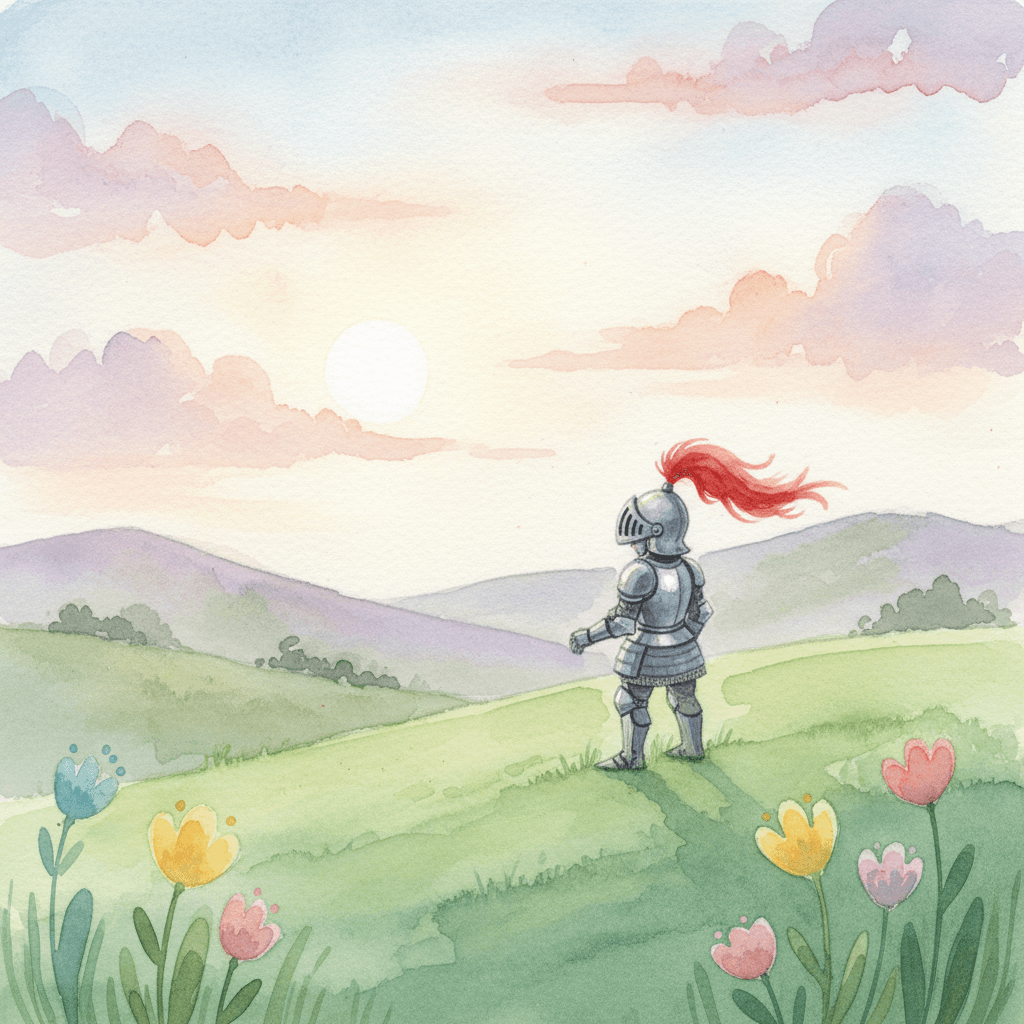
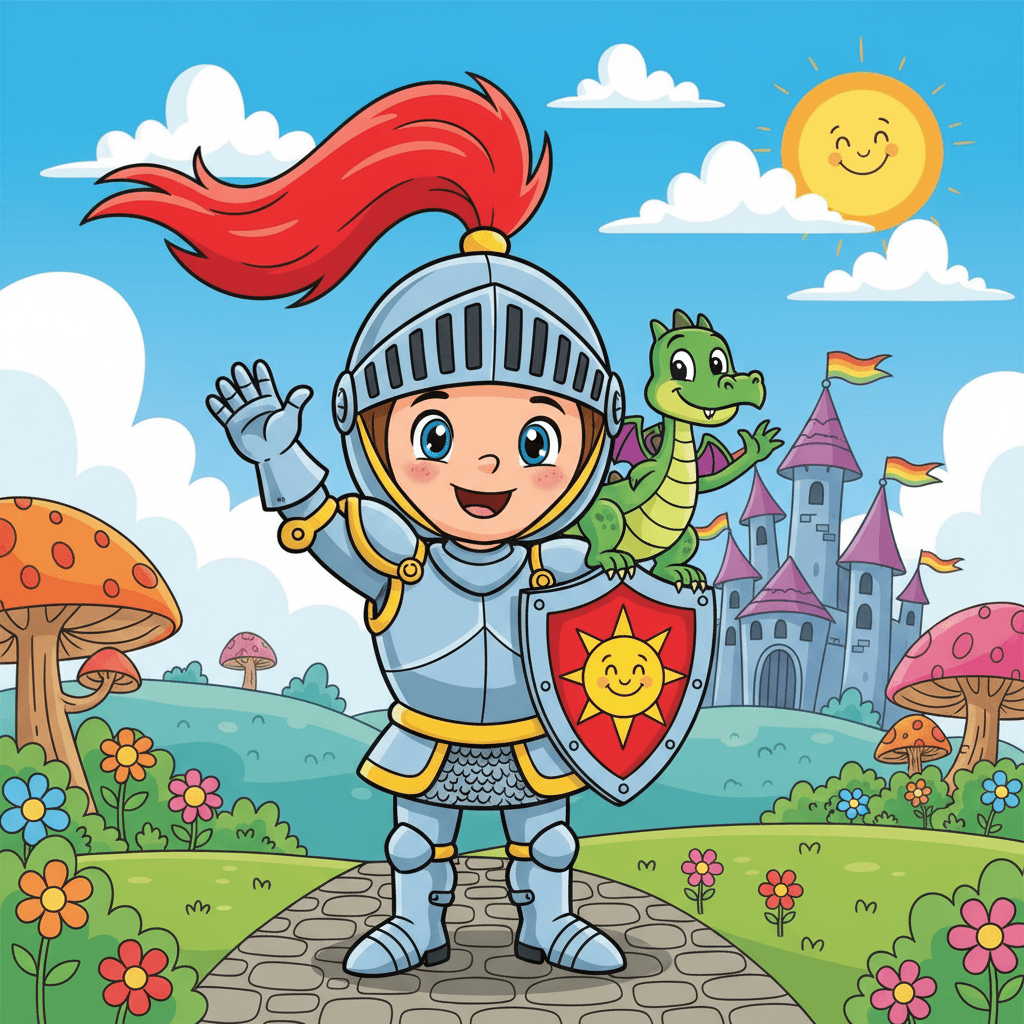

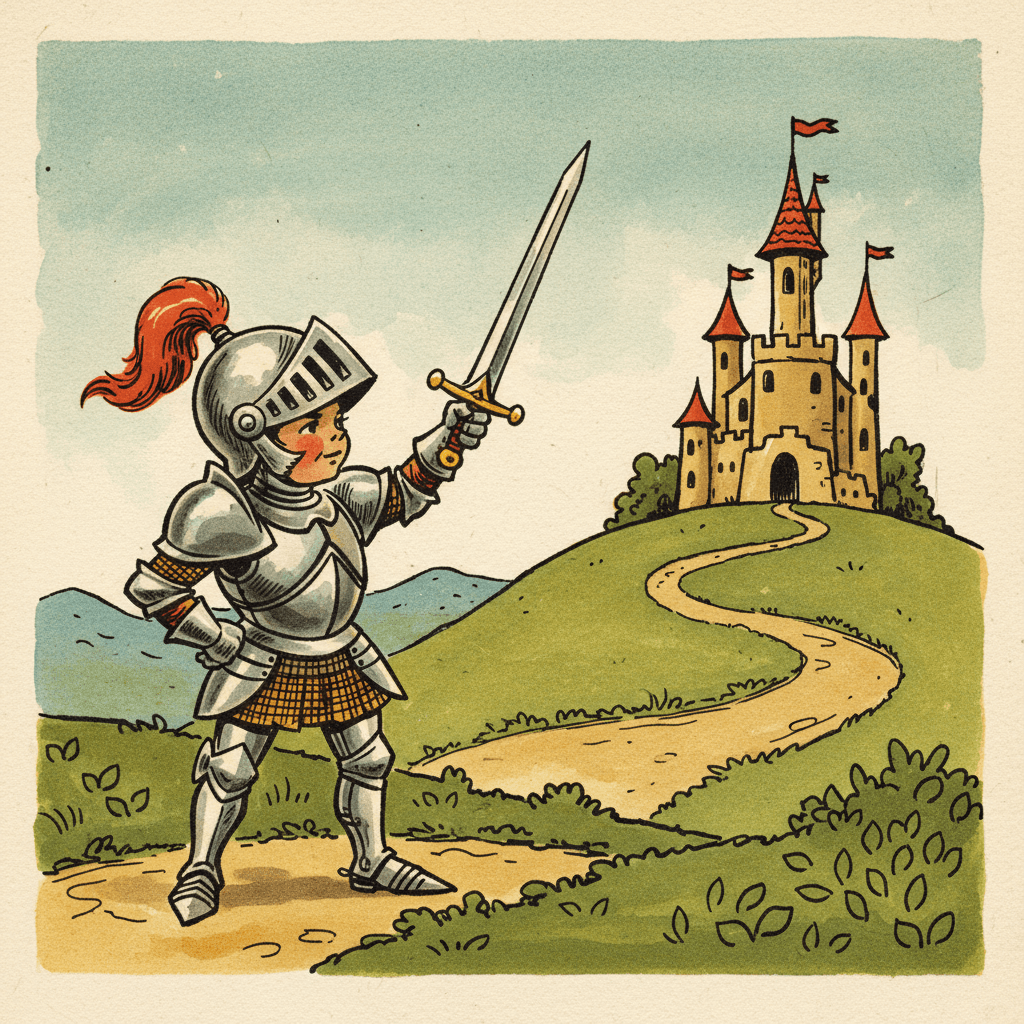
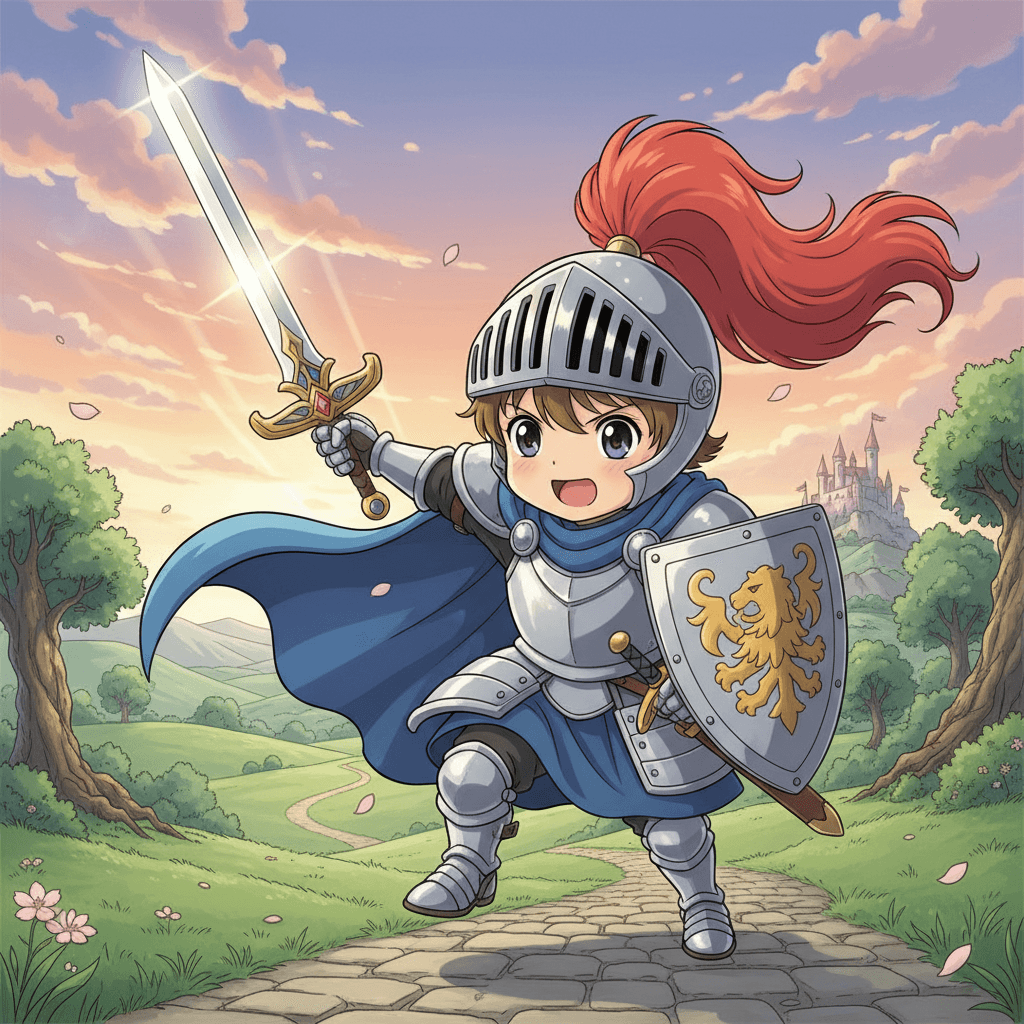
“Our whole series bible lives in a Coda doc — character tables, plot beats, sub-plot relations, comments from our editor. When a book is ready, we paste the synopsis and character bio into C2Story, pick a watercolor look, and ship the print-ready PDF straight to Amazon KDP. Two tools, one launch. Coda holds the plan; C2Story makes the book.”
— Mei & Theo, Indie Picture-Book Studio & KDP Self-Publishers
C2Story vs Coda for Story Creation FAQ
Explore More Story Ideas
Discover more styles, tools, and story types
Mermaid Stories
Magical underwater kingdoms
Explore
Crayon Picture Books
Waxy texture & childlike hand-drawn marks
Explore
Bedtime Stories for Anxious Kids
Calming tales that soothe worries
Explore
ChatGPT vs C2Story
Purpose-built for picture books
ExploreWant The Bound Illustrated Picture Book Coda Cannot Finish? Start Here.
Coda organizes the story bible. C2Story is where the picture book gets made. Build the illustrated book with a consistent hero on every page, export the print-ready PDF, ship to Amazon KDP.
C2Story vs Coda For Story Creation — The Honest Read
C2Story vs Coda for story creation is a search people run when they're working out which tool to actually use to make a children's picture book or organize a writing-room series bible. The honest answer is that they aren't feature-comparable tools — they output different shapes of artifact. Coda is a flexible workspace doc + database — character-bible tables, plot-beat columns, world-building wikis, multi-author writing rooms with comments and presence cursors, formulas, automations, Coda Packs that integrate with Slack, Google Calendar, Notion, Figma, GitHub, and an in-doc Coda AI text block. Its job is to take any structured-doc-shaped problem and return a live workspace that a team can collaborate inside. C2Story is an illustrated picture-book creation tool — its job is to draft the story text inside a picture-book layout, illustrate every spread of the book in a chosen art style, lock the same hero on every page via the Character Library, and export a finished bound picture book as a print-ready 300 DPI PDF (for Amazon KDP, Lulu, IngramSpark, Blurb, BookBaby) plus a Kindle ebook.
The clearest way to choose between them for story creation is to ask what shape you want the finished artifact to be in. If your output is a structured doc — a character bible, a plot-beat table, a world-building wiki, a multi-author writing room with editor comments, an automated review pipeline — then it's database-shaped and Coda is the right tool. Coda's tables, formulas, automations, permissions, and Coda Packs are exactly the shape of a real writers-room story bible, and Coda AI is a great everyday assistant for filling cells with draft prose. If your output is a bound illustrated picture book — a 24-page hardcover with the same recognizable hero on every page, a watercolor or Pixar-3D or anime style locked across the whole book, a print-ready 300 DPI PDF you upload to KDP — then it's book-shaped and C2Story is the right tool. A workspace doc, no matter how clever the tables, cannot finish a bound illustrated picture book in one shot. The picture-book layout, the persistent Character Library, the 50+ style lock-in, and the print-ready PDF export are purpose-built features C2Story exists specifically to provide.
The single biggest functional gap between C2Story and Coda for story creation is illustrated character consistency. A Coda character row can describe the protagonist in beautiful detail — name, age, eye color, freckles, armor, props, motivations, arc — but a doc cannot draw that protagonist on every page of an illustrated picture book. Even if you paste in AI-generated images cell-by-cell from another tool, every image is freshly generated from a text prompt, so the protagonist drifts between rows. C2Story's Character Library stores the protagonist as a persistent visual object (face, outfit, proportions, props, color palette) that gets re-applied to every spread — not re-prompted. That object-level consistency is why C2Story-rendered books read as one cohesive illustrated work and why the same-hero promise is the single most-praised feature in C2Story reviews. A bound picture book without it reads as a slideshow of mismatched portraits no matter how organized the database is — and that's the gap C2Story closes that a workspace doc was not built to close.
Many picture-book teams end up using both tools, sequentially, not as substitutes. The canonical Coda + C2Story story creation workflow is four steps. First, plan in Coda — build a character-bible table (name, age, look, personality, what they want, what they're afraid of), a plot-beat table (6-12 beats for a picture book, with age-tier and word-count budget per beat), and a world-building doc. Add co-authors, editors, and beta readers via comments and mentions; use Coda AI to draft and revise cells. Second, lock the manuscript — get team sign-off on the synopsis, the character bio, the beat sheet, and the age tier. Coda's permissions and locked sections make the hand-off clean. Third, paste the agreed outline into C2Story — synopsis as the prompt, character bio so C2Story builds the persistent hero in the Character Library, beat sheet as the page-by-page outline. Pick an art style (watercolor for bedtime, Pixar 3D for adventures, classical heritage storybook for heirloom gifts, anime for older readers) and let C2Story render the full picture book — every spread illustrated with the same hero, age-tier prose, professional layout. Fourth, export the print-ready 300 DPI PDF + cover PDF for Amazon KDP, Lulu, IngramSpark, or Blurb, plus the fixed-layout Kindle ebook. The two tools occupy different points in the picture-book creation pipeline and complement rather than compete — Coda is the writing-room database, C2Story is the book-finishing factory.
Want to see real C2Story books? Browse our community gallery for examples in every style. Want a side-by-side look at C2Story against other AI tools? See ChatGPT vs C2Story, C2Story vs GPT-5, Gemini vs C2Story, Canva vs C2Story, or C2Story vs Amazon KDP. Ready to start your picture book? Try the AI picture book maker, the AI children's book creator, the self-publish children's book guide, or jump straight to the create flow.