
Comic to VideoYou Drew It. Now Let People Watch It.
Bring the script and the cast from the comic you already finished. C2Story re-stages your panels as timed shots, speaks the dialogue out loud, and hands you back an MP4 instead of a page that has to be clicked.
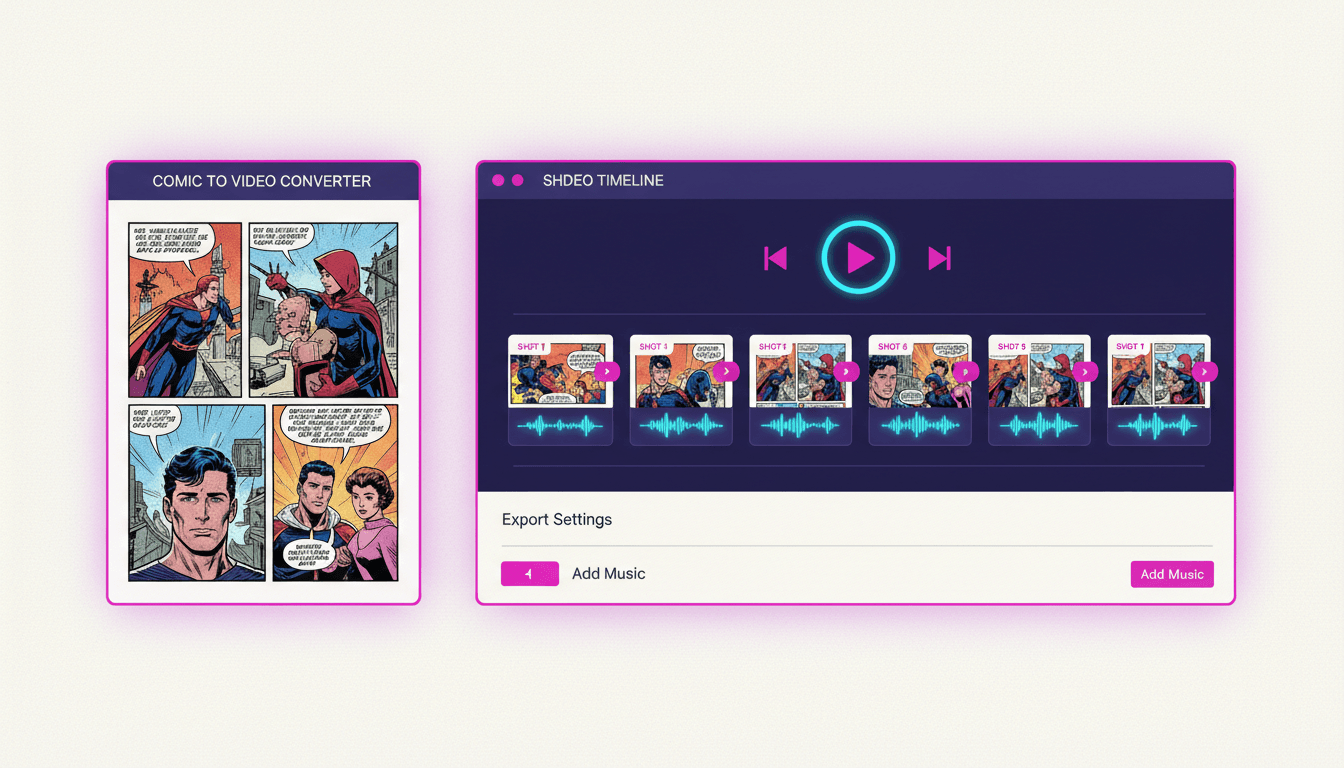
- Your panel beats become shots with real screen time
- Speech bubbles become spoken lines, one voice per character
- Upload your own character art so the cast matches your pages
- Exports vertical 9:16 for short-form or widescreen 16:9
250,000+
Stories Created
80,000+
Characters Saved
45+
Art Styles
4.9/5
Creator Rating
How to Turn a Comic Into a Video
Three steps, starting from the comic that already exists on your drive — not from a blank page.
Bring Your Script & Cast
Paste the dialogue and captions from your pages, then upload reference images of the characters you drew. That is everything C2Story needs to know what your comic is and who is in it.
Your words, your character art
Panels Become a Shot List
Your reading order becomes edit order. Each panel beat is re-staged as its own shot, sized for the aspect ratio you picked, in whichever of 45+ art styles matches your book.
Gutters become cuts
Render and Download
Camera motion, per-character voices, narration and music get layered over the shots, and the whole thing renders as a real MP4 — vertical for short-form, widescreen for YouTube.
A file, not a preview
How Your Existing Comic Actually Gets In
“Comic to video” can mean two very different things, and most tools are vague about which one they do. Here is exactly how C2Story works.
Your Script Comes In
Dialogue, captions and panel descriptions paste straight in. This is the spine of the conversion — the beats, the order and the words are yours, unchanged.
Pasted, kept verbatim
Your Cast Comes In
Upload up to fourteen reference images per character from your own pages. Every shot is generated against those references, not against a text description.
Up to 14 refs per character
New Shots Come Out
The panels are re-staged as video-native shots — reframed for the screen, given camera motion, timed to the dialogue and voiced, then rendered to MP4.
Re-staged, not scanned
What this is not
C2Story does not take a CBZ or a stack of JPEGs and puppet your exact linework frame by frame. It rebuilds your comic as video — your story, your characters, your beats, newly staged for a screen. For most creators that is the better trade, because a flat scan panned across in a video editor still looks like a flat scan, and re-staging lets each beat be composed for the shape people will actually watch it in. But if your requirement is that your original artwork survives pixel-for-pixel, you want a manual tool like After Effects or a motion-comic studio, and you should know that before you spend an evening here.
A Comic Waits to Be Clicked. A Video Plays.
Your comic is finished and good. The problem is distribution: every feed your audience lives in autoplays video and buries a link to a page of panels.
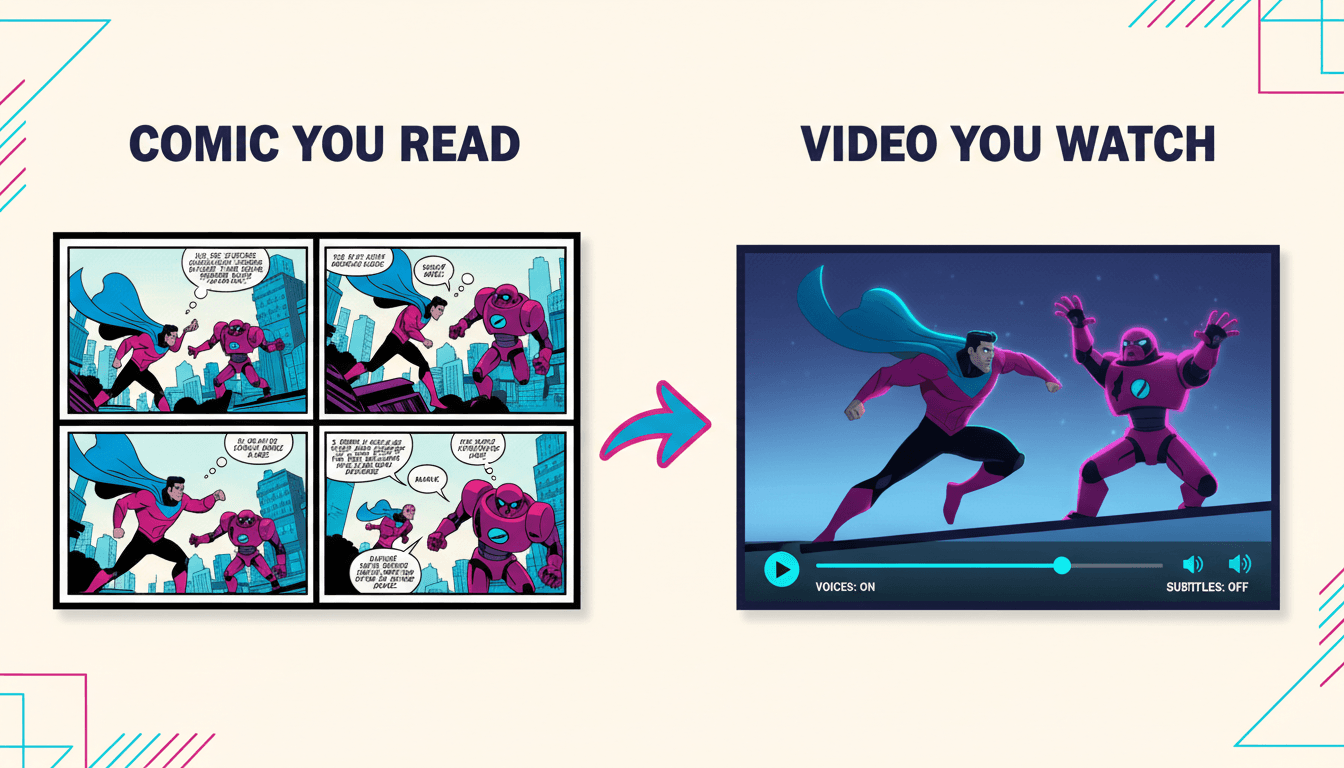
Your Comic as a Page
- ✕ Needs a click before anyone sees panel one
- ✕ The reader sets the pace, so your reveal lands early
- ✕ Dialogue is silent — no delivery, no performance
- ✕ Wrong shape for the vertical feeds where readers are
The Same Comic as Video
- Autoplays — the hook does the work for you
- You hold the beat for exactly as long as it needs
- Every character speaks in their own voice
- Fills a 9:16 screen instead of hiding between bars
Pages In, Shot List Built, Video Out
Follow a comic through the pipeline: reading order becomes edit order, and the finished cut lands in whichever shape your platform wants.
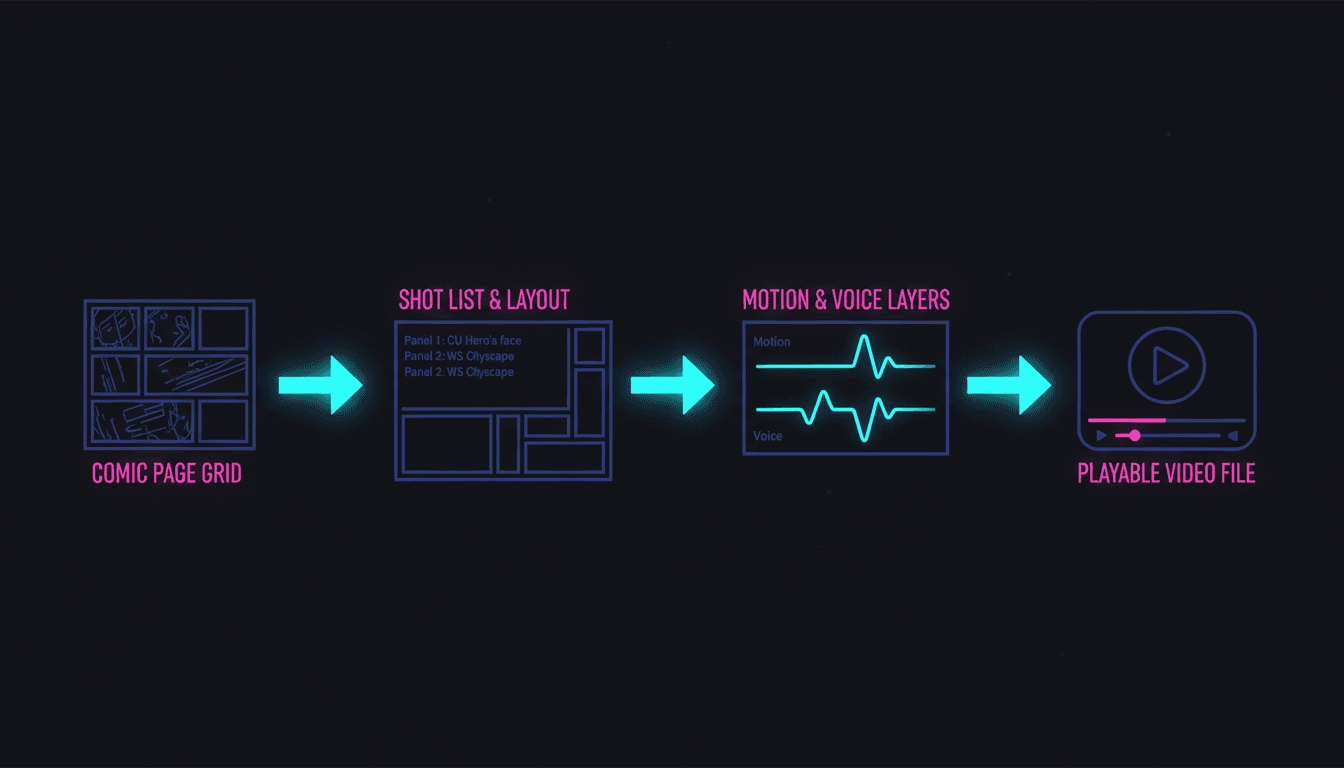
Pages → Shots → MP4
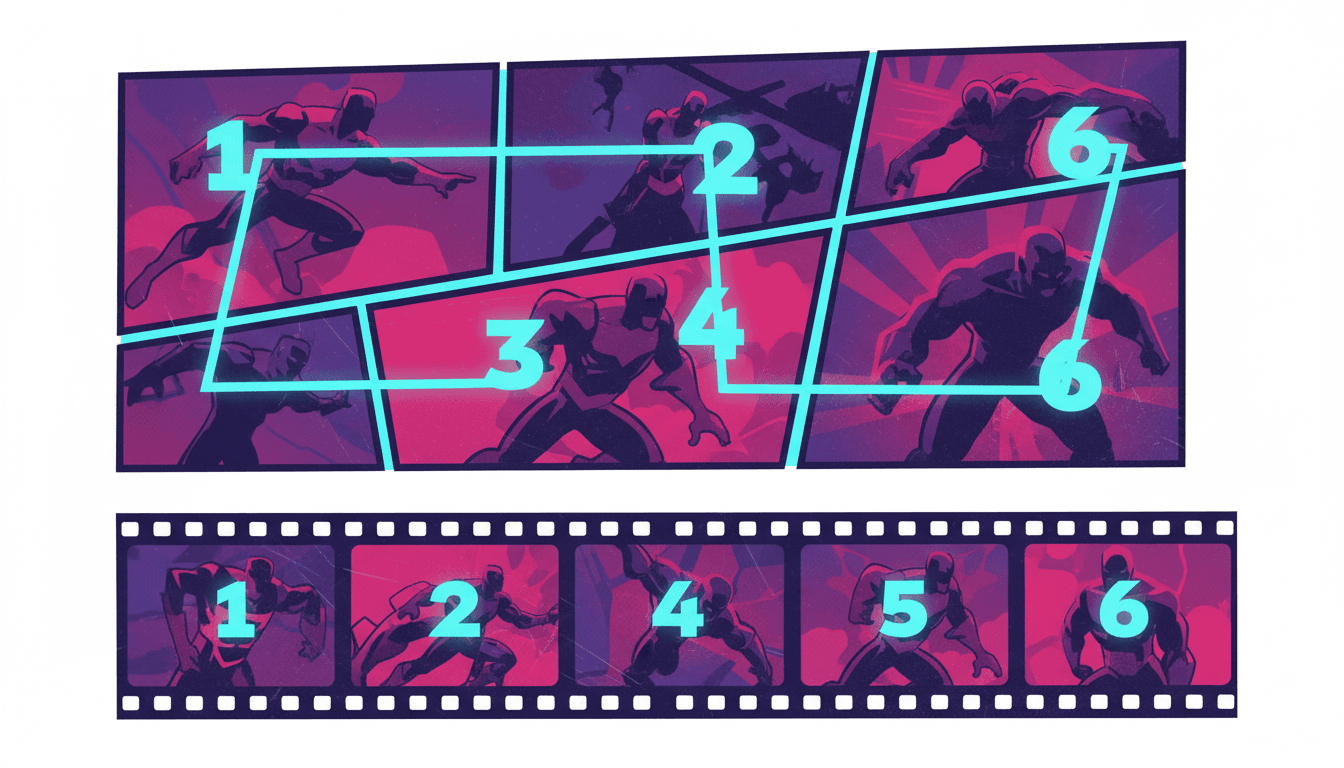
Reading Order Becomes Edit Order
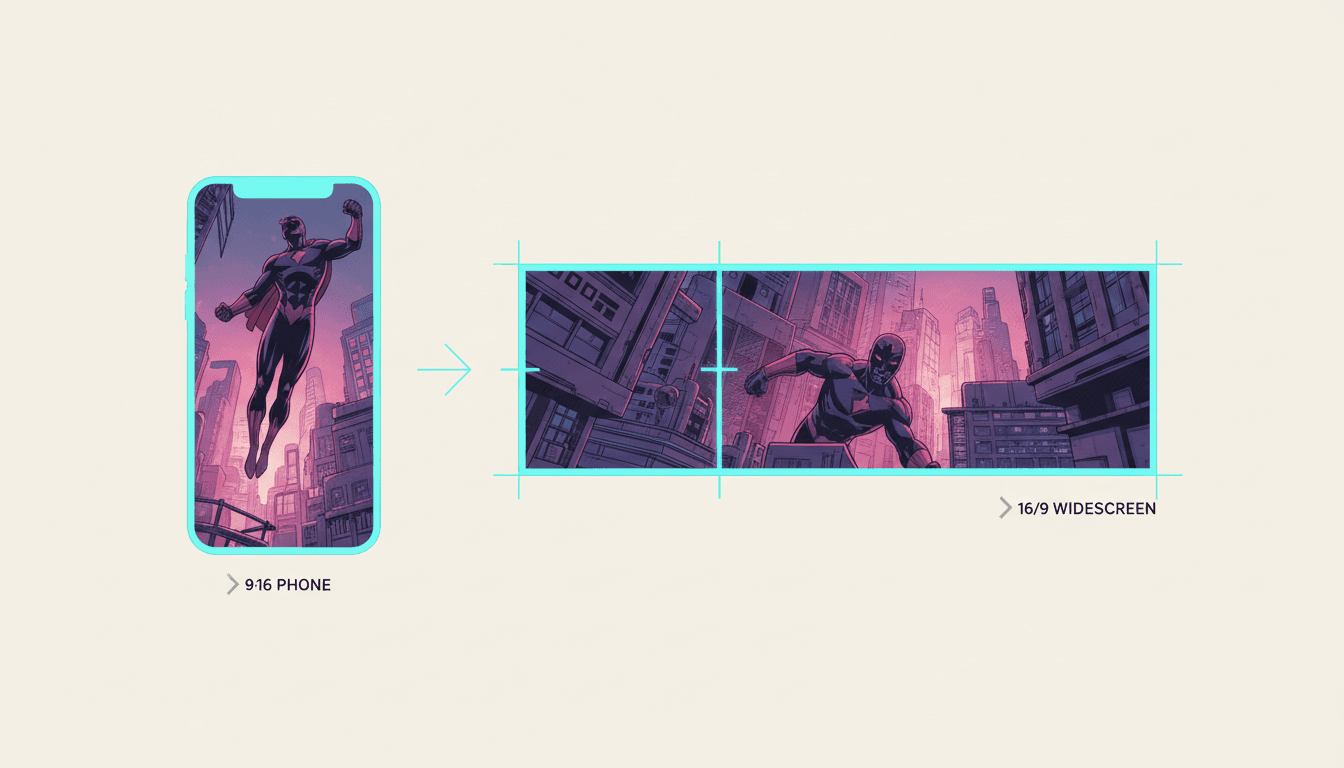
Vertical or Widescreen
“Turn issue #1 of my indie comic into a video for my launch page”
“Make a video version of my finished 24-page graphic novel chapter”
“Convert my four-panel strip into a short with voices”
“My webcomic archive, re-cut as an episode per arc”
“Turn my comic into a vertical video for TikTok”
“A widescreen video of my comic for the YouTube channel”
Every Kind of Comic Converts
Four panels or four hundred, inked or full colour, a finished run or a single issue you want to promote — the conversion is the same shape.
Page, Cast, Bubbles, Cut, Export
Where you start, who you keep, what gets spoken, how it is paced, and what you walk away with — rendered in whichever of 45+ art styles matches your book.
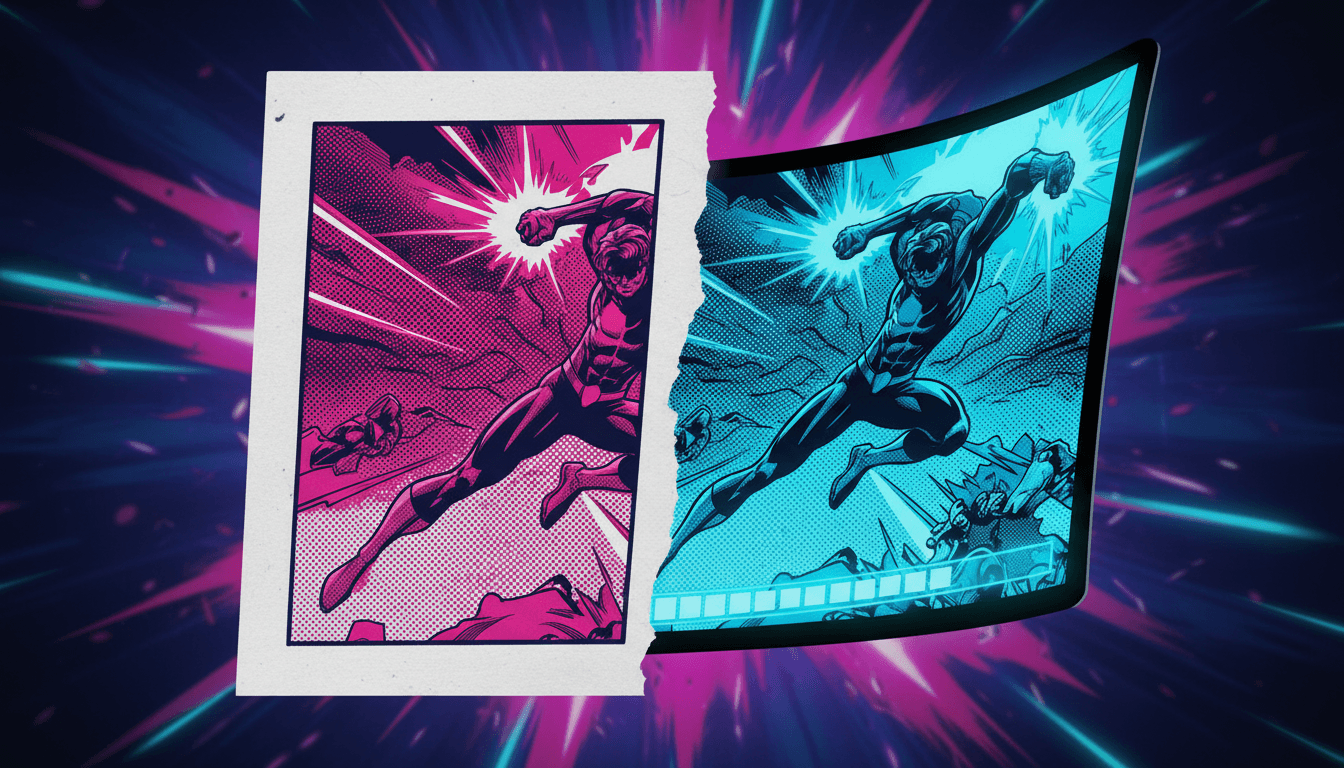
The Page
Where You Start
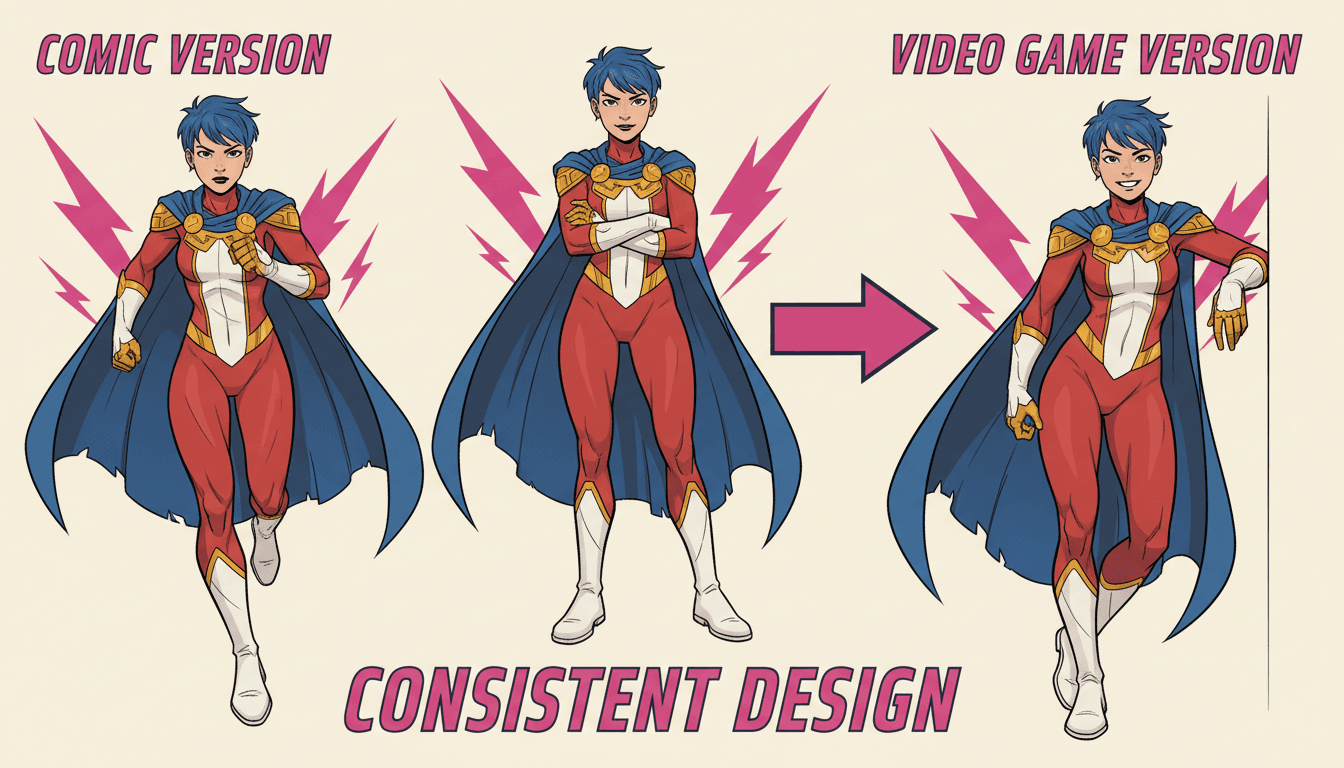
The Cast
Kept On Model
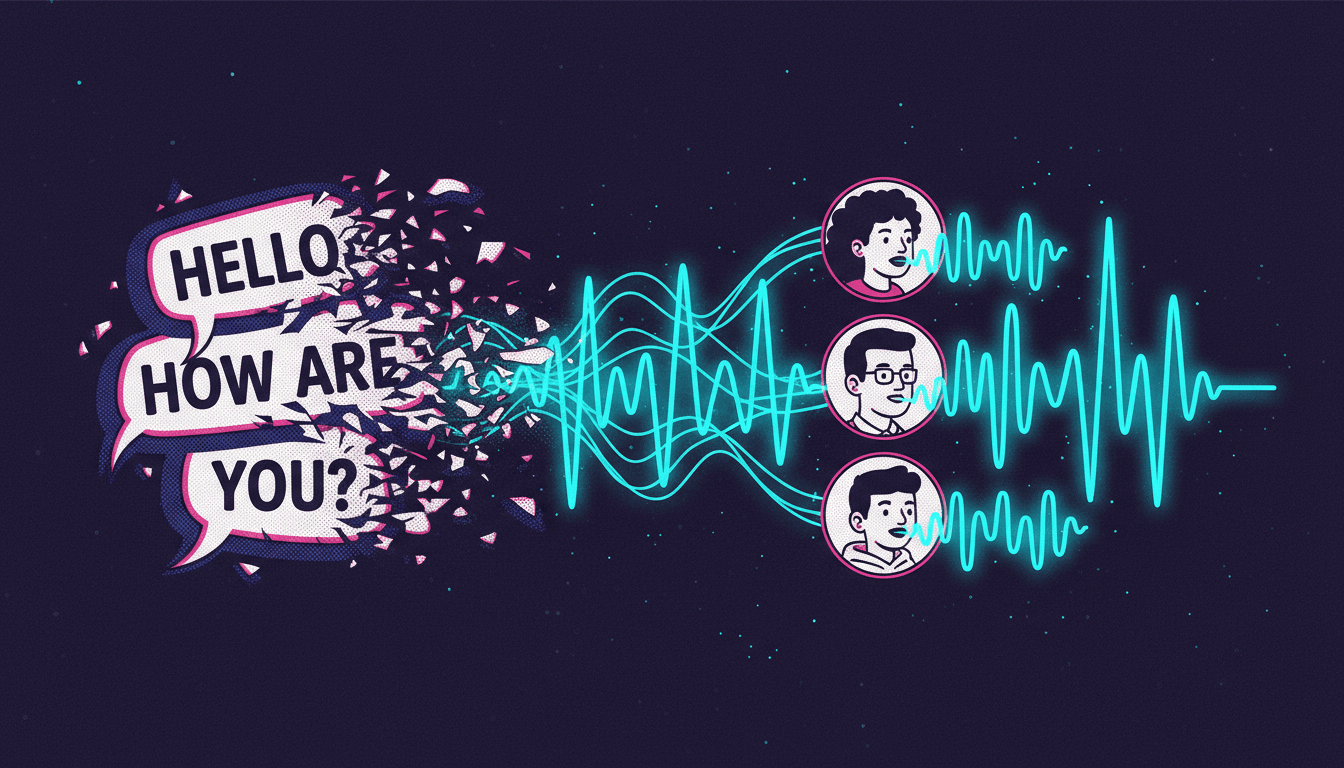
The Bubbles
Spoken Aloud
The Cut
Timed & Paced
The Export
A Real MP4
Match your book’s look with 45+ art styles including Comic, Manga, Anime, Cinematic and Watercolor.
What the Converter Handles For You
The six things that stand between a finished comic and a finished video — each one handled without opening a timeline editor.
Panels Become Shots
Reading order is edit order. Each panel becomes its own shot with its own screen time, so the gutters you drew as beats turn into the cuts a viewer actually feels.
Bubbles Become Voices
The dialogue trapped in your speech balloons gets spoken aloud, with a different voice per character and narration for the caption boxes between them.
Your Cast, Not a New One
Upload reference images of the characters you already drew. Every shot is generated against those references, so the video cast matches the one on your pages.
Vertical and Widescreen
A comic page is the wrong shape for a phone. C2Story re-stages each beat for 9:16 or 16:9 rather than letterboxing your artwork into grey bars.
Pacing You Control
A silent page lets the reader rush your best beat. Scene timing follows the dialogue, so the reveal holds for as long as it needs to.
A Real MP4 Out
Not a slideshow embed or a locked player — a downloadable video file you can post to TikTok, Reels, Shorts, YouTube, or a Kickstarter page.
Who Converts a Comic to Video?
Indie Comic Artists
You have issues nobody has found yet. A video version travels through feeds that will never surface a link to a comic reader — and it points back at the book.
Webcomic Creators
Years of archive, all of it static. Re-cut an arc as video and the back catalogue becomes something new to post rather than something to link to again.
Small Publishers
Every title needs a promo asset and none of them have a motion budget. Convert a chapter into a trailer-length cut for the store page and the socials.
Crowdfunding Creators
A campaign page with a video converts better than one with a gallery. Turn the first few pages into a watchable pitch without hiring an animator.
Do You Already Have the Comic?
This page is for creators converting a comic that already exists. If you are starting earlier than that, one of these is a better door — and they all share the same character library.
Yes — I have finished pages
Bring your script and your cast, and get a voiced, timed video back. You’re in the right place.
No — I only have a story
The comic drama generator writes and draws the panels first, then stages them as an episode. Start there if there is no comic yet.
I want comic pages, not video
The AI comic creator makes the pages and stops there — the right call if you publish to a comic platform.
Mine is a book, not a comic
Turning an existing children’s book into a narrated, animated video works a little differently. This is that page.
I have prose, not panels
Paste a written story and it gets split into scenes, illustrated and narrated — no comic layout step involved.
My cast keeps drifting
Pin every design so your characters look identical from the first shot to the last, in this video and the next.
Vertical for the Feed, Widescreen for the Channel
A comic page is a reading surface, not a screen shape. Choosing the output format before you render is what keeps your art filling the frame.
Vertical 9:16
For TikTok, Reels and Shorts — where most converted comics end up. Each beat is re-staged to fill a phone screen, so a wide establishing panel becomes a tall composition instead of a strip between grey bars.
Best for discovery
Widescreen 16:9
For YouTube, a site embed, or a crowdfunding page — anywhere the viewer is already sitting still. Closest to your original page proportions, and the better home for longer cuts and full chapters.
Best for depth
Frequently Asked Questions
Explore More Story Ideas
Discover more styles, tools, and story types

Ninja Stories
Dojo training, stealth missions and the secret scroll
Explore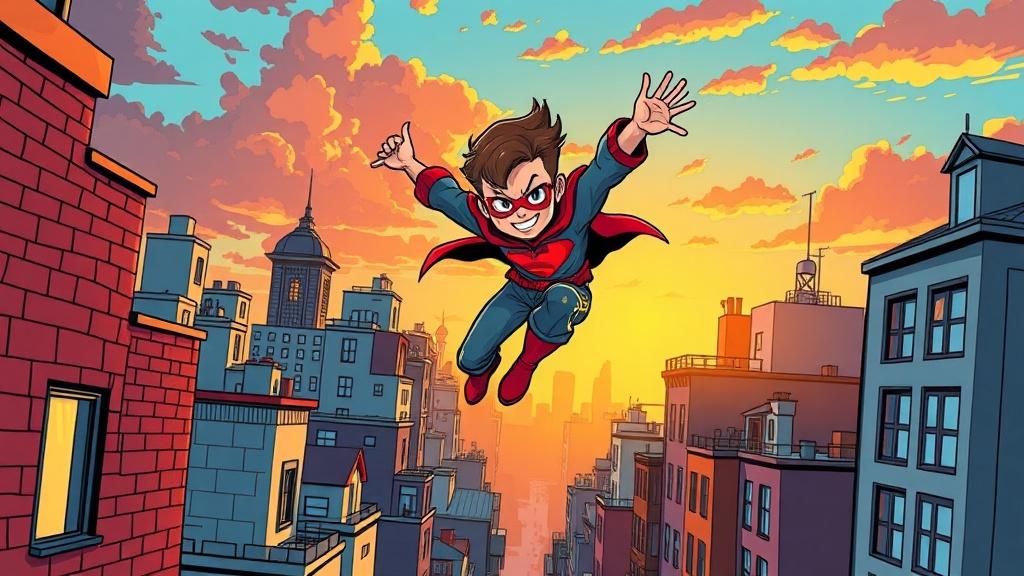
Comic Book Stories
Action-packed panel layouts
Explore
AI Story Generator
Generate complete stories with AI
Explore
Storybee Alternative
More styles & features
ExploreComic to Video — Turn Finished Pages Into Something People Watch
Converting a comic to video is a distribution problem before it is a creative one. The comic is already finished and already good; what it lacks is a form that travels. Every platform your readers spend time on autoplays video in the feed and buries a link to a page of static panels. A video version of the same story gets shown to people who would never have clicked through — and it points them back at the book.
C2Story handles the video half of that conversion. You bring the two things that make the comic yours: the script — dialogue, captions, the order of the beats — and the cast, as reference images of the characters you drew, up to fourteen per character. From there each panel beat is re-staged as its own shot, sized for the aspect ratio you picked, in whichever of 45+ art styles matches your book. Camera motion, per-character voices, narration and music go over the top, and the result renders as a downloadable MP4 rather than a preview locked inside a web player.
Three things change when a comic becomes video, and they are worth planning for. Gutters become cuts: the space between panels that a reader crosses at their own speed becomes a timed edit you control, which is why a punchline or a reveal finally lands where you meant it to. Speech bubbles become spoken lines, with a separate voice per character, so a two-hander sounds like two people instead of one narrator reading both parts. And page shape becomes screen shape — a landscape-ish reading surface has to be re-composed for a 9:16 phone frame, which is the difference between filling the screen and hiding between grey bars.
Be clear-eyed about what a conversion is, though. C2Story does not take a CBZ file and animate your exact linework pixel by pixel — it rebuilds the comic as video, with your story, your characters and your beats newly staged for a screen. For most creators that is the better trade, since a flat scan panned across in an editor still reads as a flat scan. If preserving your original artwork exactly is the requirement, a manual motion-comic workflow in After Effects is the honest answer, and we would rather say so here.
Ready to convert? Bring your pages to the comic to video tool and start with a single chapter. No comic yet, only a story? The AI comic drama generator draws the panels first, then stages them as an episode. Want the pages without the video step? Use the AI comic creator, or the AI manga generator for inked black-and-white panels. Working from a children’s book instead? Turn your book into a video. Working from prose? Story to video splits written text into scenes. And if the cast is what keeps breaking, pin every design with the character consistency tool or open your character library.