
Webtoon to VideoYour Scroll, Cut Into Scenes People Watch.
A webtoon is one long canvas with no page breaks — which is exactly what makes it hard to turn into video. C2Story finds the scene cuts inside your scroll, speaks the dialogue aloud, and hands you back an MP4 that already fits a phone.
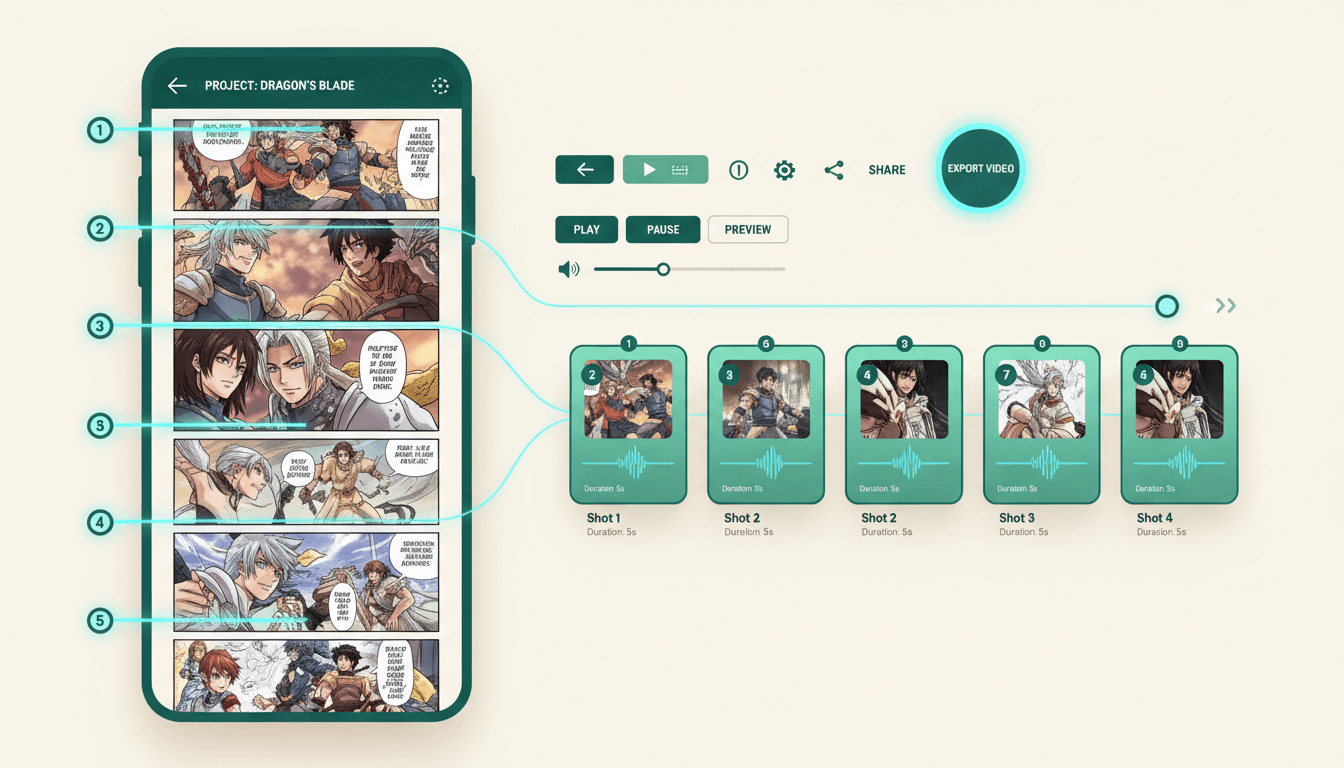
- Your long canvas is divided at real story beats, not arbitrary slices
- Scroll distance between beats becomes pause length on screen
- Speech bubbles become spoken lines, one voice per character
- Exports vertical 9:16 natively — your art was already that shape
250,000+
Stories Created
80,000+
Characters Saved
45+
Art Styles
4.9/5
Creator Rating
How to Turn a Webtoon Into a Video
Three steps, starting from the episode that is already published — not from a blank canvas.
Bring Your Script & Cast
Paste the dialogue and captions from the episode, then upload reference images of the leads you drew. That is everything C2Story needs to know what your webtoon is and who is in it.
Your words, your character art
The Scroll Becomes Scenes
With no page breaks to inherit, the episode is divided at its story beats instead — and the long empty stretches you left between them are read as held pauses, not dead space.
Cuts found, not guessed
Render and Download
Camera motion, per-character voices, narration and music get layered over the scenes, and the whole thing renders as a real MP4 — vertical for the feed, widescreen for a channel.
A file, not a preview
A Long Canvas Has No Page Breaks
Converting a paged comic is mostly bookkeeping — the panels and gutters already mark the shots. A webtoon hands over none of that, and pretending otherwise is where most conversions fall apart.
Cuts Have to Be Found
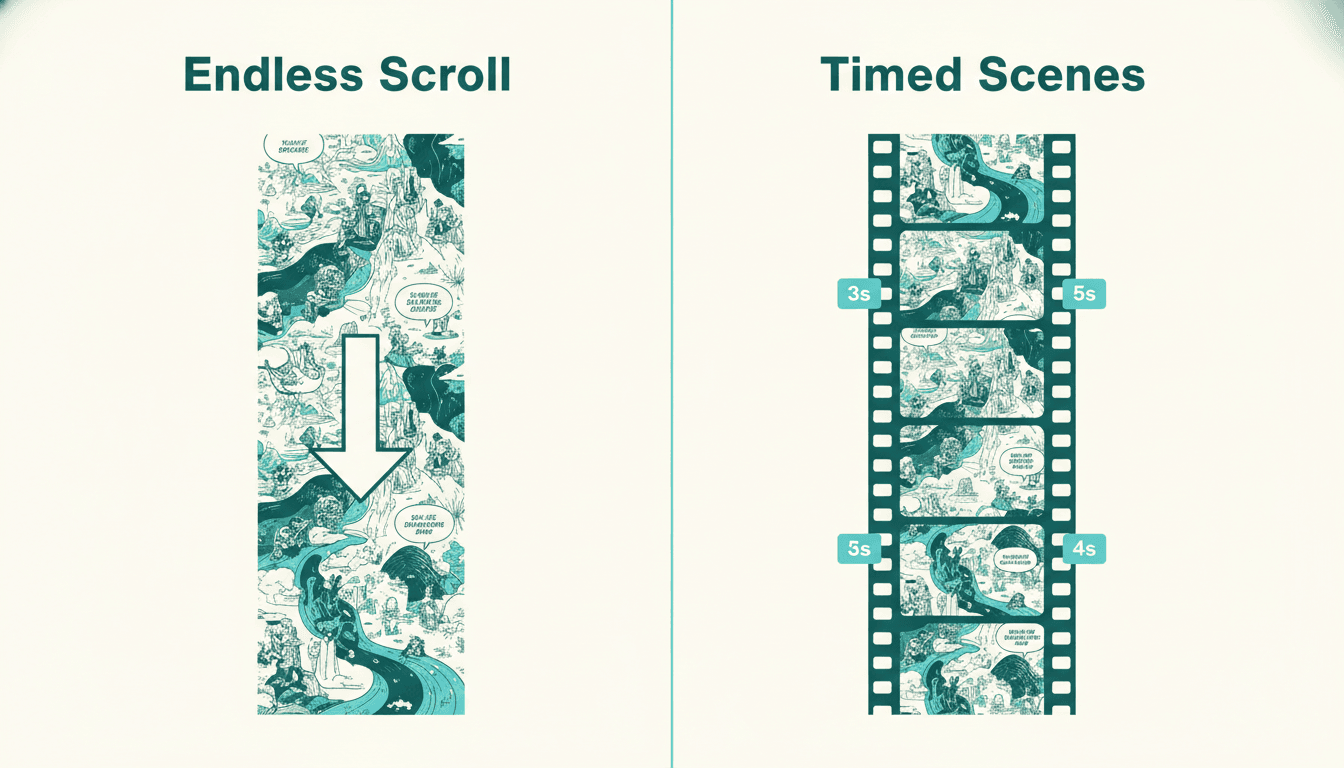
There is no panel border announcing a new shot. Scene boundaries are read out of the story itself — a location change, a speaker change, a beat landing — the same places you would have broken a page.
Story beats, not fixed slices
Blank Space Is Pacing
That long empty stretch before your reveal is the single most important tool in webtoon craft. Treated as dead space it gets deleted; treated as timing it becomes the pause that makes the reveal land.
Scroll distance → hold time
Reading Is Continuous
Readers move through a scroll at their own speed with no hard stops. Video takes that control away, so the cut rhythm has to supply the momentum the thumb used to provide.
Thumb pace → edit pace
What this is not
C2Story does not take your exported scroll image and pan a camera down it. That approach exists — it is a screen recording with music — and it is why so much “animated webtoon” content on social feeds looks flat. What happens here instead is a rebuild: your story, your characters and your beats re-staged as video-native shots, with motion and voices that belong to the medium. If your requirement is that your original artwork survives pixel-for-pixel, you want a manual tool like After Effects, and you should know that before you spend an evening here.
Readers Have to Find You. Viewers Get Served You.
Your episode already lives on a platform where readers must search, subscribe and tap in. The feeds next door autoplay video to people who have never heard of your series.
Your Episode as a Scroll
- ✕ Lives behind a tap, inside one platform’s app
- ✕ A fast scroller blows past the beat you built
- ✕ Dialogue is silent — no delivery, no performance
- ✕ Reaches subscribers, rarely strangers
The Same Episode as Video
- Autoplays to people who never searched for you
- You hold the beat for exactly as long as it needs
- Every character speaks in their own voice
- Already the right shape — it was drawn vertical
Canvas In, Cuts Found, Episode Out
Follow an episode through the pipeline: the scroll is divided at its beats, the gaps become timing, and the finished cut lands in whichever shape your platform wants.
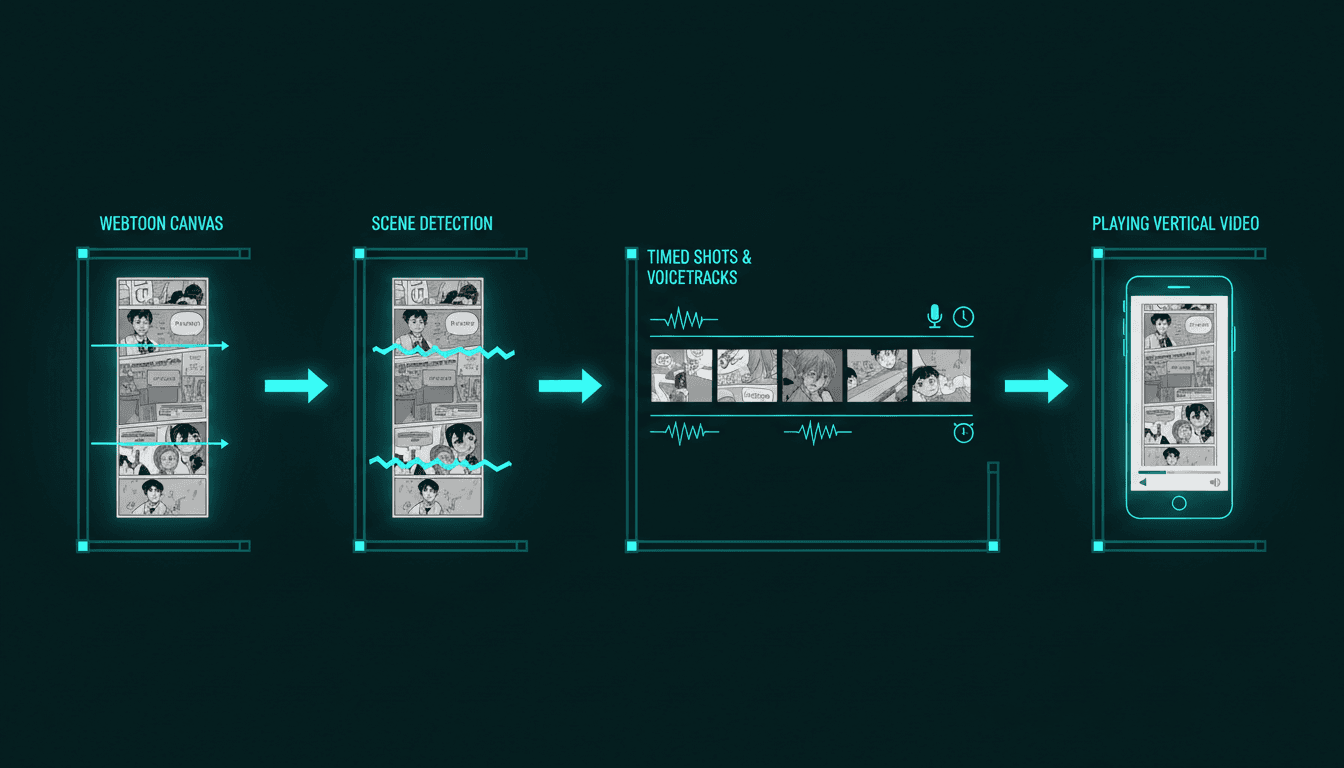
Canvas → Cuts → MP4
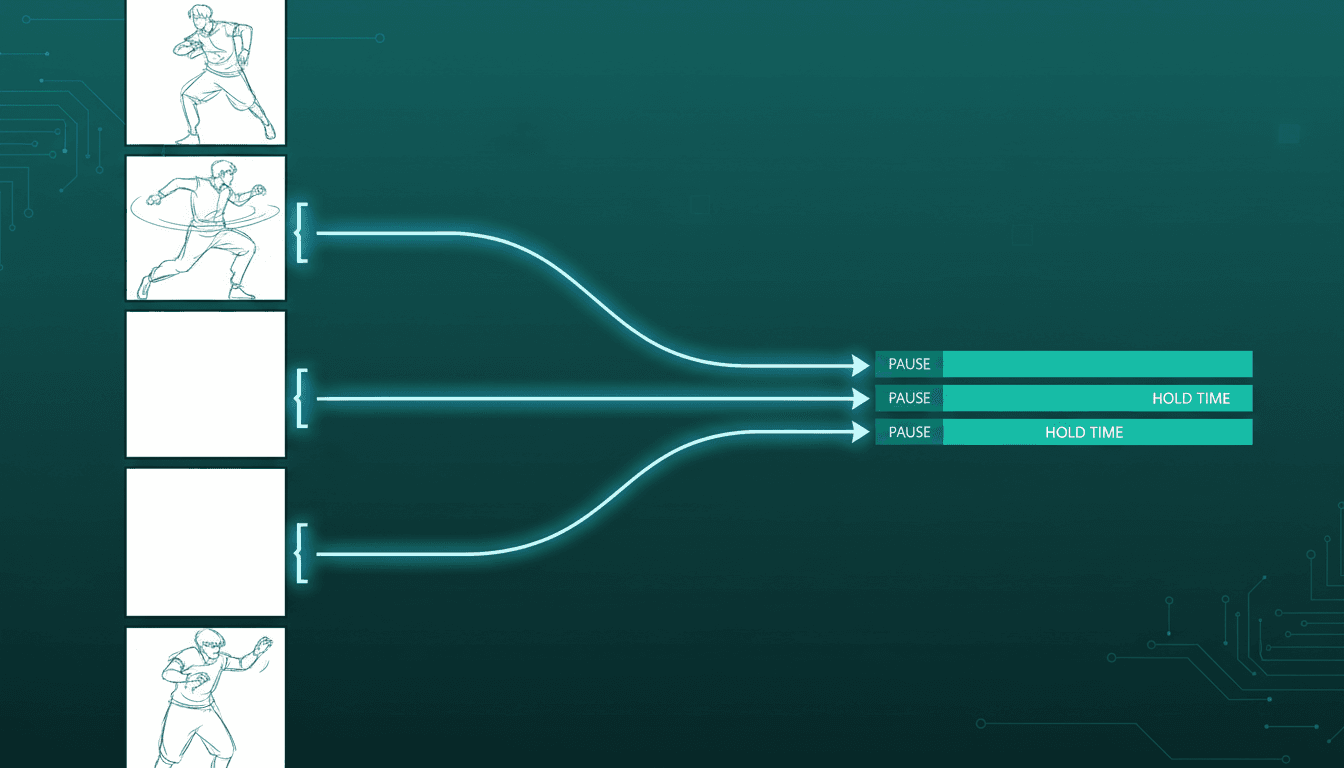
Scroll Rhythm Becomes Timing
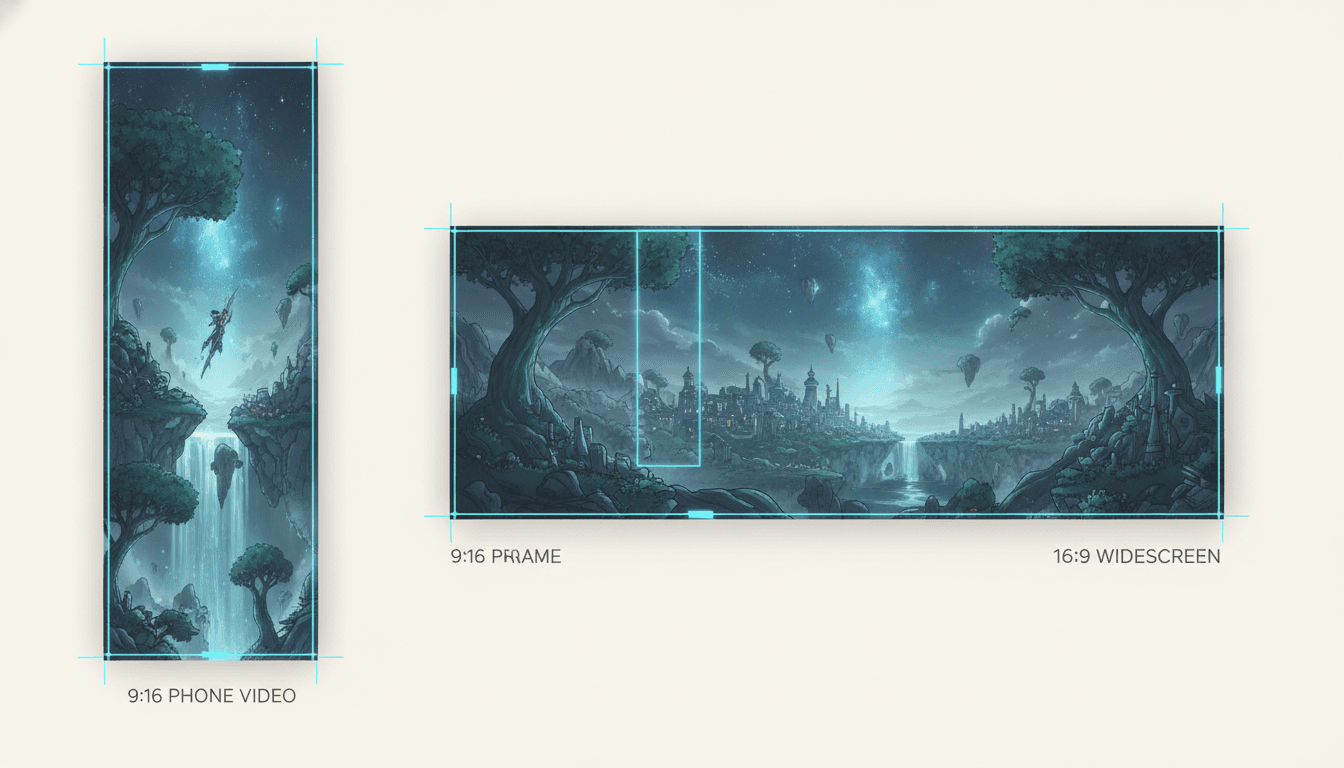
Vertical or Widescreen
“Turn episode 1 of my romance webtoon into a video for my launch post”
“Make a video of my manhwa chapter with voices for each lead”
“Re-cut my fantasy webtoon arc as a three-minute episode”
“A vertical video of my slice-of-life scroll for TikTok”
“Turn my webtoon cliffhanger into a teaser for the next episode”
“My full webtoon season, one video per arc for YouTube”
Every Kind of Scroll Converts
Webtoon, manhwa, manhua or an indie long-canvas short — a finished season or one episode you want to promote. The conversion is the same shape.
Scroll, Cast, Bubbles, Cuts, Export
Where you start, who you keep, what gets spoken, where it breaks, and what you walk away with — rendered in whichever of 45+ art styles matches your series.
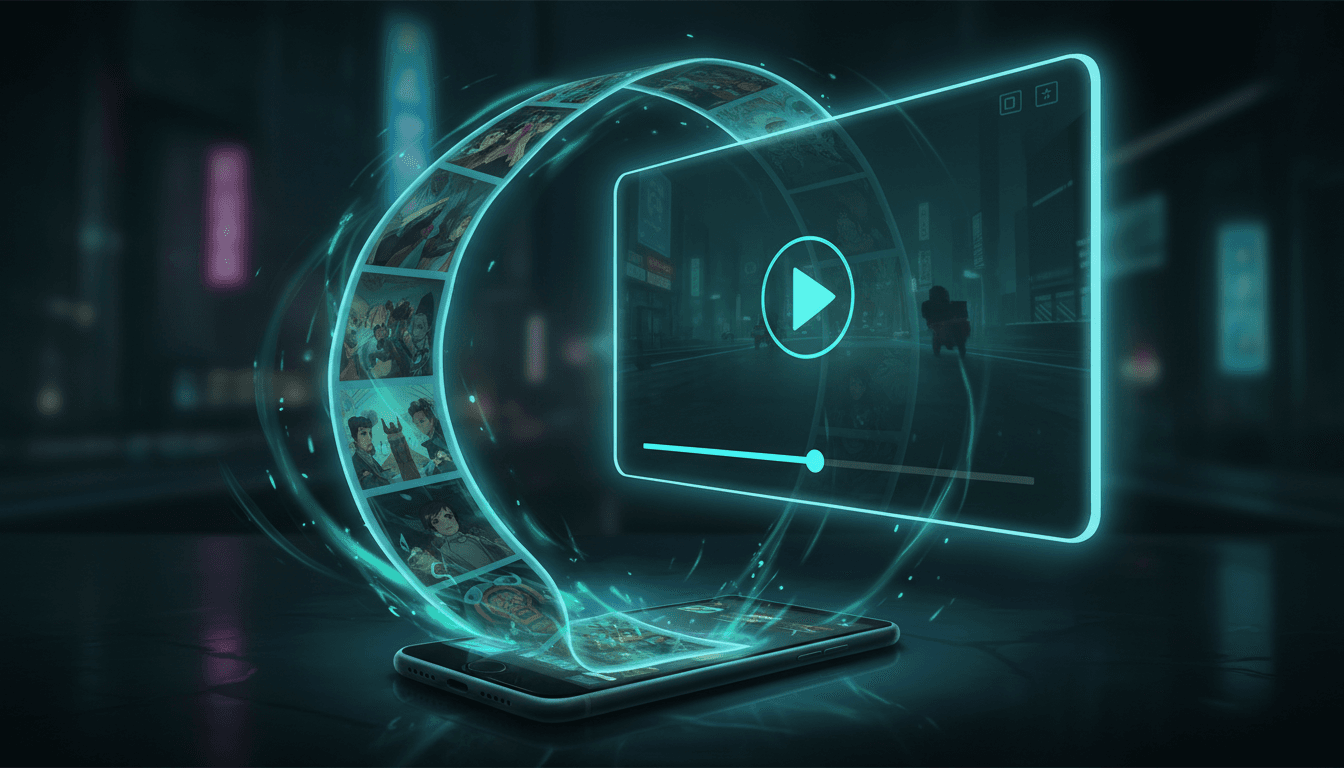
The Scroll
Where You Start
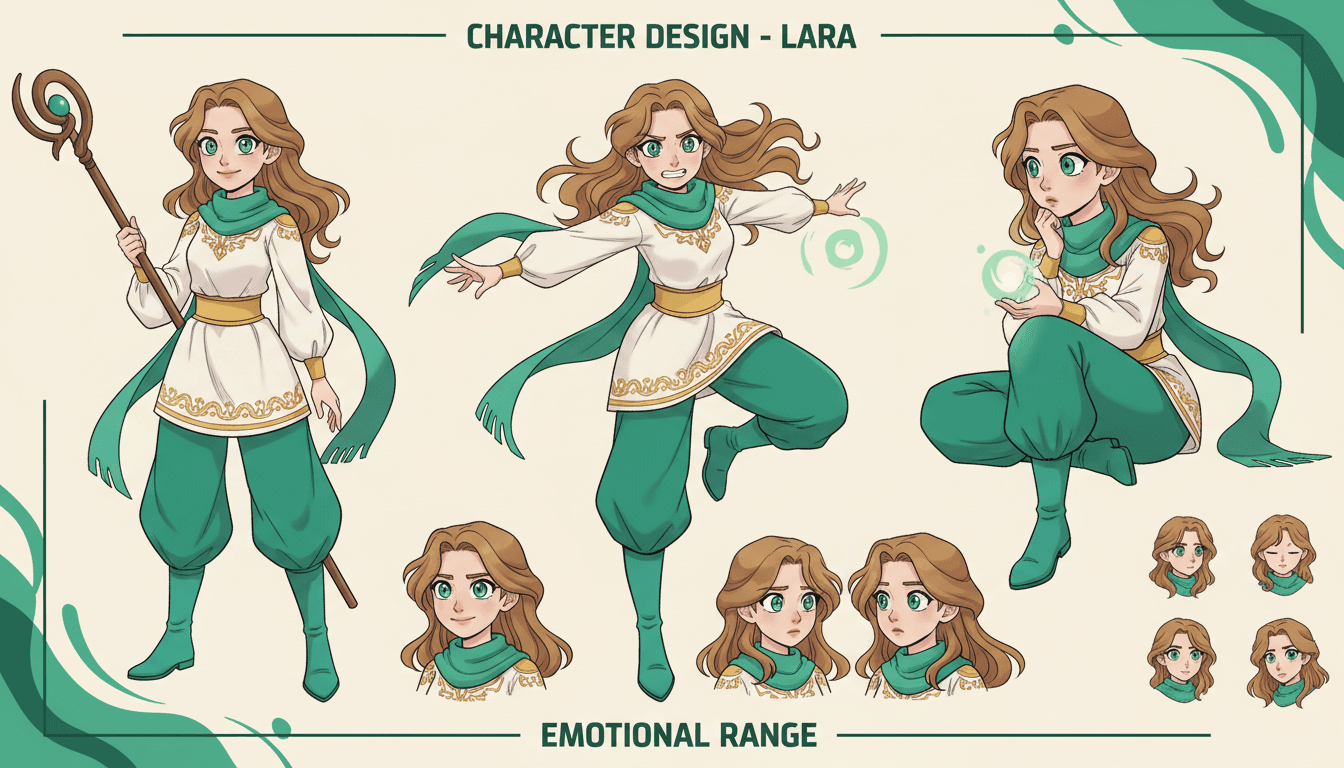
The Cast
Kept On Model

The Bubbles
Spoken Aloud
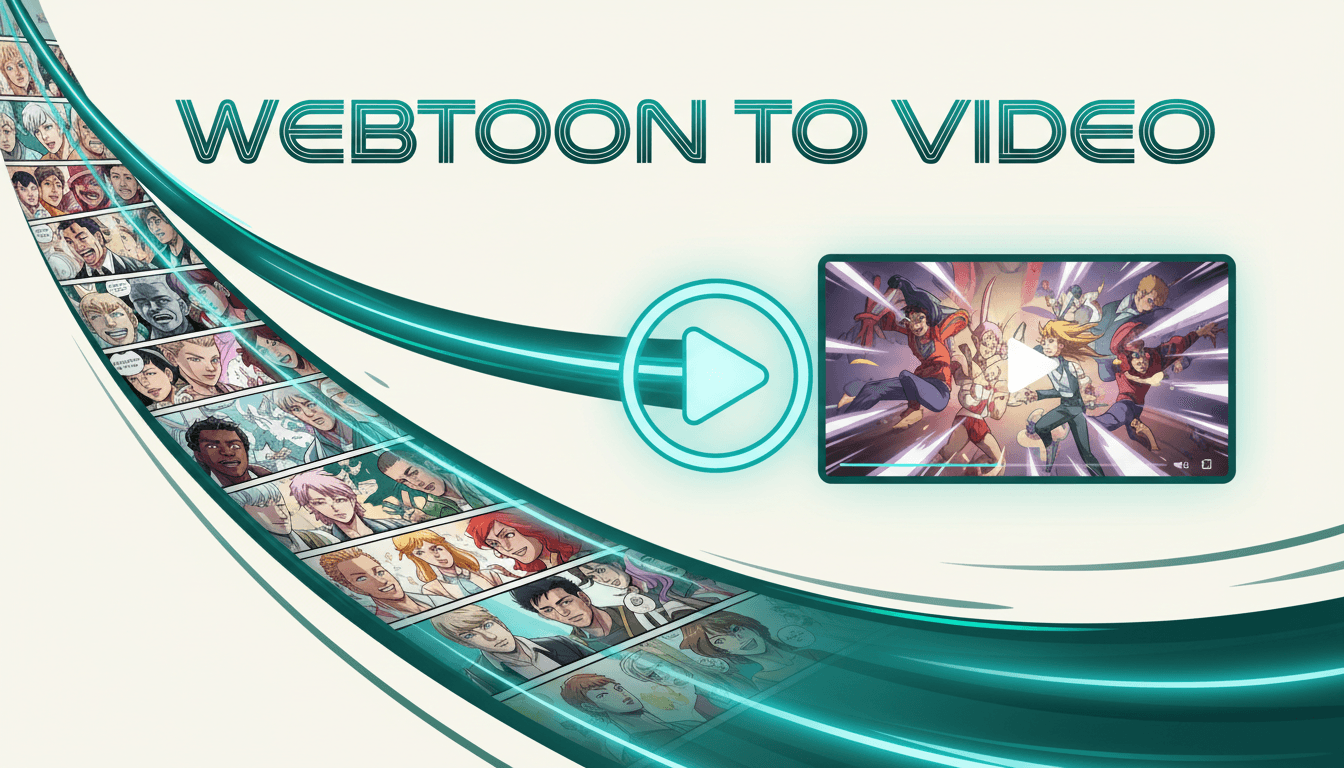
The Cuts
Found & Timed
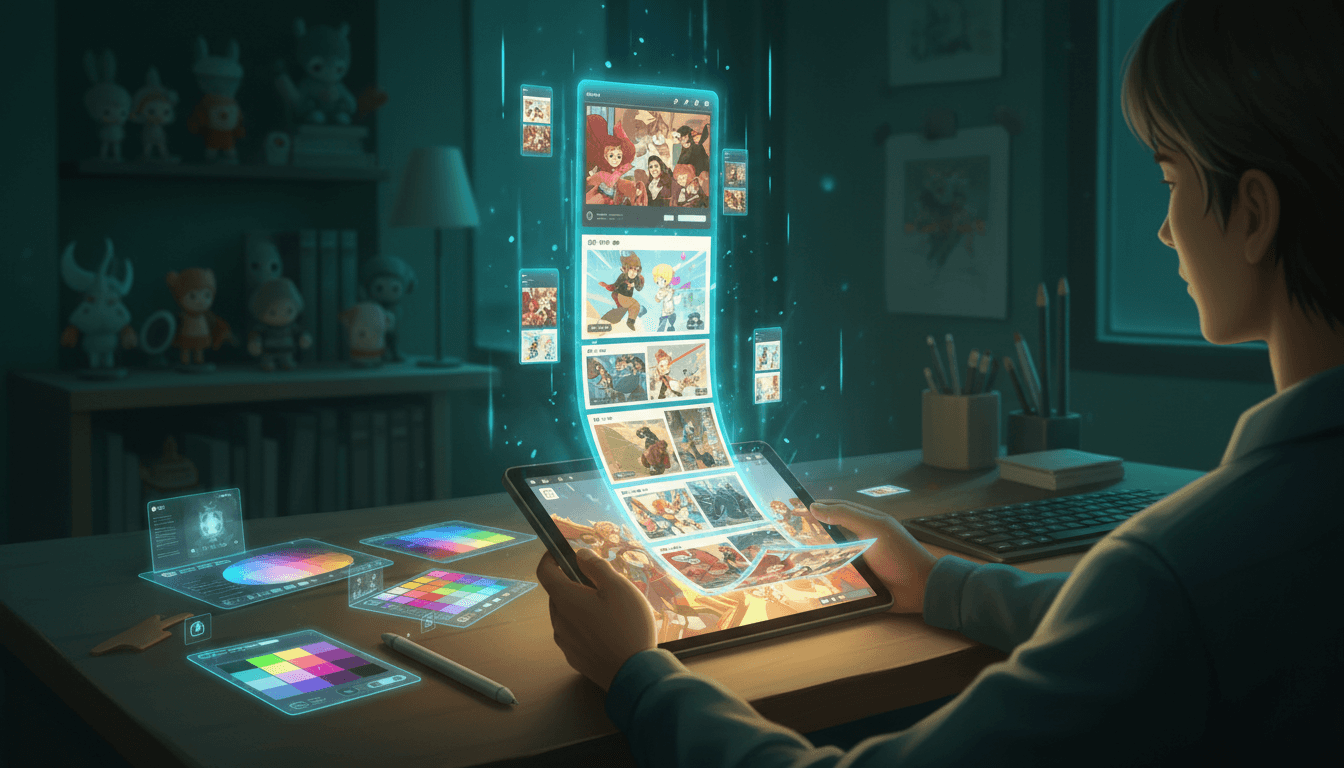
The Export
A Real MP4
Match your series’ look with 45+ art styles including Webtoon, Manga, Anime, Cinematic and Watercolor.
What the Converter Handles For You
The six things that stand between a published episode and a finished video — each one handled without opening a timeline editor.
The Scroll Gets Cut Into Scenes
A webtoon has no page breaks to inherit — it is one continuous canvas. Your episode is divided at its real story beats, so each scene gets its own screen time instead of the whole scroll sliding past at one speed.
Empty Space Becomes Timing
The long blank gutters you left between beats are pacing, not padding. That deliberate scroll distance is read as pause length, so the silence you built into the episode survives the move to video.
Bubbles Become Voices
The dialogue sitting in your speech balloons gets spoken aloud, with a different voice per character and narration for the caption blocks between them.
Your Cast, Not a New One
Upload reference images of the leads you already drew. Every shot generates against those references, so the face on screen is the face your readers follow episode to episode.
Born Vertical, Stays Vertical
Webtoons are the one comic format already shaped for a phone. A 9:16 export keeps that advantage instead of throwing it away — and a 16:9 cut is there when the destination is YouTube.
A Real MP4 Out
Not a scrolling screen recording or a locked player — a downloadable video file you can post to TikTok, Reels, Shorts, YouTube, or pin to your series page.
Who Converts a Webtoon to Video?
Webtoon Creators
You update weekly and grow by subscribers only. A video cut of your best episode travels through feeds that will never surface a link to a webtoon reader — and it points back at the series.
Manhwa & Manhua Artists
A long season of episodes, all of it static and all of it behind an app. Re-cut one arc as video and a back catalogue nobody is re-reading becomes something new to post.
Canvas & Indie Publishers
Getting discovered on a hosting platform means fighting for a slot on the front page. A vertical video of episode one competes somewhere else entirely, for free.
Series Promoters
Every launch needs a teaser and none of them have a motion budget. Turn the cliffhanger from last episode into a short that makes people go looking for the next one.
Do You Already Have the Episode?
This page is for creators converting a webtoon that already exists. If you are starting earlier than that, one of these is a better door — and they all share the same character library.
Yes — I have a finished scroll
Bring your script and your cast, and get a voiced, timed episode back. You’re in the right place.
No — I need the webtoon first
The webtoon generator draws the long-canvas episode itself, panels and bubbles included. Start there if the scroll does not exist yet.
Mine is a paged comic
Issues and graphic novels convert a little differently, because the panels already mark the shots. That is the page for it.
I only have a story idea
The comic drama generator writes and draws the panels first, then stages them as an episode with voices.
I want parallax, not re-staging
The motion comic generator pushes a camera through layered panel depth — the classic motion-comic look.
My cast keeps drifting
Pin every design so your leads look identical from the first scene to the last, in this episode and the next.
You Start With the Home-Field Advantage
Webtoons are the one comic format already composed for a tall phone screen. Paged comics fight to reach vertical video — your scroll was born there.
Vertical 9:16
For TikTok, Reels and Shorts — the natural destination. Your compositions were already built tall and read on a phone, so scenes fill the frame without the cropping and letterboxing that a landscape comic page needs.
The default for a webtoon
Widescreen 16:9
For a YouTube channel, a series landing page, or a publisher pitch. Here the scenes are re-staged wider rather than cropped, so a full arc plays as an episode instead of a narrow column with empty space either side.
Best for full arcs
Frequently Asked Questions
Explore More Story Ideas
Discover more styles, tools, and story types

Dinosaur Stories
Prehistoric adventures for kids
Explore
Watercolor Picture Books
Soft washes & dreamy textures
Explore
Bedtime Stories for Anxious Kids
Calming tales that soothe worries
Explore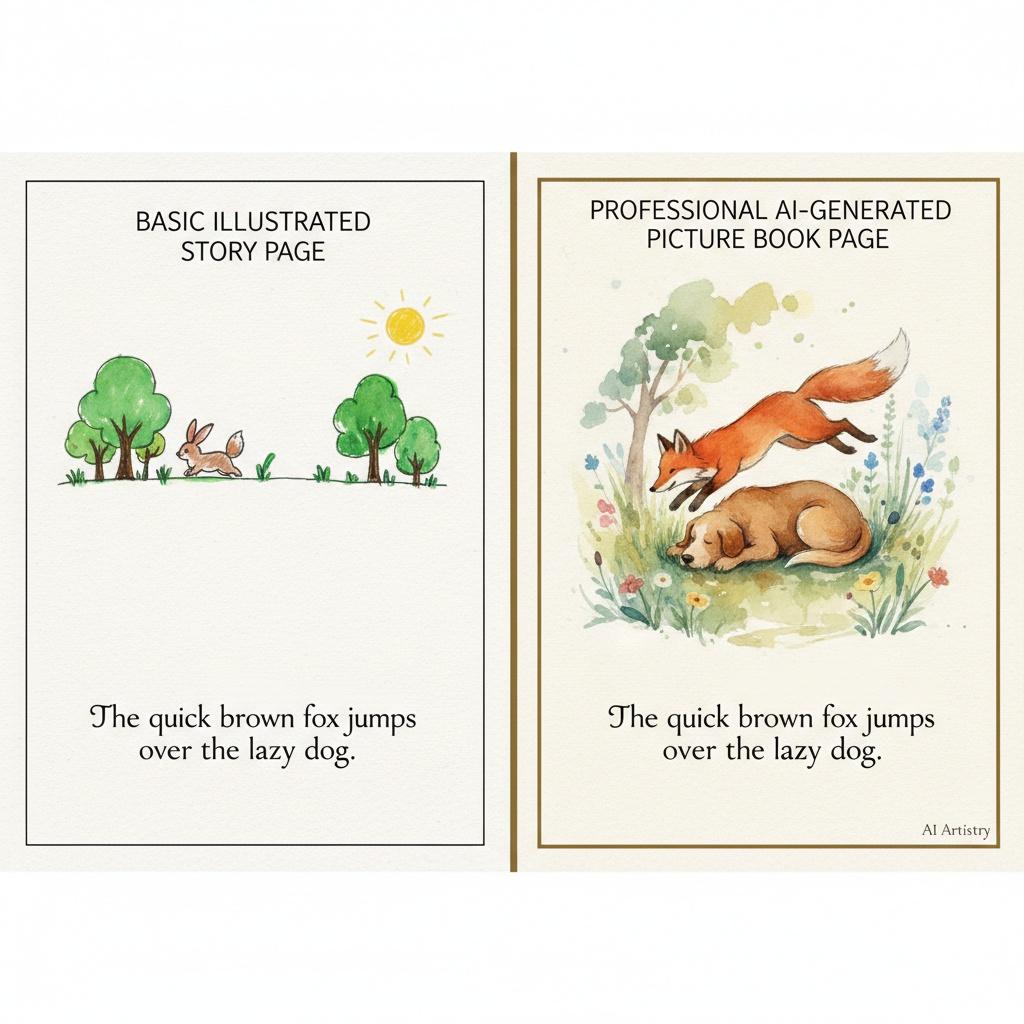
Storybird Alternative
Better AI story creation
ExploreWebtoon to Video — Turn a Long Canvas Into Something People Watch
Converting a webtoon to video is a different job from converting a paged comic, and the difference is the canvas. An issue or a graphic novel arrives pre-cut: panels, gutters and page breaks already say where one shot ends and the next begins. A webtoon episode is one continuous vertical image, sometimes tens of thousands of pixels tall, with none of those markers. Before anything can be animated, somebody has to decide where the scroll becomes scenes.
C2Story makes those decisions from the story rather than from the layout. Scene boundaries land where the beats actually change — a new location, a new speaker, a reveal arriving — which is the same instinct you used when you decided how far apart to place things while drawing. Just as importantly, the long empty stretches between beats are read as timing. Vertical whitespace is the core pacing tool in webtoon craft: you make a reader scroll through silence so the next panel hits harder. A converter that treats that space as padding deletes the pause and flattens the moment, which is why so many “animated webtoon” clips feel rushed. Here, scroll distance becomes hold time.
The rest of the conversion works from what you already made. You bring the script — dialogue, captions, the order of beats — and the cast, as reference images of the leads you drew, up to fourteen per character. Each scene is then staged in whichever of 45+ art styles matches your series, with camera motion, per-character voices and music layered over the top, and the result renders as a downloadable MP4. Speech bubbles become spoken lines, one voice per character, so a two-hander sounds like two people rather than one narrator reading both halves.
On format, webtoons start ahead. Your artwork was composed for a tall phone screen from the first panel, so a vertical 9:16 export for TikTok, Reels or Shorts fills the frame natively — no cropping a landscape page into a narrow strip, which is the tax every paged comic pays to reach the same feeds. Widescreen 16:9 is there when the destination is a YouTube channel or a series page, with scenes re-staged wider rather than boxed in.
Be clear-eyed about the method. C2Story does not pan a camera down your exported scroll image — that technique is a screen recording with music on top, and it reads as one. It rebuilds the episode as video, with your story, your characters and your beats newly staged for a screen. If preserving your original linework exactly is the requirement, a manual workflow in After Effects is the honest answer, and we would rather say so here than after you export.
Ready to convert? Start with a single episode. No scroll yet? The AI webtoon generator draws the long-canvas episode first. Working from a paged comic instead? Comic to video handles issues and graphic novels. Only have a story idea? The AI comic drama generator writes and draws the panels first. Want the classic parallax look instead of re-staged scenes? Try the motion comic generator. Drawing in black-and-white panels? The AI manga generator is the closer fit. And if your cast is what keeps breaking, pin every design with the character consistency tool or open your character library.