
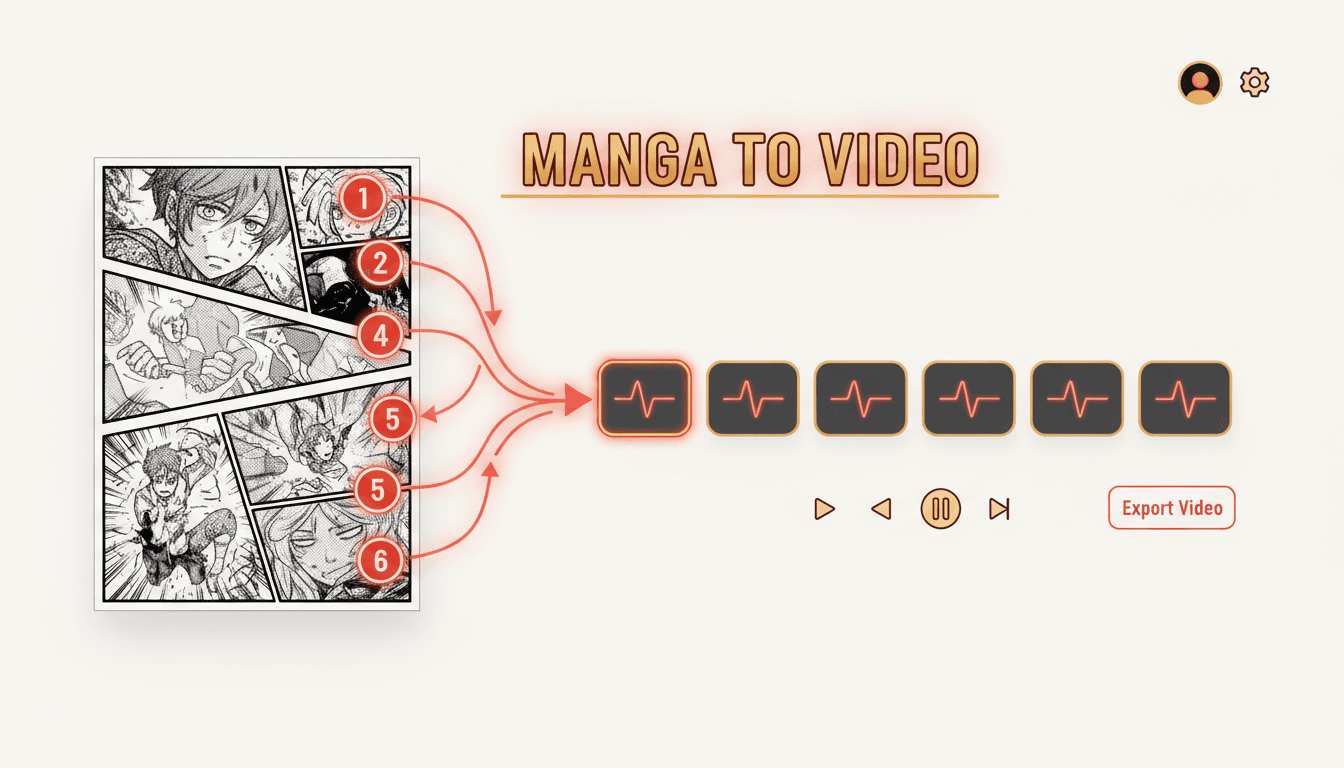
Manga to VideoYour Panels, In the Order You Drew Them.
Manga reads from the top-right corner leftward — and a converter that forgets that turns your chapter into nonsense. C2Story keeps the reading order, speaks your bubbles aloud, and hands you back an MP4.
- Panels are read right to left, so the sequence you drew is the sequence that plays
- Panel size carries over — a splash page holds, a sliver passes
- Speech bubbles become spoken lines, one voice per character
- Drawn sound effects become an actual audio track
250,000+
Stories Created
80,000+
Characters Saved
45+
Art Styles
4.9/5
Creator Rating
How to Turn a Manga Into a Video
Three steps, starting from pages you already inked — not from a blank sheet.
Bring Your Script & Cast
Paste the dialogue and captions from the chapter in reading order, then upload reference images of the leads you inked. That is everything C2Story needs to know what your manga is and who is in it.
Your words, your character art
Panels Become Shots
Reading direction is set first, so the chapter unfolds right to left the way you drew it. Then each panel becomes a timed shot, with the big ones holding longer than the narrow ones.
Order kept, not guessed
Render and Download
Camera motion, per-character voices, sound effects and music get layered over the shots, and the whole thing renders as a real MP4 — widescreen for a channel, vertical for the feed.
A file, not a preview
Manga Does Not Read Left to Right
A Western comic hands a converter its own order — left to right, top to bottom, neat rectangles. Manga hands it none of that, and a tool that assumes otherwise will play your chapter backwards.
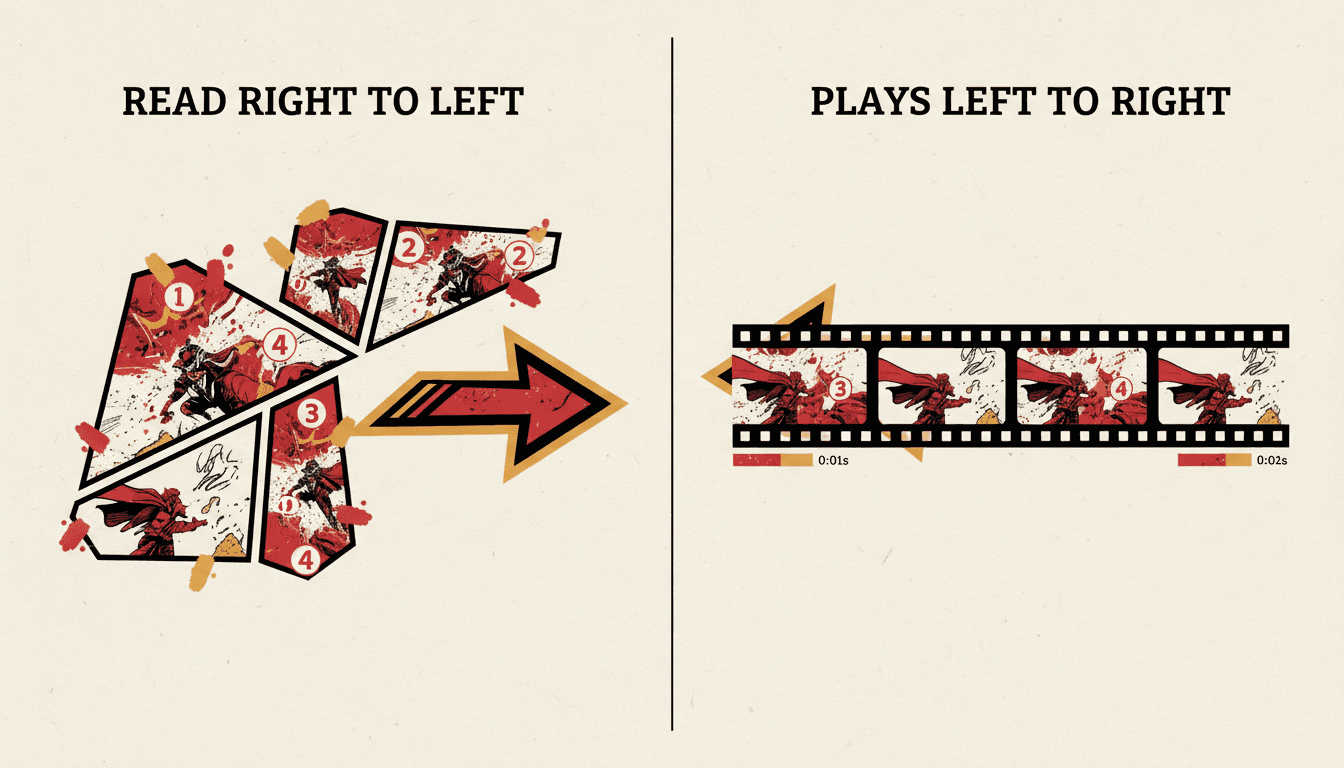
The Order Is the Story
Start at the top-right and move leftward. Get it wrong and a reaction shot plays before the line that caused it — the chapter still contains every panel you drew and means nothing.
Right to left, by default
Panels Are Not a Grid
Manga panels slant, overlap and bleed off the page edge, and that irregularity is deliberate: a diagonal cut means speed, a splash means stop. Flattened into equal rectangles, that emphasis disappears.
Panel size → screen time
Black and White Is a Choice
Your chapter is ink, screentone and contrast — not an unfinished colour page. Converting means deciding whether to keep that look or trade it for the saturation short-form feeds reward.
Monochrome or colour, per project
What this is not
C2Story does not take your scanned pages and slide a camera across them. That approach exists — it is a page-flip slideshow with music — and it is why so much “animated manga” content in social feeds looks like someone photographing a book. What happens here instead is a rebuild: your story, your characters and your beats re-staged as video-native shots, with motion and voices that belong to the medium. If your requirement is that your original inking survives pixel-for-pixel, you want a manual tool like After Effects, and you should know that before you spend an evening here.
Nobody Scrolls Past a Book. Everybody Scrolls Past Video.
A chapter sits still and waits to be opened. The same chapter as video gets pushed in front of people who have never heard your series name — and it can point them back at the book.
Your Chapter as Pages
- ✕ Waits to be opened — nothing pushes it at anyone
- ✕ Dialogue is silent, with no delivery or timing
- ✕ The sound effects you drew stay decoration
- ✕ A reader has to already know reading direction
The Same Chapter as Video
- Autoplays to people who never searched for you
- Every character speaks in their own voice
- Your drawn impacts land as real sound
- Order is carried by the edit — nobody can read it wrong
Pages In, Order Kept, Chapter Out
Follow a chapter through the pipeline: reading direction is set, panel weight becomes screen time, and the lettering you drew turns into voices and sound.
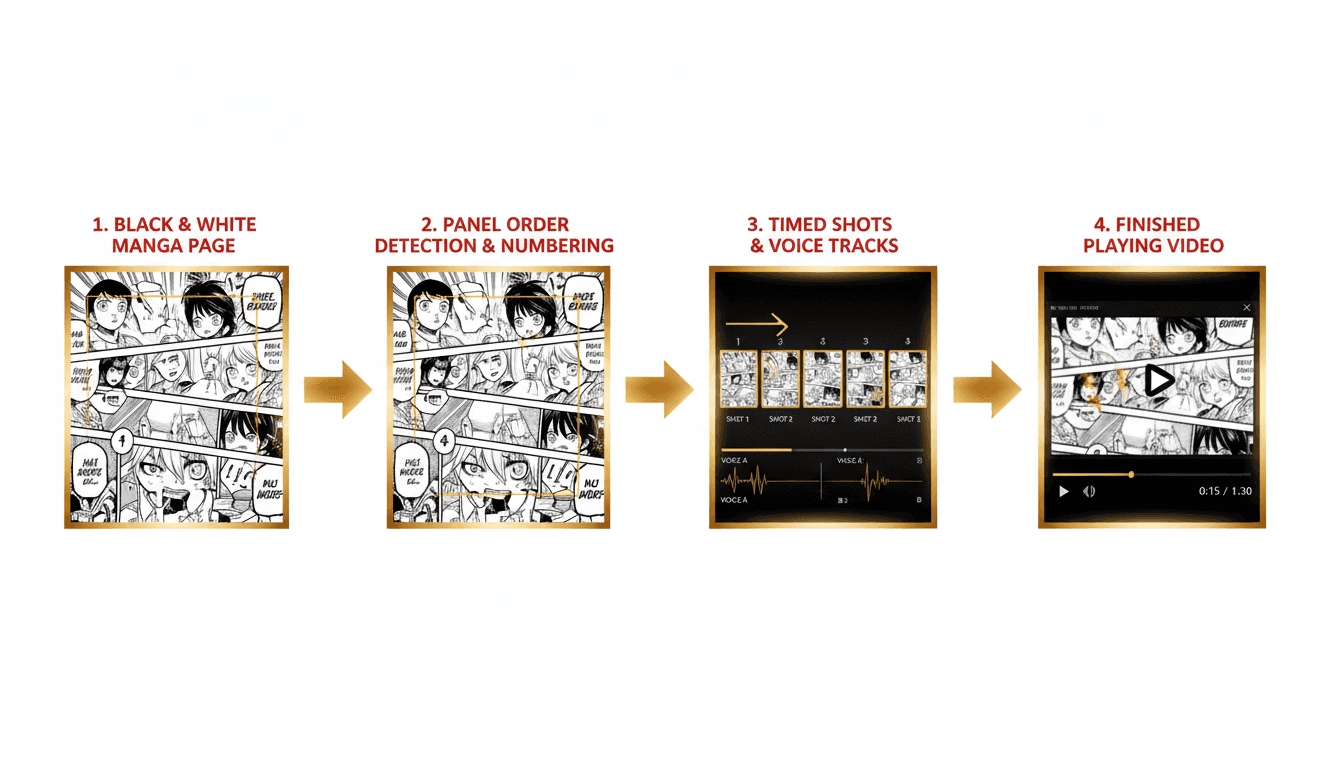
Page → Order → MP4
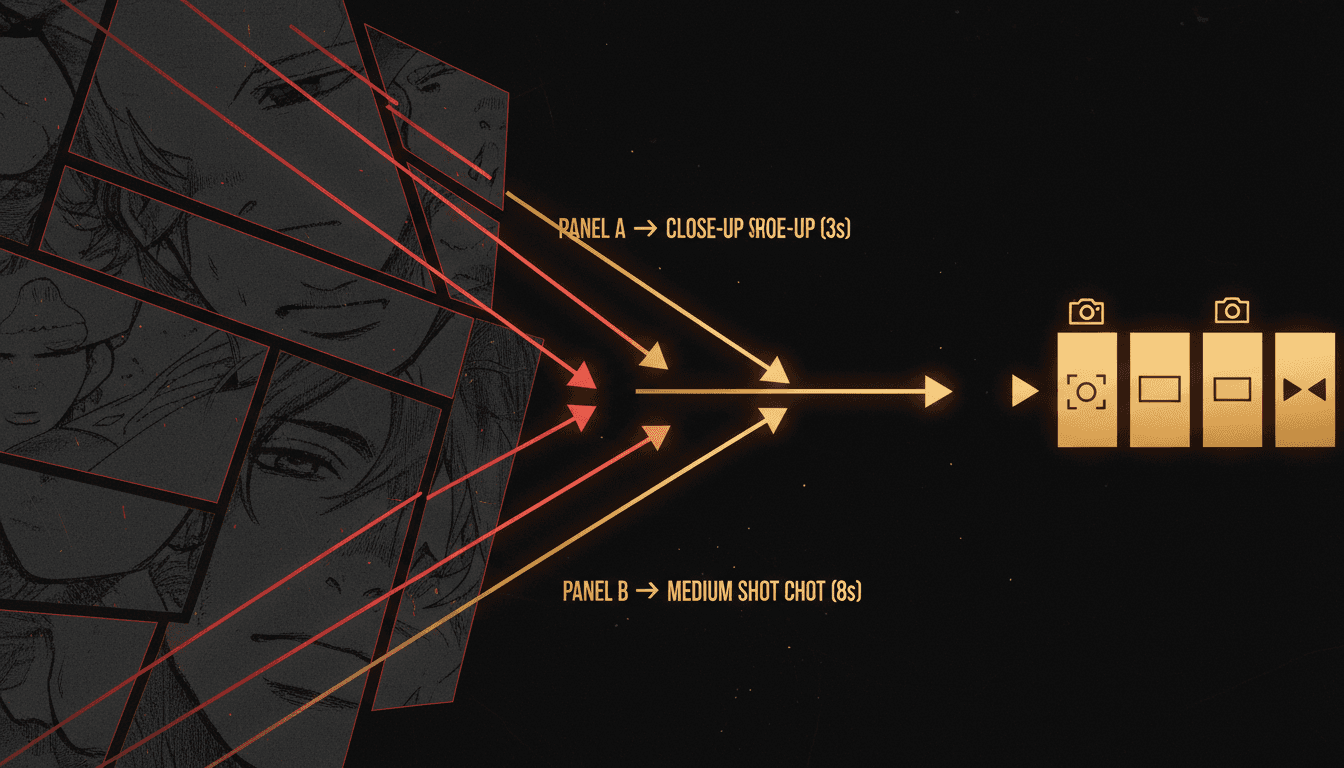
Panel Size Becomes Screen Time
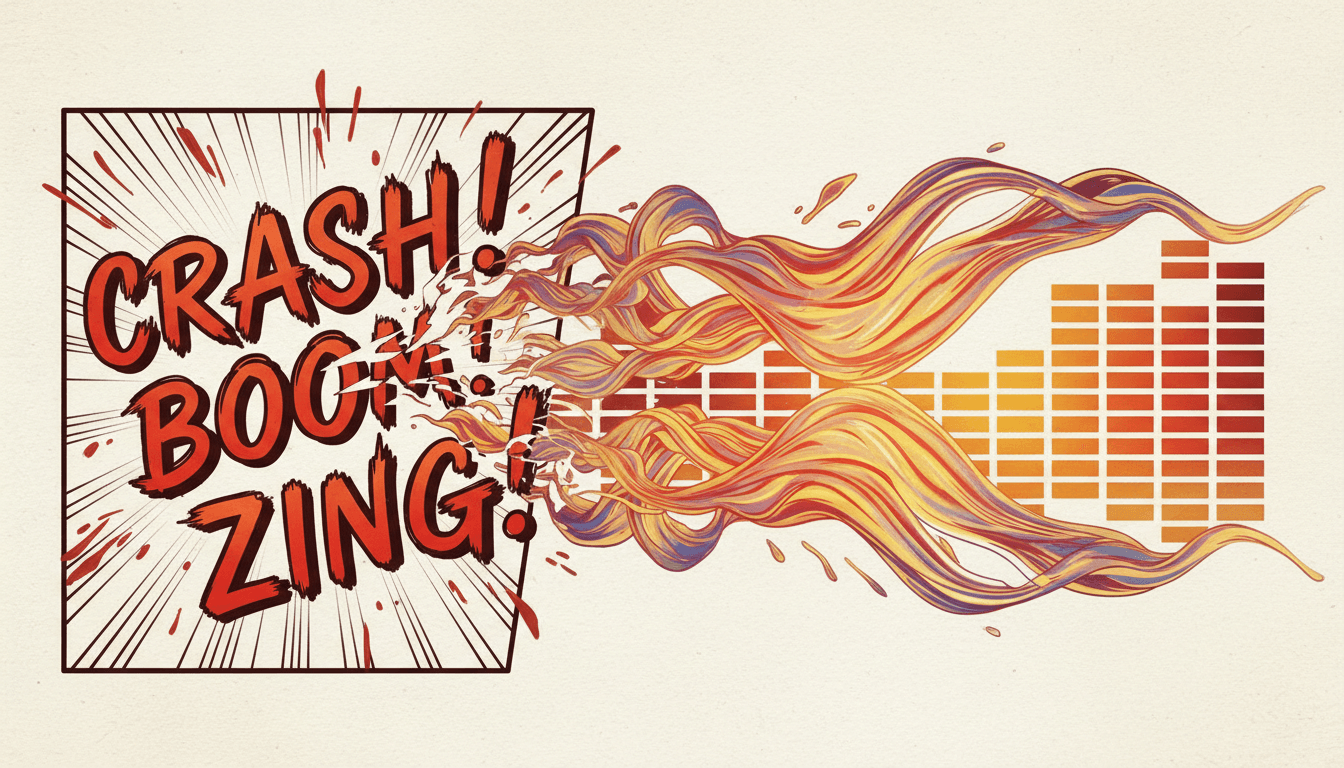
Drawn Sound Becomes Real Sound
“Turn chapter 1 of my shonen manga into a video for my launch post”
“Make a voiced video of my doujinshi for the next convention”
“Re-cut my isekai chapter as a three-minute episode”
“A vertical video of my shojo chapter for TikTok”
“Turn my chapter cliffhanger into a teaser for the next one”
“My whole first volume, one video per chapter for YouTube”
Every Kind of Chapter Converts
Shonen, shojo, seinen or josei — a serialised run, a doujinshi you sell at a table, or a one-shot you want people to find. The conversion is the same shape.
Page, Order, Cast, Bubbles, Export
Where you start, which way it reads, who you keep, what gets spoken, and what you walk away with — rendered in whichever of 45+ art styles matches your series.
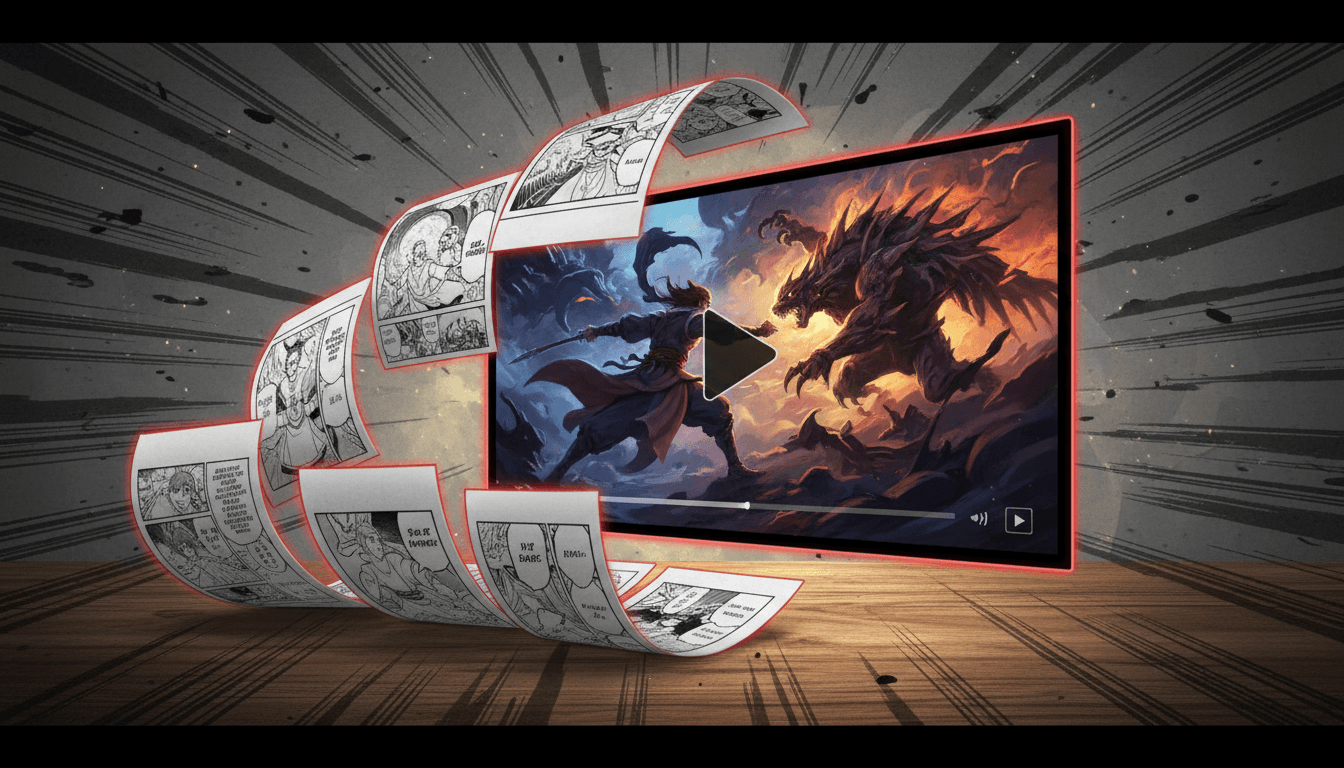
The Page
Where You Start
The Order
Read Right to Left
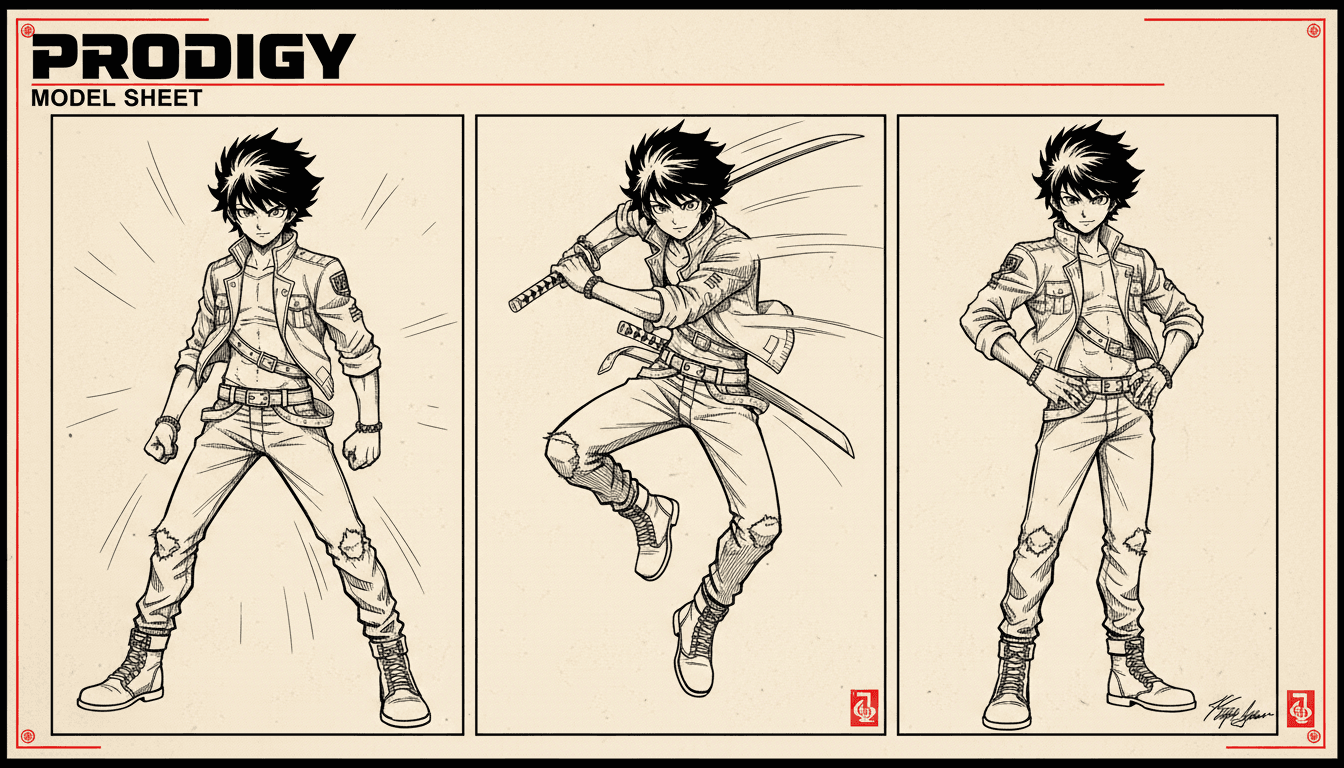
The Cast
Kept On Model
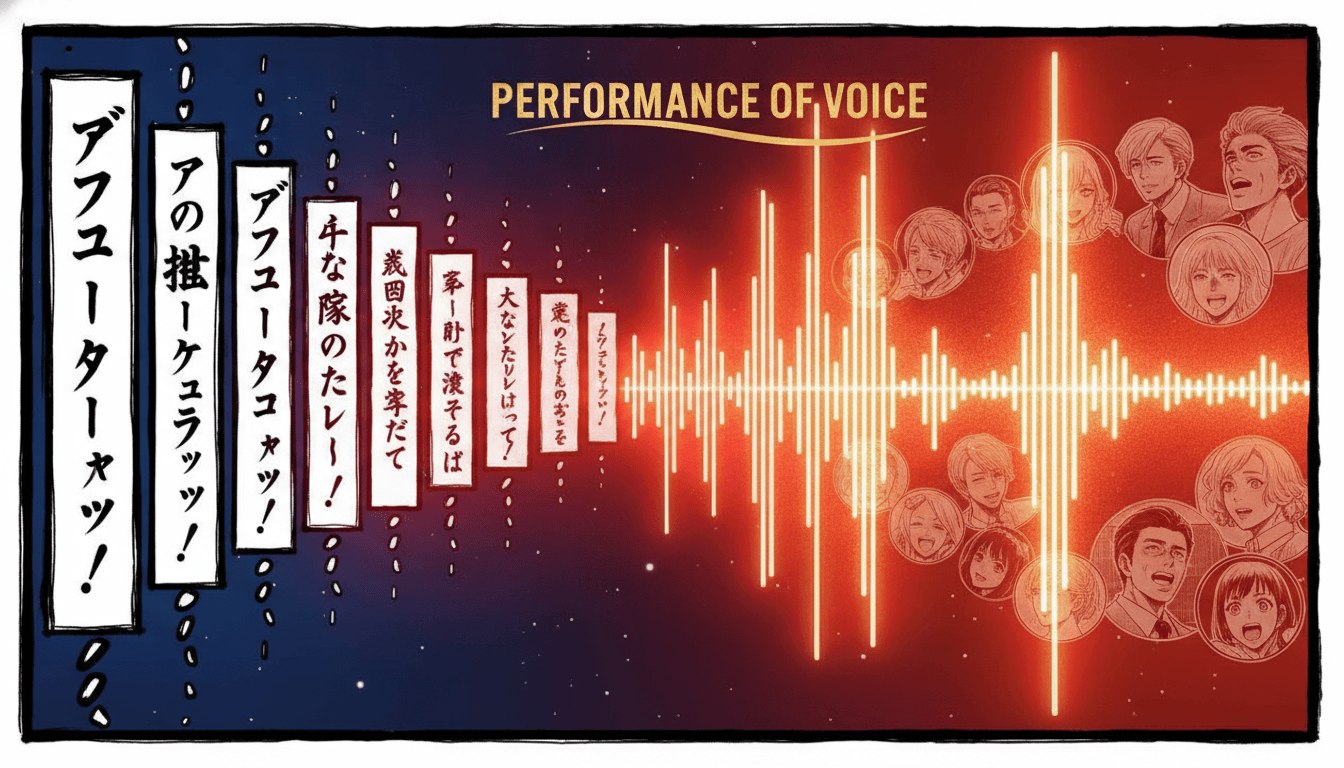
The Bubbles
Spoken Aloud
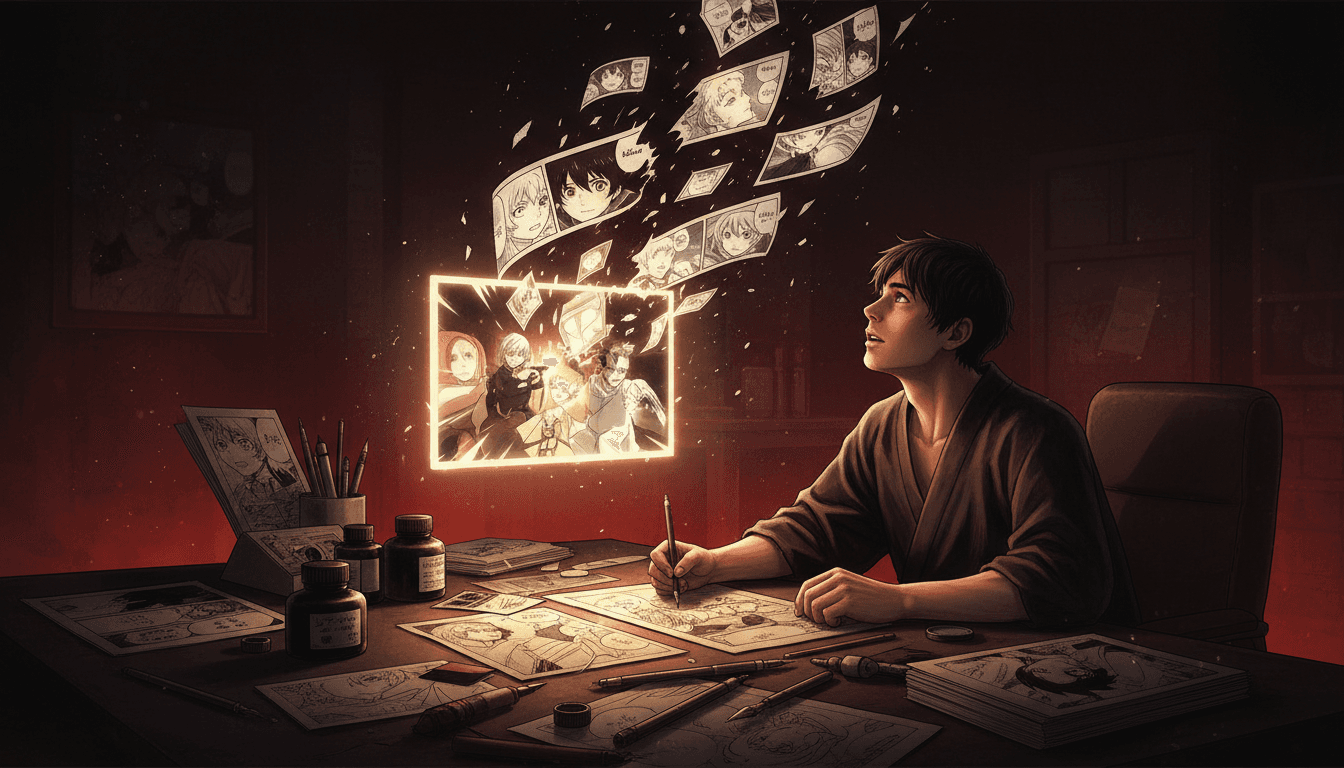
The Export
A Real MP4
Match your series’ look with 45+ art styles including Manga, Anime, Comic, Cinematic and Watercolor.
What the Converter Handles For You
The six things that stand between a finished chapter and a finished video — each one handled without opening a timeline editor.
Panels Read Right to Left
Manga runs from the top-right corner leftward, and a converter that reads it the Western way scrambles your chapter into nonsense — the punchline lands before the setup. Reading direction is set before a single shot is staged.
Panel Size Becomes Screen Time
You already decided what matters: the half-page splash gets weight, the thin sliver is a beat. That hierarchy carries into the edit, so a big panel holds on screen and a narrow one passes quickly.
Bubbles Become Voices
The dialogue in your speech balloons — including the tall vertical ones — gets spoken aloud, with a different voice per character and narration for the caption boxes between them.
Drawn Sound Effects Get Heard
Manga letters its sound into the artwork. Those impact bursts and rushing effects stop being decoration and become an actual audio track — the crash you drew is a crash you hear.
Your Cast, Not a New One
Upload reference images of the leads you already inked. Every shot generates against those references, so the face on screen is the face your readers follow from chapter to chapter.
A Real MP4 Out
Not a page-flip slideshow or a locked player — a downloadable video file you can post to YouTube, TikTok, Reels or Shorts, or play on a loop at your convention table.
Keep the Ink, or Take the Colour?
Webtoons and Western comics arrive already coloured. Your chapter arrives in black, white and screentone — so converting it means choosing, and both choices cost something.
Stay Monochrome
Ink, screentone and hard contrast are what make manga read as manga, and your existing readers recognise it instantly. It also sidesteps a colourist inventing a hair colour you never committed to in the book.
Costs you: thumbnail stopping power
Go Colour
Short-form feeds reward saturation, and a black-and-white clip can read as an old scan at scroll speed. A middle path works well too: monochrome shots with one accent colour carried through the chapter.
Costs you: a little authenticity
Who Converts a Manga to Video?
Manga Artists
You spend weeks on a chapter and it lands in front of the same readers as the last one. A video cut travels through feeds that will never surface a link to a page of panels — and it points back at the series.
Doujin Circles
A table at a convention gets a few seconds of attention each. A looping voiced video of your best chapter does the pitching while you are busy taking payments.
Indie & Web Serialisers
Getting found on a hosting site means fighting for a front-page slot. A vertical video of chapter one competes somewhere else entirely, for free.
Series Promoters
Every volume launch needs a trailer and none of them have an animation budget. Turn the cliffhanger from last chapter into a short that sends people looking for the next one.
Do You Already Have the Chapter?
This page is for artists converting manga that already exists. If you are starting earlier than that, one of these is a better door — and they all share the same character library.
Yes — I have finished pages
Bring your script and your cast, and get a voiced, timed chapter back. You’re in the right place.
No — I need the manga first
The manga generator draws the pages themselves, panel layouts, screentone and speech bubbles included. Start there if the chapter does not exist yet.
Mine is a vertical scroll
Webtoons and manhwa convert differently, because a long canvas has no page breaks to inherit. That is the page for it.
Mine is a Western comic
Issues and graphic novels read left to right in a regular grid, so the panel order comes free. Use the comic converter instead.
I only have a story idea
The comic drama generator writes and draws the panels first, then stages them as an episode with voices.
My cast keeps drifting
Pin every design so your leads look identical from the first panel to the last, in this chapter and the next.
Your Pages Were Drawn for Print
A webtoon arrives already shaped like a phone. Manga does not — your compositions were built for a page, often a double-page spread, so choosing the output shape up front matters more here.
Widescreen 16:9
For a YouTube channel, a series landing page, or a publisher pitch. It is also the frame closest to how you already compose — a double-page spread is a wide image, so your establishing shots and splash pages translate with the least fighting.
The default for a chapter
Vertical 9:16
For TikTok, Reels and Shorts. Pick it before rendering rather than cropping afterwards — the shots get composed tall from the start, so a wide spread becomes a new tall framing instead of a letterboxed strip with the edges cut off.
Best for teasers and promos
Frequently Asked Questions
Explore More Story Ideas
Discover more styles, tools, and story types
Farm Stories
Friendly farm animals and barnyard fun
Explore
Graffiti Picture Books
Crude marker strokes, crowns & scrawled symbols
Explore
AI Story Generator
Generate complete stories with AI
Explore
ChatGPT vs C2Story
Purpose-built for picture books
ExploreManga to Video — Turn Inked Pages Into Something People Watch
Converting manga to video is a different job from converting a Western comic or a webtoon, and the first difference shows up before any animation happens: reading order. Manga runs from the top-right corner leftward and down. A converter that applies the Western left-to-right assumption does not produce a slightly-off video — it produces a chapter where reaction shots play before the lines that caused them and reveals land before their setup. Every panel you drew is present, and the story is gone. C2Story sets reading direction before a single shot is staged, and you can switch to left-to-right if you draw flipped for a Western release.
The second difference is panel geometry. Comic pages are mostly regular grids; manga pages are not. Panels slant, overlap and bleed off the edge, and that irregularity carries meaning — a diagonal cut is speed, a half-page splash is a full stop, a thin sliver is a held breath. Flatten those into equal rectangles and the emphasis you spent a chapter building disappears. Here panel weight carries into the edit, so a splash holds on screen while a narrow beat passes quickly, the same way it reads on paper.
The third is colour, and it is a genuine decision rather than a default. Webtoons and Western comics arrive coloured; your chapter arrives as ink, screentone and contrast. Staying monochrome keeps what makes manga look like manga and avoids inventing hair and eye colours you never committed to in the book — at the cost of thumbnail stopping power, because a black-and-white clip can read as an old scan at scroll speed. Going colour buys reach and spends a little authenticity. Many artists land in the middle: monochrome shots with a single accent colour carried through the chapter. You choose per project.
The rest works from what you already made. You bring the script — dialogue, captions, the order of beats — and the cast, as reference images of the leads you inked, up to fourteen per character. Each shot is then staged in whichever of 45+ art styles matches your series, with camera motion, per-character voices, sound and music layered over the top, and the result renders as a downloadable MP4. Speech bubbles become spoken lines, one voice per character, so a two-hander sounds like two people. And the sound effects you lettered into the artwork — the impacts, the rush, the silence-breaking crash — stop being decoration and become an actual audio track.
On format, manga sits the opposite way round from a webtoon. Your pages were composed for print, often as double-page spreads, so widescreen 16:9 is closest to how you already frame and the right pick for a YouTube channel or a publisher pitch. Vertical 9:16 for TikTok, Reels and Shorts is a re-stage, not a crop — choose it before rendering and the shots get composed tall from the start rather than having their edges cut off afterwards.
Be clear-eyed about the method. C2Story does not slide a camera across your scanned pages — that technique is a page-flip slideshow with music, and it reads as one. It rebuilds the chapter as video, with your story, your characters and your beats newly staged for a screen. If preserving your original inking exactly is the requirement, a manual workflow in After Effects is the honest answer, and we would rather say so here than after you export.
Ready to convert? Start with a single chapter. No pages yet? The AI manga generator draws the panels, screentone and bubbles first. Drawing a vertical scroll instead? Webtoon to video handles long-canvas episodes. Working from a Western comic? Comic to video is the closer fit. Only have a story idea? The AI comic drama generator writes and draws the panels first. Want the classic parallax look instead of re-staged shots? Try the motion comic generator. And if your cast is what keeps breaking, pin every design with the character consistency tool or open your character library.