
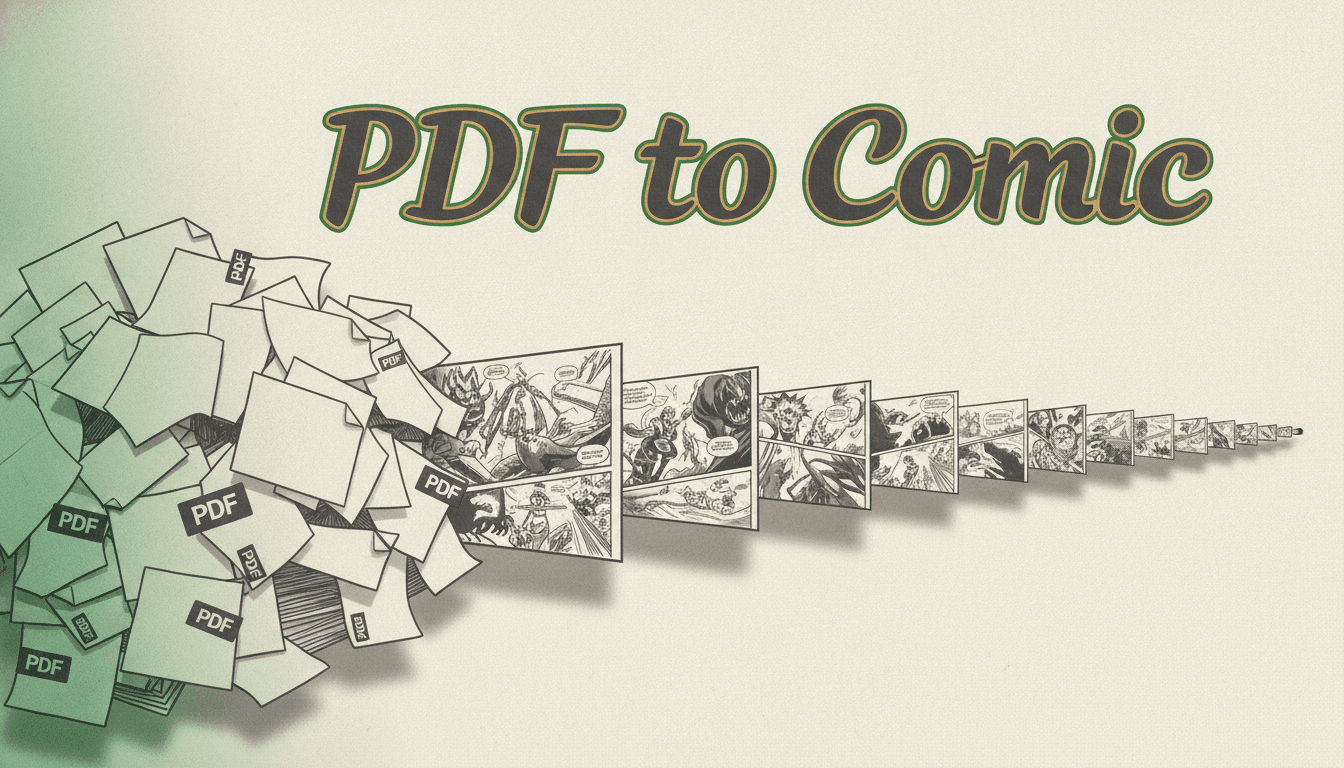
PDF to ComicA PDF Is a Layout, Not a Manuscript
The hard part of turning a PDF into a comic is not the drawing — it is getting clean prose out of the document. C2Story rebuilds what the layout broke, then illustrates it.
- Wall-of-text paste reflowed into real paragraphs
- Page numbers, headers and footers stripped out
- Chapters found in the text, not in the file
- One cast on-model from page one to the end
250,000+
Stories Created
80,000+
Characters Saved
45+
Art Styles
4.9/5
Creator Rating
How the PDF to Comic Conversion Works
Three steps, and the one everybody skips is the first one — which is exactly why most conversions come out wrong.
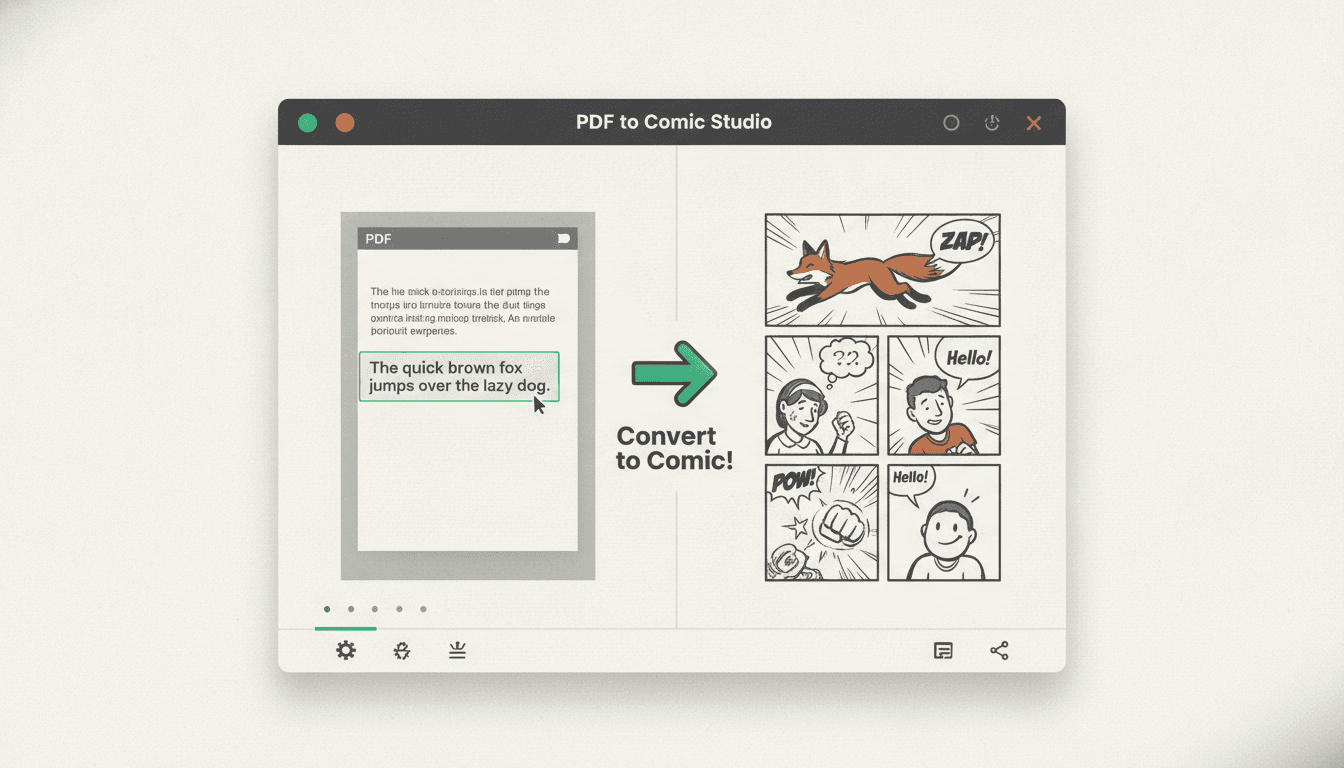
Get the Text Out
Open the PDF, select all, copy — or save it out as a .txt file, which is the better route for anything book-length. That text is what the comic is built from. It will look like a mess when it lands, and that is expected.
Ctrl+A · Ctrl+C · paste · 312 pages of prose
Let the Import Clean It
Paragraph breaks go back in at real scene and dialogue shifts, page furniture comes out, and the chapter boundaries are found in the text. The reformat is only allowed to move whitespace — your words are untouchable.
1 wall of text → 418 paragraphs · 24 chapters found
Illustrate the Panels
Pick an art style, meet the cast the text describes, and pages get drawn chapter by chapter — dialogue into speech bubbles, description into art. Export print-ready when the run is done.
Chapter 1 · 14 pages · manga style · print-ready PDF
Straight answer: C2Story works from text, not from the .pdf file
You paste the prose in, or you upload a plain .txt file — the recommended route for anything long. C2Story does not open the PDF binary, pull images out of it or preserve its page layout. What it is built for is the state your writing is in after it leaves a PDF: one unbroken wall, page numbers wedged mid-sentence, every paragraph break gone. That is the part that actually sinks a conversion, and it is the part this tool handles. Step one costs you about sixty seconds and no software.
What a PDF Does to Your Prose on the Way Out
A PDF was built to look identical on every screen, and it pays for that by storing where type sits rather than what the text means. Copying out of one is lossy in six predictable ways.
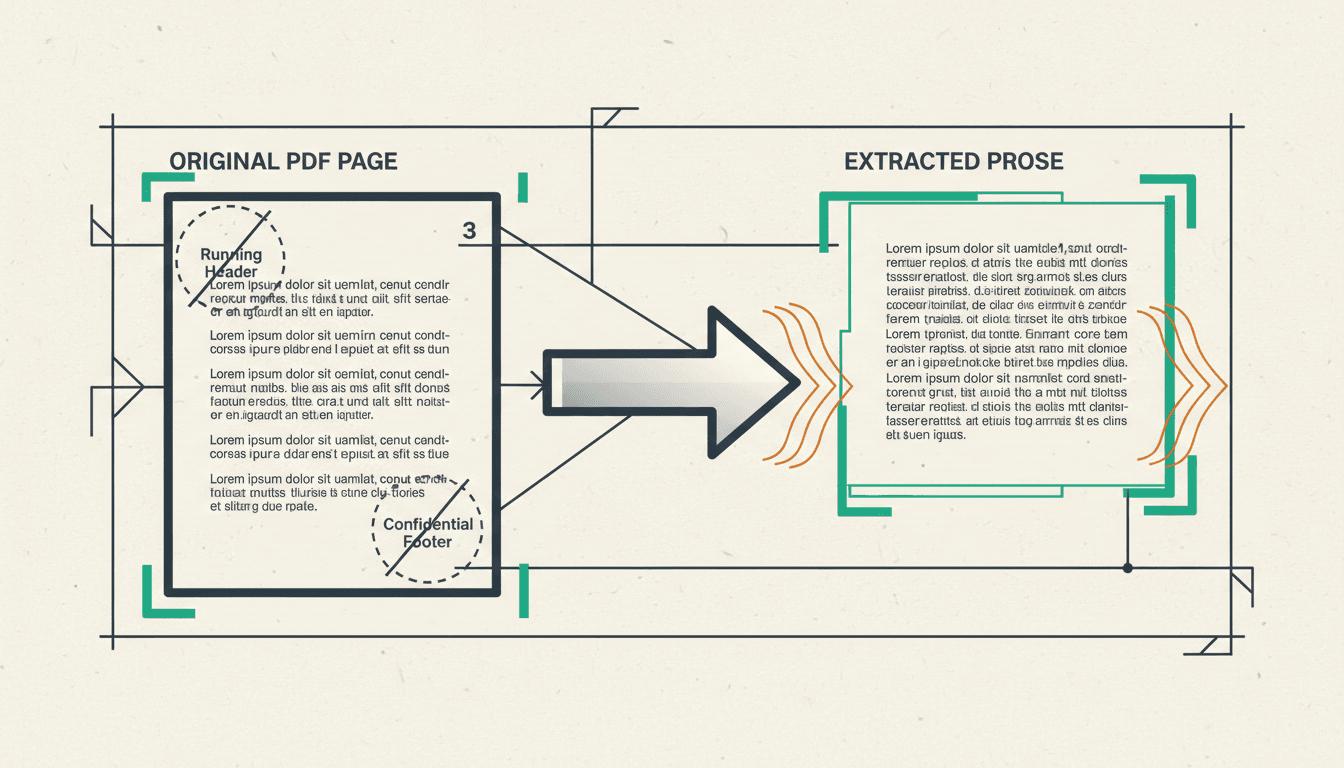
Paragraphs Disappear
The file knows where lines sit, not where thoughts begin. Extraction gives you either one continuous block or a hard break at the end of every visual line. Both destroy the pacing a panel breakdown reads from.
Always happensPage Furniture Comes Along
Running headers, footers, page numbers and the author name were drawn on every page, so they land in your text hundreds of times — usually right in the middle of a sentence that crossed a page break.
Every long PDFWords Split at the Hyphen
Justified type hyphenates at line ends, and that hyphen is real in the file. Out comes "unex- pected" as two tokens. Harmless to read, quietly confusing to anything parsing names and dialogue.
Typeset booksColumns Interleave
A two-column layout has no notion of which column is first. Copy it and you can get line one of the left column, then line one of the right, alternating all the way down the page into nonsense.
Academic & printScans Have No Text At All
A scanned document is photographs of paper. There is nothing to copy — select-all gives you an image. OCR has to read the words off the picture first, and its accuracy is the ceiling on everything after it.
Anything scannedStructure Is an Illusion
Chapter headings look like headings because they are set in bigger type, not because the file says they are chapters. Once the type is gone, "Chapter Nine" is just three words glued to the paragraph underneath it.
Nearly universalWhat actually turns up in the paste box
The Paste Test: Is Your PDF Text or Pictures?
Select a paragraph in the document, copy it, paste it into any plain text box. What appears decides your whole route — and almost nobody checks first.
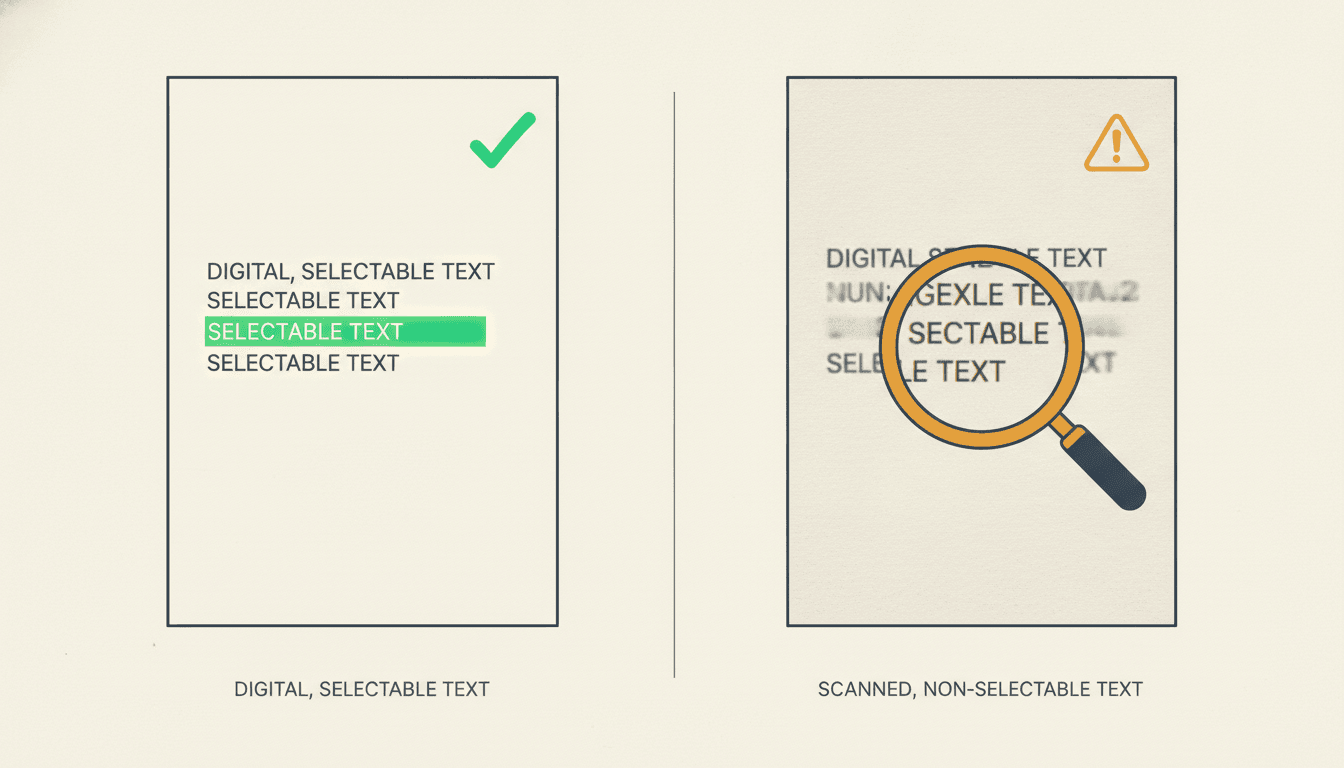
Words Appeared: a Digital PDF
- The text is really inside the file
- Select all, copy, paste — you are done importing
- Expect a wall of text; the rebuild fixes it
- Spelling and names arrive exactly as you wrote them
Nothing Appeared: a Scanned PDF
- ! The pages are photographs, not text
- ! Run OCR first — Preview, Drive and most readers do it
- ! Then re-run the paste test on the output
- ! Read the names before importing — OCR mangles them
Why the names matter: a character whose surname comes out of OCR spelled three different ways is read as three different people, and gets three different faces. Sixty seconds of proofreading here saves the whole cast.
What a PDF to Comic Conversion Gives You
Clean prose the tool can actually read, a chapter split you can edit, and illustrated pages that all agree with each other.
Page Furniture, Gone
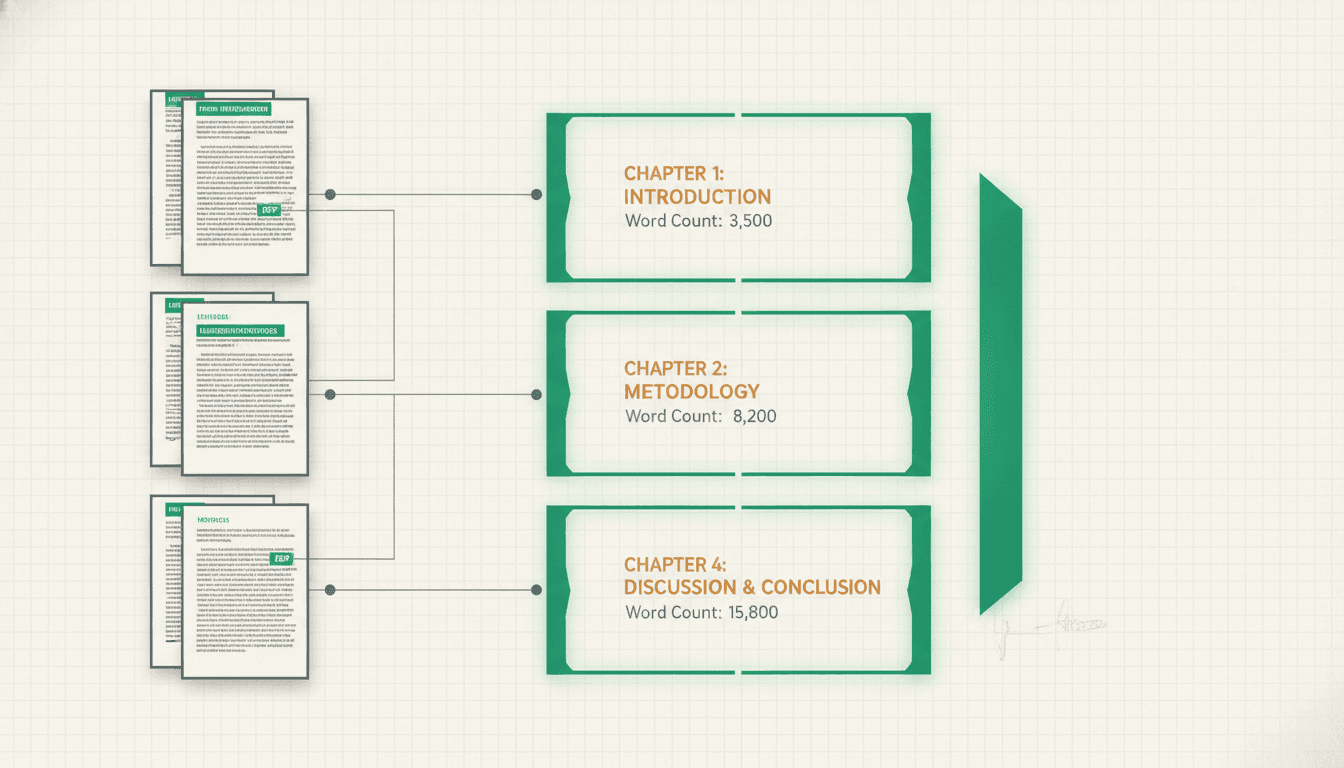
Chapters, Found
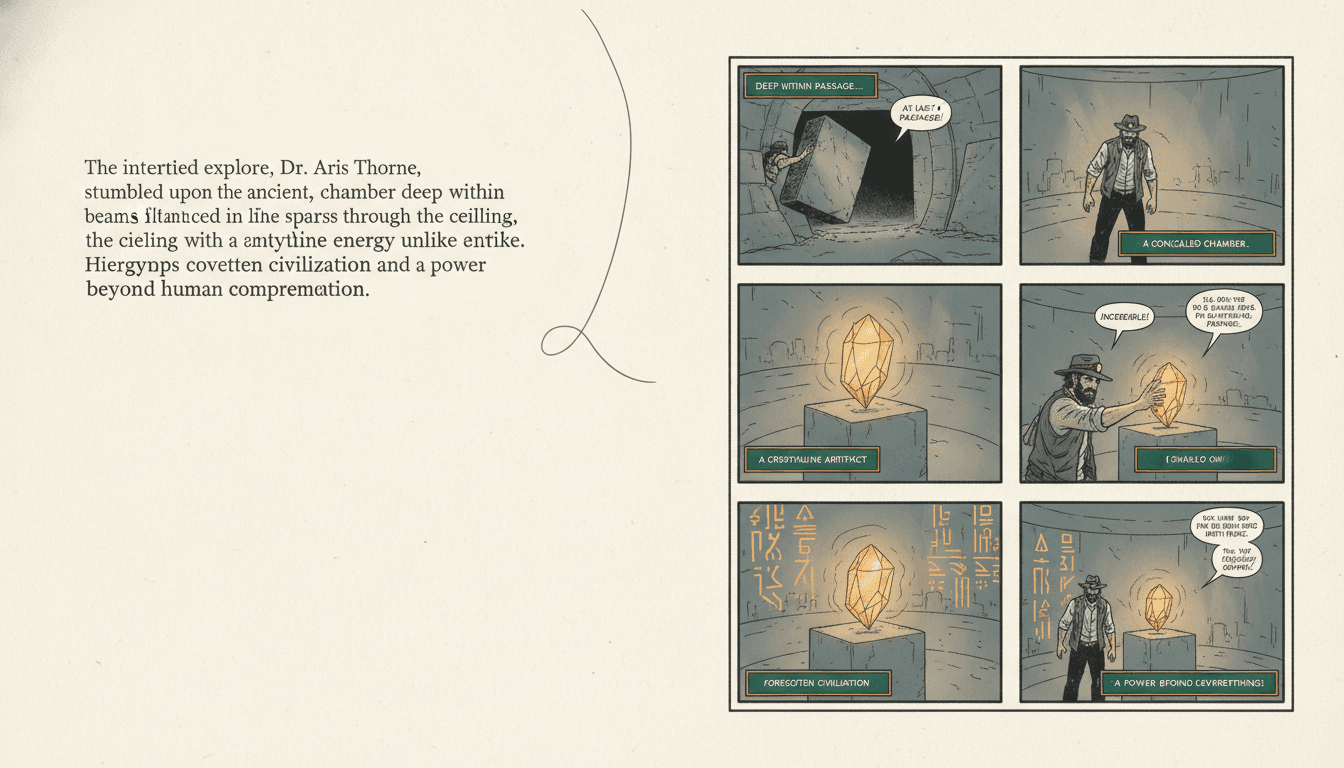
Paragraph to Panels
“This PDF is a 40,000-word novella — turn the whole thing into a comic”
“Just chapter three of the document, as a twelve-page comic”
“My PDF pasted as one giant wall of text — fix the paragraphs first”
“Turn this training manual into an illustrated comic staff will actually read”
“Manga style, right-to-left, keep every line of dialogue”
“Export the finished comic back out as a print-ready PDF”
How Many Comic Pages Will My PDF Become?
Not from the page count — a PDF page holds anywhere from 40 to 600 words depending on its layout. Count the words instead: a comic page carries roughly 150–250 of them once adapted.
12–20 pages
A Chapter or Short Story
2,000 to 8,000 words. The best way to start: convert one chapter of the PDF, see whether the document works as comics at all, then commit the rest of it.
~150–200 pages
A Novella
40,000 words or so. That is a graphic novel — one continuous object, read in a sitting or two. Most complete PDFs people convert land in this range.
300+ pages
A Full Novel
80,000 words adapted closely. Too much for one comic, so it is better cut into numbered issues and released as a run rather than as a single enormous file.
If the document is a whole book, convert one chapter first
It is the cheapest way to find out three things at once: whether the text came out of the PDF cleanly, whether your cast reads the way you pictured them, and whether the art style suits the story. All three are much easier to change after twelve pages than after three hundred. When the answer is yes and the book wants to be a numbered run rather than one object, book to comic series handles the issue split, and how to adapt a novel into a comic series covers what to cut.
One Style, Held Across Every Page
Pick the look once and the whole document inherits it — the same way the cast does.
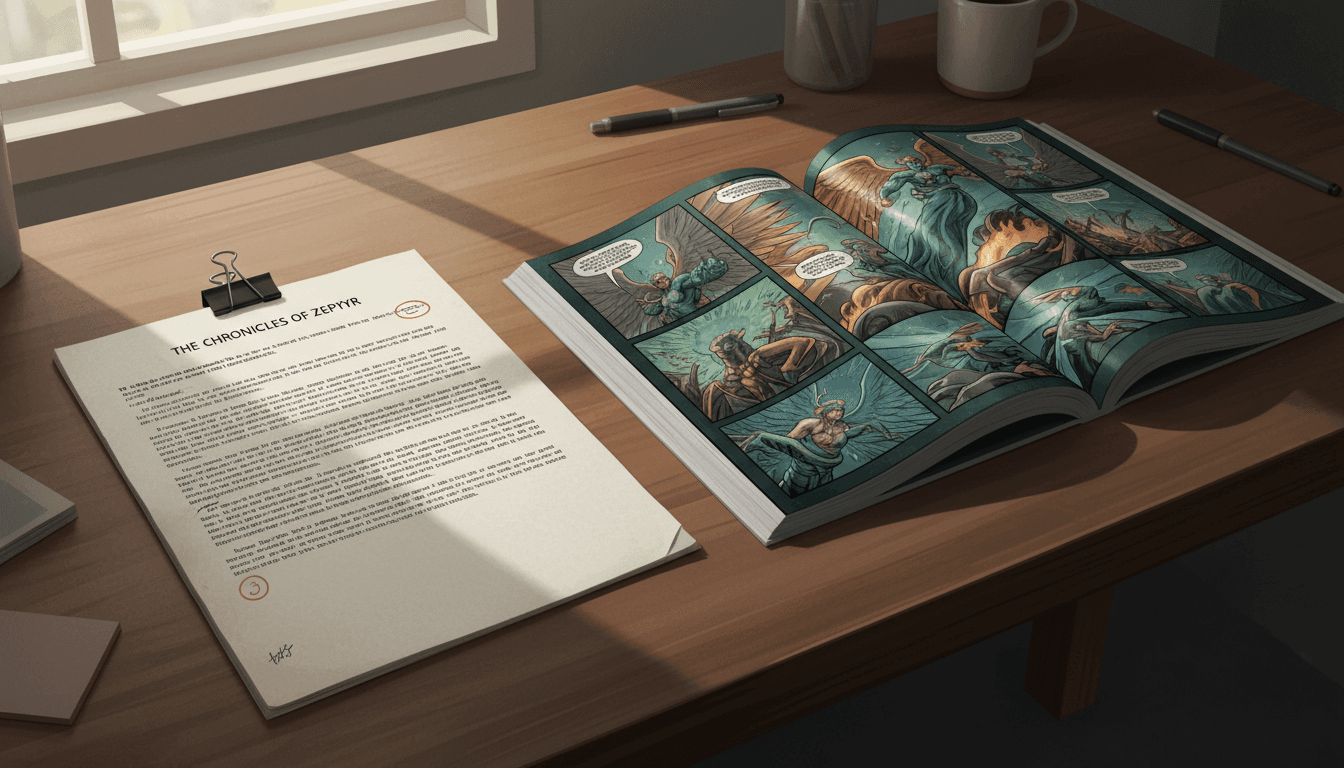
The Document
What you start with
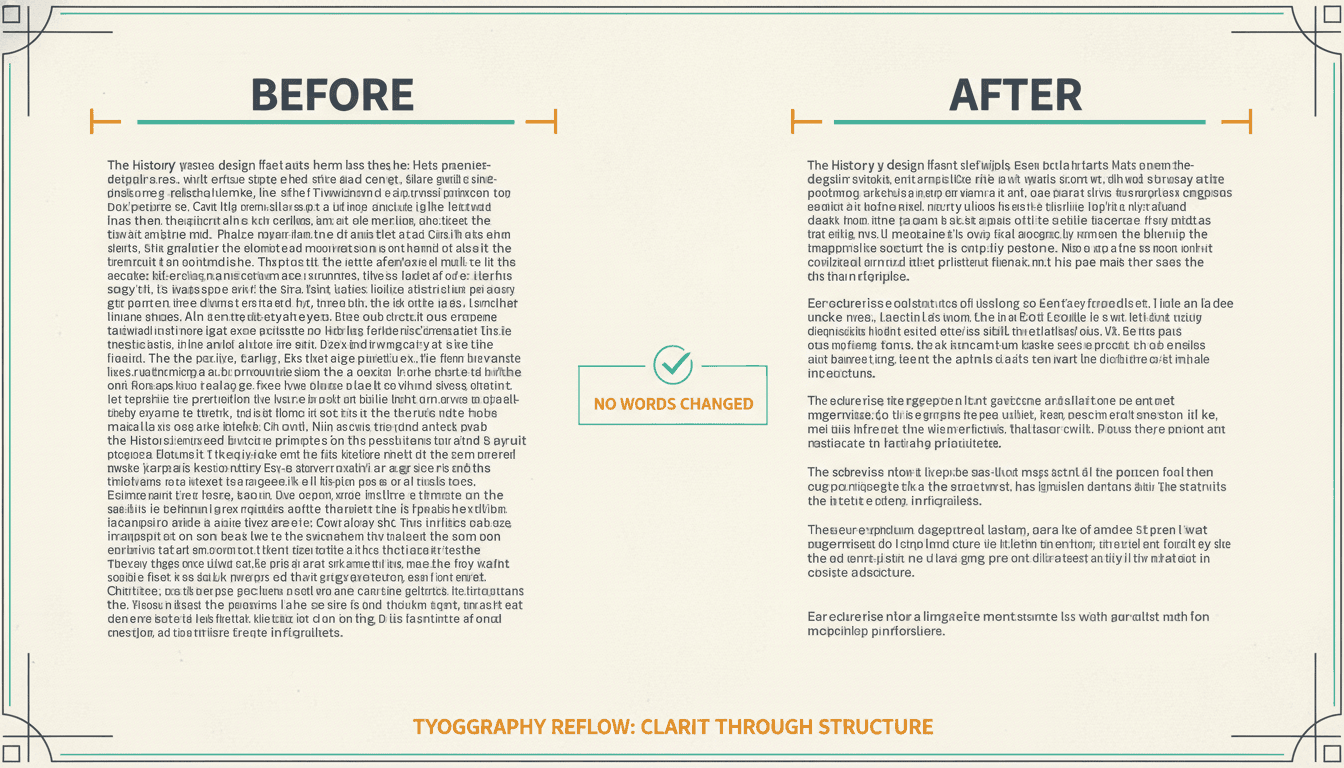
The Cleanup
Wall of text, fixed
The Paste Test
Digital or scanned
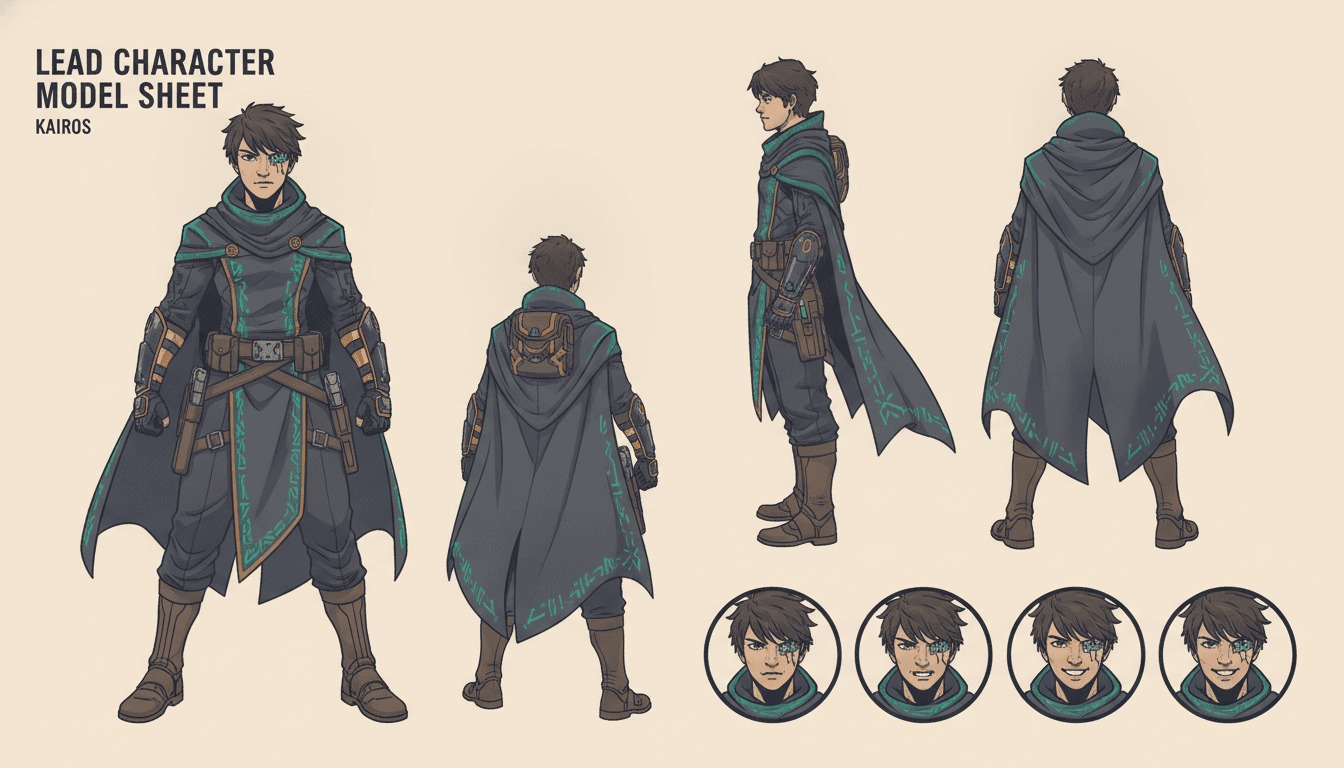
The Cast
One design, reused
The Comic
What you end with
45+ art styles including American comic, manga, noir, painterly and watercolor.
What the PDF to Comic Importer Actually Does
Six things a general image generator cannot do, because it has never had to survive a document.
Paragraph Breaks Rebuilt Without Changing a Word
Text out of a PDF usually arrives as one unbroken wall, because the document stored line positions rather than paragraphs. C2Story puts the breaks back at real scene and dialogue shifts — and it is only allowed to move whitespace. The result is compared against your original with all spacing stripped out, and if a single character differs the reformat is thrown away and your text is kept exactly as you pasted it.
Chapters Detected, Not Guessed At
A converted PDF rarely has usable structure left in it, so the importer reads the text for chapter headings, numbering and scene boundaries and proposes a split you can edit. That split is what the comic is built from — chapter by chapter — instead of the tool trying to swallow 300 pages in one gulp.
One Cast, Locked Across Every Page
Each character is designed once and that saved design is what every later page draws from, so your lead has the same face on page 4 and page 140. This is the failure that ruins most pdf to comic attempts made with a general image tool: each page looks fine and the cast quietly becomes different people.
Your Dialogue, Not a Paraphrase
Lines of dialogue from the document are carried into speech bubbles as written and trimmed for space rather than rewritten in a generic voice. Description becomes art, because that is what art is for, and every passage converted that way is marked so you can restore anything that mattered as a caption.
Built for the Mess a Layout Leaves Behind
Running headers, page numbers, footnote markers, hyphen-split words and two-column reading order are all artefacts of the page, not the story. The import step is designed around exactly this debris, which is why converting a PDF to a comic behaves differently from pasting a clean manuscript.
A PDF Goes In, a Better PDF Comes Out
Finished comic pages export print-ready with consistent trim and margins, so the round trip closes: you started with a document nobody was reading and you end with one they will. Web-ready image sets come out of the same source if you are publishing online instead.
Why the reformat is not allowed to touch your words
Rebuilding paragraphs means letting a model rewrite the shape of your text, and the obvious risk is that it fixes a typo, smooths a sentence or trims a line while it is in there. So the rule is absolute: insert and remove whitespace, nothing else. Afterwards both versions are stripped of all spacing and compared character for character, and any difference at all means the reformat is discarded and your original stands. You get paragraph breaks or you get exactly what you pasted — never a quietly edited third thing.
Who Converts a PDF Into a Comic?
Authors With an Exported Manuscript
The book went to the printer as a PDF and that is the only copy still lying around. Getting the prose back out of it is the only thing standing between a finished novel and an illustrated edition of it.
Trainers & Internal Comms
A 60-page onboarding PDF gets opened and closed. The same procedure as a comic, with two recurring characters walking through it, gets finished — and remembered the following week.
Teachers & Curriculum Writers
Course readings, set texts and study guides arrive as PDFs and stay unread. Converted to panels they become something a class will actually get through, without losing the source wording.
Archivists & Family Historians
A scanned memoir, a typed family history, a run of letters. OCR the pages, clean the names, and a document that existed only as a file becomes a comic the family will read at Christmas.
Is the File the Part You Are Stuck On?
This page is for people whose story is trapped in a document. If your text is already clean, or you want a different output shape, one of these is a better starting point — they all share the same character library.
Yes — my story is stuck in a PDF
Start here. Paste the text, let the import rebuild the paragraphs and find the chapters, then illustrate the panels.
My manuscript is already clean text
Skip the extraction problem entirely. One self-contained comic book straight from prose you can already edit.
The document is a whole book
Too long for one comic. Split it into numbered issues with a page budget each and release the run in parts.
I do not know what to cut
The adaptation problem rather than the file problem — what survives the move from prose into panels, and what cannot.
I have a .txt file ready to go
Drop the file in and see what the importer reads out of it — cast, chapters, scene boundaries — before choosing a format.
Picture book, not comic panels
Full-page illustrations with text beneath, rather than gutters and speech bubbles. A different reading format entirely.
I want one long graphic novel
Book-length and continuous, one spine, read in a sitting. Same art, no issue breaks or numbered covers.
Manga, right-to-left
Japanese panel order and screentone rendering instead of Western comic layout. Same import, different page grammar.
My cast keeps changing faces
Lock each character design once and reuse it everywhere. The single biggest failure mode of a long conversion.
I keep losing track of who is who
Pin looks, voices and history in a reusable record, so page 200 still agrees with page 4.
Short strips, not a whole document
Three to six panels for social posts — the opposite end of the scale from converting a book.
My comic already exists
Turn finished comic pages into motion. The step after the conversion ships, not part of it.
Frequently Asked Questions
Explore More Story Ideas
Discover more styles, tools, and story types
Music Stories
Singing, instruments, bands and concerts
Explore
Guofeng Picture Books
Circles, squares & arcs with a tiny face
Explore
Children's Book Creator
Design beautiful kids books
Explore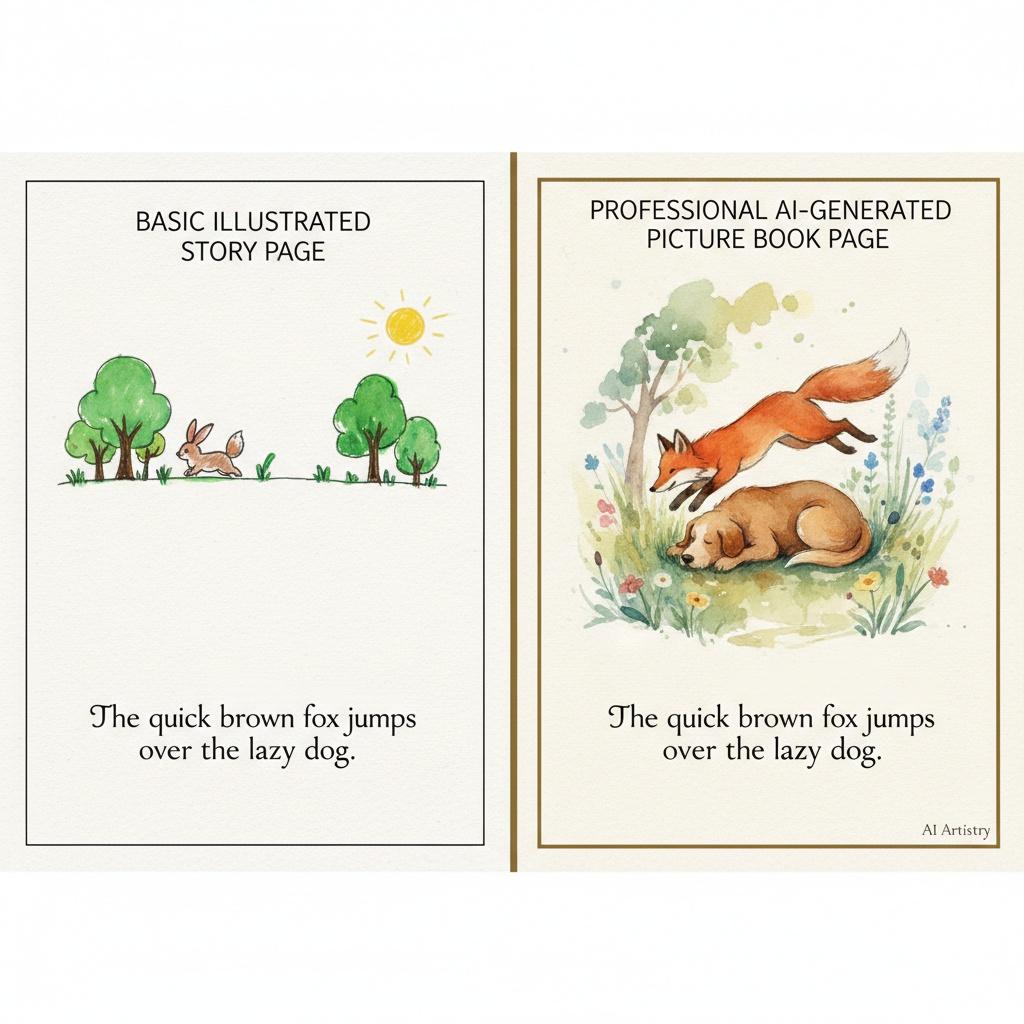
Storybird Alternative
Better AI story creation
ExplorePDF to Comic — The File Is the Hard Part, Not the Drawing
Everybody who sets out to convert a PDF to comic format expects the illustration to be the obstacle, and it almost never is. The obstacle is the file. A PDF was designed to make a page look identical on every screen and every printer ever built, and it achieves that by storing the position of each line of type rather than the meaning of the text. It knows that a run of characters sits 84 points from the left margin. It does not know that those characters are a paragraph, that the three words above them are a chapter heading, or that the number in the corner is not part of the sentence. All of that structure was visual, and visual structure is exactly what gets lost the moment you copy the text out.
Which is why the first thing worth doing is the paste test, and it takes about sixty seconds. Open the document, try to select a paragraph with your cursor, copy it, and paste it into any plain text box you have handy. If words appear, you have a digital PDF: the text really is in the file and you are essentially ready to go. If nothing appears, or you get one flat image, you have a scanned PDF — photographs of paper with no text inside them at all. That one needs OCR before anything else can happen, and the accuracy of that OCR becomes the ceiling on everything downstream. Running this check first is the single cheapest thing on this page, and skipping it is the most common way people waste an afternoon.
Assume the test passed. What lands in the box will still look broken, and that is normal rather than a sign anything went wrong. The damage is predictable: paragraph breaks are gone, replaced either by one continuous wall of text or by a hard line break at the end of every visual line. Running headers, footers and page numbers have come along for the ride, dropped in hundreds of times, usually straight into the middle of a sentence that happened to cross a page boundary. Hyphenated words split at line ends have arrived as two tokens. If the original was set in two columns, the reading order may be interleaved into nonsense. Chapter headings, which looked like headings only because they were set in larger type, are now just words glued to the paragraph beneath them.
Cleaning that up by hand across a 300-page document is the reason most people give up before they ever get to the comic. So C2Story’s import step is built around exactly this mess. Paragraph breaks are put back at genuine scene, topic and dialogue shifts — and the reformat operates under one absolute constraint: it may insert and remove whitespace and nothing else. Afterwards the rebuilt text and your original are both stripped of every space and newline and compared character for character. Any difference at all, however small, and the reformat is thrown away and your text stands exactly as you pasted it. You get paragraphs back or you get precisely what you gave it. You never get a quietly edited third version, which matters a great deal when the document is your own book.
One thing worth stating plainly rather than burying: C2Story works from text, not from the .pdf file itself. You paste the prose in, or you upload a plain .txt file, which is the better route for anything book-length. The binary is not opened, images are not pulled out of it, and the original page layout is not preserved. What the tool handles is the state your writing is in after it leaves the document, which is the part that actually decides whether a conversion works. If you would rather have the file parsed for you, run a dedicated extraction tool first and bring the output here — the cleanup and everything after it works identically either way.
From clean text onward it stops being a file problem and becomes an adaptation. The chapter boundaries are read out of the prose and proposed as a split you can edit, because a long document is adapted chapter by chapter rather than swallowed whole. The cast is read out of the text and each character is designed once, and that saved design is what every later page draws from — so your lead has the same face on page 4 and page 140. That single mechanism is what separates a real conversion from the usual attempt with a general image generator, where every page looks perfectly good on its own and the cast quietly becomes different people by the end. Your dialogue carries into speech bubbles as you wrote it, trimmed for space rather than paraphrased into a generic voice, and description becomes art because that is what art is for.
As for scale: ignore the page count of your PDF, because a PDF page holds anywhere from 40 to 600 words depending on how it was laid out. Count words instead. A comic page carries roughly 150 to 250 words of adapted story, so a single chapter of 2,000 to 8,000 words becomes a comfortable 12 to 20 page comic, a 40,000-word novella lands somewhere around 200 pages, and a full 80,000-word book adapted closely runs past 300 — which is a series rather than one object. Whatever the length, convert one chapter first. Twelve pages will tell you whether the text came out cleanly, whether the cast reads the way you pictured them, and whether the art style suits the story, and all three are far cheaper to change at that point than three hundred pages later.
Ready to start? Run the paste test, then bring the text. If it is already clean, go straight to the AI novel to comic book converter and skip the extraction step. If the document is a whole book that wants releasing in parts, book to comic series builds the issue map, and how to adapt a novel into a comic series covers what to cut on the way. Want illustrations with text beneath instead of panels? Try novel to picture book or read how to turn a novel into a picture book. Prefer right-to-left panels? The AI manga generator uses the same import. Worried about drift over a long document? Lock the cast with the character consistency tool, or open your character library and start converting.